If you searched for free resume builder ai for sales, you’re likely trying to solve a very specific problem:
- You’re applying to SDR/BDR/AE/AM sales roles
- You know the job description is keyword-heavy
- Your resume is getting filtered, ignored, or “seen” but not converting into interviews
- You want AI help—but you don’t want a tool that locks your downloads behind a paywall or wrecks your formatting
JobShinobi is a paid AI resume builder designed for ATS-focused, high-volume job seekers who need to tailor fast, keep formatting stable, and track their job search like a pipeline.
Instead of promising “magic,” JobShinobi gives you concrete, workflow-level tools:
- A LaTeX-based resume builder with templates and a real editor
- AI resume analysis (with comprehensive and enhanced modes)
- Job description extraction + resume-to-job matching (missing vs present keywords, match score, recommendations)
- An AI Resume Agent (streaming) that edits your LaTeX while maintaining validity
- Resume version history
- A job tracker with realtime updates and Excel (.xlsx) export
- Optional email-forwarding job tracking (Pro membership required)
Transparency: JobShinobi is not advertised as “free.” It offers paid plans via Stripe: Monthly ($20.00) and Yearly ($199.99).
Why Choose JobShinobi for Sales Resume Results (Not Just a “Free Resume”)
Many “free AI resume builders” are great at producing a resume. Sales candidates need something different: a resume that matches the exact sales role, reads clearly, and survives ATS parsing.
Sales resumes fail for predictable reasons
JobShinobi is built around the failure points that show up again and again for sales job seekers:
- Formatting drift (the layout looks fine, but the structure becomes inconsistent as you edit/tailor)
- Keyword mismatch (you’re qualified, but the resume doesn’t reflect the language of the job description)
- Generic bullet points (responsibilities without proof and outcomes)
- No system for versioning (you tailor, then lose the best version you had)
- No system for tracking (you can’t manage follow-ups, stages, and outcomes consistently)
JobShinobi is designed to address all five—without claiming unrealistic guarantees.
Why JobShinobi Is Different for Sales Candidates
Stable structure with a LaTeX resume workflow
JobShinobi is a LaTeX-based resume builder. That means you’re working with a source file (LaTeX) that compiles into a PDF preview. This matters when you’re iterating quickly:
- You can keep structure consistent
- You can duplicate versions to tailor to different roles (SDR vs AE vs AM)
- You can export your resume as PDF and also download the .tex source
JobShinobi does not claim that any resume “beats ATS every time.” It provides a structured workflow and ATS-oriented analysis to help you reduce common parsing and keyword issues.
Job-specific tailoring with job extraction + resume matching
Sales job postings often differ dramatically:
- Outbound SDR roles emphasize prospecting, cold calls, sequences, meetings booked
- Enterprise SDR roles emphasize research, multi-threading, account planning
- AE roles emphasize deal ownership, pipeline, forecasting, win rate, ACV
- AM/CS roles emphasize renewals, retention, expansion, NRR
JobShinobi supports:
- Job Description Extraction (paste a job URL or text)
- Resume-to-Job Matching (match score + missing/present keywords + recommendations)
- A workflow to apply suggestions back in the editor
AI editing that integrates with the resume—not a separate “text generator”
JobShinobi includes a streaming AI Resume Agent that can:
- Rewrite bullets
- Improve summaries
- Edit sections
- Update the LaTeX resume (with compilation checks)
- Keep versions of changes
This is crucial for sales candidates who need to iterate quickly without losing control of the final document.
Why Sales Resumes Get Filtered (And How JobShinobi Helps)
1) Keyword gaps are real—especially in sales
Sales hiring teams and ATS systems often look for role language, tools, and motions. Even when you’ve done the work, if the wording isn’t reflected, your resume may look “less relevant.”
JobShinobi helps you identify:
- Missing keywords vs present keywords
- Role alignment and keyword density cues surfaced in analysis
- Recommendations you can implement and version
2) Most sales resumes don’t prove performance fast enough
Sales resumes win when impact is obvious in seconds:
- attainment to quota
- sourced/influenced pipeline
- meetings booked
- conversion rate
- segments and deal size
- cycle length and win rate
- territory/vertical
JobShinobi helps you refine bullets and sections through analysis and the AI editor—so your content becomes more “scannable” and results-forward.
3) Tailoring without version control causes chaos
Tailoring works—but it also creates risk:
- You tailor one resume and degrade another
- You lose the “best” wording you had
- You forget what you changed
JobShinobi supports resume version history so you can tailor aggressively and revert when needed.
How JobShinobi’s Sales Resume Workflow Works
Step 1: Start a resume from a template (LaTeX-based)
- Sign in
- Go to the Resume section
- Start from a template
- Create a resume you can duplicate and tailor
This is the foundation: you’re not just writing text—you’re building a structured resume you can iterate on.
Step 2: Edit in Code mode or AI mode
JobShinobi’s resume editor supports two working modes:
- Code editing (direct LaTeX edits)
- AI mode (chat-based editing + streaming responses)
You can switch depending on how you work:
- If you’re precise and want direct control: edit the LaTeX
- If you want speed: use the AI agent to refine bullets and sections
Step 3: Compile and preview your resume as a PDF
JobShinobi compiles your LaTeX and returns a PDF preview. This helps you validate:
- how the resume looks
- whether formatting broke
- whether the document still compiles cleanly
Step 4: Run AI Resume Analysis (Comprehensive or Enhanced)
JobShinobi’s resume analysis supports:
- Comprehensive analysis
- Enhanced analysis mode
It can store analysis results (and return cached results if the resume hasn’t changed), which helps you iterate without repeating the same scan unnecessarily.
Step 5: Match your resume to each sales job description
Use JobShinobi’s job workflow:
- Paste a job description (or URL)
- Extract structured job details
- Run resume-to-job match analysis
- Review missing keywords and recommendations
- Apply improvements in the editor
- Save a new version for that job family or specific role
Step 6: Track applications like a pipeline (Job Tracker)
JobShinobi includes a job tracker that lets you:
- track applications in a dashboard
- update statuses (Applied / Interview / Offer / Rejected / Other)
- receive realtime updates in the UI
- export your job search data to Excel (.xlsx)
Key Features for “Free Resume Builder AI for Sales” Intent
| Feature | What It Does (JobShinobi) | Why It Matters for Sales |
|---|---|---|
| LaTeX Resume Templates | Start from resume templates stored in the app | Provides a consistent structure you can tailor without layout drift |
| LaTeX Resume Editor | Edit the resume source directly | Fine control for sales metrics, sections, and formatting |
| PDF Compilation + Preview | Compile LaTeX and preview as PDF | Validate the exact output you’ll submit |
| Download PDF | Export a PDF of your resume | Standard format for most applications |
| Download .tex | Export the LaTeX source | Maintain ownership and portability of your resume source |
| AI Resume Analysis (Comprehensive) | Generates resume scores and structured feedback | Spot weaknesses in content, keywords, ATS-related issues |
| AI Resume Analysis (Enhanced Mode) | More detailed analysis mode | Helpful when you want deeper recommendations and prioritization |
| Job Description Extraction | Extract job details from URL or pasted text | Turn job posts into structured requirements and keywords |
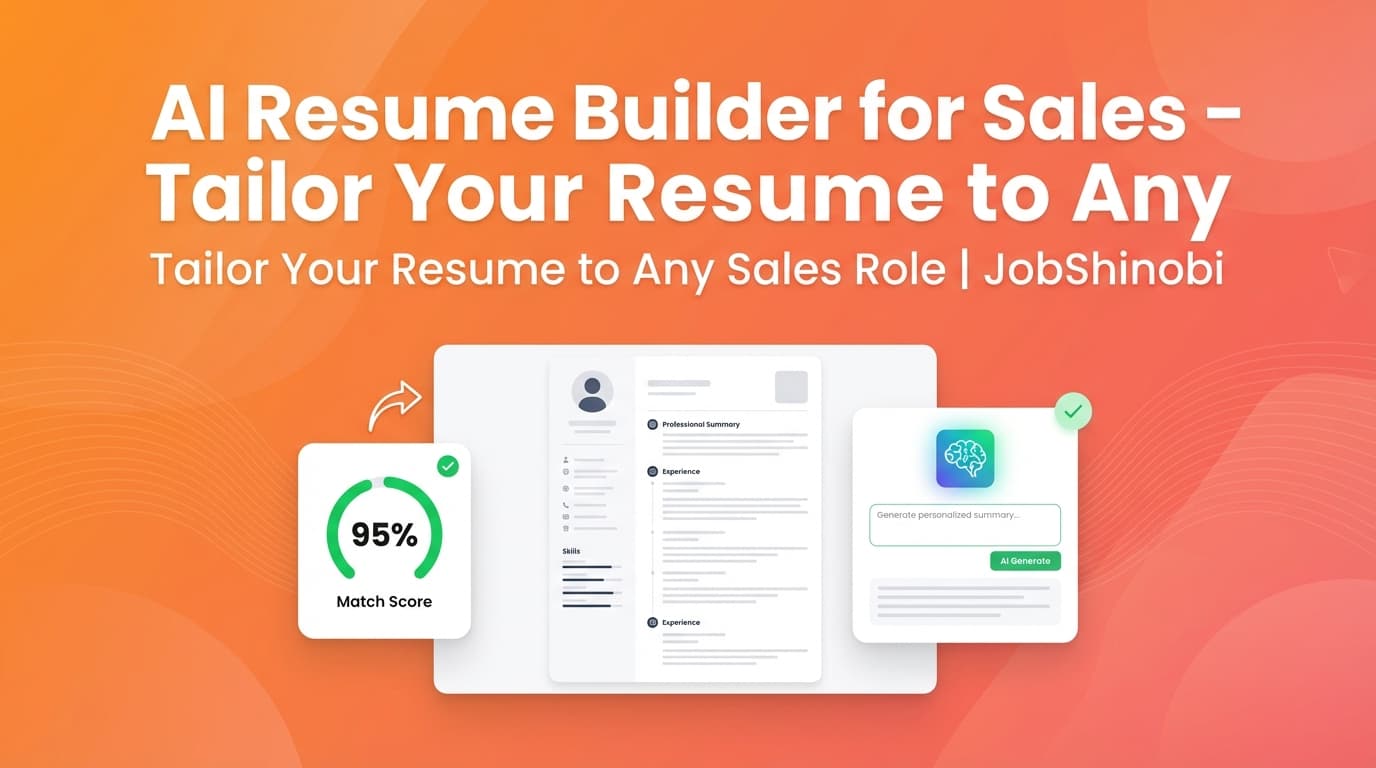
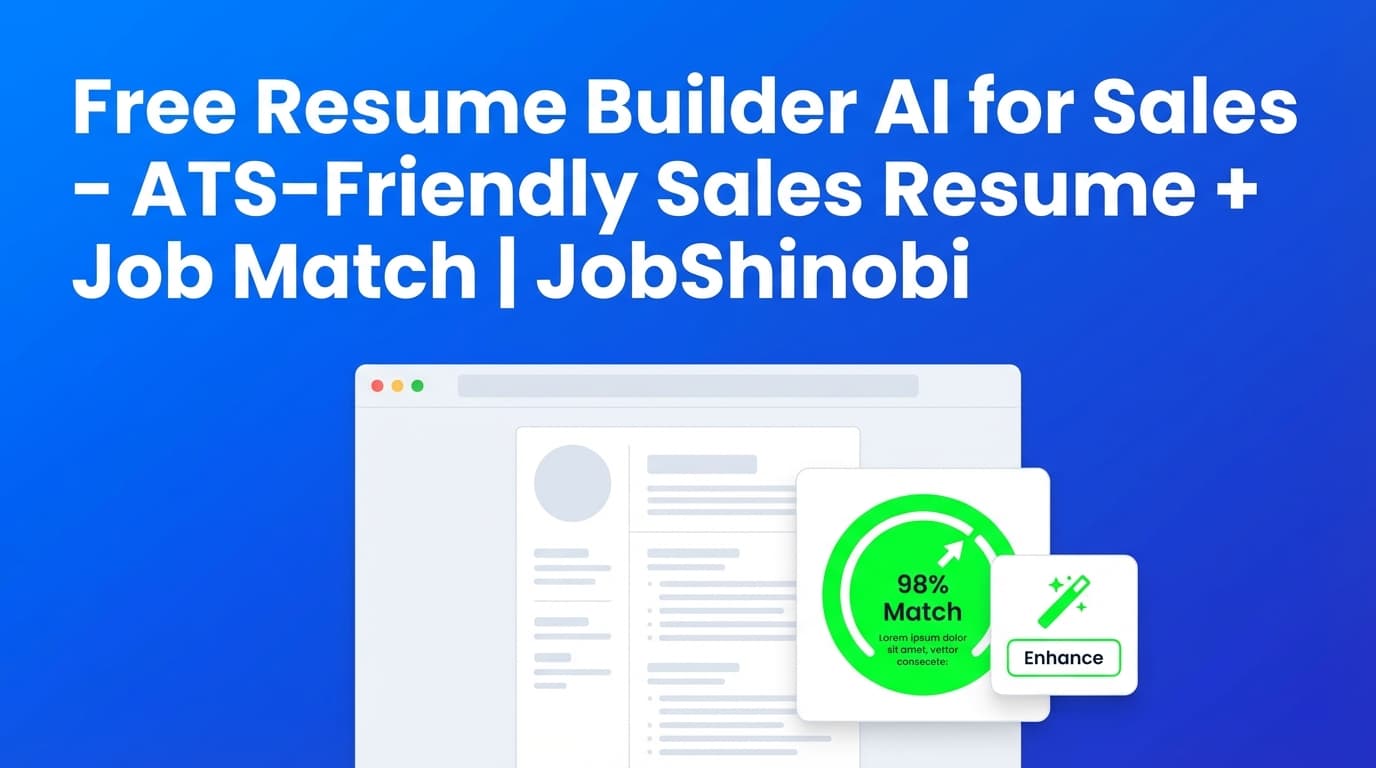
| Resume-to-Job Matching | Match score + missing/present keywords + recommendations | Tailor SDR/AE/AM resumes to each posting’s language |
| AI Resume Agent (Streaming) | Chat-based editing and revision workflow | Rewrite bullets quickly while maintaining LaTeX validity |
| Resume Version History | Stores and supports reverting versions | Tailor aggressively without losing your best resume |
| Job Tracker (Realtime) | Manage job applications with status and updates | Run your job search like a sales pipeline |
| Export Job Tracker to Excel | Download .xlsx of your applications | Analyze outcomes, follow-ups, and volume outside the app |
Sales Resume Playbook: What to Put In (So Your Resume Matches the Role)
This section is here for one reason: tools don’t matter if you don’t know what you’re aiming for. If you’re searching for a free AI resume builder for sales, you want speed—but you also need the right content structure.
Sales resume headline + summary (what works)
A strong sales summary typically includes:
- Role (SDR/BDR/AE/AM)
- Segment (SMB/MM/ENT)
- Motion (Outbound / Inbound / Full-cycle)
- Proof (quota attainment, pipeline sourced, meetings)
- Tools/process only if you actually used them
Example pattern (fill with your true data):
- “Outbound SDR generating $X pipeline/quarter, averaging Y meetings/month, supporting SMB SaaS motion.”
JobShinobi helps you refine this via AI editing and resume analysis so it’s clearer, more concise, and more keyword-aligned.
Experience bullets: responsibilities don’t convert—outcomes do
Sales bullet points should typically include:
- action + result + context
- metrics (volume, conversion, pipeline, attainment)
- clarity (avoid jargon that doesn’t prove anything)
Weak bullet:
- “Responsible for outbound prospecting.”
Stronger bullet pattern:
- “Prospected and qualified accounts via outbound motion; averaged X qualified meetings/month and sourced $Y pipeline.”
JobShinobi can help you rewrite bullets, but you stay in control of truth and specificity.
Skills section: make it match the job description (without stuffing)
Sales job posts often include keywords related to:
- prospecting, lead generation, outbound
- discovery, qualification frameworks
- pipeline management, forecasting
- CRM workflow hygiene
- territory planning and account research
JobShinobi’s matching workflow helps you identify which skills are missing in your resume relative to the posting.
“Free Resume Builder AI for Sales” vs JobShinobi (Honest Comparison)
A lot of job seekers start with free tools because:
- they’re applying to dozens of roles
- they don’t want another subscription
- they’ve been burned by “free” tools that won’t let them export
Here’s the honest tradeoff:
What many “free” resume builders do well
- quick templates
- guided form-based editing
- instant “something” you can submit
Where many free tools struggle for sales job seekers
- limited job-to-resume keyword matching (or unclear how it works)
- minimal versioning and rollback
- formatting changes as you tailor multiple times
- generic AI bullet writing that sounds like everyone else
What JobShinobi is built for
- a structured LaTeX resume workflow + PDF preview
- AI analysis you can re-run as you iterate
- job extraction + match analysis (missing/present keywords + match score)
- AI editing integrated into the resume workflow
- version history for multi-role tailoring
- job tracking + Excel export to manage volume
If your goal is “free,” JobShinobi won’t be the right fit.
If your goal is a sales resume that matches roles faster and stays organized, JobShinobi is designed for that.
Job Tracking for Sales Candidates: Treat Your Job Search Like a Pipeline
Salespeople win because they manage pipelines and follow-ups. Job seekers win the same way.
Job Tracker (Dashboard + statuses)
JobShinobi includes a job tracker that supports:
- adding/editing/deleting applications
- statuses like Applied / Interview / Offer / Rejected / Other
- realtime updates (Supabase Realtime)
- exporting your applications to Excel (.xlsx)
Analytics dashboard (performance insights from your applications)
JobShinobi also includes a job search analytics dashboard that calculates metrics and trends based on your tracked applications, such as:
- response rate and conversion-style insights
- monthly trends based on your application volume
This helps you answer questions like:
- “Am I getting interviews at a reasonable rate for my volume?”
- “Is my response rate improving after resume changes?”
- “Am I applying consistently week to week?”
Optional: Email Forwarding for Automatic Application Tracking (Pro Membership Required)
JobShinobi supports an email-forwarding workflow that can reduce manual tracking:
- You receive a unique forwarding email address
- You forward job-related emails (confirmations, interview invites, etc.)
- The backend attempts to parse and extract details (company, position, status, etc.)
- It can update your job application records using fuzzy matching to reduce duplicates
Important notes:
- Email processing is gated to Pro membership
- This is about tracking and organization—not auto-applying or integrating with job boards
Pricing
JobShinobi offers paid subscriptions via Stripe payment links:
- Monthly: $20.00
- Yearly: $199.99
Get started here:
- Sign in: /login
- Resume builder (after sign-in): /dashboard/resume
- Job tracker (after sign-in): /dashboard/job-tracker
- Analytics (after sign-in): /dashboard/analytics
Frequently Asked Questions
Is JobShinobi a free resume builder AI for sales?
No. JobShinobi is a paid product (Monthly $20 / Yearly $199.99). This page targets the “free resume builder AI for sales” search because that’s how many sales candidates begin their research—then they decide whether they need job matching, analysis, and workflow features that are usually not included in free tools.
Can JobShinobi tailor my sales resume to a job description?
JobShinobi supports job description extraction (URL or text input) and resume-to-job matching, including a match score and keyword gap analysis (missing vs present keywords) plus recommendations. You can then apply those improvements in the resume editor and save a new version.
Does JobShinobi run an ATS resume check?
JobShinobi includes AI-powered resume analysis with scores and feedback, including keyword analysis and ATS-oriented issues. It does not claim to replicate every employer ATS perfectly, but it is designed to help you identify common formatting and keyword problems and iterate quickly.
Can I download my resume?
Yes. JobShinobi supports downloading your resume as a PDF and downloading the .tex source for your LaTeX resume.
Can employers detect that I used AI?
Employers typically evaluate relevance, clarity, and proof—not whether you used AI. The bigger risk is submitting generic, vague bullets that sound templated.
A strong approach is:
- use AI to improve clarity and structure
- keep metrics and claims accurate
- tailor to the job description language without keyword stuffing
JobShinobi is designed to support that workflow with matching + analysis + controlled editing.
Does JobShinobi automatically apply to jobs for me?
No. JobShinobi does not claim auto-apply functionality or direct job board integrations. It focuses on resume building, analysis, job matching, and job search tracking.
Can I export my job tracker to Google Sheets?
JobShinobi supports exporting to Excel (.xlsx). It does not claim direct Google Sheets integration.
Does JobShinobi include a free trial?
A free trial is not presented here as a guaranteed feature. JobShinobi offers paid plans via Stripe (Monthly $20 / Yearly $199.99).
Get Started with JobShinobi Today (Sales Resume + Job Match + Tracking)
If you’re searching for a free resume builder AI for sales, you’re already thinking like a closer: optimize the funnel.
JobShinobi helps you run a tighter system:
- Build a structured resume with LaTeX templates
- Tailor each version using job extraction + match analysis
- Improve content using resume analysis (comprehensive or enhanced)
- Iterate safely with version history
- Track applications and export to Excel
Next step: /login