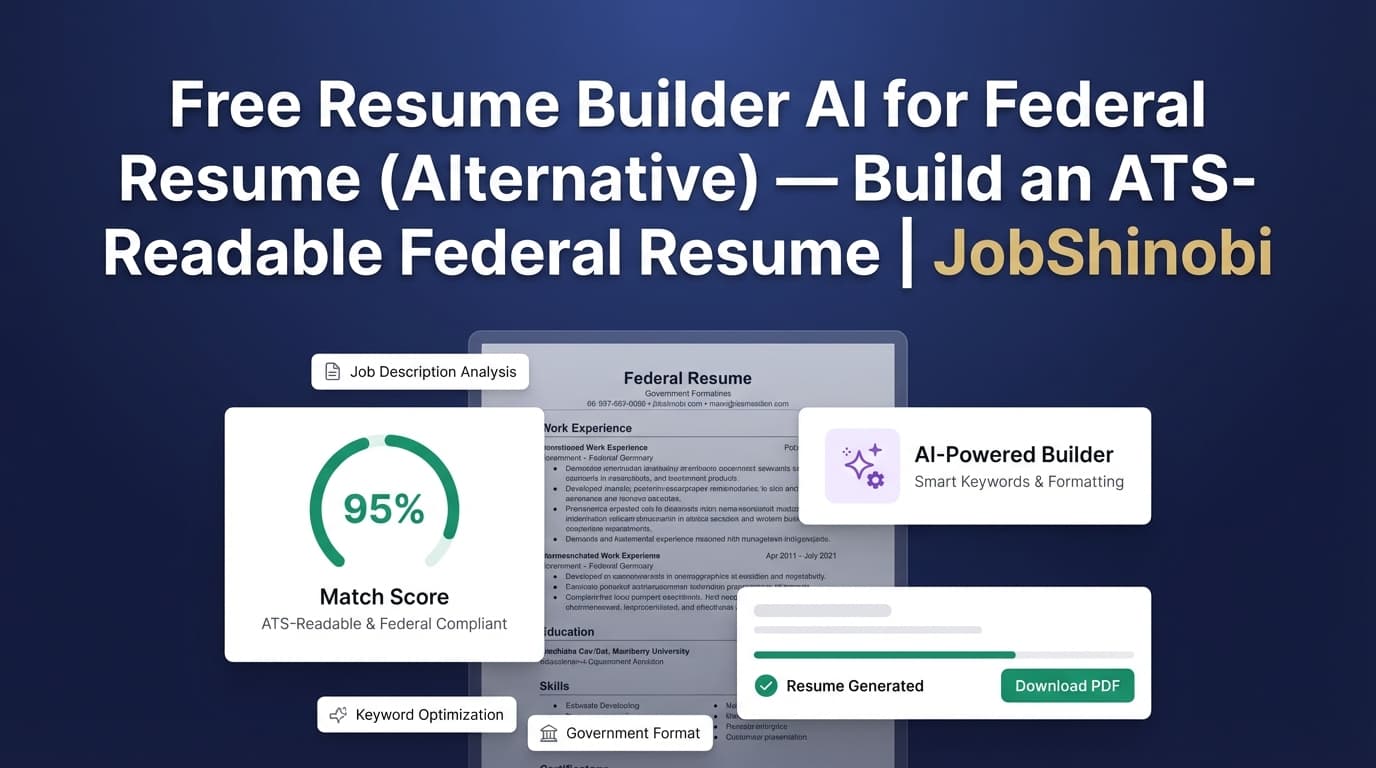
If you searched “free resume builder ai for federal resume”, you’re likely trying to solve a very specific problem: you need a resume that holds up to federal requirements (detail, dates, completeness) while still being ATS-readable and fast to tailor per announcement.
JobShinobi is not a free resume builder. It’s a paid resume + job search system that combines:
- a LaTeX-based resume builder (stable formatting),
- PDF preview + export,
- AI resume analysis (scoring + feedback),
- resume-to-job matching (paste the announcement and see keyword gaps),
- and a streaming AI resume editor that can help you revise sections while keeping your document structured.
If “free” is your top priority, you can still use this page to decide whether you’d rather:
- keep fighting formatting in a free builder, or
- switch to a workflow designed for repeatable tailoring + quality control.
CTA: Build your federal-ready resume workflow → /login
Why JobShinobi for Federal Resume Work?
Federal resumes have a reputation for being “hard” because they demand specific details and are often reviewed against explicit qualification criteria.
JobShinobi is built around the parts of federal resume writing that usually cause people to get stuck:
- Formatting drift when you tailor for multiple announcements
- No clear feedback loop on keywords, missing sections, and ATS issues
- Losing your best version after “just one more edit”
Benefit 1 — Stable formatting with LaTeX + live PDF preview
Instead of a drag-and-drop layout that can break when you edit, JobShinobi uses a LaTeX-first approach.
In the Resume Editor, you can:
- edit your resume as LaTeX source,
- compile it to a PDF preview,
- download a PDF, and
- download the .tex source file.
This matters for federal applications because you often need to revise quickly while keeping the document clean and readable.
Benefit 2 — AI resume analysis you can run repeatedly
JobShinobi includes an AI Resume Analysis workflow that returns structured results (not just generic tips), including:
- overall score
- content, keyword, formatting, completeness, and ATS subscores
- strengths + improvements
- keyword findings (present/missing/overused)
- ATS issues
There’s also an enhanced analysis mode you can enable for deeper insights.
Benefit 3 — Announcement-based tailoring (resume-to-job matching)
Federal tailoring is less about “creative writing” and more about alignment.
JobShinobi supports resume-to-job matching:
- paste a job description/announcement text,
- identify missing vs present keywords,
- review recommendations,
- and then revise your resume accordingly.
Benefit 4 — Safer iteration with resume version history
When you apply to multiple announcements (often with similar titles but different requirements), you need variants.
JobShinobi stores resume versions so you can:
- keep a “master” resume,
- duplicate for each announcement,
- and revert if a change makes the resume worse.
Federal Resume Requirements (What to Include) — and How to Use JobShinobi to Cover Them
JobShinobi does not claim an official USAJOBS integration or an OPM/USAJOBS “compliant template.” But you can absolutely use it to build a resume that includes commonly required federal details.
Common federal resume details (from USAJOBS guidance)
USAJOBS guidance commonly emphasizes including:
- employer name and job title
- start/end dates (month/year)
- hours worked per week
- descriptions that show you can perform tasks at the required level
You can structure your LaTeX resume in JobShinobi to include these fields consistently across roles—and then tailor descriptions per announcement.
Two-page constraint (important)
Current federal hiring guidance increasingly emphasizes a two-page resume limit in many contexts (not universal for every situation, but important enough to plan for). A LaTeX workflow can help you control length precisely, because small formatting changes don’t unpredictably balloon your document.
How JobShinobi helps: compile → preview → adjust → recompile until you hit the target length.
Tip: If you’re managing a “long master resume” and a “two-page application resume,” JobShinobi’s versioning makes it easier to maintain both without losing your best content.
How JobShinobi Works (Real Product Flow)
Step 1: Sign in
Go to /login and sign in.
Step 2: Start a resume from a template (or open an existing one)
Go to /dashboard/resume to:
- start from a template in the templates library, or
- open a saved resume from “My Resumes”
- duplicate a resume to create an announcement-specific version
Step 3: Edit in the LaTeX Resume Editor + compile to PDF
Open /dashboard/resume/editor to:
- edit LaTeX source
- compile and preview the PDF
- download PDF
- download .tex
Step 4: Run AI Resume Analysis (score + structured feedback)
Use the analysis workflow to get:
- a scoring breakdown
- ATS and keyword feedback
- strengths, weaknesses, and recommendations
Because results can be cached when your resume hasn’t changed, you can re-open prior analysis without re-running everything unnecessarily.
Step 5: Match your resume to a federal announcement (tailor to the posting)
Paste the announcement text into the matching workflow to identify:
- missing keywords
- present keywords
- recommendations for improving alignment
Then revise in the editor (manually or with the AI editor) and re-check.
Step 6: Track applications (optional, but powerful for federal pipelines)
If you’re applying broadly, JobShinobi also includes:
- a Job Tracker dashboard (/dashboard/job-tracker) with realtime updates
- Excel export (.xlsx)
- an Analytics dashboard (/dashboard/analytics) showing response rate, offer rate, and trends
JobShinobi also supports an email-forwarding workflow that can parse inbound job-related emails and update application records—but email processing is gated to Pro members.
Key Features for “Free AI Federal Resume Builder” Searchers
| Feature | What It Does | Why It Matters for Federal Applications |
|---|---|---|
| LaTeX Resume Builder | Build resumes from LaTeX source | Formatting stays stable as you tailor repeatedly |
| Templates Library | Start from a template, then customize | Faster setup than starting from scratch |
| PDF Compile + Preview | Generate a PDF preview from LaTeX | Tight control over layout and length |
| Export: PDF | Download your final resume as a PDF | Useful when portals recommend PDF for formatting stability |
| Export: .tex | Download LaTeX source | Portability and long-term control |
| AI Resume Analysis | Scores + structured feedback + keyword/ATS issues | Improves quality without guesswork |
| Enhanced Analysis Mode | Deeper analysis objects when enabled | More depth when you need it |
| Resume-to-Job Matching | Compare resume vs announcement text | Better alignment to specialized experience language |
| Streaming AI Resume Editor | Chat-based edits that update LaTeX | Faster rewriting without reformatting |
| Resume Version History | Save versions and revert | Keep a master + tailored variants safely |
| Job Tracker + Realtime | Track applications and statuses | Organize multi-application pipelines |
| Excel Export (.xlsx) | Export job tracker data | Reporting and personal tracking |
| Analytics Dashboard | Track rates and trends | See what’s working and adjust strategy |
JobShinobi vs. “Free” Federal Resume Options
JobShinobi vs. generic free AI resume builders
Many “free” builders are optimized for speed and aesthetics—but federal resumes often require:
- higher completeness,
- clearer alignment to announcement language,
- and predictable formatting when you revise.
Where JobShinobi is different:
- LaTeX structure + PDF preview helps prevent formatting drift.
- Analysis + matching creates a repeatable quality loop.
JobShinobi vs. USAJOBS Resume Builder
USAJOBS provides a builder that helps ensure required fields are included. Many applicants use it as a reference for what information must be present.
Where JobShinobi fits:
- Draft and iterate quickly (especially for tailoring).
- Maintain multiple resume versions without losing your baseline.
- Export clean PDFs you can control.
Note: JobShinobi does not claim a direct USAJOBS integration. Always follow the instructions in the announcement and the agency’s application requirements.
JobShinobi vs. “just use ChatGPT”
A chatbot can help brainstorm bullets—but it won’t give you:
- a resume scoring breakdown tied to your document,
- a job-match workflow that tracks missing/present keywords,
- a structured editor with compile-to-PDF preview,
- or version history linked to your resume changes.
JobShinobi turns “AI help” into a consistent workflow.
Pricing
JobShinobi offers paid subscriptions via Stripe:
- Monthly: $20.00
- Yearly: $199.99
CTA: Start building → /login
Frequently Asked Questions
Is JobShinobi actually a free resume builder AI for federal resumes?
No. JobShinobi is a paid product (Monthly $20 / Yearly $199.99). This page targets the “free” search because many federal applicants start there—but JobShinobi’s value is in stable formatting, analysis, matching, and iteration.
Does JobShinobi provide an official OPM/USAJOBS federal resume template?
JobShinobi includes a resume templates library, but it does not claim an official OPM/USAJOBS-compliant template or a USAJOBS integration. You can still structure your resume to include month/year dates, hours/week, and other commonly requested fields.
Can I export my resume to PDF?
Yes. The resume editor compiles your LaTeX and supports PDF download.
Can JobShinobi analyze my resume for ATS/keywords?
Yes. JobShinobi includes AI Resume Analysis that returns scores and structured feedback including keyword analysis and ATS issues.
Can JobShinobi match my resume to a federal job announcement?
Yes. JobShinobi supports resume-to-job matching: provide announcement text to identify missing/present keywords and receive recommendations.
Can JobShinobi track my federal applications?
Yes. JobShinobi includes a Job Tracker dashboard with realtime updates and Excel (.xlsx) export, plus an Analytics page for performance insights.
Does JobShinobi auto-apply to USAJOBS or other job boards?
No. There’s no supported “auto-apply” feature or job board integration in the verified feature set.
Get Started with JobShinobi Today
If you’re applying to federal roles, the biggest advantage isn’t a “free builder”—it’s a workflow that lets you:
- keep formatting stable while you tailor,
- measure improvements with analysis,
- align to announcements with matching,
- and maintain versions so you never lose your best resume.
Start here: /login
Then open your Resume Builder: /dashboard/resume


