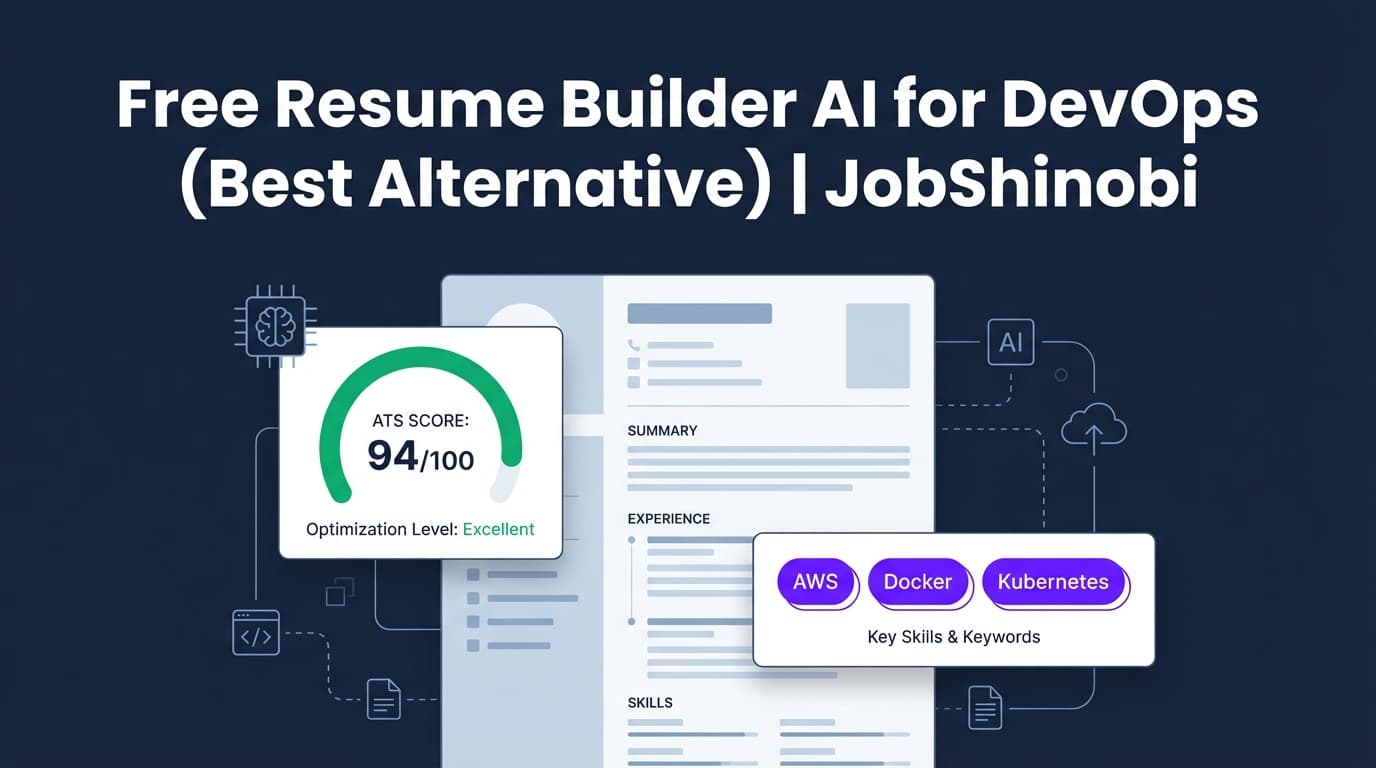
If you’re Googling “free resume builder ai for devops”, you likely want three things:
- A resume that doesn’t break ATS parsing
- Help tailoring keywords for DevOps roles (Kubernetes, Terraform, AWS, CI/CD, observability, incident response)
- A workflow that’s fast enough to repeat for every application
JobShinobi is not a free tool—it’s a paid resume and job-search system designed for people who are tired of “free” builders that paywall exports, mangle formatting, or give generic AI suggestions. JobShinobi uses a LaTeX-first resume builder, a cloud PDF preview/compile flow, and AI analysis + job matching to help you ship tailored DevOps resumes quickly and consistently.
CTA: Sign in to JobShinobi to start building your DevOps resume in LaTeX.
Why choose JobShinobi for DevOps resumes (instead of a “free AI resume builder”)?
DevOps and SRE resumes are unusually sensitive to both keywords and structure:
- Too many “pretty” design elements can confuse parsers.
- Too few role keywords can get you filtered before a human reads it.
- One “generic DevOps resume” rarely fits Platform Engineer vs SRE vs DevOps Engineer postings.
JobShinobi’s workflow is built around stable formatting and repeatable tailoring.
LaTeX resume builder (structure-first, consistent output)
JobShinobi resumes are created and stored as LaTeX source. That means:
- Your sections stay predictable (Experience, Projects, Skills, etc.)
- Formatting is controlled (no “drag-and-drop” layout surprises)
- You can maintain a clean, single-column structure that’s easier for ATS to read
JobShinobi includes a resume template library (with categories) so you can start fast and keep a professional layout.
Cloud compilation + PDF preview (catch errors before you apply)
Instead of guessing what your PDF will look like, JobShinobi compiles your LaTeX and gives you a PDF preview.
You can also download:
- PDF (your application-ready resume)
- .tex (your source)
This is especially useful when you’re iterating quickly (e.g., “swap this bullet,” “add missing keyword,” “tighten this summary”) and need confidence you didn’t break the output.
AI resume analysis (ATS + keyword + formatting scoring)
JobShinobi includes an AI resume analysis workflow that produces:
- An overall score plus category scores (content, keyword, formatting, completeness, ATS)
- Strengths, improvements, and recommendations
- Keyword feedback (keywords found vs missing)
- An optional enhanced analysis mode
- Caching: if your resume hasn’t changed since the last analysis, it can return the previous results (faster iterations)
For DevOps roles, that keyword + ATS feedback loop is typically where the biggest interview lift comes from.
Resume-to-job matching (tailor your resume to each DevOps job description)
JobShinobi supports job matching so you can stop guessing what to change.
You can provide a job description (URL or text), and JobShinobi can:
- Extract structured job details
- Generate a match analysis
- Identify missing and present keywords
- Save the job analysis so you can reference it later
AI resume editor (streaming chat) that works with your LaTeX
JobShinobi includes a streaming AI resume editor designed around editing workflows (fetch resume, edit section, update resume, compile check). This is ideal for DevOps candidates who need to:
- Rewrite bullets with clearer impact
- Add missing tooling keywords in-context (not stuffed)
- Maintain a clean structure while tailoring
It also supports multiple AI model options (e.g., “Shinobi Swift / Turbo / Pro” model tiers in the UI).
How JobShinobi’s DevOps resume workflow works
Step 1: Start from a template (don’t start from a blank page)
- Sign in
- Go to the Resume area
- Choose a template from the template library
- Your resume opens in the editor with LaTeX source
DevOps tip: pick a format that prioritizes impact + systems work (reliability, automation, delivery velocity, cost/security wins).
Step 2: Edit in LaTeX (or with AI) and preview the PDF
You can switch between:
- Manual LaTeX editing
- AI-assisted editing (chat)
Then compile and preview the PDF so you can apply confidently.
Step 3: Run AI resume analysis (ATS + keywords)
Run analysis to get:
- ATS-friendly formatting signals and issues
- Missing keyword feedback
- Suggestions to improve clarity, specificity, and completeness
Step 4: Match your resume to a DevOps job description and tailor it
Paste a job description (or provide a URL/text), then run matching to see:
- Match score
- Missing keywords
- Tailoring suggestions
Then apply those changes in the editor without destroying your layout.
Step 5 (Optional): Track applications and export to Excel
JobShinobi also includes a job tracker:
- Track job applications in a dashboard UI
- Realtime updates (Supabase Realtime)
- Export your tracker to Excel (.xlsx)
If you’re applying to multiple DevOps/SRE roles per week, this prevents the “spreadsheet chaos” problem.
Key features for DevOps candidates (and what they actually do)
| Feature | What It Does | Why It Matters for DevOps |
|---|---|---|
| LaTeX resume builder | Builds and saves resumes as LaTeX source | Stable structure for keyword-heavy technical resumes |
| Template library | Start from categorized resume templates | Faster setup and consistent sections |
| Cloud LaTeX compilation + PDF preview | Compiles LaTeX and returns a PDF preview | Catch formatting/compilation issues before applying |
| Download PDF + .tex | Export your resume outputs | Apply-ready PDF + portable source |
| AI resume analysis (with scoring) | Scores ATS, formatting, keywords, completeness, content | Find what’s blocking interviews and fix it |
| Enhanced analysis mode | Deeper analysis output when enabled | Helpful for senior DevOps/SRE storytelling and progression |
| Resume-to-job matching | Job description extraction + match analysis | Identifies missing keywords per role (DevOps vs SRE vs Platform) |
| AI resume editor (streaming chat) | Helps edit sections and validates compilation | Faster, safer iterations without layout drift |
| Resume version history | Versions stored via manual saves and AI chat | Keep multiple tailored variants without losing your best resume |
| Job tracker + realtime updates | Track applications with live updates | Manage pipelines across recruiters and companies |
| Export to Excel (.xlsx) | Export job applications | Backup, share, or analyze offline |
What to include in a DevOps resume (so ATS + humans both “get it”)
1) Skills: cover the categories recruiters filter for
A strong DevOps skills section typically includes categories like:
- Cloud: AWS / Azure / GCP (name key services you’ve used)
- Containers: Docker, Kubernetes, Helm
- IaC: Terraform (and/or CloudFormation)
- CI/CD: GitHub Actions / GitLab CI / Jenkins
- Observability: Prometheus, Grafana, ELK, Datadog
- Scripting: Bash, Python
- OS/Networking: Linux, TCP/IP basics, troubleshooting
Use job matching to confirm which of these should be emphasized per posting.
2) Experience bullets: write for impact, not tool lists
For DevOps, your bullets should connect tooling to measurable outcomes:
- “Reduced deployment time from X to Y by implementing ____”
- “Improved reliability / reduced MTTR by ____”
- “Cut cloud spend by ____ through ____”
- “Standardized infrastructure using ____ to reduce config drift”
JobShinobi’s AI analysis is useful here because it flags weak bullets and suggests improvements.
3) Projects: include “platform work” even if your title wasn’t DevOps
If you moved from SWE, IT, or SysAdmin roles, projects are where you can prove DevOps capability:
- CI/CD modernization
- Infrastructure as code adoption
- Kubernetes migration
- Monitoring/alerting redesign
- Incident response improvements
Then tailor each version to the specific job description.
Free resume builder AI for DevOps vs JobShinobi: what you’re trading off
You searched “free” for a reason—usually speed and avoiding paywalls. Here’s the practical comparison:
Common pain points with “free” AI resume builders
- Export paywalls (build it “free,” then can’t download a usable PDF)
- Formatting drift (edits break layout or spacing unpredictably)
- Generic AI output (reads like a template, not your real work)
- Weak tailoring loop (no clear missing/present keyword list per job)
What JobShinobi focuses on instead
- Stable LaTeX formatting (less layout chaos)
- PDF preview via compilation (see what you’ll submit)
- AI resume analysis with scores (ATS/keyword/formatting/completeness)
- Job matching (keyword gap analysis per posting)
- Version history (keep multiple tailored variants)
If you’re applying to DevOps roles at scale, the value is in building a repeatable pipeline: analyze → match → tailor → export → track.
Pricing
JobShinobi offers paid subscriptions via Stripe:
- Monthly: $20.00
- Yearly: $199.99
See options here: /subscription
Important: JobShinobi is not positioned as a “completely free” resume builder. This page targets “free resume builder ai for devops” searches because many DevOps candidates start there—then upgrade when they need better ATS stability, job-specific keyword matching, and faster iteration.
Frequently Asked Questions
Is JobShinobi a free resume builder AI for DevOps?
No. JobShinobi is a paid product (Monthly $20 / Yearly $199.99). If you need a completely free tool, you’ll want an open-source resume builder or a free-tier product. If you need a workflow that supports rapid, job-by-job tailoring with stable formatting, JobShinobi is built for that.
Can JobShinobi tailor my DevOps resume to a specific job description?
Yes. JobShinobi supports job description extraction and resume-to-job matching, including a match score and lists of missing and present keywords, plus recommendations you can apply in the editor.
Are LaTeX resumes ATS-friendly?
They can be—especially when you keep formatting simple and consistent. JobShinobi’s approach is “structure-first”: LaTeX source + PDF preview so you can validate output before applying, plus AI analysis that includes ATS-focused feedback.
Can I download my resume as a PDF?
Yes. The resume editor supports PDF export (and also allows downloading the .tex source).
Does JobShinobi parse an uploaded PDF resume for me?
There’s no supported feature for image/PDF OCR or image-based parsing. JobShinobi works with LaTeX resume content (templates and stored LaTeX source).
Does JobShinobi help me track DevOps job applications too?
Yes. JobShinobi includes a job application tracker with realtime updates and Excel (.xlsx) export.
Get started with JobShinobi today
If your “free resume builder ai for devops” search came from frustration—ATS rejections, keyword guessing, broken formatting—JobShinobi gives you a workflow designed for technical roles:
Template → LaTeX resume → PDF preview → AI analysis → job matching → tailored versions → export


