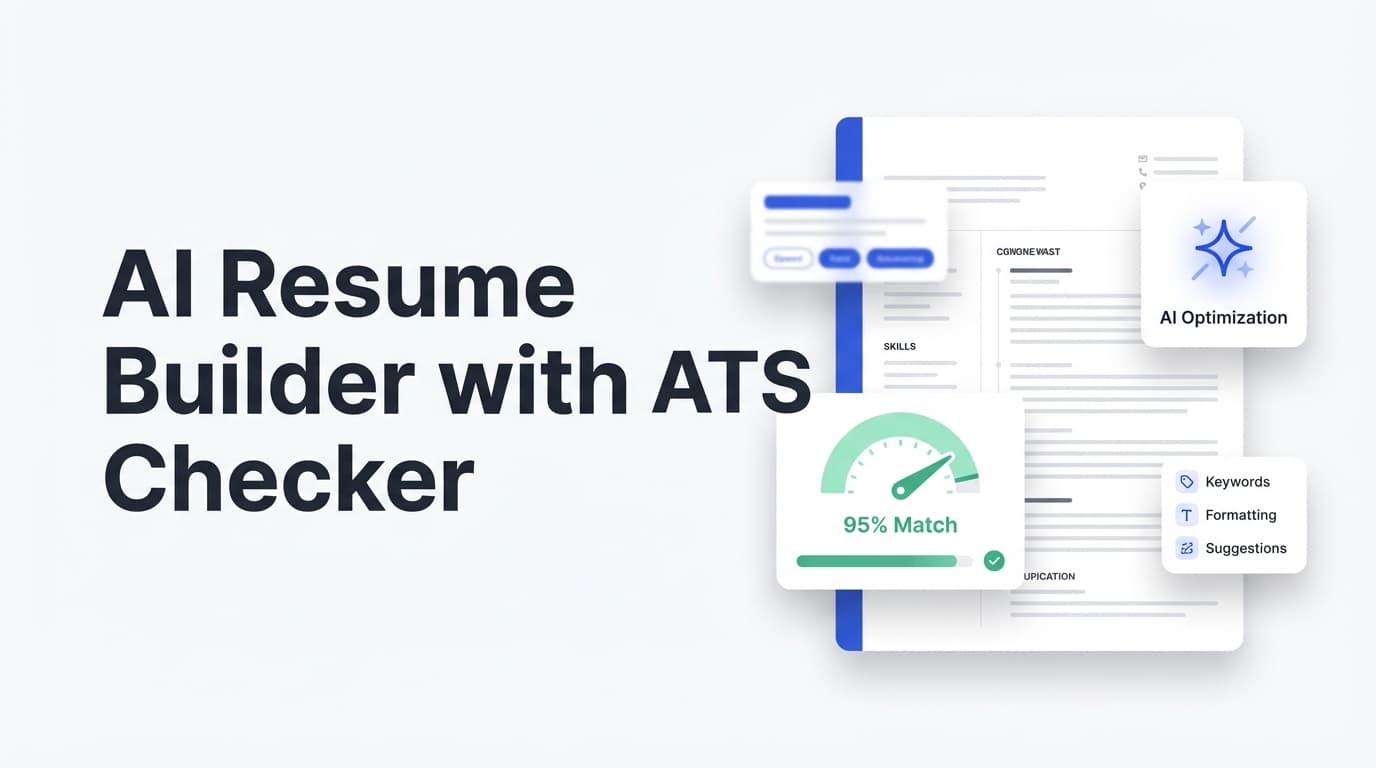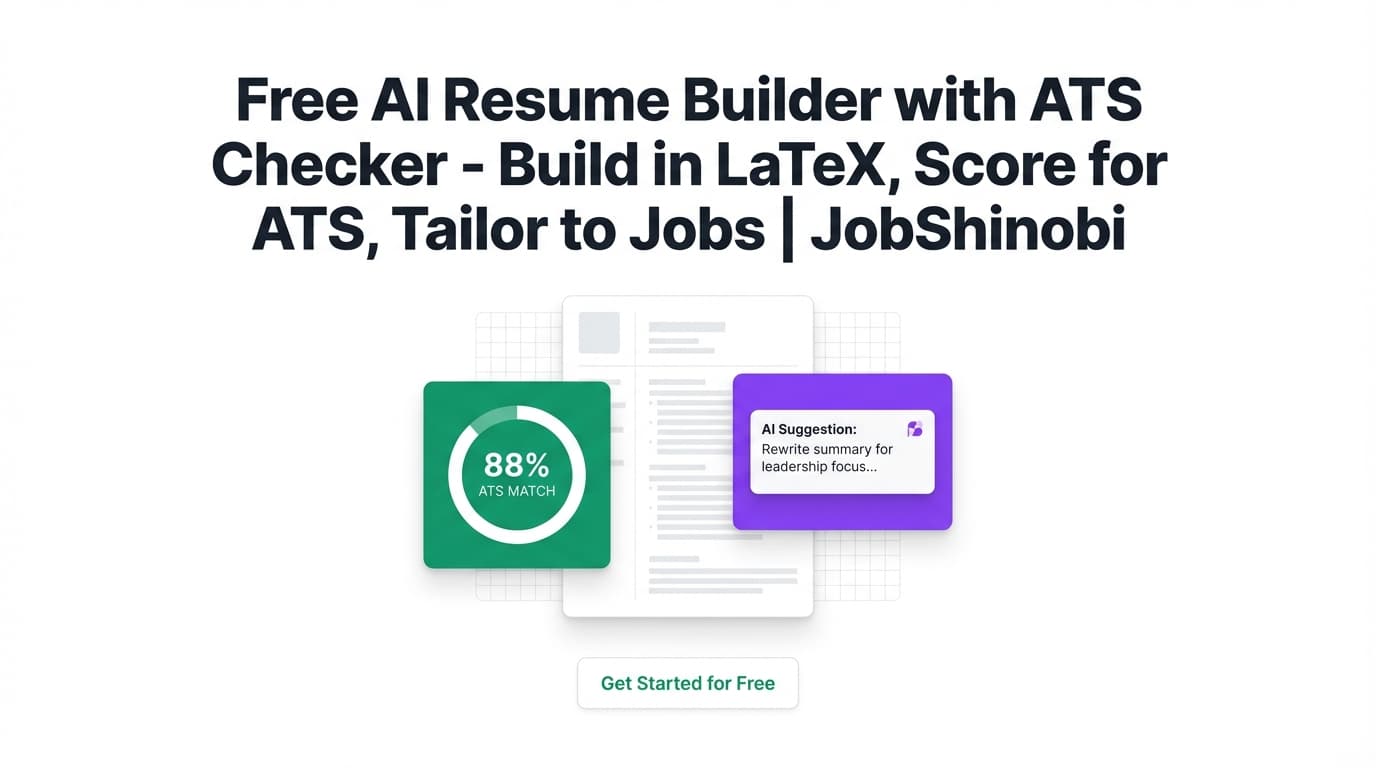
Searching for a free AI resume builder with ATS checker usually means you want three things fast: (1) an ATS-friendly resume format, (2) a keyword/match check against the job description, and (3) clear edits you can apply without your formatting falling apart.
JobShinobi is a web app that combines a LaTeX-based resume builder, an AI resume analyzer (with ATS score + keyword analysis), and job-description matching—plus a job tracker that can update from forwarded emails.
Important note on pricing: JobShinobi is a paid subscription product (Monthly $20 / Yearly $199.99). This page targets “free” search intent by explaining what to look for in free tools—and what you get when you step up to a more complete workflow.
CTA: Ready to build and score your resume? Sign in here: Go to Login →
Why Choose JobShinobi for a “Free AI Resume Builder with ATS Checker” Use Case?
Most “free” ATS checkers give you a quick score and a vague list of missing keywords. JobShinobi is built for the next step: actually editing the resume, safely, without breaking ATS parsing—and keeping versions of every iteration.
Here’s what JobShinobi does particularly well for ATS + tailoring workflows:
- LaTeX-first resumes (structured, consistent formatting you can compile to PDF)
- AI resume analysis with structured outputs (ATS score, keyword gaps, ATS issues, section scores, bullet analysis, and more)
- Job description extraction + resume-to-job matching so you can tailor with intent—not guesswork
- An AI streaming resume editor that can help update sections and validate changes (including compilation checks)
- Version history so you can test changes, compare outcomes, and revert anytime
- Job tracking (including realtime updates and Excel export), with email-forwarding automation available for subscribed members
Built for people applying a lot (and tired of “score chasing”)
If you’re applying to dozens (or hundreds) of roles, you don’t need a one-time scan—you need a repeatable workflow:
- Create a solid base resume
- Run an ATS + keyword analysis
- Match it to a specific job description
- Apply edits (without messing up layout)
- Save a version per role or per industry
- Track applications and outcomes
JobShinobi supports that end-to-end loop inside one product.
What JobShinobi’s ATS Checker Actually Checks (and Why It Matters)
ATS tools vary, and there’s no single universal “ATS score.” JobShinobi focuses on the parts you can control reliably when tailoring a resume:
- ATS score (stored with your resume analysis results)
- ATS issues (flagged as
ats_issuesin analysis results) - Keyword analysis including:
- Present keywords
- Missing keywords
- Overused keywords
- Keyword density
- Contextual usage score
- Industry coverage
- Top skills detected
- Section scores and deeper breakdowns (where available), including:
section_scoresbullet_analysisats_analysislength_analysisbenchmarkingrole_alignment
- Optional Enhanced analysis mode that can add:
semantic_keywordsimpact_analysiscareer_progressionaction_queue
These aren’t marketing promises—these fields are returned and stored as part of JobShinobi’s resume analysis workflow.
How JobShinobi Works (Real Product Flow)
Step 1: Sign in and open the Resume Builder
Use JobShinobi on the web. Start here: /login
Once you’re in, go to the Resume area: /dashboard/resume
Step 2: Start from a LaTeX template (or open an existing resume)
In Resume Builder, you can:
- Browse a template library (templates have categories and preview images)
- Start a resume from a template
- Manage saved resumes (open, duplicate, delete)
Step 3: Edit your resume in the LaTeX editor (with PDF preview)
In the resume editor, you can:
- Edit LaTeX directly
- Compile and preview the PDF
- Download:
- .tex source
This matters for ATS workflows because you can keep structure consistent while still tailoring content.
Step 4: Run the ATS checker (Resume Analysis)
From your resume analysis page, JobShinobi can generate:
- Overall and category scores (including ATS score)
- Strengths, weaknesses, missing sections
- Keyword analysis (present/missing/overused + density and more)
JobShinobi also supports returning cached analysis when the resume hasn’t changed—useful when you’re iterating quickly and don’t want redundant runs.
Step 5: Match your resume to a job description (and identify keyword gaps)
In Job Matching, you can provide a job description (or a job URL, depending on your workflow) and get a structured comparison:
- A match score
- Missing keywords vs present keywords
- Recommendations you can apply back in the editor
Step 6: Use the AI resume editor to apply changes (with version history)
When you make edits via the AI chat/editor workflow, JobShinobi saves messages, conversations, and resume versions—so you can:
- Experiment safely
- Revert to earlier versions
- Keep a different “tailored version” per job family
Key Features for “Free AI Resume Builder with ATS Checker” Intent
| Feature | What It Does | Why It Matters |
|---|---|---|
| LaTeX Resume Builder | Build resumes from LaTeX templates and manage saved resumes | ATS-friendly structure and consistent formatting across iterations |
| PDF Preview + Compile | Compiles LaTeX to a PDF preview and validates changes | Helps prevent broken formatting while editing |
| Download PDF + .tex | Export your resume as PDF or LaTeX source | Practical for applications and long-term ownership of content |
| AI Resume Analysis (ATS Checker) | Generates ATS score, ATS issues, strengths/weaknesses, and keyword analysis | Gives actionable signals for tailoring and ATS compatibility |
| Enhanced Analysis Mode | Adds deeper analysis outputs (e.g., semantic keywords, action queue) | Helps prioritize the edits that move the needle |
| Job Description Match | Creates match score + missing/present keywords + recommendations | Stops guesswork when tailoring to a specific role |
| AI Streaming Resume Editor | Chat-based editing workflow for updating sections and compiling | Faster iteration vs manual rewriting |
| Resume Version History | Saves versions from manual and chat edits | Tailor per job without losing your “base” resume |
| Job Tracker + Realtime Updates | Track applications in a dashboard with realtime updates | Stay organized across many applications |
| Excel Export (.xlsx) | Export job applications to Excel | Easy reporting and backup |
| Email Forwarding Automation (subscribed members) | Forward job emails; AI extracts company/title/status and updates tracking | Reduces manual data entry during high-volume applying |
“Free” ATS Resume Checkers vs. a Full Workflow (What Most Tools Miss)
When people search free ai resume builder with ats checker, they’re often trying to avoid two common problems:
-
Formatting breaks when you edit
Many resumes fail parsing because of layout complexity (e.g., columns/tables/icons) or inconsistent structure. JobShinobi’s LaTeX-first approach is designed to keep the document structure consistent while you tailor content. -
Keyword feedback is hard to apply
A free checker might say “missing keywords,” but it doesn’t help you implement changes cleanly. JobShinobi’s workflow connects:- analysis → job match → edits → versioning → re-analysis
-
You end up with a dozen scattered files
Tailoring often becomes “Resume_final_FINAL_v7.pdf.” JobShinobi stores resumes, versions, and analysis results together—so you can keep one system of record.
JobShinobi vs. “Free AI Resume Builder with ATS Checker” Alternatives
Free tools can be useful—especially for quick checks. But there are tradeoffs. Here’s a practical comparison based on common patterns in the category:
What free tools are good for
- A quick “sanity check” on keywords
- Basic ATS formatting reminders
- Getting started if you’re not ready to commit to a workflow
Where free tools often fall short
- Shallow feedback (generic lists without a clear action plan)
- Hard to tailor repeatedly (no version history / messy file management)
- Disjointed workflow (checker in one place, editing in another)
- Limited editing support (you still do heavy rewriting manually)
Where JobShinobi is different
- Resume building and ATS checking live in the same product
- Job matching is integrated, so “ATS check” isn’t generic—it’s tied to the job
- LaTeX + compilation helps you keep formatting stable while you iterate
- Version history supports real experimentation (and fast rollback)
If you’re applying to one job, a free tool may be enough. If you’re applying to many jobs (or changing targets), a workflow product tends to win.
Bonus: Track Your Job Search (Not Just Your Resume)
JobShinobi isn’t only a resume tool—it also includes a job application tracker:
- Add/edit/delete job applications in a dashboard
- See updates in realtime (no refresh required)
- Export to Excel when you need a report or backup
Email-forwarding job tracking (automation)
JobShinobi also supports an email-forwarding workflow where forwarded application emails can be parsed and used to update your tracker. This automation is tied to membership status (subscribed users).
This is especially helpful if you’re applying broadly and want to reduce manual entry.
Pricing
JobShinobi is a paid subscription product via Stripe:
- Monthly: $20.00
- Yearly: $199.99
You can also manage billing through the Stripe customer portal from your settings once you’re a subscribed member.
Next step CTA:
- Sign in first: /login
- Then choose the plan that fits your timeline (monthly for short sprints; yearly if you’re applying continuously)
Frequently Asked Questions
Is JobShinobi actually a free AI resume builder with ATS checker?
JobShinobi is not positioned as a free tool—it uses paid subscriptions ($20/month or $199.99/year). This page targets the “free” query because many job seekers start there, but JobShinobi is built to provide a fuller workflow: LaTeX resume building + ATS/keyword analysis + job matching + version history.
What does JobShinobi’s ATS checker include?
JobShinobi’s resume analysis can include:
- ATS score
- ATS issues
- Strengths/weaknesses + missing sections
- Keyword analysis (present/missing/overused keywords, keyword density, contextual usage score, industry coverage, top skills detected)
- Deeper objects like section scores, bullet analysis, and role alignment (and more), depending on analysis mode
Can I check my resume against a specific job description?
Yes. JobShinobi supports resume-to-job matching workflows where you can analyze a job description and generate match data (including a match score and keyword gaps), then apply improvements back in the editor.
Do I need to upload a PDF to use the ATS checker?
JobShinobi’s resume workflow is LaTeX-based. You create/edit your resume content in the editor and compile to PDF for preview and export. If you’re looking for a PDF upload/OCR scanner, that’s a different category of tool.
Does JobShinobi help me rewrite bullets?
Yes. JobShinobi includes an AI streaming resume editor (chat-based) that can help update sections and iterate on content. It also maintains resume versions so you can revert changes.
Can JobShinobi track my job applications too?
Yes. JobShinobi includes a job tracker dashboard with realtime updates and Excel export. It also supports email-forwarding automation (forward job emails; AI extracts details and updates records) for subscribed members.
What’s a “good” ATS score?
There’s no universal ATS score standard across all systems. As a practical approach: use scores as a directional signal, then focus on:
- Clear structure and standard headings
- Role-relevant keywords used naturally (not stuffed)
- Readable, consistent formatting
- Strong, measurable bullet points
JobShinobi helps by surfacing ATS issues and keyword gaps so you can prioritize fixes.
Get Started with JobShinobi Today
If you’re searching for a free AI resume builder with ATS checker, you’re already doing the right thing: optimizing before you apply. The next step is using a workflow that lets you build, check, tailor, and iterate without breaking formatting or losing track of versions.
Start here:
- Sign in: /login
- Build your resume: /dashboard/resume
- Track applications: /dashboard/job-tracker
- See performance trends: /dashboard/analytics