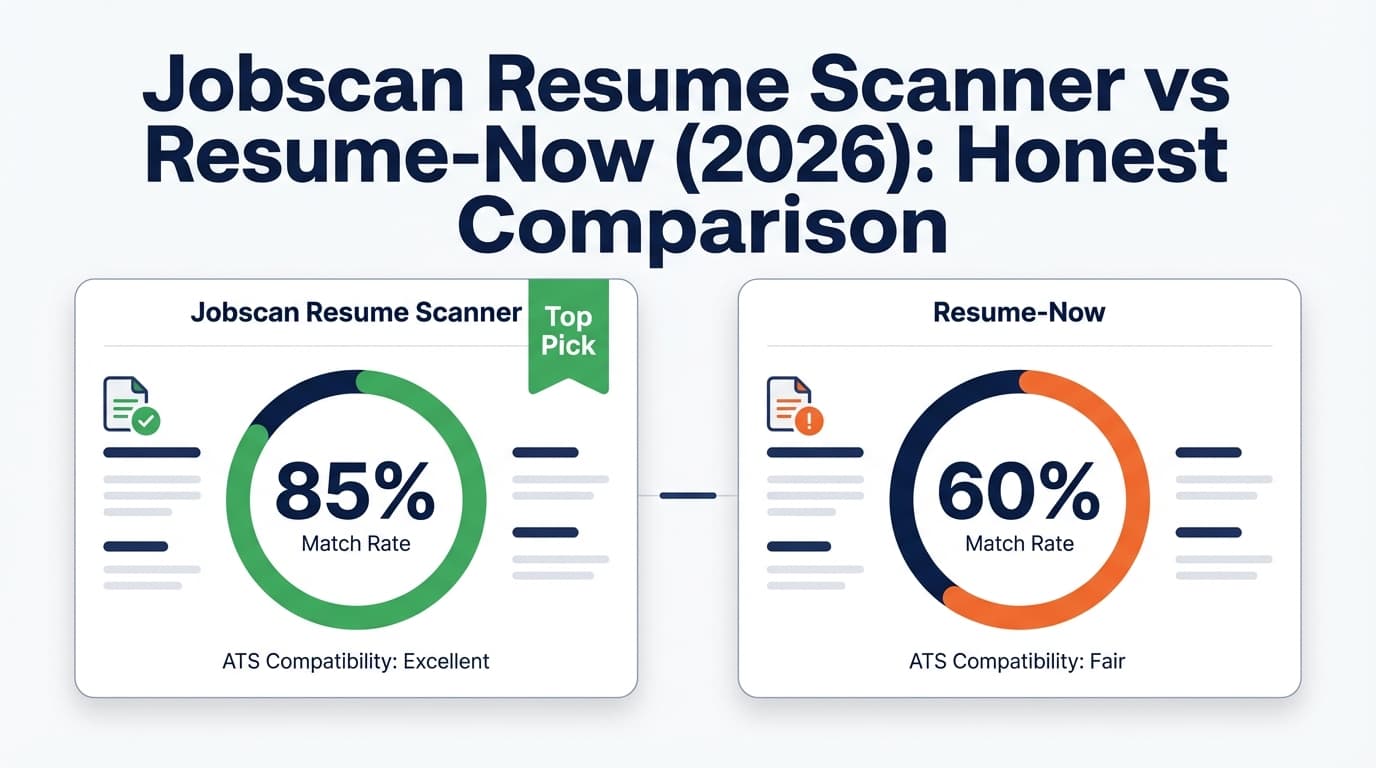
If you’re comparing Jobscan and Resume-Now, you’re usually trying to solve one of two problems:
- “I need to tailor my resume to a specific job posting (ATS keywords, match score).”
- “I need to build a professional resume quickly (templates, formatting, export).”
These tools overlap a bit, but they’re not the same category—so the “best” choice depends on your workflow.
Quick Verdict:
- Choose Jobscan if your priority is resume-to-job matching and keyword optimization for ATS.
- Choose Resume-Now if your priority is building a resume/cover letter fast with templates and guided content.
Pricing note (important): Resume-Now’s trial pricing can vary by offer/funnel. On the Resume-Now pricing snippet indexed in Google at the time of verification, it shows “14-Day Full Access $2.45” → auto-renews at “$23.95 billed every 4 weeks.” Always confirm final pricing inside the checkout flow before purchasing.
TL;DR Comparison
| Feature | Jobscan | Resume-Now |
|---|---|---|
| Primary use case | ATS keyword matching + optimization | Resume/cover letter building + templates |
| Resume-to-job match score | ✅ Yes (core feature) | ⚠️ Some ATS scoring/checking exists, but not the same “match” workflow |
| Templates + builder | ✅ Yes (Jobscan also offers resume builder/templates) | ✅ Yes (core feature) |
| Cover letter tools | ✅ Yes (Premium mentions AI cover letter) | ✅ Yes (cover letter builder) |
| Free plan | ✅ Yes (Google snippet shows free plan with limited scans) | ⚠️ Limited free access; paid trial is common |
| Starting price (from indexed snippets) | $0 (limited) | Trial then renews (see pricing section) |
| Best for | Heavy tailoring per job post | Producing polished documents quickly |
Jobscan Overview
Jobscan is best known for its resume scanner that compares your resume against a job description to surface missing keywords and ATS-related issues. In practice, it’s most helpful when you’re applying to roles where the job post is keyword-heavy and you want a structured way to prioritize edits.
From Google-indexed plan snippets, Jobscan’s paid tiers emphasize unlimited resume scans and AI optimization workflows (e.g., “one-click” optimizations on desktop), positioning Jobscan as a dedicated optimization tool rather than “just” a document builder.
Key Strengths
- Resume-to-job comparison workflow: built specifically around matching a resume to a target posting.
- High-usage scanning on paid plans: paid tiers highlight unlimited scans, which matters if you’re applying broadly.
Limitations
- Can become “keyword-chasing” if you treat the score as the only goal (a common downside of scoring tools in general).
- Some content is difficult to verify via static page fetch (Jobscan pages can be restricted/JS-heavy), so you may need to rely on in-app details for the most current plan inclusions.
Resume-Now Overview
Resume-Now is primarily a resume and cover letter builder built around templates, guided prompts, and quick exporting. It also markets ATS-related tooling—Resume-Now has an ATS resume checker page that (per the Google snippet) claims a “free ATS Resume Checker” and that its “AI scanner uses 30+ professional standards.”
Where Resume-Now often fits best: when you want to move fast, choose a design, generate content, and export a polished resume/cover letter without overthinking the “scanner” side of things.
Key Strengths
- Builder-first experience: templates, guided writing, and quick document creation are the main value.
- Cover letter builder available: useful if you want matching materials in one place.
Limitations
- Billing/trial confusion is a frequent complaint theme online: reviews and forum threads often mention auto-renewal and cancellation friction (even when cancellation is possible).
- Trial pricing may vary: different offers (e.g., $1.85 vs $2.45) appear across indexed pages/snippets, so you should verify the exact amount in your checkout.
Feature-by-Feature Comparison
1) Core Goal: Matching vs Building
Jobscan:
Designed around tailoring. You bring a resume + job description; Jobscan helps you close the gap.
Resume-Now:
Designed around creating. You pick a template, build documents, and export.
Winner: Tie — depends on your intent. If you’re tailoring, Jobscan. If you’re generating documents quickly, Resume-Now.
2) ATS Scanning / Scoring
Jobscan:
Known for ATS-style feedback via resume scanning and job-match logic. If you apply to many roles and tailor each time, Jobscan’s workflow is usually the better fit.
Resume-Now:
Resume-Now has an ATS checker positioned as “free” in its marketing, and the indexed snippet claims it uses “30+ professional standards.” That can be useful for a quick sanity check, but it’s not necessarily the same as a dedicated resume-to-job match process.
Winner: Jobscan (for job-specific matching).
3) Templates + Document Output
Jobscan:
Jobscan also publishes resume builder/templates content (there are Jobscan URLs for resume builder and templates indexed publicly), but Jobscan’s reputation and core value tends to revolve around scanning and optimization.
Resume-Now:
Templates and building are the product’s main focus—Resume-Now is usually the better choice when you want lots of designs and a guided “fill-in-the-blanks” approach.
Winner: Resume-Now (for template-first building).
4) Cover Letters
Jobscan:
Plan snippets mention AI cover letter on paid tiers.
Resume-Now:
Resume-Now has a dedicated cover letter builder product page and is generally positioned as a “resume + cover letter” suite.
Winner: Tie — both support cover letters, but Resume-Now is more builder-centric; Jobscan is more optimization-centric.
5) Ease of Avoiding Surprise Charges
Jobscan:
Jobscan’s free plan is clearly marketed as $0 (limited scans). That reduces the chance of signing up and getting charged unexpectedly—though you still need to understand trial/renewal terms if you choose a paid plan.
Resume-Now:
Resume-Now frequently markets a low-cost trial that auto-renews into a higher recurring subscription. The pricing snippet indexed at verification time states: 14-day full access ($2.45) → auto-renews at $23.95 billed every 4 weeks. If you choose Resume-Now, set a reminder to cancel before renewal if you only need it short-term.
Winner: Jobscan (clearer “free first” path).
Pricing Comparison (Verified via Google-indexed snippets on 2026-01-21)
These prices can change. Confirm on the vendor’s checkout page before purchasing.
| Plan | Jobscan | Resume-Now |
|---|---|---|
| Free | $0 (indexed snippet shows 5 free scans on signup + 5 free scans monthly) | Limited free access; often pushes to paid trial for exporting |
| Monthly | Indexed snippet shows $49.95/month | Renewing plan shown in pricing snippet: $23.95 billed every 4 weeks (after trial) |
| Quarterly | Indexed snippet shows $89.95 every 3 months (≈ $29.98/mo) | Not clearly verified via accessible snippets as a standard option |
| Trial | Quarterly plan promos/snippets reference a two-week free trial (varies by plan/offer) | Pricing snippet shows 14-day full access for $2.45 then auto-renew |
Value Analysis:
- If you apply to lots of roles and tailor each resume, Jobscan can be worth it because unlimited scanning can replace guesswork.
- If you just need a resume and cover letter produced quickly, Resume-Now can be cost-effective if you cancel before renewal (or if you truly want ongoing access at the recurring rate).
Who Should Choose Jobscan?
You’ll prefer Jobscan if you:
- Tailor your resume to specific job descriptions and want structured keyword gap feedback.
- Want a tool you’ll use repeatedly during an active job search (scans across many postings).
- Prefer optimization help more than design/template variety.
Who Should Choose Resume-Now?
You’ll prefer Resume-Now if you:
- Need to create a resume quickly using templates and guided prompts.
- Want an integrated cover letter builder experience geared toward producing finished documents fast.
- Don’t want to spend time optimizing for every job posting (or you’re applying to roles where tailoring is lighter).
If You Want Both (Builder + ATS + Tracking): JobShinobi as an Alternative
If you’re finding that Jobscan is great for matching and Resume-Now is great for building—but you still feel stuck managing the overall process—JobShinobi is designed as an all-in-one workflow:
- AI resume builder with LaTeX-based editing + PDF preview (cloud compilation)
- Resume scoring + ATS/keyword feedback
- Resume-to-job matching (paste a job URL/description, get match insights)
- Email-based job application tracking: forward job-related emails to a unique address and applications can be logged automatically (a differentiator if you hate spreadsheets)
JobShinobi pricing (from product documentation):
- $20/month or $199.99/year (with marketing mentioning a 7-day free trial)
Switching / Workflow Tips
- If you start with Resume-Now: export your final resume (PDF/DOCX as supported), then use Jobscan-style matching tools to tailor per posting.
- If you start with Jobscan: keep a clean “base resume” version, then tailor copies for each job; don’t overwrite your baseline every time.
- If you want to reduce admin: consider moving your workflow into a tool that also tracks applications (so you’re not juggling spreadsheets, emails, and multiple builders).
FAQ
Is Jobscan actually better than Resume-Now?
It’s “better” for matching and tailoring. Resume-Now is “better” for building and exporting polished documents quickly. If you’re applying to competitive roles where tailoring matters, Jobscan usually wins. If you need a resume fast, Resume-Now is often the smoother path.
Does Resume-Now have an ATS checker?
Yes—Resume-Now has a public ATS resume checker page, and the Google snippet for that page claims it scans against “30+ professional standards.” That said, ATS “checking” isn’t always the same as a true resume-to-job match workflow.
Which one is cheaper?
If you only need a resume for a short window, Resume-Now can look cheaper upfront because of the low-cost trial, but you must watch for auto-renewal. Jobscan’s paid plan pricing is higher (indexed snippets show $49.95/month), but it may deliver more value if you’re doing frequent job-specific tailoring.
Can I cancel Resume-Now easily?
Resume-Now’s indexed “Contact Us” and “Terms of Use” snippets mention cancellation via support and/or an online cancel page under account settings. However, online reviews frequently mention cancellation/renewal frustration—so it’s smart to cancel immediately after exporting if you don’t need ongoing access.
What if I want resume building, ATS feedback, and job application tracking?
That’s when an all-in-one workflow tool (like JobShinobi) can make more sense—especially if you want to track applications without manual data entry by forwarding job-related emails.