If you’re googling “Jobscan resume scanner pros and cons”, you’re likely trying to answer a practical question:
Should I keep using Jobscan (or pay for Premium), or switch to a tool that helps me tailor faster and stay organized without living in spreadsheets?
Below is a balanced comparison of Jobscan and JobShinobi, with clear pros/cons, verified pricing, and which type of job seeker each tool fits best.
Quick Verdict:
- Choose Jobscan if you want a mainstream resume scanner + match score, plus extras like LinkedIn Optimization, a Job Tracker, and a Chrome extension for saving jobs from job boards.
- Choose JobShinobi if you want a more “power-user” system with LaTeX resume control, AI-assisted editing + version history, and a uniquely time-saving email-forwarding job application tracker.
TL;DR Comparison
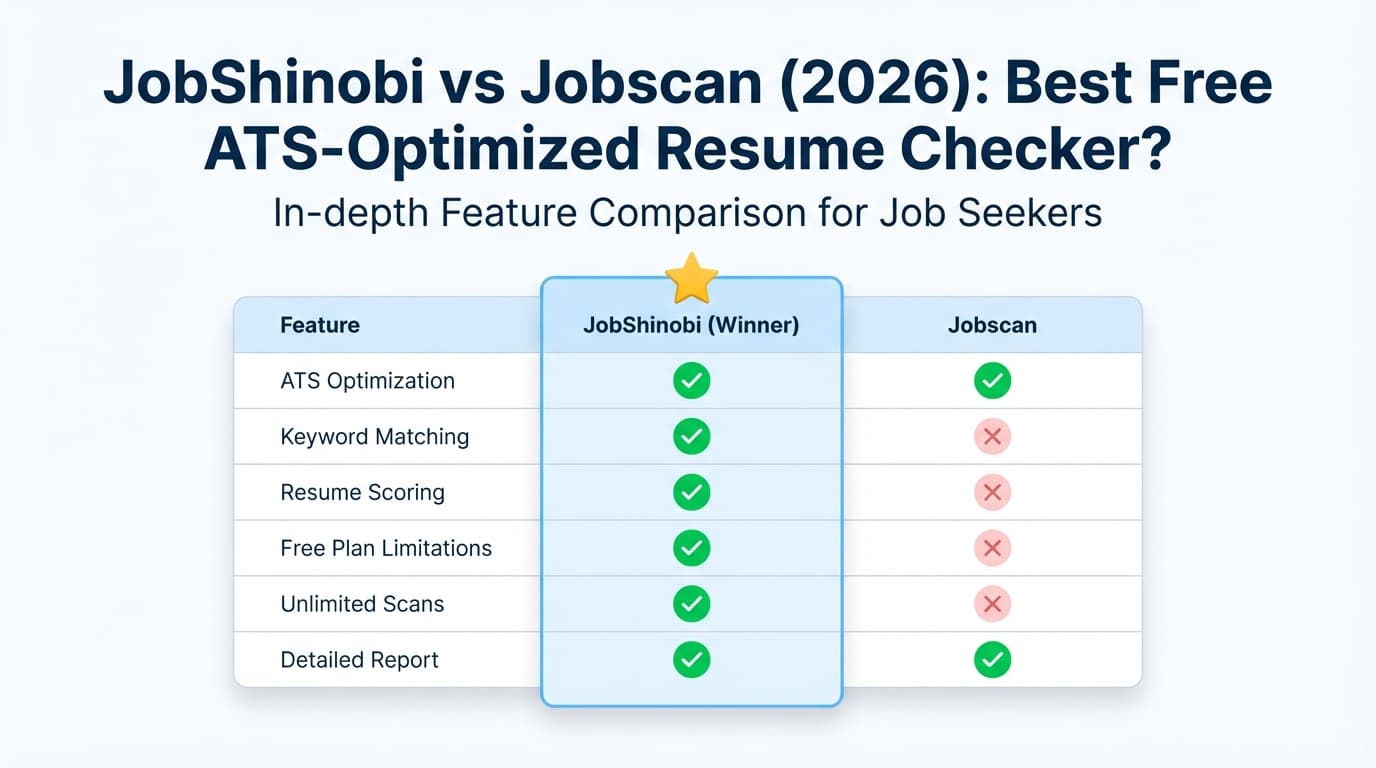
| Feature | JobShinobi | Jobscan |
|---|---|---|
| Core use case | AI resume builder + ATS analysis + job-search CRM | Resume scanner (match report) + job search tools |
| Resume vs job description match | ✅ Yes (resume scoring + job matching + keyword gaps) | ✅ Yes (match rate / resume scanner) |
| Resume editing workflow | ✅ LaTeX editor + live PDF compile + AI resume agent | ✅ Power Edit (resume editor) available (see tool pages) |
| Version history / “undo” | ✅ Yes (version history + revert) | ⚠️ Not a core selling point (varies by workflow) |
| Job tracking | ✅ Dashboard tracker + analytics + email-forwarding auto-tracking | ✅ Job Tracker (kanban-style referenced by career centers) |
| Chrome extension | ❌ Not currently | ✅ “Jobscan: Job Search Tracker” extension (Chrome Web Store) |
| LinkedIn optimization | ❌ Not currently | ✅ LinkedIn Optimization tool (Jobscan page exists) |
| Cover letter support | ⚠️ Not a core focus | ✅ Cover letter generator + cover letter scanning mentioned in Jobscan ecosystem (tool pages/videos) |
| Starting price | $20/mo (Pro) | $49.95/mo (Premium monthly) |
| Free plan | Limited (Pro gates key automation like email parsing) | ✅ Free plan ($0) with limited scans (see pricing details) |
| Best for | People tailoring often who want structure + automation | People who like a familiar “scanner score” + add-ons |
JobShinobi Overview
JobShinobi is an AI resume builder + ATS resume analyzer with a built-in job-search workflow. It’s designed for job seekers who want to do two things better:
- Tailor resumes without breaking formatting, and
- Stop losing track of applications.
Instead of treating resume scanning as a standalone tool, JobShinobi combines:
- A LaTeX-based resume editor (more consistent structure)
- AI resume scoring + ATS/keyword feedback
- Resume-to-job matching and tailoring suggestions
- A job application tracker (with analytics)
- A unique feature: forward job-related emails and your tracker updates automatically
Key Strengths
- Email-forwarding → automatic job tracking: Forward application/interview emails to a unique address and JobShinobi extracts company/title/status and logs it for you.
- LaTeX-first resume workflow + live PDF compilation: Better control of structure and fewer “mystery formatting” issues.
- AI resume agent + version history: Chat-based edits, saved versions, and reverting make tailoring less risky.
Limitations (honest)
- Learning curve: LaTeX-style editing isn’t for everyone (though the AI can help).
- Automation gated to Pro: Email processing requires Pro.
- Not yet an “all-in-one job platform”: No Chrome extension or LinkedIn optimizer today.
Jobscan Resume Scanner Overview
Jobscan is best known for its resume scanner: you compare your resume to a job description and get a match rate and keyword/formatting feedback.
Jobscan also positions itself as a broader suite of job-search tools. Publicly visible pages and listings support that Jobscan offers:
- LinkedIn Optimization (dedicated Jobscan page)
- Job Tracker (Jobscan page + external career center references)
- Chrome extension to save jobs from job boards into the tracker (Chrome Web Store listing)
- Power Edit resume editor (Jobscan Power Edit page + Jobscan video page)
- Additional tools referenced in plan snippets and tool pages, including AI cover letter generator and resume bullet point generator
Key Strengths
- Simple, job-specific scanner workflow: Upload resume + paste job description → get a match rate and suggested improvements.
- Extras that Jobscan users often want: LinkedIn optimization, job tracker, extension.
- Large review footprint: Lots of community feedback across platforms (mixed but useful).
Limitations (from common feedback + review patterns)
- Price can feel high if you only need a few scans.
- Match score can lead to “keyword chasing” if you optimize the score instead of clarity and truthfulness.
- Some users mention export/formatting issues that require manual cleanup (seen in Trustpilot snippets).
Jobscan Resume Scanner Pros and Cons (What You Should Know)
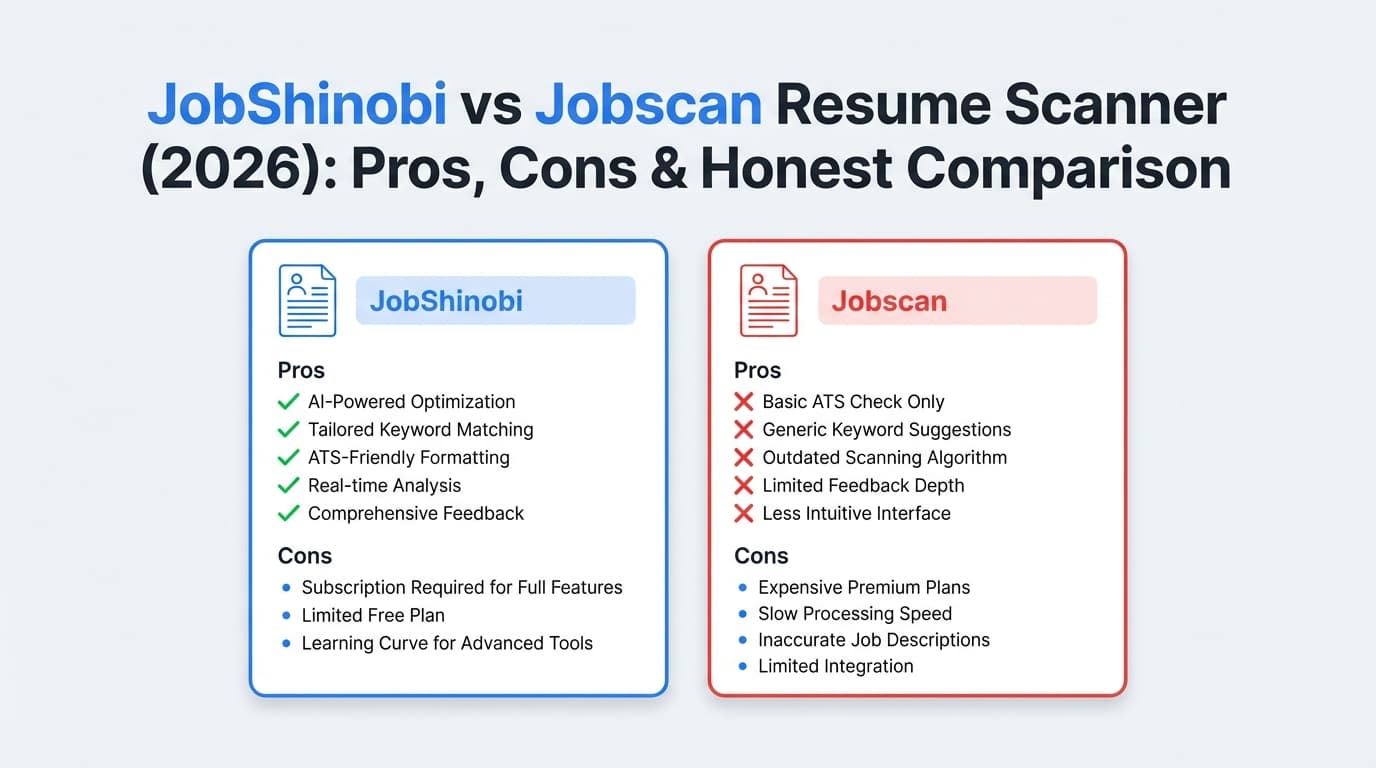
Jobscan Pros
-
Clear match-score feedback per job
- Helpful if you’re applying to many roles and want quick keyword alignment guidance.
-
Formatting + ATS checks
- Jobscan’s resume scanner positioning includes checks for formatting issues and ATS-friendly best practices (per resume-scanner messaging in search snippets).
-
Power Edit (integrated editing)
- Jobscan’s Power Edit is positioned as an editor that can score as you edit and export an ATS-friendly resume (per Jobscan Power Edit pages/videos).
-
Job Tracker + Chrome extension
- The Chrome extension explicitly states it can save jobs from sites like Indeed/LinkedIn/Glassdoor into Jobscan’s Job Tracker (Chrome Web Store listing snippet).
- Jobscan’s Job Tracker is referenced by external university/career resources as a kanban-style tracker.
-
LinkedIn Optimization tool
- Jobscan explicitly positions LinkedIn Optimization as scoring your profile based on keywords in headline, summary, and work experience (Jobscan LinkedIn Optimization page snippet).
Jobscan Cons
-
Can be expensive for heavy monthly use
- Premium monthly pricing is near $50/month, which is a lot for many job seekers.
-
Not a guarantee (and score ≠ hiring reality)
- ATS differ by company, recruiter workflows vary, and optimizing to a score can backfire if you add irrelevant keywords.
-
Free plan limitations
- The free plan includes limited scans (good for occasional tailoring, limiting for daily applicants).
-
Potential formatting/export friction
- Some reviewers mention formatting/export issues after download (Trustpilot snippet examples).
Feature-by-Feature Comparison
Category 1: Resume Scanning / ATS Match
JobShinobi:
- Provides resume scoring with multiple breakdown categories (ATS/keywords/formatting and more) and structured feedback.
- Supports job description extraction and resume-to-job match analysis (missing/present keywords + tailoring guidance).
Jobscan:
- Known for the resume scanner that compares resume to job description and generates a match rate.
- Emphasizes hard skills/soft skills/buzzwords matching in its marketing and tool ecosystem (seen in Jobscan messaging in search results).
Winner: Tie (depends on your workflow)
- If you want a familiar scanner-first workflow: Jobscan.
- If you want scanning + deeper editing control + versioning: JobShinobi.
Category 2: Resume Editing & Control
JobShinobi:
- LaTeX editor + live PDF compilation means you can lock down structure and formatting.
- AI agent can edit content while keeping formatting stable, plus version history to revert.
Jobscan:
- Power Edit is positioned as a resume editor that scores your resume as you work, checks formatting, and supports exporting an ATS-friendly resume (Jobscan Power Edit pages/videos).
Winner: Depends
- If you want maximum formatting control and “engineering-grade” consistency: JobShinobi.
- If you prefer a guided editor with templates inside the app: Jobscan.
Category 3: Job Tracking & Organization
JobShinobi:
- Built-in job tracker dashboard + export.
- Differentiator: email-forwarding auto-tracking (forward confirmation/interview emails; JobShinobi logs and updates job status automatically).
Jobscan:
- Job Tracker exists (and is referenced by career centers as a drag-and-drop/kanban board).
- Chrome extension can save jobs from job boards into the tracker (Chrome Web Store listing snippet).
Winner: Split decision
- Want to reduce manual entry and let your inbox do the work? JobShinobi.
- Want a browser extension workflow for saving jobs from boards? Jobscan.
Category 4: LinkedIn Optimization
JobShinobi:
- Not currently a dedicated LinkedIn optimizer.
Jobscan:
- Has a dedicated LinkedIn Optimization tool that scores your profile using keywords in headline/summary/work experience (Jobscan LinkedIn Optimization snippet).
Winner: Jobscan
Category 5: AI Writing Tools (Cover Letters, Bullet Points, Optimizations)
JobShinobi:
- Strong AI resume agent and analysis workflow (multi-model tiers, chat-based editing, structured feedback).
- Focus is primarily resume + job matching + tracking.
Jobscan:
- Jobscan ecosystem includes AI tools such as cover letter generator and bullet point generator (seen in tool pages and plan snippets), plus “one-click AI optimizations” referenced on the plan page snippet.
Winner: Tie
- If you want AI as a “resume editor + versioning system”: JobShinobi.
- If you want broader job-search AI utilities (LinkedIn/cover letters) in the same platform: Jobscan.
Pricing Comparison (Verified)
Pricing can change; this is what we last verified on 2026-01-21 via Jobscan-owned plan snippets and related pages.
| Plan | JobShinobi | Jobscan |
|---|---|---|
| Free | Limited access; key automation (email parsing) requires Pro | $0 Free plan available |
| Monthly | $20.00/month (Pro) | $49.95/month (Premium monthly) |
| Quarterly | — | $89.95 every 3 months (shown as ~$29.98/month equivalent) |
| Yearly | $199.99/year | Yearly pricing exists (commonly cited as ~$229/year in some Jobscan materials/snippets; verify in-app for exact current figure) |
Jobscan Free Plan Limits (commonly shown):
- “5 Free Resume Scans on signup”
- “5 Free Resume Scans monthly”
- Limited “ATS & Recruiter Findings” on free
(Shown in the Jobscan plan page snippet in search results.)
Value Analysis:
- If you only need a few scans monthly, Jobscan Free can be enough.
- If you need unlimited scans, Jobscan becomes a higher monthly commitment.
- If you want a cheaper paid plan with deeper resume control + automation, JobShinobi is priced significantly lower per month.
Who Should Choose JobShinobi?
You’ll prefer JobShinobi if you:
- Tailor frequently and want version history so you can experiment safely.
- Care about formatting consistency and want clean PDF output via LaTeX.
- Want job tracking that doesn’t require manual typing: forward emails → auto-track.
- Want AI that’s integrated into your editing workflow (not just generating text).
Who Should Choose Jobscan?
You’ll prefer Jobscan if you:
- Want a scanner-first workflow with a match rate you can iterate on quickly.
- Want LinkedIn Optimization in the same tool.
- Want a Chrome extension to save jobs from job boards into a tracker.
- Want broader job-search utilities (e.g., cover letter tooling) inside one ecosystem.
Switching from Jobscan to JobShinobi
If you’re considering switching, here’s what changes:
-
Data migration:
JobShinobi supports exporting job applications (Excel). If you’ve been tracking in Jobscan, you’ll likely need to export from Jobscan (if your plan supports it) or manually re-enter key roles. There is no advertised “one-click import from Jobscan” at this time. -
Learning curve:
Expect some ramp-up if you’ve never used a structured editor. The payoff is more repeatable formatting and better control. -
Workflow shift (the real win):
JobShinobi is built around resume versions + job matching + inbox-driven tracking, so you spend less time on admin work.
FAQ
Is Jobscan’s resume scanner actually accurate?
It can be useful, but it’s not “the ATS.” Real hiring systems vary. Jobscan is best used as a guidance tool to improve alignment and avoid obvious formatting/keyword gaps—without blindly stuffing keywords.
What are the biggest Jobscan resume scanner pros and cons?
Pros: match-rate feedback per job, Power Edit editing workflow, job tracker + Chrome extension, LinkedIn optimization.
Cons: paid plans can be expensive, match scores can encourage keyword chasing, and some users report export/formatting cleanup needs.
Is JobShinobi better than Jobscan?
Not in every case.
- Jobscan is often better if you want LinkedIn optimization + extension + a scanner-centric suite.
- JobShinobi is often better if you want deeper resume control, built-in versioning, and automated job tracking via forwarded emails—at a lower monthly price.
Can I migrate from Jobscan to JobShinobi?
You can switch workflows immediately, but a direct automated import isn’t advertised. The practical approach is to start fresh in JobShinobi and/or manually migrate your active opportunities.
Which is cheaper: Jobscan or JobShinobi?
On paid monthly pricing, JobShinobi ($20/mo) is cheaper than Jobscan Premium monthly ($49.95/mo). Jobscan does offer a free plan with limited scans, which can be the cheapest option if you only need occasional use.