If you’re Googling “Jobscan resume scanner discount”, you’re likely in one of two situations:
- you’ve hit Jobscan’s free scan limit and want a cheaper way to keep scanning, or
- you’re comparing Jobscan to alternatives to see if you can get similar (or better) results for less.
This page compares JobShinobi vs Jobscan fairly—pricing, features, pros/cons, and the most reliable ways to save on Jobscan without relying on sketchy coupon sites.
Quick Verdict:
- Choose Jobscan if you want a widely-known, guided resume vs job description scanner plus add-on tools like LinkedIn optimization, AI cover letter generation, and a Chrome job-tracker extension.
- Choose JobShinobi if you want a lower-cost tool that combines ATS analysis + job matching + resume versioning, plus a standout workflow: forward application emails to automatically track your job search.
Verification note: Some Jobscan marketing pages return HTTP 403 to automated fetch tools, so we verified Jobscan pricing/discount details via publicly accessible Jobscan URLs and search snippets, especially:
- Plan selection: https://app.jobscan.co/plan (and
?msg=quota)- Promos page (offer messaging appears in search results): https://www.jobscan.co/promos
- Support articles (cancellation): https://support.jobscan.co/
- Chrome extension listing: https://chromewebstore.google.com/
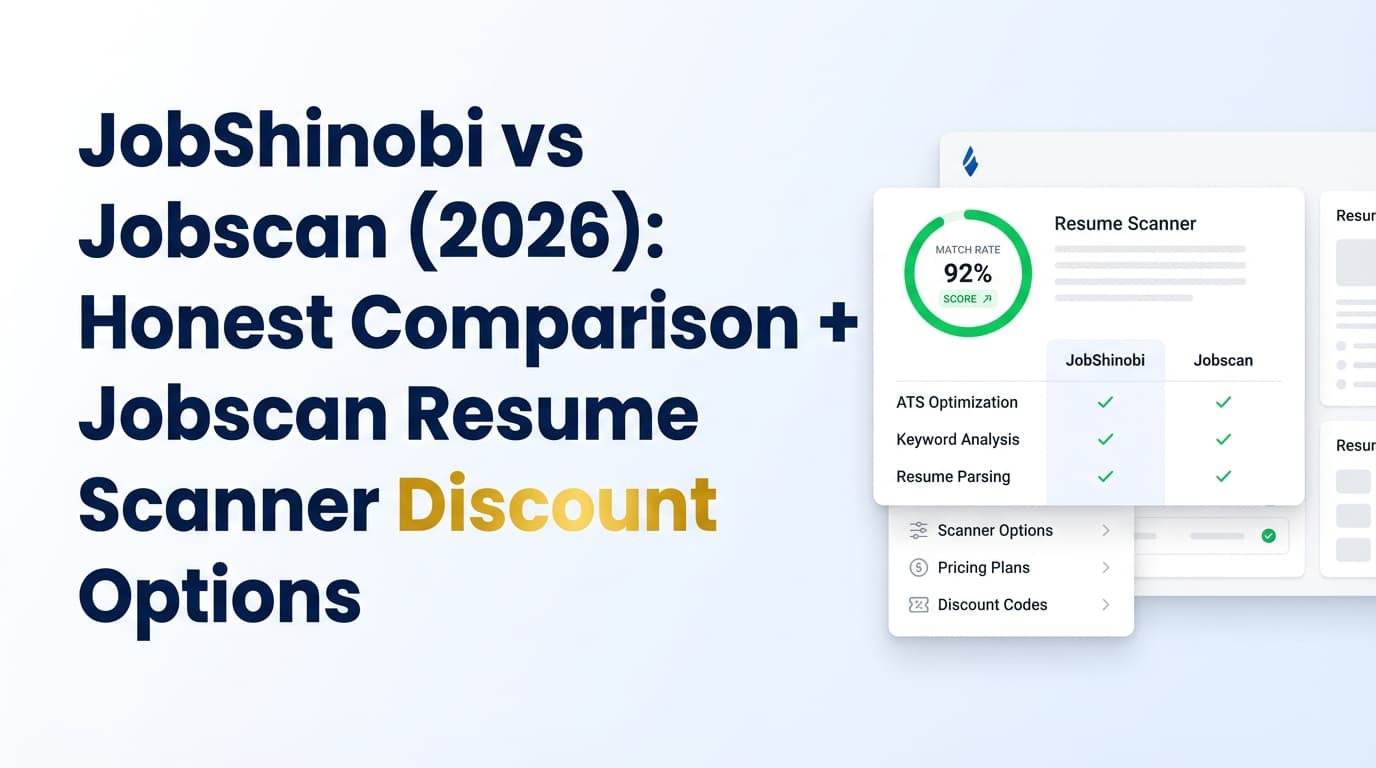
TL;DR Comparison
| Feature | JobShinobi | Jobscan |
|---|---|---|
| Best for | Job seekers who want resume optimization plus automated tracking | Job seekers who want a scanner-first product + add-ons |
| Resume scanner (resume ↔ job description match) | ✅ Yes (resume scoring + job match + keyword gaps) | ✅ Yes (core product: match scoring & keyword alignment) |
| Resume score breakdown | ✅ Structured scoring (ATS/keywords/formatting/etc.) | ✅ Resume score 1–100 + breakdown (Jobscan “resume score” pages referenced in search results) |
| Resume editing workflow | ✅ LaTeX editor + live PDF preview + version history | Web app workflow (not LaTeX-first) |
| Auto job tracking from emails | ✅ Yes (forward emails → auto-create/update applications) | ❌ Not verified (Jobscan does have a job tracker + Chrome extension) |
| Job tracker | ✅ Yes (dashboard tracker + export) | ✅ Yes (plan snippets list “Job Tracker”; Chrome extension exists) |
| LinkedIn optimization | Not a core stated feature | ✅ LinkedIn optimization tool (official pages exist) |
| AI cover letter generator | Not a core stated feature | ✅ AI cover letter generator (official pages exist; GPT‑4 mentioned on Jobscan cover letter template page snippet) |
| Starting price | $20/mo (Pro) | $49.95/mo (monthly plan shown in plan snippet) |
| Discount options | Yearly plan reduces effective monthly | Quarterly option + promos (2-week trial + save % messaging) |
JobShinobi Overview
JobShinobi is an AI resume builder + ATS analyzer that also acts like a lightweight job-search CRM. It’s designed for people who are tired of:
- tweaking resumes without clear ATS feedback, and
- losing track of applications across emails, spreadsheets, and job boards.
Key parts of JobShinobi’s workflow include:
- ATS resume analysis with structured scoring and keyword feedback
- Job description extraction + resume-to-job matching
- A LaTeX-first resume editor with live PDF compilation (useful if you care about structure and consistent formatting)
- Resume version history (so tailoring doesn’t turn into chaos)
- A unique differentiator: email-forwarding job tracking—forward application emails and JobShinobi automatically logs/updates the application in your tracker (Pro feature)
Key Strengths
- Email-forwarding auto-tracking (Pro): forward job application emails → JobShinobi extracts company/title/status and logs it. This reduces manual data entry.
- Version history built for tailoring: easy to experiment and revert when you’re customizing for many roles.
- Price/value: $20/mo is meaningfully lower than many scanner-first competitors.
Limitations (Honest)
- LaTeX-first isn’t for everyone: if you prefer drag-and-drop design tools, you may find LaTeX less intuitive at first.
- Trial details may be Stripe-configured: JobShinobi markets a 7‑day free trial, but trial enforcement isn’t clearly visible in app code (it may be handled in Stripe).
Jobscan Overview
Jobscan is a well-known ATS resume scanner focused on one core job-seeker loop:
compare resume vs job description → identify gaps → optimize → rescan.
Jobscan also offers a broader set of job-search tools beyond scanning, including LinkedIn optimization, AI cover letter generation, and job tracking workflows (including a Chrome extension).
Key Strengths (Verified via accessible sources)
- Clear pricing tiers + free scans: Jobscan’s plan page snippets mention a free tier with 5 free resume scans on signup and 5 free resume scans monthly (see plan page results for https://app.jobscan.co/plan).
- Official discount-style option: Jobscan promotes a quarterly option billed as $89.95 every 3 months with “save” messaging and a 2-week free trial language shown in plan/promos snippets (see https://app.jobscan.co/plan and https://www.jobscan.co/promos).
- Chrome extension for job tracking: Jobscan has a “Job Search Tracker” Chrome extension listing that states you can save jobs to your Jobscan tracker from job boards (Chrome Web Store listing).
- LinkedIn optimization tool: Jobscan has a LinkedIn optimization page describing keyword-based scoring in headline/summary/experience (verified via search results linking to Jobscan’s pages).
- AI cover letter generator: Jobscan has a cover letter generator page and cover letter template page that mentions GPT‑4 in snippets (verified via search results).
Limitations (From common review patterns)
Themes that frequently appear in user discussions and review sites:
- Ongoing cost: users who only want a handful of scans often feel $49.95/mo is expensive.
- Score-chasing risk: some users report optimizing for the score can lead to awkward keyword stuffing if you don’t use judgment.
- Cancellation anxiety: Jobscan publishes cancellation/support resources, but some users still report confusion. (Jobscan support results describe a “Cancel Plan” button in account details; confirm current terms before subscribing.)
Feature-by-Feature Comparison
1) Resume Scanner & Match Feedback
JobShinobi:
- Provides resume scoring (ATS/keywords/formatting/completeness) and deeper structured feedback.
- Adds job description extraction + match analysis, so you can see missing keywords and alignment.
Jobscan:
- Scanner-first experience and brand recognition.
- Designed specifically for the resume↔JD matching loop that many job seekers want.
Winner: Tie
- Jobscan for a scanner-first product experience and familiarity.
- JobShinobi for combining scanner insights with versioning and broader workflow.
2) Resume Editing Workflow (Tailoring at Scale)
JobShinobi:
- LaTeX editor + live PDF preview, plus version history and undo-friendly workflow.
- Better suited if you tailor often and want structure control.
Jobscan:
- Not positioned as a LaTeX-first builder; many users treat it as an optimizer/scanner rather than a formatting tool.
Winner: JobShinobi
3) Job Tracking & Workflow Automation
JobShinobi:
- Auto job tracking via email forwarding (Pro): forward emails → application entries are created/updated automatically.
- Tracker supports editing, realtime updates, and export.
Jobscan:
- Job tracker is referenced in plan snippets, and Jobscan also offers a Chrome extension to save jobs into the tracker.
Winner: Depends
- If you want hands-off automation from emails, JobShinobi wins.
- If you want browser-based saving from job boards, Jobscan’s Chrome extension is a strong advantage.
4) LinkedIn + Cover Letter Tools
JobShinobi:
- Primarily centered on resume analysis, matching, and tracking. A dedicated LinkedIn optimizer/cover letter generator is not a highlighted core feature in the product report.
Jobscan (verified by accessible sources):
- LinkedIn optimization tool exists and is keyword-scoring oriented (official page results).
- AI cover letter generator exists; Jobscan’s cover-letter templates page mentions GPT‑4 in snippets.
Winner: Jobscan
If you want one subscription to cover resume scans + LinkedIn optimization + cover letter generation.
Pricing Comparison (and the Real “Jobscan Discount” Options)
JobShinobi pricing (verified from product report)
- Pro Monthly: $20.00/month
- Pro Yearly: $199.99/year
- Free access exists, but key automation (email processing/tracking) is gated to Pro.
Jobscan pricing (verified via plan/promos snippets + accessible URLs)
From Jobscan’s plan selection page results (https://app.jobscan.co/plan):
- Free: $0 (snippets indicate limited scans, including “5 free resume scans monthly”)
- Monthly: $49.95/month (shown in plan snippets)
- Quarterly option: snippets show $89.95 billed every 3 months and a 2-week free trial plus “save” messaging (also referenced by Jobscan promos page snippets: https://www.jobscan.co/promos)
Important: Jobscan’s “discount” is often not a coupon code—it’s typically the quarterly billing offer (and sometimes a trial) promoted on official pages.
Pricing Table
| Plan | JobShinobi | Jobscan |
|---|---|---|
| Free | Limited (core automation gated) | $0 (limited scans/tools per plan snippets) |
| Monthly | $20/mo | $49.95/mo |
| Quarterly / discount-style billing | Yearly plan lowers effective monthly | $89.95 / 3 months (often shown with “save” + “2 weeks free” messaging) |
| Annual | $199.99/yr | Annual consumer plan not verified from first-party accessible pages |
Value takeaways
- If you want the cheapest way to keep scanning, JobShinobi’s monthly price is significantly lower.
- If you want scanner + LinkedIn + cover letters + extension-driven tracking in one ecosystem, Jobscan may still be worth it—especially if you use the quarterly promo/trial.
How to Get a Jobscan Resume Scanner Discount (Safely)
If you want the most reliable savings, use Jobscan’s own pages, not third-party coupon aggregators.
-
Check Jobscan’s official promos page
- https://www.jobscan.co/promos
Search snippets for this page reference “2 weeks free” and “save 40%” style messaging tied to quarterly billing.
- https://www.jobscan.co/promos
-
Compare plans directly inside Jobscan’s plan selector
- https://app.jobscan.co/plan
Snippets show monthly pricing ($49.95/mo) and quarterly billing ($89.95 every 3 months) plus trial messaging.
- https://app.jobscan.co/plan
-
Look for student/university access (if applicable)
- Jobscan has a university offer page (found via search results): https://info.jobscan.co/universityoffer
If you’re a student (or through a career center), this can be a meaningful “discount,” sometimes better than a coupon.
- Jobscan has a university offer page (found via search results): https://info.jobscan.co/universityoffer
-
Be skeptical of “70% off” coupon sites
They often recycle expired codes or use affiliate-style “deals” that simply route to the same quarterly offer you could get from Jobscan directly.
Who Should Choose JobShinobi?
You’ll prefer JobShinobi if you:
- Want a lower-cost alternative to Jobscan for ongoing resume optimization.
- Care about resume version control for tailoring (and want easier rollback).
- Want job search organization without spreadsheets—especially email-forwarding auto-tracking.
- Prefer a structured, “power user” resume workflow (LaTeX + PDF preview).
Who Should Choose Jobscan?
You’ll prefer Jobscan if you:
- Want a scanner-first tool with a strong reputation and a guided matching workflow.
- Want bundled tools like LinkedIn optimization and an AI cover letter generator.
- Want to save jobs from job boards using a Chrome extension connected to a job tracker.
- Plan to use the quarterly billing offer / trial promoted on Jobscan’s official pages to reduce cost.
Switching from Jobscan to JobShinobi
If you’re moving because of cost or because you want a tighter workflow:
- Resume migration: You can recreate your best resume version using JobShinobi templates and keep tailoring versions as separate snapshots.
- Tailoring process: Use JobShinobi’s resume scoring + job match analysis to guide edits, then save versions for each role.
- Tracking migration: If you tracked jobs inside Jobscan, you’ll need to re-enter or rebuild your tracker in JobShinobi (no verified one-click import). The upside is that JobShinobi can reduce future manual entry via email forwarding.
Learning curve:
- Mild if you’ve never used LaTeX. If you want full formatting control, the payoff is significant; if you want quick edits only, Jobscan’s interface may feel simpler.
FAQ
Is there an official Jobscan resume scanner discount?
Often, yes—but it’s typically structured as a promo/trial or lower effective price via quarterly billing, not a random coupon code. Check:
How many free scans does Jobscan give?
Jobscan’s plan page snippets indicate 5 free resume scans on signup and 5 free resume scans monthly on the free tier (confirm inside your account at https://app.jobscan.co/plan).
Can I cancel Jobscan during the free trial?
Jobscan support/cancellation resources appear in search results stating you can cancel during the trial and not be charged (and that cancellation can be done via account details with a “Cancel Plan” button). Always confirm the latest policy on Jobscan’s official support pages before subscribing.
Which is cheaper long-term: JobShinobi or Jobscan?
Based on verified pricing sources:
- JobShinobi: $20/mo (or $199.99/yr)
- Jobscan: $49.95/mo (with quarterly billing often shown as $89.95 every 3 months)
For multi-month job hunts, JobShinobi is typically the cheaper subscription.
Does Jobscan do anything JobShinobi doesn’t?
Yes. Based on accessible sources, Jobscan offers:
- a LinkedIn optimization tool,
- an AI cover letter generator (with GPT‑4 referenced on Jobscan cover letter template page snippets), and
- a Chrome extension for saving jobs into a Jobscan job tracker.
Is JobShinobi better than Jobscan for beating ATS?
Not universally.
- If your main goal is a proven scanner workflow plus LinkedIn/cover-letter tooling, Jobscan is strong.
- If you want ATS feedback + job matching + versioning + automated job tracking (and a lower monthly price), JobShinobi is often the better system.