If you searched “Jobscan resume scanner coupon”, you’re probably trying to do one of two things:
- Get a discount before paying for Jobscan Premium, or
- Decide whether to buy Jobscan at all (or choose an alternative like JobShinobi).
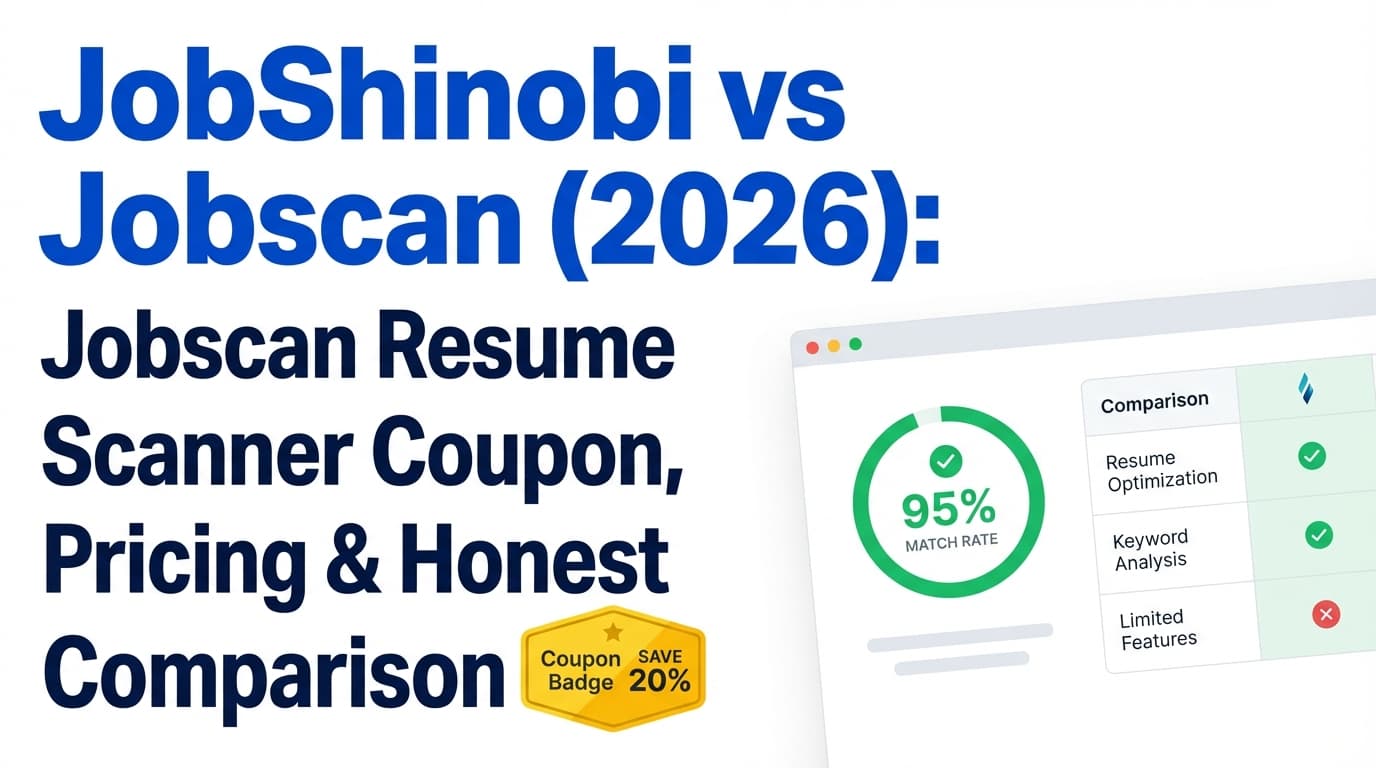
This guide shares the most reliable Jobscan promo options (including what’s on Jobscan’s official promos page), then compares Jobscan vs JobShinobi honestly—pricing, features, tradeoffs, and who each tool is best for.
Quick Verdict:
- Choose Jobscan if you want a widely-known resume scanner + “match rate” workflow, and you plan to run lots of scans (or you want their bundled tools like LinkedIn optimization and Power Edit).
- Choose JobShinobi if you want a resume builder + ATS analysis + job matching plus a standout workflow: email-forwarding that automatically tracks job applications—for a lower monthly price.
TL;DR Comparison
| Feature | JobShinobi | Jobscan |
|---|---|---|
| Core ATS resume scan / match report | ✅ Yes (resume scoring + job match) | ✅ Yes (resume scanner + match rate report) |
| Recommended match target guidance | ✅ Yes (analysis + keyword gaps) | ✅ Yes (Jobscan recommends ~80% match rate in its content) |
| Resume builder | ✅ Yes (LaTeX templates + editor + PDF compile) | ✅ Yes (free resume builder pages are indexed; plan includes “Resume Builder”) |
| Real-time/assisted resume editing | ✅ AI chat “agent” edits LaTeX + version history | ✅ Power Edit (indexed as a feature; positioned as real-time editing) |
| LinkedIn optimization | ❌ Not a dedicated LinkedIn optimizer | ✅ LinkedIn optimization tool (indexed) |
| Cover letter AI tool | Not a primary product focus | ✅ AI cover letter generator (indexed; stated as included in Premium on their page snippet) |
| Job tracker | ✅ Tracker + analytics + export + email forwarding automation | ✅ Job Tracker + Chrome extension exists (listed in Chrome Web Store) |
| Unique differentiator | Forward emails → auto-log applications | Large brand footprint + tool suite (scanner + job search tools) |
| Starting paid price | $20/mo (Pro) | $49.95/mo (Premium monthly, per plan snippet) |
| Best for | Power users who want automation + versioning + LaTeX control | People who want a scanner-first workflow + bundled job-search tools |
JobShinobi Overview
JobShinobi is built for job seekers who want to do two things well:
- Create and tailor ATS-friendly resumes (with scoring + job matching)
- Stay organized during the job search without living in spreadsheets
It combines:
- A resume builder built around LaTeX templates (for structured, consistent formatting)
- AI resume scoring (ATS/keywords/formatting/completeness and more)
- Resume-to-job matching (extract requirements + identify gaps)
- A job application tracker with analytics and export
- A unique automation workflow: email forwarding → AI extraction → automatic job tracking (Pro feature)
Key Strengths
- Email-forwarding job tracking (big time-saver): Forward application emails to a unique address and JobShinobi logs/updates applications automatically using AI and fuzzy matching.
- LaTeX-first resume workflow + live PDF compilation: Great when you care about formatting consistency and structured source control.
- Version history + “undo” style workflow: Resume changes are versioned (manual + AI chat), so you can revert confidently.
Limitations (Honest)
- LaTeX isn’t everyone’s preferred editor: If you want a fully visual drag-and-drop builder, JobShinobi’s approach may feel more technical.
- Automation is Pro-gated: Email parsing and auto-tracking require Pro.
Jobscan Overview (Verified)
Jobscan is best known for its resume scanner: you compare your resume against a job description and get a match rate and optimization feedback.
Jobscan also markets itself as an “all-in-one job search tool,” and the indexed ecosystem around Jobscan includes:
- A resume scanner / match report
- Job Tracker (and a Chrome extension called “Jobscan: Job Search Tracker” in the Chrome Web Store)
- LinkedIn optimization
- Power Edit (a resume editor positioned as real-time scoring/editing)
- An AI cover letter generator
- Other job-search resources and tools
Key Strengths
- Scanner-first workflow + brand recognition: Jobscan is one of the most recognizable tools for ATS-style resume matching.
- Bundled suite: LinkedIn optimization, cover letter tools, and resume editing features are part of Jobscan’s ecosystem (varies by plan).
- Job Tracker extension: The Chrome Web Store listing indicates you can save jobs and manage applications across the web.
Limitations (Common themes from review/discussion pages)
- Price is high for many job seekers: Monthly pricing is commonly cited as expensive unless you run many scans.
- Risk of “score chasing”: Like any scanner, it can push users toward optimizing for the tool’s score rather than recruiter readability.
- Cancellation/refund rules can be strict: Jobscan has a published cancellation policy; snippets mention refunds only in limited circumstances (e.g., within a short window and depending on usage).
Feature-by-Feature Comparison
1) Resume Scanning & Keyword Matching (ATS-style)
JobShinobi:
- Produces a structured resume score breakdown and job-match insights (keywords present/missing, alignment suggestions).
Jobscan:
- Known for its match report workflow; Jobscan’s own guidance recommends aiming around 80% match rate (per indexed Jobscan content snippet).
Winner: Tie
- Jobscan wins on being “scanner-first” with a large ecosystem and brand familiarity.
- JobShinobi wins if you want scanning + deeper resume editing workflow with version history.
2) Resume Builder & Editing Experience
JobShinobi:
- LaTeX templates, editor, cloud compile to PDF, download PDF/TeX, plus AI agent edits.
Jobscan:
- Indexed pages position Jobscan’s resume builder as free and unlimited downloads, and Jobscan also promotes Power Edit (real-time scoring editor).
Winner: Depends on preference
- Want structured control + versioning: JobShinobi
- Want a more typical “resume tool suite” (builder + Power Edit): Jobscan
3) LinkedIn + Cover Letter Tools
JobShinobi:
- Primarily resume-focused (analysis, matching, editing, tracking). No dedicated LinkedIn optimizer is a core feature.
Jobscan:
- Indexed tools include LinkedIn Optimization and AI Cover Letter Generator (Jobscan’s own cover letter generator page snippet says it’s included in Premium).
Winner: Jobscan
If you want LinkedIn optimization and cover letter generation in the same platform, Jobscan has the clearer toolset.
4) Job Tracking & Organization
JobShinobi:
- Tracker dashboard + analytics + Excel export
- Best-in-class differentiator: forward job emails → JobShinobi automatically logs and updates applications (Pro).
Jobscan:
- Job Tracker exists and Jobscan also has a Chrome extension (“Jobscan: Job Search Tracker”) listed on the Chrome Web Store.
Winner: JobShinobi (for automation) / Jobscan (for browser capture)
- If you want auto-logging from emails, JobShinobi is built for that.
- If you want one-click saving from job boards using a Chrome extension, Jobscan may fit better.
Pricing Comparison (Current, Verified via indexed plan/promo snippets)
Important: Several Jobscan pages returned HTTP 403 when fetched directly for on-page analysis in this run. Pricing and promo details below are verified from publicly indexed snippets referencing Jobscan’s plan and promos pages.
| Plan | JobShinobi | Jobscan |
|---|---|---|
| Free | Limited (automation gated) | Free plan snippet lists 5 resume scans/month + “Job Tracker” (plan snippet) |
| Monthly | $20.00/mo (Pro) | $49.95/mo (Premium monthly, plan snippet) |
| Quarterly | — | $89.95 every 3 months (promos snippet; positioned as ~40% savings) |
| Yearly | $199.99/yr | Not reliably verifiable via accessible first-party page fetch in this run |
Value Analysis
- If you’ll run lots of scans and use LinkedIn/cover letter tools, Jobscan’s Premium may justify the cost—especially if you use a quarterly promo/trial.
- If you want a full job-search operating system (resume + match + tracking automation) at a lower monthly cost, JobShinobi offers strong value at $20/month.
Jobscan Resume Scanner Coupon: What Actually Works
1) Best option: Jobscan’s official promos page
Jobscan has an official promos page:
https://www.jobscan.co/promos
Indexed snippet text explicitly references:
- Two-week free trial with the quarterly plan
- Billed as $89.95 every 3 months
- “Save 40% over a monthly plan” messaging
This is typically more reliable than third-party coupon aggregators.
2) “Coupon” = quarterly savings + trial (in many cases)
Many people searching for a “coupon” really just want the discounted billing path. Jobscan’s quarterly option (as indexed) is presented as the way to save vs monthly.
3) Be cautious with third-party coupon sites
Coupon sites frequently list high discounts that may be expired, single-use, or restricted. If a code works at checkout, great—but the safest path is Jobscan’s own promos page.
Who Should Choose JobShinobi?
Choose JobShinobi if you:
- Want resume optimization + job matching and want to keep everything versioned and organized
- Want to reduce manual tracking with email-forwarding → automatic job tracking
- Prefer structured formatting and control via LaTeX
- Want a lower monthly subscription price than Jobscan Premium
Who Should Choose Jobscan?
Choose Jobscan if you:
- Want a strong resume scanner / match rate report workflow from a widely-known brand
- Want a broader suite including LinkedIn optimization and AI cover letter generation
- Want job tracking that can be supported by a Chrome extension for saving jobs from job boards
- Plan to use the tool heavily enough that $49.95/month is worth it (or you’ll use the quarterly promo/trial)
Switching from Jobscan to JobShinobi
- Migration: No verified one-click import. Most users can move by copying resume content and recreating tailored versions in JobShinobi.
- Learning curve: Moderate if you’re new to LaTeX, but templates + AI editing reduce friction.
- Workflow change: You’ll likely rely more on versioned editing + match analysis, and less on repeated “scan-score-rescan” cycles.
FAQ
Is there a legit Jobscan resume scanner coupon?
The most reliable “coupon” source is Jobscan’s official promos page (jobscan.co/promos), which is indexed with an offer that includes a two-week free trial tied to the quarterly plan and savings messaging.
How much is Jobscan per month?
Indexed plan snippets show $49.95/month for the monthly Premium plan.
Does Jobscan have a free plan?
Indexed plan snippets indicate a free tier that includes 5 free resume scans monthly (plus other items listed on the plan snippet).
Which is better: Jobscan or JobShinobi?
Neither is best for everyone.
- Jobscan is strong if you want a scanner-first workflow and bundled job-search tools (LinkedIn, cover letters, Power Edit).
- JobShinobi is strong if you want ATS optimization plus a resume-building workflow with versioning and automatic job tracking via email forwarding.
Which is cheaper?
From verified product information: JobShinobi ($20/mo) is cheaper than Jobscan’s $49.95/mo Premium monthly price (based on indexed plan snippet). Jobscan may be more affordable via quarterly savings if you’re in an active job-search sprint.