If you’re comparing Jobscan vs alternatives, you’re probably trying to solve two problems at once:
- Tailor your resume to a specific job description (so ATS and recruiters actually see your fit), and
- Track your applications end-to-end (so you don’t lose interviews, follow-ups, or offers in a spreadsheet).
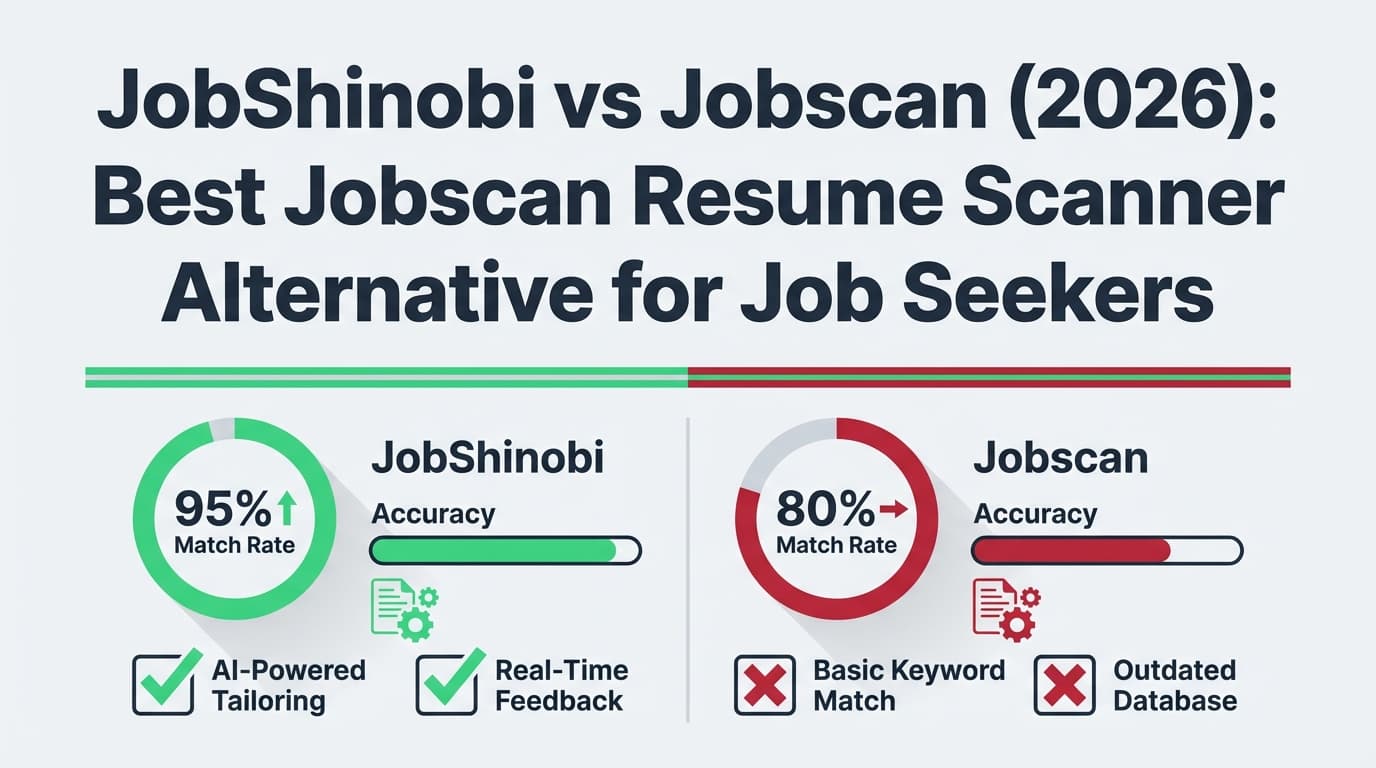
Jobscan is one of the best-known resume scanners on the market. JobShinobi is a newer approach that combines resume scanning with a job tracker—then adds automation so your tracker can update itself from your inbox.
Quick Verdict:
- Choose Jobscan if you want a familiar, widely used ATS match report workflow plus add-ons like LinkedIn optimization, an AI cover letter generator, and a Chrome extension to save jobs into a tracker.
- Choose JobShinobi if you want a Jobscan-style scanner and a more automated job tracker—especially if you like the idea of forwarding application emails and having your tracker updated automatically.
Transparency about verification: Jobscan’s main marketing pages (e.g.,
jobscan.co/*) returned HTTP 403 to our page analysis tool, so we verified Jobscan details via (a) Google-indexed Jobscan pages/snippets (e.g., resume scanner, job tracker, tools pages), (b) Jobscan’s support/cancellation policy pages visible in search, and (c) the Chrome Web Store listing for Jobscan’s job tracker extension, which was analyzable.
TL;DR Comparison
| Feature | JobShinobi | Jobscan |
|---|---|---|
| Resume scanner (resume vs job description) | ✅ Yes (ATS scoring + keyword feedback + job match analysis) | ✅ Yes (Resume Scanner / Match Report workflow) |
| Job tracker included | ✅ Yes (tracker + analytics dashboard) | ✅ Yes (Job Tracker + Chrome extension) |
| Automatic job tracking from emails | ✅ Yes (forward emails → AI extracts company/title/status → updates tracker) | ❌ Not advertised as email-forwarding automation |
| Chrome extension to save jobs | ❌ Not currently | ✅ Yes (Chrome extension “Jobscan: Job Search Tracker”) |
| Resume builder | ✅ Yes (template-based, LaTeX-first) | ✅ Yes (Jobscan advertises a resume builder / Power Edit) |
| LinkedIn optimization tool | Not a primary feature (not verified) | ✅ Yes (LinkedIn optimization tool page exists in search results) |
| Cover letter generator | Not a primary feature (not verified) | ✅ Yes (cover letter generator page exists in search results) |
| Starting price | $20/mo (Pro) | Free plan + $49.95/mo (Premium monthly) |
| Best for | Automation-first job seekers who want scanning + a tracker that “runs itself” | Job seekers who want a mainstream scanner + broader suite + 1-click job saving |
JobShinobi Overview
JobShinobi is an AI resume builder + ATS resume analyzer + job application tracker designed for job seekers who are (a) getting filtered out by ATS and (b) overwhelmed by manual tracking.
Instead of forcing you to maintain a spreadsheet, JobShinobi includes a tracker and analytics—but its biggest differentiator is email-forwarding automation:
- You get a unique forwarding address.
- You forward application-related emails (confirmation, interview scheduling, rejection, etc.).
- JobShinobi uses AI to extract structured details (company, role, status) and creates/updates the application in your tracker.
On the resume side, JobShinobi is LaTeX-first (with cloud compilation + PDF preview) and includes an AI agent you can chat with to improve content while keeping version history so you can revert changes.
Key Strengths
- Email → auto job tracking: Forward emails to log and update applications automatically (Pro-gated).
- Resume scoring + ATS feedback: Structured scoring across areas (keywords/format/ATS) with cached analysis.
- Resume-to-job matching: Paste a job URL or description to extract requirements and get a match report.
- LaTeX editor + PDF preview: More control over layout, reproducible output.
- Version history (“unlimited undo”): Built-in versioning so you can experiment safely.
- Analytics dashboard: Response rates, interview conversion, trends over time.
Limitations (Honest)
- No Chrome extension yet: If you want 1-click capture of job postings from LinkedIn/Indeed, Jobscan has the advantage.
- LaTeX is not for everyone: If you want a Word/Docs-like editor, JobShinobi may feel technical at first.
- Automation is Pro-gated: The email parsing pipeline is a paid feature.
Jobscan Overview
Jobscan is best known for its ATS resume scanner—the workflow where you compare your resume against a job description and get a match rate plus guidance on keywords and ATS readiness.
Jobscan also offers a Job Tracker and a Chrome extension that helps you save jobs from job boards into your tracker. In addition, Jobscan publicly advertises other job-search tools in indexed pages such as:
- LinkedIn Optimization (profile keyword scoring and suggestions)
- AI cover letter generator
- Resume builder / “Power Edit”
- A “Career Change Tool” (advertised on Jobscan’s tools pages in search results)
Key Strengths (Verified)
- Resume scanner / match report: Resume-vs-job-description comparison with guidance on keywords and ATS-related formatting.
- Job Tracker + Chrome extension: The Chrome listing describes capturing job details (company/title/URL/description) and managing applications.
- Broader suite: Publicly visible pages show LinkedIn optimization and cover letter tooling.
- Free plan available: The plan page snippet mentions free scans and limited recruiter/ATS findings.
Limitations (From reviews & common feedback themes)
From public discussions and third-party reviews surfaced in search (especially Reddit threads):
- Price sensitivity: Many users describe Jobscan as expensive at the monthly rate if you scan a lot.
- Score-chasing risk: Some users report results can feel inconsistent across runs or encourage optimizing for the score rather than clarity.
Feature-by-Feature Comparison
Resume Scanner & ATS Feedback
JobShinobi:
JobShinobi provides resume analysis with structured scoring (overall + component scores), strengths/weaknesses, keyword analysis, ATS analysis, and role alignment. It also supports job matching: paste a job description or URL, extract job details, and generate a match score with missing/present keywords and tailoring suggestions.
Jobscan:
Jobscan’s Resume Scanner is a classic “match report” approach: compare resume against job description and highlight keyword gaps, formatting issues, and alignment signals (e.g., job title matches). This is the core of Jobscan’s reputation.
Winner: Tie
- Choose Jobscan if you want the most “standard” resume scanner workflow with lots of public tutorials.
- Choose JobShinobi if you want scanning plus a tighter loop for tailoring (job extraction + match + AI editing + version history).
Job Tracker (Core requirement: “best alternative with job tracker”)
JobShinobi:
Built-in job tracker with CRUD actions, status badges, realtime updates, Excel export, and analytics. The standout is email-forwarding automation, where forwarded emails can create or update application records (e.g., update status to Interview/Offer/Rejected).
Jobscan:
Jobscan has a Job Tracker, and the Chrome extension listing states you can save jobs directly from job boards. Jobscan’s own indexed tutorial snippet also describes a pipeline board with columns like Saved/Applied/Interview/Offer/Rejected.
Winner: Depends
- Jobscan wins for job-board capture (Chrome extension convenience).
- JobShinobi wins for inbox-driven automation (less manual tracking overall).
Automation & “No Spreadsheet” Workflow
JobShinobi:
Automation is a defining feature: forward emails and JobShinobi uses AI extraction + fuzzy matching to avoid duplicates and keep your tracker current.
Jobscan:
Jobscan emphasizes workflow efficiency via scanning, optimization, and the Chrome extension for saving job listings—but email-forwarding automation to update statuses is not something we could verify as a core feature.
Winner: JobShinobi
Resume Building & Editing Experience
JobShinobi:
- LaTeX resume templates + editor
- Cloud compilation to PDF preview
- Download PDF and
.tex - AI agent to chat-edit and iterate
- Version history + revert/undo
Jobscan:
Jobscan publicly advertises a resume builder (“Power Edit” and AI resume builder pages appear in search results). However, Jobscan is not positioned as LaTeX-first, and we did not verify an equivalent compile-based workflow or version timeline.
Winner: JobShinobi for control and versioning
Jobscan may be easier for users who prefer a more traditional, less technical editor.
LinkedIn Optimization & Cover Letters
JobShinobi:
Not positioned (in the verified product spec) as a LinkedIn optimizer or cover letter suite.
Jobscan:
Indexed pages show:
- LinkedIn Optimization tool (scores profile based on keywords across sections)
- AI cover letter generator page
Winner: Jobscan (more breadth)
Pricing Comparison (Current, verified via public sources)
Last verified: 2026-01-21. Pricing can change; confirm on the vendor’s plan page before purchase.
| Plan | JobShinobi | Jobscan |
|---|---|---|
| Free | Limited (core automation gated to Pro) | $0 (free plan exists) |
| Starter | — | — |
| Pro / Premium (monthly) | $20.00/mo | $49.95/mo (Premium monthly shown in plan snippets) |
| Quarterly | — | $89.95 every 3 months (≈ $29.98/mo) shown in plan snippets |
| Annual | $199.99/yr | Annual pricing is referenced in third-party sources, but not reliably verified from first-party accessible pages in our toolset |
Value Analysis:
- If you want a free plan to test scanning and don’t mind limitations, Jobscan is easier to try.
- If your biggest bottleneck is tracking applications consistently, JobShinobi can be higher leverage because it reduces manual logging via email automation—at a lower monthly price.
Who Should Choose JobShinobi?
You’ll prefer JobShinobi if you:
- Want a Jobscan alternative that includes a job tracker and reduces tracking work via email-forwarding automation
- Need scanning + tailoring support (job extraction + match + suggestions) inside one workflow
- Want resume version history so you can test multiple tailored versions without losing past edits
- Prefer a lower monthly subscription for ongoing use ($20/mo)
Who Should Choose Jobscan?
You’ll prefer Jobscan if you:
- Want a well-known resume scanner with a familiar “match report” style UX
- Want a Chrome extension to save jobs from LinkedIn/Indeed/Glassdoor into your tracker with minimal friction
- Want additional job search tools like LinkedIn optimization and cover letter generation
- Prefer starting with a free plan before committing
Switching from Jobscan to JobShinobi
If you’ve been using Jobscan and want JobShinobi primarily for job tracking automation:
- Data migration: JobShinobi supports manual tracking and export to Excel. A one-click “import from Jobscan” feature is not advertised, so plan for manual transfer (or start fresh and rely on email-forwarding going forward).
- Learning curve: If you haven’t used LaTeX, expect a short ramp-up. Many users rely on templates + AI agent edits rather than writing LaTeX from scratch.
- Support & workflow change: You’ll get the most value if you consistently forward application emails so the tracker stays updated automatically.
FAQ
Is JobShinobi really better than Jobscan?
Not universally. Jobscan is excellent if you want a mainstream resume scanner plus a broad toolkit (LinkedIn + cover letters) and a Chrome extension workflow. JobShinobi is better if you want a resume scanner and a job tracker that stays current with less manual effort—especially via email-forwarding automation.
Can I migrate from Jobscan to JobShinobi?
Yes, but expect a manual transition unless you’re starting fresh. The easiest way is to begin using JobShinobi for new applications and rely on email-forwarding automation to populate the tracker, while optionally adding key older applications manually.
Which is cheaper?
If you’re paying monthly, JobShinobi ($20/mo) is cheaper than Jobscan Premium monthly ($49.95/mo) based on currently visible plan snippets. Jobscan’s quarterly option ($89.95/3 months) reduces the effective monthly cost, and Jobscan also has a free tier.
Does Jobscan have a job tracker?
Yes. Jobscan offers a Job Tracker and a Chrome extension (“Jobscan: Job Search Tracker”) that helps save jobs from job boards into your tracker (verified via the Chrome Web Store listing).
What’s the biggest difference if I want a resume scanner + job tracker?
Jobscan focuses on scanning + suite features and makes tracking easier with a Chrome extension. JobShinobi focuses on scanning + tracking, then adds automation so your tracker can update from your inbox—reducing spreadsheet-style busywork.