If you searched for “Jobscan resume scanner best alternative for job seekers,” you’re likely trying to answer a very practical question:
- Do I need the most popular ATS resume scanner (Jobscan)?
- Or do I need a tool that helps me do the whole job search—tailor resumes, track applications, and stay organized—without extra busywork?
Jobscan is a well-known resume scanner and match-score tool with additional job search features (LinkedIn optimization, job tracker, resume templates, and more). JobShinobi is designed as a job search system: ATS analysis + job matching + a LaTeX-first resume builder + automatic job tracking via email forwarding.
Quick Verdict:
- Choose Jobscan if you want a mature, mainstream product with a strong resume-to-job match report, LinkedIn optimization, and a broader set of job seeker utilities (including a free resume builder/templates).
- Choose JobShinobi if you want a more integrated workflow—especially automatic job application tracking by forwarding confirmation emails, structured resume versioning, and a lower paid plan price.
TL;DR Comparison
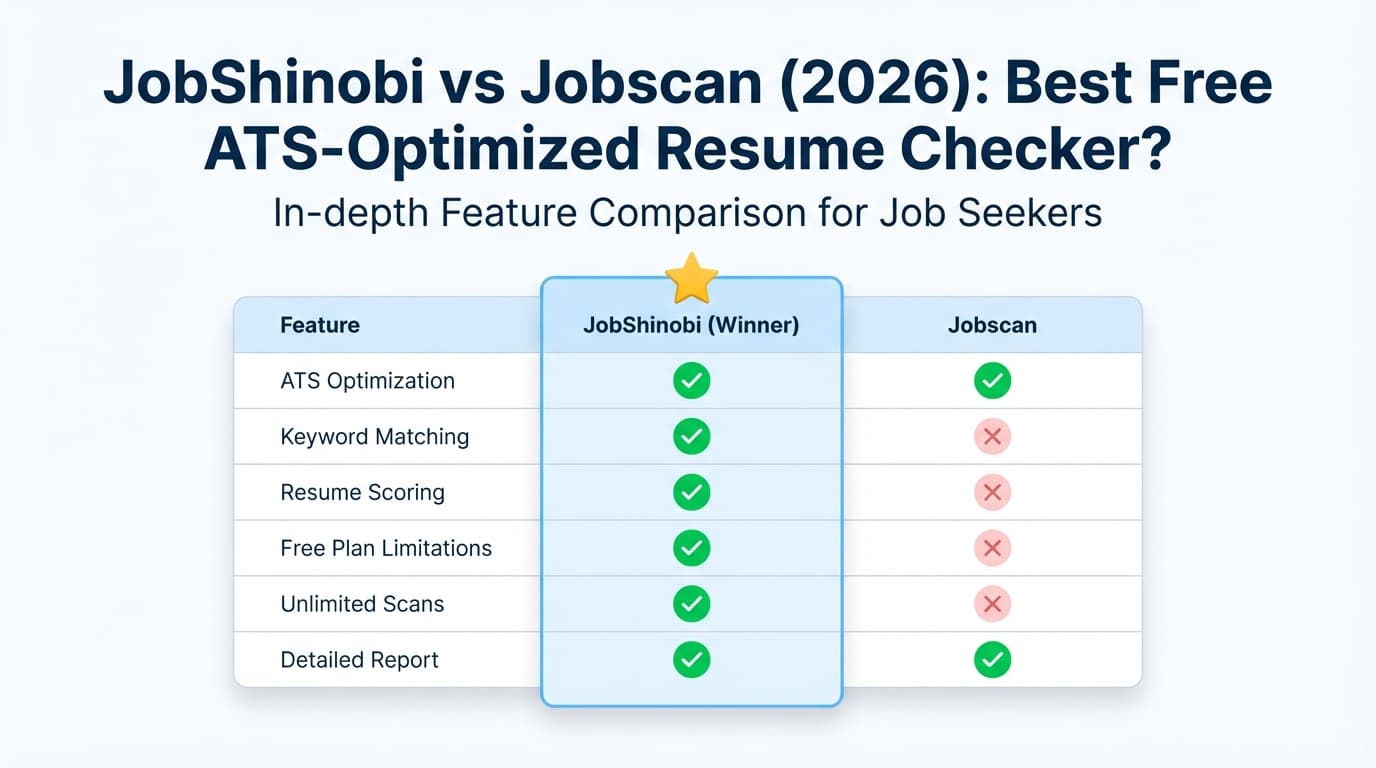
| Feature | JobShinobi | Jobscan |
|---|---|---|
| Best for | Job seekers who want a “system” (optimize + track + analyze progress) | Job seekers who want a highly guided, well-known resume scanner + LinkedIn optimization |
| Resume scanner / ATS feedback | ✅ Yes (resume scoring + ATS/keyword/formatting analysis) | ✅ Yes (resume scanner + match report + recruiter/ATS findings) |
| Resume-to-job description match | ✅ Yes (match score + missing/present keywords) | ✅ Yes (match rate + keyword comparisons) |
| Company-specific ATS tips | ⚠️ Not a headline feature | ✅ Yes (Jobscan’s ATS Tips feature references adding company + job URL to tailor guidance) |
| AI editing experience | ✅ AI agent chat that can edit + version your resume | ✅ “One-Click Optimize” / “Power Edit” style optimization tools (feature pages and videos referenced publicly) |
| Resume builder | ✅ Yes (LaTeX templates + editor + PDF preview) | ✅ Yes (Jobscan publicly promotes a free resume builder and free Word-compatible templates) |
| LinkedIn optimization | ❌ Not a dedicated feature | ✅ Dedicated LinkedIn optimization tool |
| Job tracking | ✅ Built-in tracker + analytics | ✅ Job Tracker (incl. Chrome extension) |
| “Auto-track from email forwards” | ✅ Yes (unique) | ❌ Not advertised as an email-forward workflow |
| Starting price | $20/mo or $199.99/yr | Free (limited scans); paid plans $49.95/mo or $89.95/3 months (per public plan snippets) |
JobShinobi Overview
JobShinobi is built for job seekers who are getting filtered out by ATS and burned out by the logistics of job searching. It combines four workflows that are usually split across multiple tools:
- ATS resume analysis (scores + structured feedback)
- Job description extraction and resume-to-job matching (match score + keyword gaps)
- Resume creation and editing (LaTeX-based templates, editor, live PDF preview)
- Job application tracking—including a standout feature: forward confirmation emails to a unique address and JobShinobi logs/updates applications automatically
Key Strengths
- Automatic job tracking from your inbox: Forward job application emails → JobShinobi extracts company/title/status and adds it to your tracker automatically.
- LaTeX-first resumes + clean formatting control: Useful if you want consistent structure and fewer formatting surprises.
- Version history + “undo” mindset: Helpful when tailoring for multiple roles (you can revert or compare versions instead of copying files around).
Limitations (honest)
- LaTeX isn’t for everyone: If you prefer Word/Docs editing and templates, JobShinobi’s approach may feel technical at first.
- Email automation requires Pro: The email-forward processing is gated to paid membership.
- Trial wording may depend on billing setup: Confirm the current checkout/trial terms in the live purchase flow.
Jobscan Overview (Verified)
Jobscan is one of the most recognized ATS resume scanning tools. Its core value is straightforward: you compare your resume against a job description and get a match rate plus actionable guidance on keywords, formatting, and ATS-readability.
Jobscan also offers a broader “job search toolkit” beyond scanning, including (as publicly listed across Jobscan pages and related properties):
- Resume scanner / match report (resume vs job description)
- LinkedIn optimization tool
- Job Tracker, including a Chrome extension that helps save jobs and track applications while browsing job boards
- Resume builder and templates (Jobscan publishes free Word-compatible templates and promotes a free resume builder)
Key Strengths
- Brand trust and mature workflows: Many job seekers and career centers know Jobscan, and there’s extensive educational content around ATS and tailoring.
- LinkedIn optimization is a clear advantage: If recruiter discovery on LinkedIn is central to your strategy, Jobscan has purpose-built tooling.
- Company-specific ATS tips: Jobscan’s ATS Tips messaging references using company name + job URL to tailor guidance based on the ATS being used.
Limitations (from common user feedback patterns)
- Paid plans are expensive for active applicants: If you’re applying frequently, unlimited scans typically require a higher monthly cost than many alternatives.
- Match scores can be overemphasized: Some job seekers report that chasing a perfect score can lead to awkward, keyword-stuffed resumes. (This is more a “how to use scanners” issue than a Jobscan flaw—still important.)
- Free tier is restrictive for high-volume search: Great for testing, limiting if you’re applying aggressively.
Note: Some Jobscan marketing pages may block automated tools (HTTP 403 encountered during verification). Pricing/features were verified via Google-indexed plan snippets, public support/help listings, and accessible third-party sources such as the Chrome Web Store listing and Trustpilot page.
Feature-by-Feature Comparison
1) Resume Scanner Accuracy & Match Scoring
JobShinobi:
- Provides resume scoring with ATS/keyword/formatting feedback and structured breakdowns.
- Includes resume-to-job matching with saved analyses (match score + keyword gaps).
Jobscan:
- Best known for match rate scoring and keyword comparison against job descriptions.
- Public messaging recommends aiming around 75%+ in many contexts (Jobscan also discusses match rate targets and tradeoffs in its content).
Winner: Tie (different style)
- Jobscan wins for “classic match report” familiarity and ATS-tip framing.
- JobShinobi wins if you want match + tailoring guidance connected to versioning and editing.
2) Editing Workflow: One-Click Optimization vs “Controlled Tailoring”
JobShinobi:
- Chat-based AI agent can modify your resume (LaTeX source) and maintain version history.
- Designed for iterative tailoring without losing clean formatting.
Jobscan:
- Publicly promotes features like One-Click Optimize and Power Edit-style real-time editing (including importing and exporting resumes while preserving formatting, per public descriptions/videos).
- Likely faster for “make this resume match this posting” tasks when you want guided steps.
Winner: Depends on your preference
- Choose Jobscan if you want “guided optimization” and quick iterations.
- Choose JobShinobi if you want “controlled tailoring,” reusable resume versions, and cleaner document engineering.
3) Resume Builder & Templates
JobShinobi:
- Full resume builder with LaTeX templates, a dedicated editor, and PDF preview via compilation.
- Great if you want consistent output and minimal layout drift.
Jobscan:
- Publicly promotes a free resume builder and free resume templates (including Word-compatible downloads and ATS-friendly templates).
- Better for users who want familiar templates and a simpler editing model.
Winner: Tie
- Jobscan wins for mainstream templates and “start fast” convenience.
- JobShinobi wins for users who want precision control and consistent formatting at scale.
4) Job Tracking: Staying Organized Without a Spreadsheet
JobShinobi:
- Built-in job application tracker plus analytics (response rate, trends, etc.).
- Unique advantage: email-forward workflow that can automatically log/update applications from confirmation emails—less manual entry.
Jobscan:
- Offers Job Tracker and a Chrome extension that helps save jobs and track applications from job boards (Chrome Web Store listing describes collecting/tracking applications “from across the web”).
Winner: JobShinobi for automation; Jobscan for browser-based capture
- If you want tracking to happen “in the background” from emails, JobShinobi is the clearer fit.
- If you want a tool you use while browsing job boards, Jobscan’s extension is a strong option.
5) LinkedIn Optimization
JobShinobi:
- Not positioned as a dedicated LinkedIn scanning/optimization product.
Jobscan:
- Dedicated LinkedIn optimization tool and “LinkedIn scan” experience is publicly referenced.
Winner: Jobscan
Pricing Comparison (Current as of last_verified)
| Plan | JobShinobi | Jobscan |
|---|---|---|
| Free | Limited (core email automation gated to Pro) | Free plan with limited scans (public plan snippets commonly show 5 scans/month) |
| Monthly | $20.00/month | $49.95/month (public plan snippets) |
| Quarterly | N/A | $89.95 every 3 months (public plan snippets; often promoted with a 2-week free trial offer) |
| Yearly | $199.99/year | Varies (not reliably verifiable via accessible on-site HTML at time of check) |
Value take:
- If you only need occasional scans, Jobscan’s free plan can be enough to learn what matters (keywords, formatting basics).
- If you’re applying seriously and tailoring many times per week, JobShinobi’s $20/month can be the better value—especially if you’ll use the job tracker + email-forward automation.
Who Should Choose JobShinobi?
You’ll likely prefer JobShinobi if you:
- Want the best Jobscan alternative that also solves job-search organization (not just scanning)
- Hate manual tracking and want to forward emails and auto-log applications
- Tailor often and need resume version history so you can revert, compare, and avoid messy file duplication
- Want a consistent resume structure and are open to a LaTeX-first workflow
Who Should Choose Jobscan?
You’ll likely prefer Jobscan if you:
- Want a highly recognized resume scanner with a familiar match report experience
- Care about LinkedIn optimization as much as resume optimization
- Prefer templates and a conventional builder (Word-compatible templates, resume builder) over a LaTeX workflow
- Want a Chrome extension that helps save jobs and track applications while browsing job boards
Switching from Jobscan to JobShinobi (What to Expect)
- Resume migration: Jobscan users often start with Word/Docs-style resumes. With JobShinobi, you’ll typically recreate your resume using a template and then tailor from there. Upfront work, but it can make ongoing tailoring cleaner.
- Workflow shift: Instead of “scan → tweak → repeat,” JobShinobi leans toward “match → tailor → version → track,” with tracking automation reducing admin.
- Tracking migration: If you already track applications elsewhere, you may need manual import/entry (JobShinobi supports exporting to Excel; importing may be manual depending on your existing format).
FAQ
Is JobShinobi “better” than Jobscan?
Not universally. Jobscan is strong for a guided match report, LinkedIn optimization, and mainstream resume-building resources. JobShinobi is stronger if you want a job search system with automation—especially email-forward job tracking, resume versioning, and a lower paid price.
Does Jobscan offer a free plan?
Yes. Public plan snippets commonly show a free tier with limited scans (often listed as 5 free scans per month, with rollover behavior referenced in Jobscan support content).
Which tool is cheaper for unlimited use?
JobShinobi’s paid plan is $20/month. Jobscan’s paid monthly plan is commonly listed as $49.95/month (with a quarterly billing option of $89.95 every 3 months). If you need unlimited scans and frequent optimization, JobShinobi is typically the lower-cost option.
Can these tools guarantee ATS success or interviews?
No. They can help you improve relevance, keyword alignment, and formatting, but interviews depend on role fit, market conditions, seniority, referrals, and how clearly your resume communicates impact. Use scanners to catch gaps—not to chase a perfect score at the expense of readability.