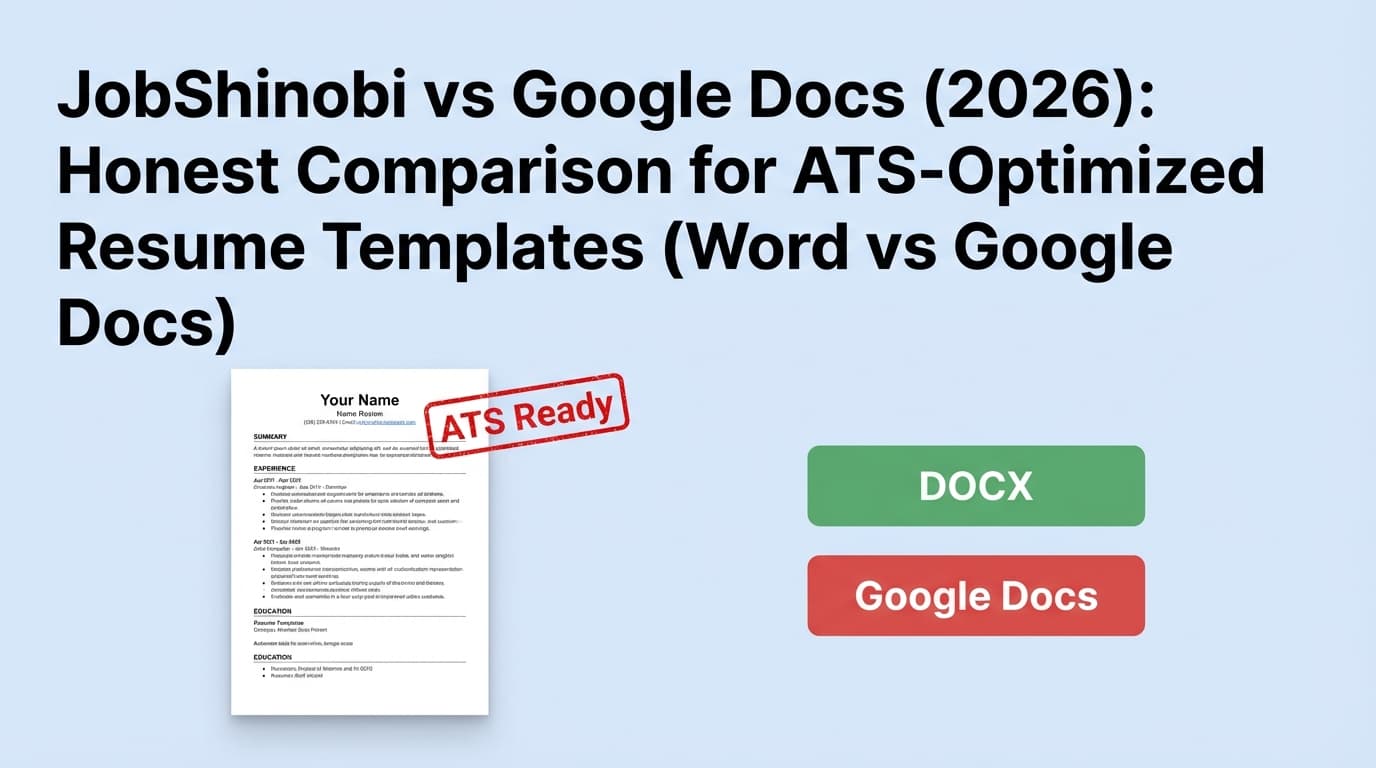
If you’re searching “ATS optimized resume template Word vs Google Docs”, you’re trying to avoid two painful outcomes:
- Your resume looks great to humans but gets mangled by ATS parsing
- You waste hours tweaking formatting and keywords without knowing what actually improves results
This comparison is intentionally practical: Google Docs (and Word) are document editors; JobShinobi is a resume + ATS + job-search workflow tool. They can overlap—but they’re built for different jobs.
Quick Verdict
- Choose Google Docs if you want a free, familiar editor with best-in-class collaboration and you’re comfortable following ATS formatting rules manually.
- Choose JobShinobi if you want an ATS-driven workflow (resume scoring, keyword gap analysis, job matching, versioning) and optional automated job-application tracking via email forwarding.
TL;DR Comparison
| Feature | JobShinobi | Google Docs |
|---|---|---|
| Best use | ATS optimization + tailoring workflow | Writing/editing + collaboration |
| ATS scoring & feedback | ✅ Yes (ATS + keywords + formatting scoring) | ❌ No |
| Job description → keyword gap analysis | ✅ Yes (match score + missing/present keywords) | ❌ No |
| Templates | ✅ Yes (resume templates + saved resumes) | ✅ Templates exist, but ATS-safety depends on the template you choose |
| Real-time collaboration | ❌ Not a core feature | ✅ Yes (core strength) |
| Suggesting/track-changes style editing | ✅ Via versioning/AI workflow (not Word-like track changes) | ✅ Yes (“Suggest edits” mode) |
| Exports | ✅ PDF (plus .tex download) | ✅ PDF, DOCX, and more |
| Offline access | N/A (web app) | ✅ Available with setup; requires specific conditions (Chrome/Edge, not incognito, etc.) |
| Security basics | Product-dependent | ✅ Google states files are encrypted in transit & at rest (AES256) in Drive/Docs ecosystem |
| Starting price | $20/month (Pro) | $0 with personal Google account; business plans via Google Workspace |
| Best for | High-volume applicants optimizing for ATS | Anyone who wants a fast, free editor + easy sharing |
First: Word vs Google Docs for ATS (What Actually Matters)
Most ATS problems aren’t caused by “Google Docs vs Word.” They’re caused by layout complexity and export artifacts.
For ATS-friendly resumes, the safest defaults are typically:
- single-column layout
- clear, standard section headings (e.g., Experience, Education, Skills)
- minimal graphics/icons
- avoid text boxes and multi-column tables (they can scramble parsing)
- export carefully and check the final PDF/DOCX
So the “Word vs Google Docs” decision usually comes down to:
- which editor you’re faster in
- which one exports more reliably for your template
- whether you need collaboration
- whether you need ATS feedback (neither Word nor Google Docs provides that on its own)
That’s where JobShinobi is different: it’s built around measuring ATS readiness and keyword alignment rather than only editing.
JobShinobi Overview
JobShinobi is an AI resume builder + ATS resume analyzer + job search tracker designed for job seekers who want to improve ATS pass rates and tailor efficiently.
Key product pillars:
- Resume builder with templates and saved resumes
- LaTeX-based workflow for structured formatting (with cloud PDF compilation/preview)
- AI resume scoring (ATS/formatting/keywords/completeness and more)
- Job description extraction + match scoring
- Resume version history for iterative tailoring
- Email-forwarding job tracking (Pro): forward application emails → JobShinobi logs/updates your applications automatically
Key Strengths
- ATS + keyword feedback instead of guessing whether your layout/keywords work
- Tailoring workflow: JD → missing keywords → apply changes → re-score
- Versioning built for job searches (multiple targeted resume variants)
- Automation: reduces spreadsheet/manual tracking (via email-forwarding tracker on Pro)
Limitations (Trust-building honesty)
- Not a general word processor: if you want a “Word/Docs” writing experience, it’s a different workflow.
- Learning curve: LaTeX-style structure can feel unfamiliar (even with AI assistance).
- Some core automation is Pro-gated (notably email-processing for job tracking).
- Marketing mentions a 7-day free trial, but trial handling may be configured outside app code (e.g., via billing setup). Treat it as “verify at checkout.”
Google Docs Overview (Verified)
Google Docs is Google’s online document editor designed for collaboration, sharing, and cross-device editing. Google positions it as “Online, collaborative documents” with features like real-time collaboration and optional AI assistance (Gemini features depend on your account/plan).
Source: https://workspace.google.com/products/docs/
Key Strengths
- Collaboration is the main advantage: share links, comment, suggest edits, and co-edit in real time.
- Suggesting mode (“Suggest edits”) supports a track-changes-like workflow for feedback.
Source: https://support.google.com/docs/answer/6033474 - Offline access exists with setup and restrictions (e.g., browser requirements, no incognito).
Source: https://support.google.com/docs/answer/6388102 - Security baseline: Google states files in Drive/Docs ecosystem are encrypted in transit and at rest with AES256.
Source: https://support.google.com/docs/answer/10519333
Limitations (Common resume-specific pain points)
- No ATS scoring or keyword gap analysis: Docs won’t tell you if your resume is ATS-parseable or job-aligned.
- Export consistency can vary: users report formatting changes when exporting to PDF/DOCX; you should always check the exported file before submitting.
- Template quality varies: built-in and third-party templates range from ATS-safe to ATS-risky depending on columns/tables/design.
Feature-by-Feature Comparison (Resume + ATS Context)
1) ATS Optimization & Resume Feedback
JobShinobi:
Designed to analyze resumes and give structured feedback (ATS/formatting/keywords, etc.). If “ATS optimized” is your priority, this is the main differentiator: you get guidance beyond a formatting checklist.
Google Docs:
Docs is an editor. It can produce ATS-friendly resumes if you format correctly, but it doesn’t evaluate ATS readiness or keyword alignment.
Winner: JobShinobi (for ATS outcomes)
2) Templates: “ATS-Optimized Resume Template” Reality Check
JobShinobi:
Provides resume templates and a structured output workflow. The intent is consistency and readability.
Google Docs:
Docs templates exist, but ATS optimization depends on:
- whether the template uses a simple structure
- whether you keep it single-column
- whether the export preserves layout cleanly
Winner: Tie
- JobShinobi: more purpose-built for ATS-friendly structure
- Google Docs: more accessible and familiar, but quality depends on template choice
3) Keyword Targeting: Tailor to a Job Description
JobShinobi:
You can paste a job description (or URL) and get extracted job requirements and a match analysis (missing vs present keywords + suggestions). This supports “apply → learn → iterate” at scale.
Google Docs:
You can tailor manually, but you’re doing the keyword work yourself (or with separate tools).
Winner: JobShinobi
4) Collaboration, Feedback, and Editing Workflow
JobShinobi:
Built for personal iteration and AI-assisted changes, not multi-user editing.
Google Docs:
Best-in-class for collaboration. You can:
- share a link with a mentor
- use comments
- use Suggest edits mode for feedback workflows
Winner: Google Docs
5) Version History (Multiple Resume Variants)
JobShinobi:
Resume versioning is part of the core workflow—useful when you maintain multiple targeted versions for different roles/industries.
Google Docs:
Docs supports version history, including restoring earlier versions.
Source: https://support.google.com/docs/answer/190843
Winner: Depends
- If you want resume-specific versioning across many tailored variants: JobShinobi
- If you just need general revision history: Google Docs
6) Exporting (PDF/DOCX) and “Final Submission Safety”
JobShinobi:
Structured compilation to PDF is designed to be consistent.
Google Docs:
Exports to PDF and DOCX. It often works well, but if your resume is “tight” (one page, precise spacing), you must check the export output. Google Docs community threads show users experiencing format changes during export.
Example: https://support.google.com/docs/thread/178456504/when-i-go-to-export-my-google-document-into-anything-the-format-changes
Winner: JobShinobi for consistency; Google Docs for flexibility (with export checks)
Pricing Comparison (Verified)
JobShinobi
- Pro (Monthly): $20.00/month
- Pro (Yearly): $199.99/year
- Free tier exists, but key automation (email parsing/job tracking) is Pro-gated.
Google Docs / Google Workspace
- Google Docs for personal use: generally free with a personal Google account.
- Google Workspace (business plans): pricing is per-user and varies by plan and billing term. Official plan pages commonly show:
- Business Starter: $7/user/month (1-year commitment) or $8.40/user/month billed monthly
- Business Standard: $14/user/month (1-year commitment) or $16.80/user/month billed monthly
- Business Plus: $22/user/month (1-year commitment) or $26.40/user/month billed monthly
Sources: https://workspace.google.com/business/ and Google Admin pricing references such as https://support.google.com/a/answer/13062337
- Free trial: Google Workspace offers a 14-day free trial.
Source: https://support.google.com/a/answer/53926
Value Analysis
- If your only need is “a place to write and export a resume,” Google Docs is the best value (often $0).
- If your need is “ATS optimization + tailoring,” the cost comparison should be against ATS scanners + resume tools + tracking spreadsheets/time—that’s where JobShinobi can justify itself.
Who Should Choose JobShinobi?
Choose JobShinobi if you:
- want ATS scoring and clear feedback on formatting/keywords (not guesswork)
- tailor to many job descriptions and want keyword gap analysis + match scoring
- maintain multiple resume versions and want resume-first versioning
- want to reduce admin work with email-forwarding job application tracking (Pro)
Who Should Choose Google Docs?
Choose Google Docs if you:
- want a free resume editor that’s easy to share
- rely on mentors/coaches and need collaboration + suggested edits
- already have an ATS-safe template and just need to keep content updated
- prefer a familiar Word-like editing workflow without learning a new system
A Practical Hybrid Workflow (Common Best-of-Both)
Many job seekers do this:
- Draft content in Google Docs (fast edits + collaboration)
- Move final content into JobShinobi to:
- check ATS readiness
- run JD match scoring
- create role-specific variants with version history
- Export the final submission format and validate it visually
This approach keeps the collaboration benefits of Docs while adding ATS-specific optimization.
Switching from Google Docs (or Word) to JobShinobi
- Migration: Usually manual copy/paste (there’s rarely a perfect one-click transfer from a complex DOCX layout into a structured resume template).
- Learning curve: Moderate if you’ve never used a structured/LaTeX-like editor; lower if you lean on AI-assisted edits.
- Payoff: Faster tailoring, less guesswork, and better control over resume variants.
FAQ
Is a Google Docs resume ATS-friendly?
It can be, especially if you keep it simple (single-column, clean headings, minimal layout complexity) and export carefully. Google Docs does not validate ATS parsing or keyword alignment, so you’ll need a checklist or an ATS tool.
Is Word better than Google Docs for ATS resumes?
Neither is automatically “better.” Both can produce ATS-friendly DOCX/PDF files. The bigger risk is using multi-column layouts, text boxes, or heavy tables—and not validating the exported file.
Does Google Docs have “track changes” like Word?
Yes—Google Docs has Suggest edits mode, which works similarly for feedback workflows.
Source: https://support.google.com/docs/answer/6033474
Does JobShinobi replace Google Docs?
Not if you primarily want a general document editor and collaboration hub. JobShinobi is focused on ATS optimization + tailoring workflows. Many people use both.
Which is cheaper?
If you’re using a personal Google account, Google Docs is usually free. JobShinobi is a paid tool ($20/month Pro). The right comparison is “free editor” vs “tool that helps optimize and manage the job-search process.”