If you’re searching “ATS optimized resume PDF vs DOCX which is better”, you’re probably dealing with one (or both) of these problems:
- Your resume looks great, but the ATS upload turns it into a mess (broken dates, weird line breaks, missing sections).
- You’re applying to lots of jobs and you’re tired of guessing whether you should submit PDF or DOCX—and whether your resume is actually getting parsed correctly.
This page compares:
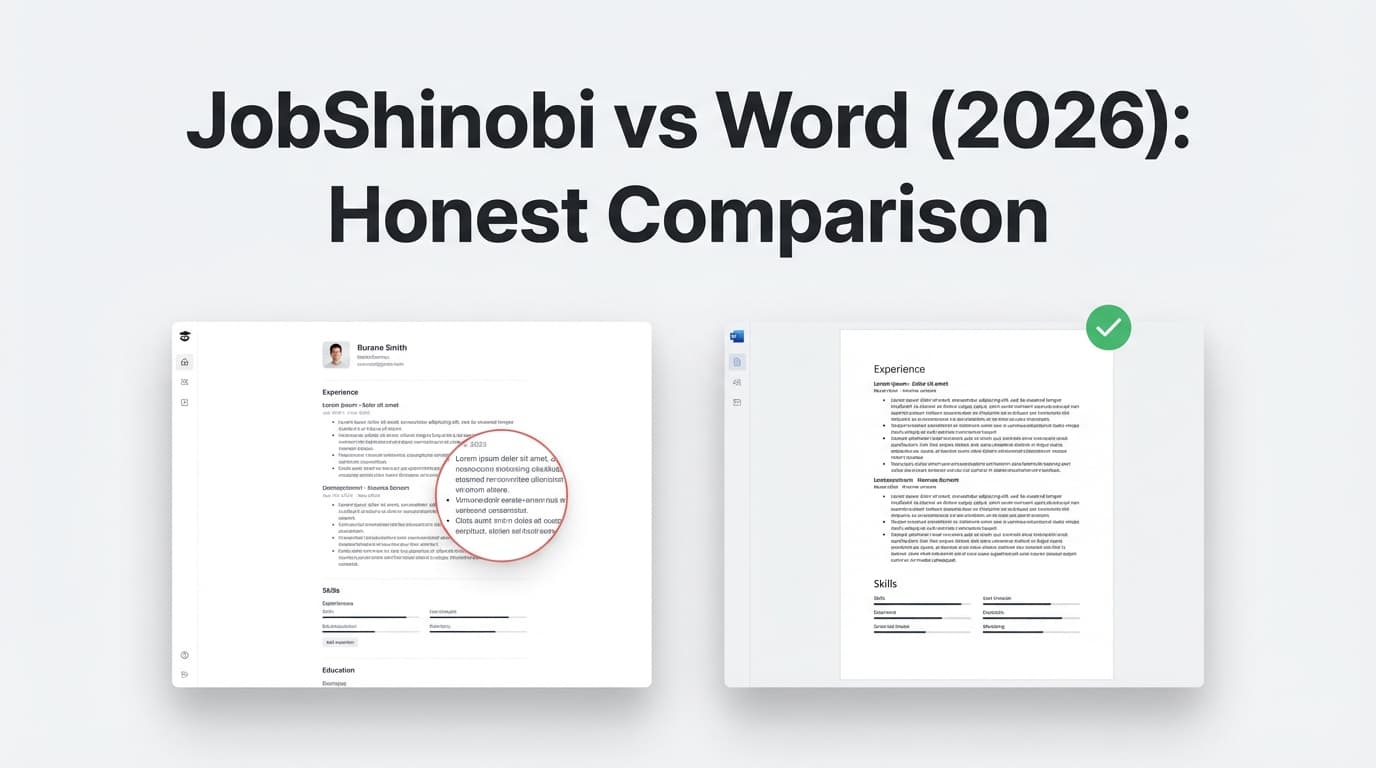
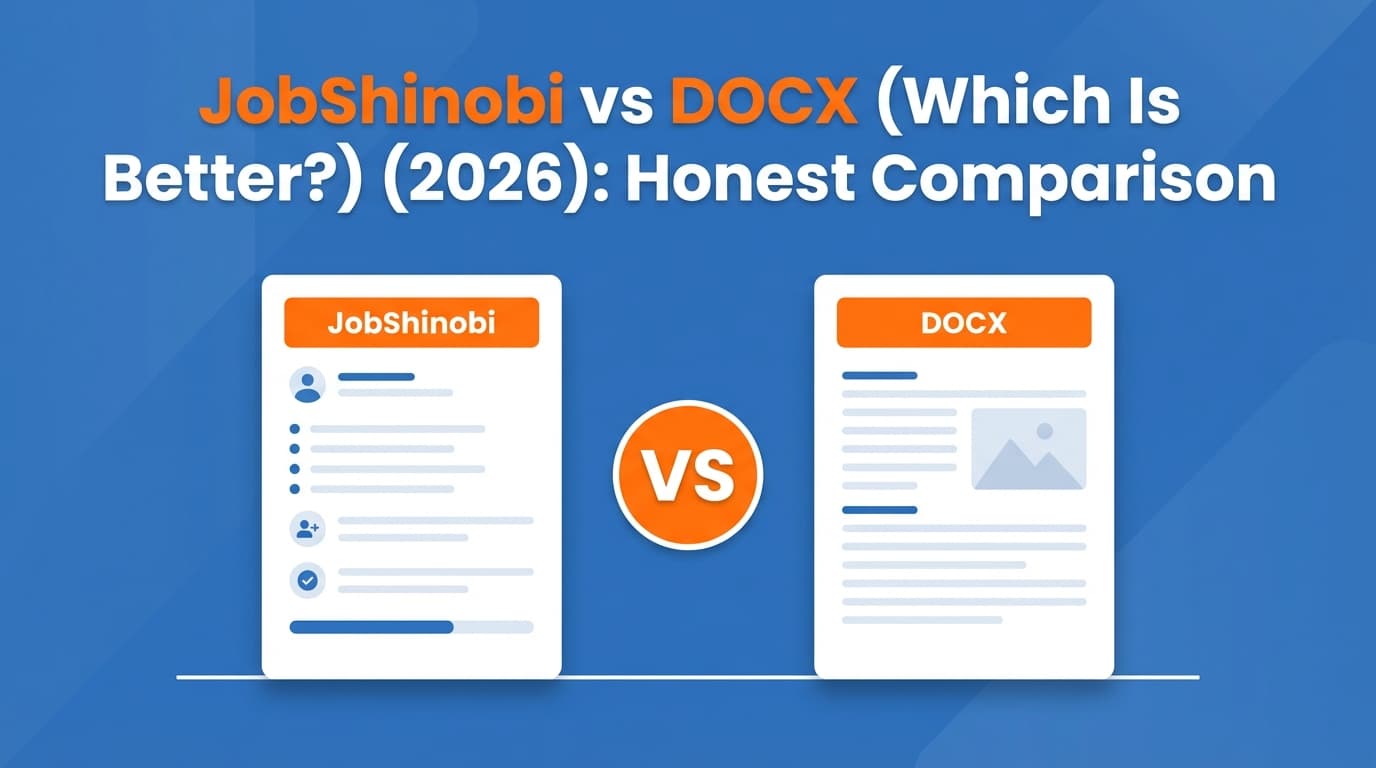
- JobShinobi (ATS-focused resume builder + resume analyzer + job tracking automation), vs.
- the classic DOCX workflow (writing your resume in Microsoft Word or Google Docs, then submitting .docx or .pdf)
Quick Verdict:
- If your only goal is “pick the safest file type,” DOCX is often the most consistently parseable across ATS platforms—especially when the job portal explicitly supports/requests it.
- If you want formatting consistency for humans and your PDF is truly text-based, PDF can be excellent, but it’s easier to accidentally create a “bad PDF” that parses poorly.
- If you want to stop guessing and improve outcomes with ATS scoring + keyword matching + version control + application tracking, JobShinobi is the stronger end-to-end workflow.
TL;DR Comparison
| Feature | JobShinobi | DOCX (Word/Docs workflow) |
|---|---|---|
| Best for ATS format decision | Helps reduce ATS risk with analysis + structured resume workflow | You choose PDF/DOCX manually; results depend on your formatting + ATS |
| ATS resume scoring & feedback | ✅ Yes (ATS/keyword/format breakdown + strengths/weaknesses) | ❌ No (requires separate checker tools) |
| Job-specific keyword matching | ✅ Yes (match score + missing keywords) | ❌ Manual |
| Output format flexibility | ✅ PDF export (LaTeX-based workflow; also .tex export) |
✅ DOCX and PDF options |
| Collaboration/comments | ⚠️ Not the primary focus | ✅ Strong (Word/Google Docs collaboration) |
| Job application tracking | ✅ Yes (email-forwarding auto-tracker + dashboard + analytics) | ❌ No |
| Starting price | $20/mo or $199.99/yr (Pro) | Free (Google Docs / Word web) to $9.99/mo (Microsoft 365 Personal) |
| Best for | Candidates applying at volume who want ATS + tailoring + tracking | Candidates who want a familiar editor and simple exports |
JobShinobi Overview
JobShinobi positions itself as an “AI Resume Builder That Actually Works” for people who feel they’re being filtered out by ATS. It’s not just a document editor—JobShinobi combines:
- A resume builder (LaTeX-based resume templates + editor + PDF preview via cloud compilation)
- An ATS resume analyzer (scoring breakdown across ATS/format/keywords/content)
- Job description extraction + resume-to-job matching (match score, missing/present keywords, tailoring guidance)
- A job application tracker that can automatically log applications when you forward confirmation emails to a unique address (Pro feature)
Key Strengths
- ATS + keyword feedback built in: Resume scoring and structured analysis (overall + section scores, ATS/keyword/formatting/completeness).
- Tailoring at scale: Paste a job description or URL → extract requirements/keywords → see match score and recommended changes.
- Unique job tracking automation: Forward emails (application confirmations, interview updates) and JobShinobi can create/update entries automatically.
Limitations (honest)
- Not a universal “submit-anywhere” DOCX generator: Many ATS portals allow PDF and DOCX; some explicitly request DOCX. JobShinobi’s core workflow emphasizes structured output (commonly PDF), so you may still keep a DOCX variant for portals that require it.
- Less ideal for heavy collaboration: If your resume process depends on lots of inline comments from mentors in a shared doc, Word/Docs can be smoother.
DOCX (Word/Google Docs Workflow) Overview
The “DOCX workflow” means building your resume in a general-purpose editor (typically Microsoft Word or Google Docs) and then submitting either:
- DOCX (often considered the safest default for ATS parsing), or
- PDF (often considered the safest default for consistent formatting and professional appearance)
Key Strengths (verified)
- Broad ATS acceptance: Major ATS platforms commonly accept .doc, .docx, .pdf, .rtf, and .txt uploads (example: Greenhouse lists these file types as supported candidate uploads).
- Easy editing & collaboration: Word and Google Docs are designed for writing/editing and sharing drafts.
- Low-cost entry:
- Microsoft provides free Microsoft 365 apps for the web (Word/Excel/PowerPoint) with a Microsoft account.
- Google Docs is free for personal use with a Google account.
- A paid option exists via Microsoft 365 Personal.
Limitations (common real-world issues)
- No ATS guardrails: Word/Docs won’t tell you if your formatting is likely to parse poorly or if your keywords aren’t aligned.
- Export pitfalls: PDFs can become “ATS-hostile” if they’re scanned/flattened or built with complex layouts.
- Subscription friction (reviews): User reviews frequently praise Word’s familiarity, but also mention downsides like update churn, performance issues, and subscription/account frustration (commonly discussed on review platforms such as G2 and Trustpilot).
Feature-by-Feature Comparison
1) ATS Parsing Reliability: PDF vs DOCX (the core question)
JobShinobi:
JobShinobi is designed to reduce parsing risk by keeping the resume structure clean and providing analysis that surfaces ATS-related issues (formatting, sections, keyword alignment). It’s less about “PDF is always best” and more about “make your resume parseable and relevant.”
DOCX workflow:
DOCX is often the safest default for ATS parsing because it’s structured text that most systems can ingest consistently. But modern ATS can often read text-based PDFs too. The problems usually come from the type of PDF, not the extension itself.
What reliable sources tend to agree on (high-level):
- DOCX usually parses most reliably across a wide variety of systems.
- PDF is great when it’s text-based and simply formatted, especially when humans will read it.
For example, Smallpdf’s ATS-focused guidance notes that both can work, but DOCX is typically the more reliably parsed option, and it also distinguishes between PDF types (text-based vs scanned). Resume Worded similarly notes ATS can read PDFs, but compatibility depends on more than file type alone.
Winner: Depends on your submission path.
- ATS portal upload: slight edge to DOCX for maximum parsing consistency.
- Direct-to-human (email/DM): slight edge to PDF for formatting consistency.
2) Formatting & “Why my resume didn’t parse” problems
JobShinobi:
Because JobShinobi’s workflow is ATS-oriented, it’s easier to avoid common parsing traps (complex layouts, nonstandard structure) and get feedback before you apply.
DOCX workflow:
You can absolutely create an ATS-friendly resume in Word/Docs—but these tools also make it easy to add elements that ATS parsers can mishandle:
- tables, columns, text boxes
- icons/graphics
- headers/footers for contact info
- unusual spacing/line breaks
A practical example from ATS vendors: PrimePay Recruit’s ATS support documentation explains parsing can fail when a resume is in a format the system can’t read, such as a scanned PDF or an unusually formatted document.
Winner: JobShinobi (for built-in guardrails and feedback).
3) Keyword targeting & tailoring to each role
JobShinobi:
Built for job-specific tailoring: job description extraction + match scoring + missing/present keywords + suggestions.
DOCX workflow:
Manual tailoring—often done by copy/paste, guesswork, or using separate tools.
Winner: JobShinobi.
4) Version control (multiple resume variants)
JobShinobi:
Supports resume versions and an “undo/redo/revert” style workflow so you can manage variants for different roles.
DOCX workflow:
You can manage versions with filenames (“Resume_Final_v7.docx”) or cloud version history, but it’s not purpose-built for job applications and gets messy quickly.
Winner: JobShinobi.
5) Job tracking & follow-ups
JobShinobi:
A differentiator: forward job-related emails to a unique address → JobShinobi can automatically create/update job application records, plus analytics (response rate, conversion, etc.). This is especially valuable if you apply at volume.
DOCX workflow:
No built-in tracking; you’ll use spreadsheets, notes, or another tool.
Winner: JobShinobi.
6) Collaboration & sharing
JobShinobi:
Not positioned as a collaborative editor first.
DOCX workflow:
Word and Google Docs are excellent for sharing, commenting, and reviewing drafts.
Winner: DOCX workflow.
Pricing Comparison (Verified)
| Plan | JobShinobi | DOCX workflow (Word/Docs) |
|---|---|---|
| Free option | Limited (core automation like email-processing is Pro-gated) | $0 (Google Docs; Microsoft 365 web apps are also available free with a Microsoft account) |
| Paid monthly | $20.00/month (Pro) | $9.99/month (Microsoft 365 Personal — shown on Microsoft plan comparison page) |
| Paid yearly | $199.99/year (Pro) | $99.99/year (Microsoft 365 Personal — shown on Microsoft plan comparison page) |
Value Analysis:
- If your priority is simply “create a resume file,” the DOCX workflow is often free or low-cost.
- If you need ATS feedback + keyword matching + job tracking automation, JobShinobi’s value is in improving outcomes and saving time across many applications.
Who Should Choose JobShinobi?
You’ll prefer JobShinobi if you:
- Apply to many jobs and want one workflow for building, tailoring, and tracking
- Want ATS-focused feedback (format + keywords + structure) instead of guessing
- Need job description → match score → missing keyword guidance to tailor faster
- Want resume iteration with version history rather than messy “final_final” files
- Want to track your pipeline automatically by forwarding application emails (Pro)
Who Should Choose the DOCX (Word/Google Docs) Workflow?
You’ll prefer the DOCX workflow if you:
- Want a familiar editor with the best collaboration features
- Mostly need a clean resume and don’t need built-in ATS analytics
- Are applying to fewer roles and can manage tracking manually
- Frequently encounter portals that explicitly request DOCX, and you want the simplest path
Switching from DOCX/PDF to JobShinobi (What to Expect)
- Migration: Typically copy/paste your content into a JobShinobi template and refine structure.
- Learning curve: Moderate—JobShinobi is more structured than Word, especially if you haven’t used template-based or LaTeX-style workflows before.
- What you gain: ATS scoring, job matching/tailoring support, version history, and automated job tracking (via email forwarding).
FAQ
Is PDF or DOCX better for ATS?
If you can only pick one as a default for ATS portals, DOCX is often the safer parsing choice. That said, text-based PDFs (not scanned/flattened) can perform well—especially with simple formatting.
Do ATS systems reject PDF resumes?
Most modern ATS platforms can accept PDFs, but parsing can fail when the PDF is scanned, image-based, or built with complex formatting. That’s why “PDF vs DOCX” isn’t the whole story—structure and PDF type matter.
What’s the safest rule to follow when a job application gives you options?
Use this hierarchy:
- Follow the employer’s instructions (if it requests DOCX, submit DOCX).
- If both are accepted and you want maximum parsing reliability: DOCX.
- If a human is likely to review the file directly (email/DM) and your PDF is clean: PDF.
(This “follow instructions first” approach is also emphasized in practical resume submission guidance like The Muse’s rules-based advice.)
Can JobShinobi replace Word entirely?
For ATS-focused building + tailoring + tracking, it can replace a large chunk of the workflow. But if you rely on deep collaboration features (heavy commenting, co-authoring), Word/Docs may still be useful for review cycles.
Which is cheaper: JobShinobi or the DOCX workflow?
The DOCX workflow is usually cheaper (often free). JobShinobi costs more, but it’s designed to improve the entire application workflow—especially if you apply frequently and tailor resumes to different roles.
If I’m not getting interviews, will switching from PDF to DOCX fix it?
Sometimes it helps—especially if parsing is breaking your resume. But more often, the bigger win comes from:
- simpler structure (single-column, standard headings)
- tighter keyword alignment to the role
- stronger, more specific experience bullets
JobShinobi is built around those improvements, not just file type selection.