Recruiters don’t read resumes like you do. They skim them—fast. An eye-tracking study summary published by HR Dive reports recruiters spend about 7.4 seconds on an initial resume screen. That’s barely enough time to confirm your title, last company, and a couple keywords. (Source: https://www.hrdive.com/news/eye-tracking-study-shows-recruiters-look-at-resumes-for-7-seconds/541582/)
Meanwhile, ATS software is everywhere. A Tufts career resource notes that 98.4% of Fortune 500 companies use an ATS (citing Jobscan research). (Source: https://careers.tufts.edu/resources/everything-you-need-to-know-about-applicant-tracking-systems-ats/)
This is why job seekers keep Googling variations of:
jobscan resume scanner vs ats real screening
Because the anxiety is real:
- “If my Jobscan score is low, am I getting auto-rejected?”
- “If it’s high, does that mean a recruiter will see it?”
- “Why do different scanners give different scores?”
- “What’s actually happening inside Workday / iCIMS / Greenhouse?”
This guide gives you a realistic, implementable framework: what scanners can help with, what they can’t possibly know, and how to optimize for real screening (which is almost never just an ATS score).
In this guide, you’ll learn:
- What “real ATS screening” is (and what it isn’t)
- What a Jobscan-style resume scanner measures vs what employers actually do
- A step-by-step method to validate parsing, keyword alignment, and recruiter readability
- Best practices and common mistakes (with examples)
- Tools to streamline tailoring without chasing a meaningless 100%
What is “real ATS screening”?
Real ATS screening is the combination of systems and decisions that happen after you click “Submit.”
An ATS (Applicant Tracking System) is primarily a workflow + database tool: it stores applications, parses resumes into fields, routes candidates through stages, and helps recruiters search and manage pipelines.
In many companies, “screening” is a multi-layer process that can include:
- Knockout questions / eligibility filters (work authorization, location, degree, certifications, salary range, shift availability)
- Resume parsing / data extraction (did your resume import cleanly into the system?)
- Recruiter search and filters (searching by skill keywords, titles, years of experience, location)
- Ranking or recommendations (sometimes ATS add-ons or AI tools suggest candidates)
- Human review (the recruiter’s 7.4-second skim, then deeper review for a short list)
A resume scanner usually focuses on #2 and #3, and only partially.
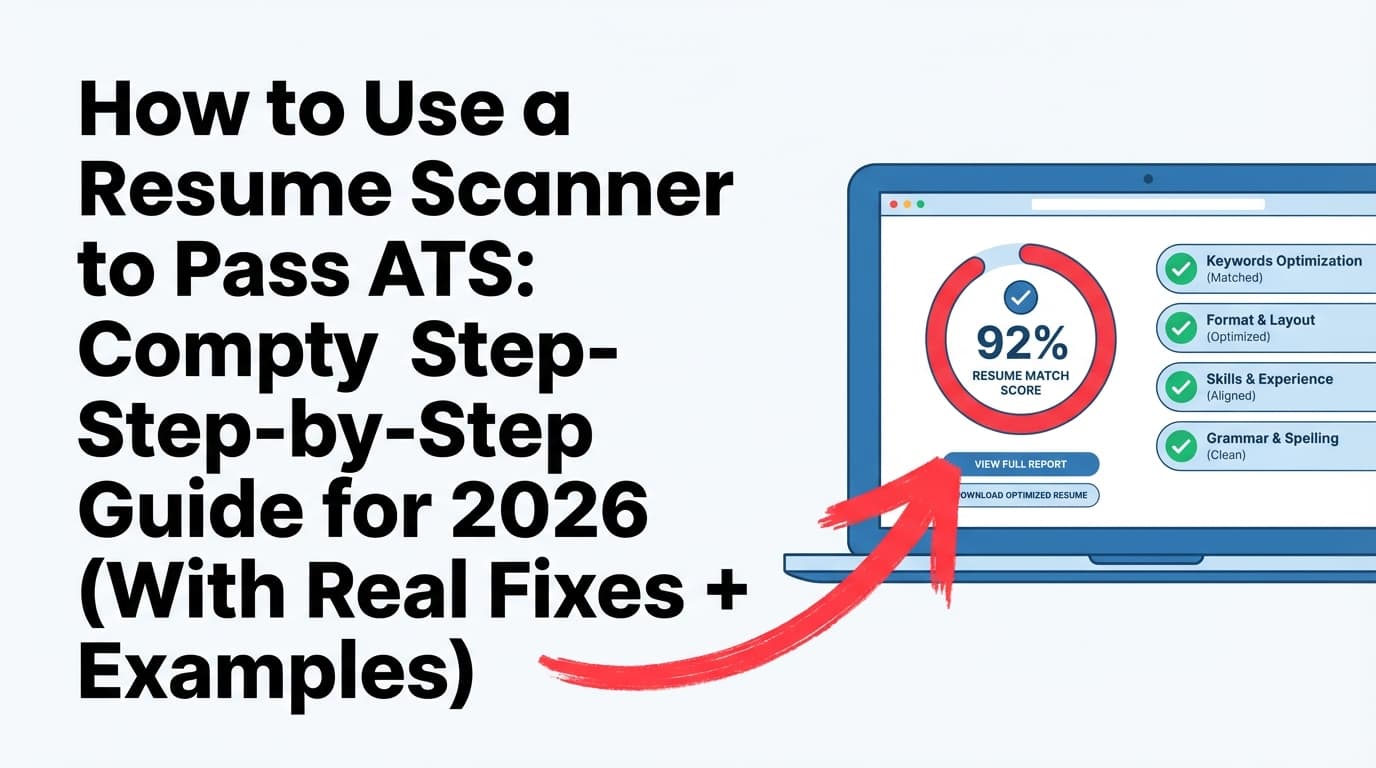
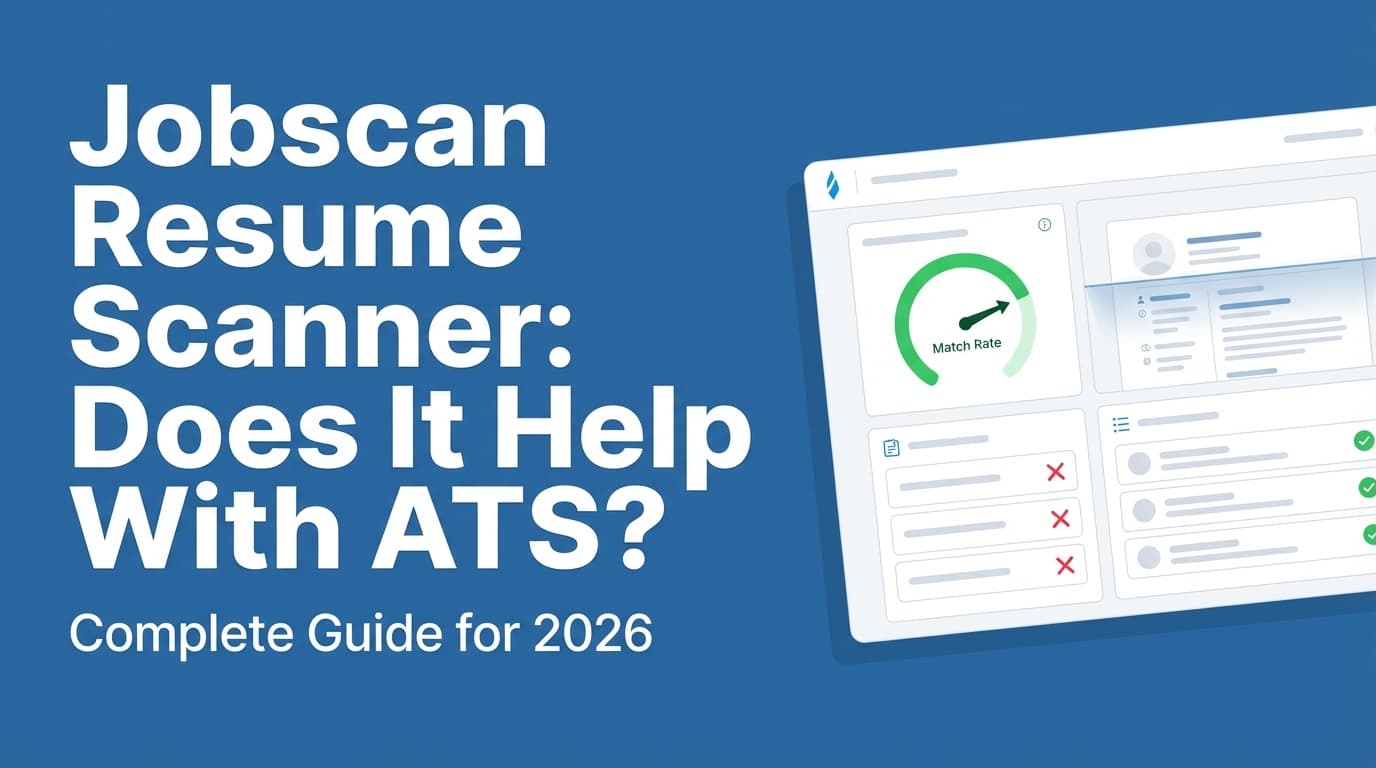
What is a “resume scanner” (like Jobscan) actually doing?
A typical resume scanner is a tool that compares:
- your resume text and structure
- against a job description’s text
- then outputs an estimate like “match rate,” plus formatting suggestions and keyword gaps.
Think of it like a “spellcheck” for relevance and ATS risk:
- It can point out missing terms
- It can catch risky formatting patterns
- It can encourage you to add context for required skills
But it cannot perfectly replicate:
- a specific company’s ATS configuration,
- recruiter behavior,
- or knockout logic.
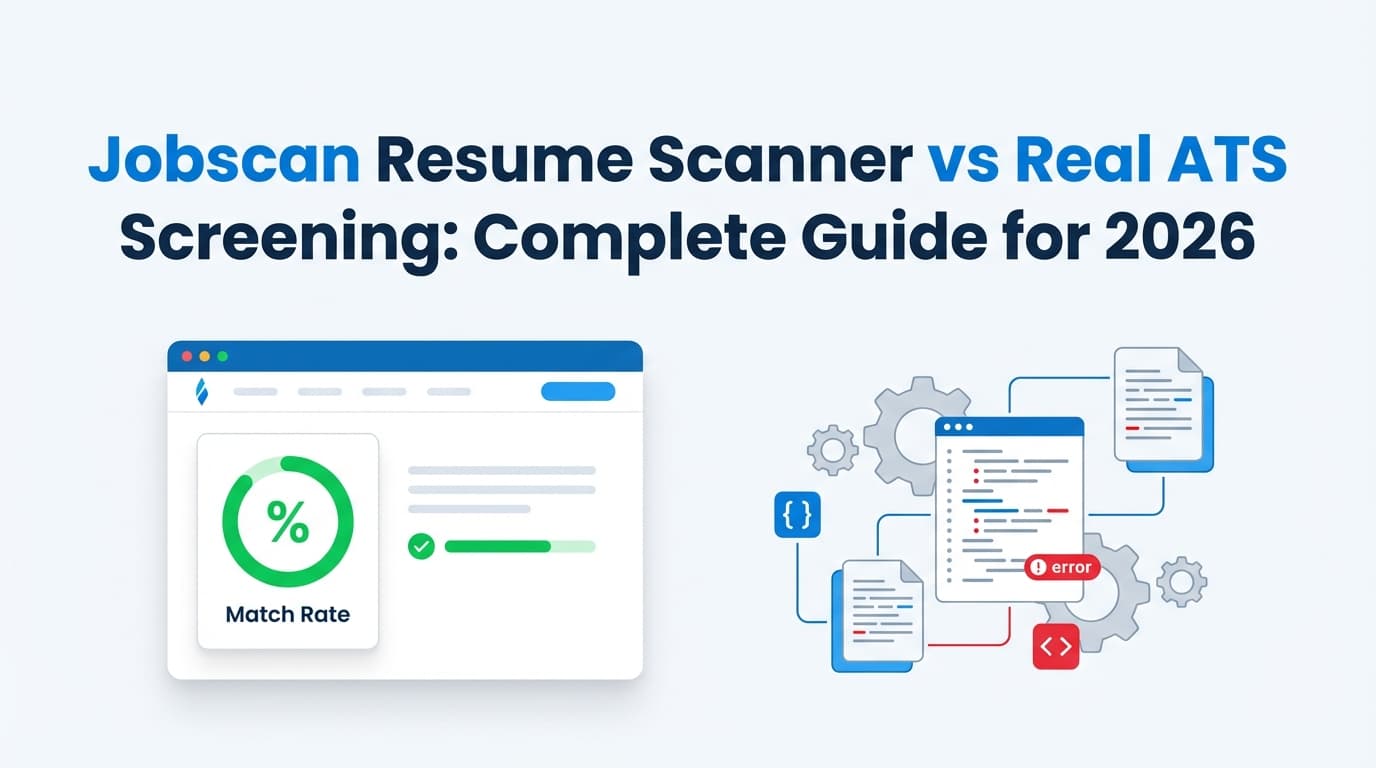
That’s the core of the jobscan resume scanner vs ats real screening gap.
Why this matters in 2026: the hiring stack is bigger than “ATS”
A few data points explain why scanners are popular—and why they can mislead you.
1) ATS usage is widespread (especially in large companies)
Select Software Reviews reports:
- 70% of large companies use an ATS
- 20% of small and mid-sized businesses use an ATS
(Source: https://www.selectsoftwarereviews.com/blog/applicant-tracking-system-statistics)
A Tufts career resource states 98.4% of Fortune 500 companies use an ATS.
(Source: https://careers.tufts.edu/resources/everything-you-need-to-know-about-applicant-tracking-systems-ats/)
Practical implication: ATS-friendly formatting and searchable keywords still matter for a huge share of roles.
2) Recruiters skim extremely fast
HR Dive’s summary: ~7.4 seconds average initial skim.
(Source: https://www.hrdive.com/news/eye-tracking-study-shows-recruiters-look-at-resumes-for-7-seconds/541582/)
Practical implication: you must optimize for both machines and humans. Many candidates over-optimize for one and fail the other.
3) AI screening is increasingly common
CNN cites Resume Genius data that 48% of hiring managers use AI to screen resumes and applications.
(Source: https://www.cnn.com/2025/04/08/tech/ai-resume-job-hunters)
Practical implication: relevance signals (skills + evidence + recency) matter more, and “keyword stuffing” can look suspicious.
4) ATS tools are seen as valuable by recruiters
Select Software Reviews reports 94% of recruiters agree their ATS has had a positive impact on hiring processes.
(Source: https://www.selectsoftwarereviews.com/blog/applicant-tracking-system-statistics)
Practical implication: ATS isn’t going away. Understanding how to work with it is a competitive advantage.
5) “ATS” doesn’t mean one system (Workday dominates many large orgs)
College Recruiter notes Workday is leading with over 37% usage among Fortune 500 companies.
(Source: https://www.collegerecruiter.com/blog/2024/12/11/ats-are-used-by-almost-all-large-employers-but-how)
Separately, Workday’s own blog states Workday is used by more than 60% of the Fortune 500 (Workday is broader than recruiting/ATS, but it signals how common that ecosystem is).
(Source: https://blog.workday.com/en-gb/workday-hits-new-milestone-conversation-with-carl-eschenbach.html)
Practical implication: different systems parse differently. A “perfect” score in a scanner doesn’t guarantee identical results in every employer’s workflow.
Jobscan resume scanner vs ATS real screening: what scanners get right
A good scanner can genuinely help you improve three things:
1) Keyword alignment (what recruiters search for)
Recruiters often search the ATS for:
- skills (SQL, Tableau, Salesforce)
- titles (Product Manager, Data Analyst)
- certifications (PMP, Security+)
- domain terms (forecasting, paid search, stakeholder management)
A scanner helps you spot “keyword gaps” fast.
2) Formatting risk (what breaks parsing)
Scanners often flag common parsing problems:
- two-column layouts
- tables and text boxes
- icons as bullets
- charts/graphics
- headers/footers holding important info
Even if modern ATS parse better than older ones, risk reduction is still smart when you’re applying at scale.
3) Relevance clarity (what the job description emphasizes)
Most job descriptions repeat what matters:
- tools
- workflow responsibilities
- required experience
- “must have” phrases
A scanner helps you prioritize what to reflect in:
- summary
- skills section
- first 1–2 roles’ top bullets
What scanners miss (and why “real screening” can reject you anyway)
Here’s where most job seekers get burned.
1) Knockout questions can end your application before a resume matters
If the application asks:
- “Are you legally authorized to work in X country?”
- “Do you have Y certification?”
- “Do you have 5+ years of Z experience?”
- “Can you work on-site 3 days/week?”
A “wrong” answer may automatically disqualify you—regardless of match rate.
Reality check: If your rejections are immediate (minutes to a few hours), it’s often a knockout or eligibility mismatch, not resume keywords.
2) Recruiter behavior isn’t the same as scanner logic
Recruiters may prioritize:
- recognizable employers
- clear progression
- impact metrics
- “closest match” titles
- recent experience
- location / time zone
- internal referrals
A scanner can’t measure trust signals as well as a human can.
3) The ATS might parse fine, but your resume can still be hard to skim
You can “pass” machine parsing and still fail the human skim because:
- the top third is vague,
- the first bullets don’t show results,
- your skills list is bloated,
- your titles don’t map to the target role.
Remember: 7.4 seconds isn’t a lot of time. (HR Dive source above)
4) ATS isn’t always the “auto-reject villain” people assume
HiringThing argues that ATS don’t autonomously reject candidates; people configure processes and make decisions. (Source: https://blog.hiringthing.com/applicant-tracking-system-myths)
This aligns with what many recruiters say publicly: ATS is often a filing/search system; “rejection” happens because:
- your application didn’t meet criteria,
- your resume didn’t show fit quickly,
- the role had hundreds of applicants,
- or a shortlist was already formed.
The “Score Reality” model: what a match rate should be used for
Instead of “score = pass/fail,” use this model:
Match rate is best for:
- spotting missing hard skills
- mirroring the employer’s language (without lying)
- fixing avoidable parsing risks
- testing whether your resume clearly targets the role
Match rate is not good for:
- predicting interview outcomes
- proving you’ll “pass the ATS”
- comparing your competitiveness vs other candidates
- deciding whether your experience is truly relevant (humans still decide)
How to test ATS reality (step-by-step): a 3-layer validation workflow
If you want a method that maps better to real screening than “keep editing until 100%,” use this process.
Step 1: Validate parsing (the “copy/paste order” test)
Goal: make sure your resume reads in a logical order when flattened to text.
Do this:
- Open your resume (PDF or DOCX).
- Copy all text.
- Paste into a plain text editor (Notepad, TextEdit).
- Check for:
- out-of-order sections (skills appearing inside experience)
- dates drifting away from roles
- missing bullets
- columns becoming scrambled
If the pasted text is chaotic, parsing may be risky.
Pro tip: If your contact info lives in a header/footer, move it into the document body so it’s more reliably captured.
Step 2: Validate eligibility (the hidden “screening gate”)
Goal: avoid losing to knockout logic.
Before tailoring anything, scan the job posting and application for:
- location / on-site requirements
- work authorization
- degree requirements
- certification requirements
- shift schedule requirements
- language requirements
If you’re missing a true non-negotiable, your time may be better spent applying elsewhere (or addressing the gap strategically).
Step 3: Validate recruiter searchability (keywords + synonyms)
Goal: make your resume discoverable in an ATS search.
How:
- Identify the job’s top 10 repeated terms:
- tools (e.g., SQL, Tableau, Excel, Jira)
- role skills (e.g., forecasting, stakeholder management)
- deliverables (dashboards, roadmaps, SOPs)
- Ensure the most important ones appear in:
- Skills section (fast skim + search)
- Experience bullets (proof)
Rule: If it’s a core requirement, it should appear at least twice:
- once in Skills,
- once in an accomplishment bullet.
Step 4: Validate the 7.4-second skim (human screening)
Goal: make your fit obvious immediately.
Run this test:
- Set a timer for 10 seconds.
- Look at your resume.
- Answer:
- What role is this person targeting?
- What’s their strongest proof (metrics/outcomes)?
- What tools/domain do they work in?
If those aren’t obvious, fix:
- headline or summary
- skills prioritization
- first 2–3 bullets under your most recent role
Step 5: Validate against two “truth sources”
Goal: avoid overfitting to one scanner.
Use:
- one scanner tool (for structured feedback)
- one human-like review method (skim test + a friend/mentor review)
If two different approaches highlight the same weakness (e.g., vague impact, missing tools), that’s where you focus.
What match score should you aim for?
Jobscan has published guidance recommending a match rate around 80%, noting many users see success at ~75% as well. (Source: https://www.jobscan.co/blog/what-jobscan-match-rate-should-i-aim-for/)
Use this the right way:
- Under ~60%: likely missing core language or proof; fix the must-haves.
- 60–75%: usually workable if the must-haves are covered and the resume is strong.
- 75–85%: often a solid zone—stop chasing small synonyms and focus on impact.
- 85–100%: be careful; this is where keyword stuffing and awkward writing often start.
The “must-have coverage” alternative (better than score-chasing)
Instead of obsessing over a number, ensure you have:
- 100% of must-have requirements represented (honestly)
- proof bullets for the top 3–5 requirements
- no major formatting/parsing risks
- a clear story + metrics
ATS-friendly formatting best practices (that work across systems)
You’ll see contradictory advice online because ATS capabilities vary, but these are low-risk best practices.
1) Use a simple, single-column layout
Single-column resumes reduce the chance of:
- scrambled reading order
- misaligned dates
- weird section breaks
2) Avoid tables, text boxes, icons, and heavy graphics
Indeed’s ATS resume guidance includes avoiding complex formatting (including tables/graphics) to reduce parsing issues. (Source: https://www.indeed.com/career-advice/resumes-cover-letters/ats-resume-template)
3) Use standard section headings
Use headings ATS and humans recognize:
- Summary
- Skills
- Work Experience / Experience
- Education
- Certifications
- Projects (if relevant)
4) Keep dates consistent and machine-readable
Good:
Jan 2023 – Mar 202501/2023 – 03/2025
Avoid mixing formats.
5) Use plain bullets and readable fonts
Avoid icon bullets (like “►” or “●” from special fonts). Stick to simple bullet characters and common fonts.
6) Put crucial info in the body, not headers/footers
Contact info should be easy for parsers to detect:
- Name
- Phone
- LinkedIn/portfolio (as plain text URLs)
Examples: how to tailor for real ATS screening (without keyword stuffing)
Example 1: Turning generic bullets into searchable, credible proof
Job requirement (simplified):
“Build dashboards in Tableau, write SQL, partner with stakeholders, improve reporting efficiency.”
BEFORE (low signal):
- Responsible for dashboards and reporting.
- Worked with stakeholders.
- Pulled data from databases.
AFTER (ATS + human-friendly):
- Built Tableau dashboards for Sales + RevOps leaders, improving pipeline visibility and reducing manual weekly reporting by 30%.
- Wrote SQL queries to define core KPIs (win rate, cycle time, cohort retention) and automate monthly reporting packs.
- Partnered with cross-functional stakeholders to translate requirements into KPI definitions and self-serve analytics.
What changed:
- keywords appear naturally
- bullets prove outcomes
- tools are linked to deliverables
- measurable impact makes it believable
Example 2: “Keyword list” vs “keyword proof”
Bad (keyword dump):
- Skills: SQL, SQL, SQL, Tableau, Tableau, stakeholder management, stakeholder management
Better:
- Skills: SQL, Tableau, KPI design, stakeholder management
- Proof: “Wrote SQL queries…” / “Built Tableau dashboards…” / “Partnered with stakeholders…”
Rule: keywords in Skills help search; keywords in bullets prove you can do the job.
Common mistakes that make scanner scores misleading
Mistake 1: Thinking ATS is always the thing rejecting you
If rejection is instant, suspect:
- knockout questions
- eligibility mismatch
- location constraints
- sponsorship requirements
A scanner doesn’t see these.
Mistake 2: Keyword stuffing
Stuffing can raise scores but lower credibility:
- humans can spot unnatural repetition
- AI screening can favor context and relevance over repetition
- it makes your resume harder to skim
Fix: add keywords where they are true, and pair them with proof.
Mistake 3: Overfitting to one job description
Two postings for the same role can emphasize different tools.
Fix:
- tailor the top third (summary + skills + first bullets)
- keep a strong base resume
- don’t rewrite your entire career history every time
Mistake 4: Formatting that “looks modern” but parses unpredictably
Common risky elements:
- two-column templates
- tables for skills
- icons as bullets
- text boxes for headings
Fix: simplify. A clean resume is a competitive advantage.
Mistake 5: Ignoring the human skim
A scanner doesn’t care if you sound vague.
Humans do.
Add:
- scope (team size, budget, volume)
- impact (%, $, time saved, growth)
- specificity (tools + deliverables)
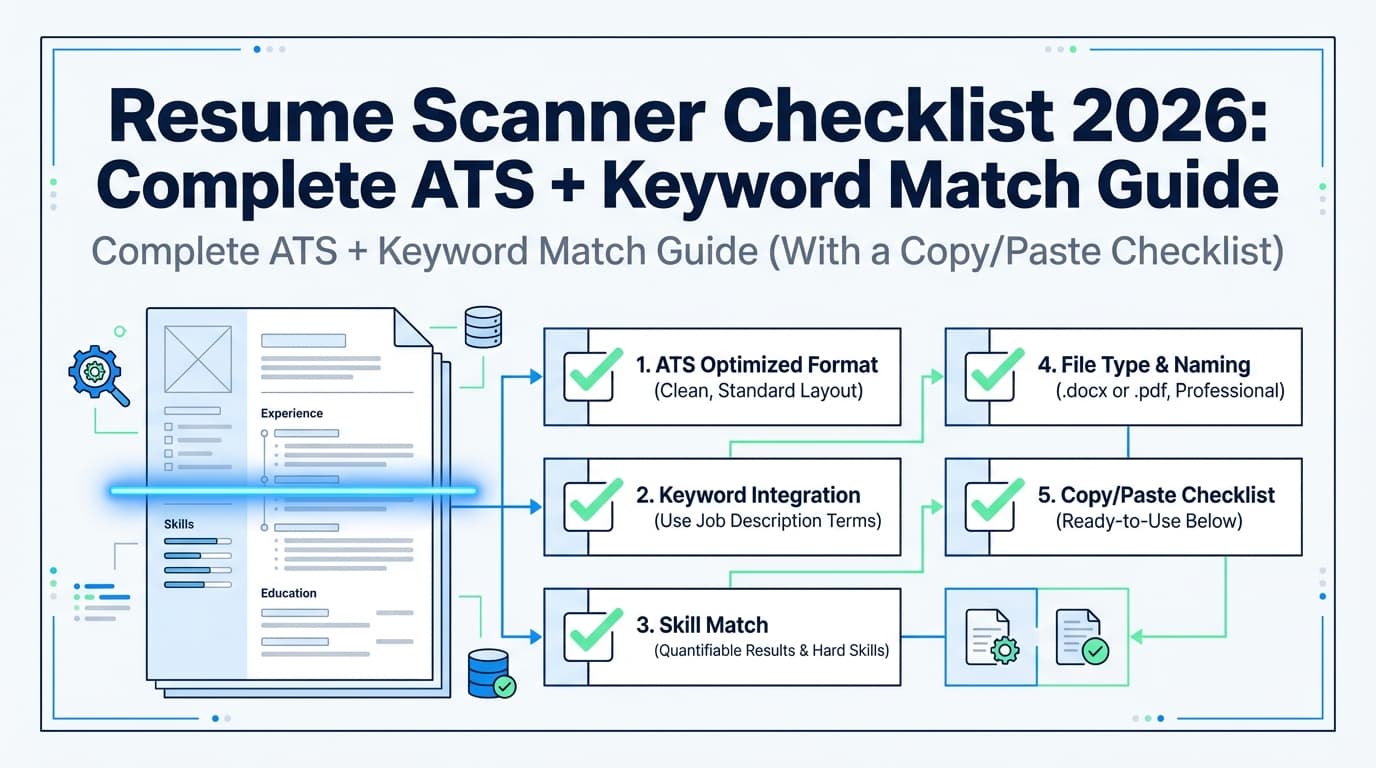
A realistic “ATS + recruiter” checklist (printable)
Parsing & structure
- One column
- Standard headings (Skills, Experience, Education)
- Dates and titles aligned and consistent
- Contact info in body (not header/footer)
- Copy/paste into text shows correct order
Keyword relevance (without stuffing)
- Must-have tools/skills appear in Skills
- Must-have tools/skills appear in proof bullets
- Your title/target role is obvious in the first 3 seconds
- You mirrored key terminology from the job description (honestly)
Human readability
- First 2–3 bullets show outcomes (metrics)
- Recent experience is most detailed
- You removed irrelevant skills that dilute the story
Application strategy
- Knockout questions checked (eligibility, location, requirements)
- Applied early (before the role is flooded)
- Referral/networking attempt made when possible
Tools to help with resume scanning + real screening preparation
You don’t need 10 tools. You need a workflow that makes tailoring fast and consistent.
JobShinobi (resume building + analysis + job matching + version control)
JobShinobi is designed for job seekers optimizing for ATS and recruiter review. Based on verified product constraints, it supports:
- LaTeX resume editing with in-app PDF preview/compilation
- AI resume analysis that produces ATS-focused scoring and detailed feedback
- Job description extraction and resume-to-job matching (paste a job URL or text to get match analysis and suggestions)
- Resume version history so you can iterate and revert changes
- A job application tracker (including export to Excel .xlsx)
- Email-forwarding automation that can parse job-application-related emails into your tracker—but email processing is Pro-gated
Pricing (accurate): JobShinobi Pro is $20/month or $199.99/year. Marketing mentions a “7-day free trial,” but trial enforcement isn’t clearly verifiable in the available implementation—so treat it as “mentioned,” not guaranteed.
Internal links you can use:
- Home:
/ - Subscription page:
/subscription
Plain text editor (parsing sanity test)
It’s basic, but it catches layout issues scanners sometimes miss:
- content order
- broken bullets
- missing sections
Spreadsheet or tracker (measure what’s working)
Track:
- applications submitted
- response rate
- interview conversion
- source (LinkedIn, referral, company site)
- resume version used
This stops you from “optimizing forever” without knowing whether the funnel is improving.
How to beat competitors’ advice: the part most guides skip
Most ATS guides focus on formatting and keywords. Real screening often hinges on two under-discussed factors:
1) Recruiter searches titles and recency, not just skills
If your most recent title is far from the target title, the recruiter may not click—even if you have the skills.
Fix (ethically):
- Put a clear target title in your headline/summary:
- “Data Analyst | SQL, Tableau | Revenue Analytics”
- If your official title is unusual, clarify scope in the first bullet:
- “Analytics Specialist (Data Analyst equivalent role supporting RevOps)”
2) Proof beats matching
Two candidates can have the same keywords. The one who wins has:
- metrics
- scope
- outcomes
- credibility
A scanner score won’t generate that for you automatically—you have to build it into your bullets.
Key takeaways
- A resume scanner is a simulation; real ATS screening includes eligibility filters, recruiter search behavior, and human skimming.
- ATS adoption is widespread: 70% of large companies and 20% of SMBs use ATS (SSR), and 98.4% of Fortune 500 use ATS (Tufts citing Jobscan research).
- Recruiters skim quickly (~7.4 seconds), so readability and impact matter as much as keywords.
- Use match scores as diagnostics, not destiny. Aim for covering must-haves, proving them in bullets, and avoiding parsing risks.
- Tools like JobShinobi can help with structured resume analysis, job matching, and version control—while keeping your workflow consistent.
FAQ (People Also Ask)
Is Jobscan resume ATS-friendly?
Jobscan-style tools can help you make your resume more ATS-friendly by flagging keyword gaps and formatting risks. But “ATS-friendly” ultimately means your resume parses cleanly, meets eligibility requirements, and is searchable and readable to recruiters. Use scanners as guidance, then validate with a parsing check and a human skim test.
Are ATS scanners accurate?
They can be accurate at what they measure (keyword overlap and certain formatting heuristics), but they cannot perfectly model each employer’s ATS setup, recruiter filters, or knockout questions. Treat scores as directional, not predictive.
What is the most reliable ATS checker?
The most reliable approach is not one tool—it’s a process:
- a scanner for keyword/format feedback,
- a parsing sanity check (copy/paste into plain text), and
- a recruiter-readability skim test (10 seconds).
If all three look good, you’re in strong shape.
What’s a good Jobscan match rate?
Jobscan has published guidance recommending ~80%, noting many users see success at ~75%. (Source: https://www.jobscan.co/blog/what-jobscan-match-rate-should-i-aim-for/)
In practice, prioritize the job’s must-haves and strong proof—don’t sacrifice clarity for a few extra points.
Does ATS prefer PDF or DOCX?
It depends on the employer’s system and settings. Some ATS parse DOCX more consistently; many handle text-based PDFs fine. Whichever you use, avoid complex formatting (tables, columns, text boxes) and verify parsing by reviewing how the application form imports your resume.
Can ATS read PDF resumes?
Many modern systems can read text-based PDFs, but parsing can fail if the PDF is image-based (scanned) or heavily designed. Always test by copy/pasting the text and checking order and completeness.
Do ATS systems automatically reject resumes?
Often, no—ATS tools are commonly used to organize and filter candidates based on criteria people configure. HiringThing specifically argues the “evil auto-reject ATS” idea is overstated, and that people and process design drive exclusions. (Source: https://blog.hiringthing.com/applicant-tracking-system-myths)
Which is better: Jobscan or Resume Worded?
They’re built around similar goals (helping you tailor and improve). The better choice depends on what you need most:
- if you need keyword gap + ATS formatting diagnostics, scanners can help;
- if you need stronger bullets and clearer impact, choose the tool/workflow that improves writing and proof. Either way, validate with parsing + skim tests so you don’t overfit to a single score.