Career-change resumes have two extra problems compared to “same-industry” resumes:
- You must translate your experience into a new role’s language fast.
- You must do it in a format that an ATS (and a rushed human) can actually read.
And the “rushed human” part is real: an eye-tracking study found recruiters spent about 7.4 seconds on an initial resume screen (the original research is from The Ladders; HR Dive summarized it).
Sources:
- The Ladders (PDF) https://www.theladders.com/static/images/basicSite/pdfs/TheLadders-EyeTracking-StudyC2.pdf
- HR Dive summary https://www.hrdive.com/news/eye-tracking-study-shows-recruiters-look-at-resumes-for-7-seconds/541582/
Confidence: HIGH (primary PDF + reputable secondary summary)
In this guide, you’ll learn:
- How to use Jobscan resume scanner for a career change resume without keyword stuffing or “score chasing”
- A step-by-step method to turn past experience into target-role keywords
- ATS-safe formatting rules (and quick ways to test if your resume will parse)
- Career-change examples: summary/objective, skills, and bullet rewrites
- Tools (including an alternative workflow with JobShinobi) to make tailoring sustainable at scale
What is a resume scanner (and what Jobscan is actually measuring)?
A resume scanner typically compares:
- Your resume text
- A target job description
Then it estimates alignment by highlighting:
- Missing / matching keywords (skills, tools, role terms)
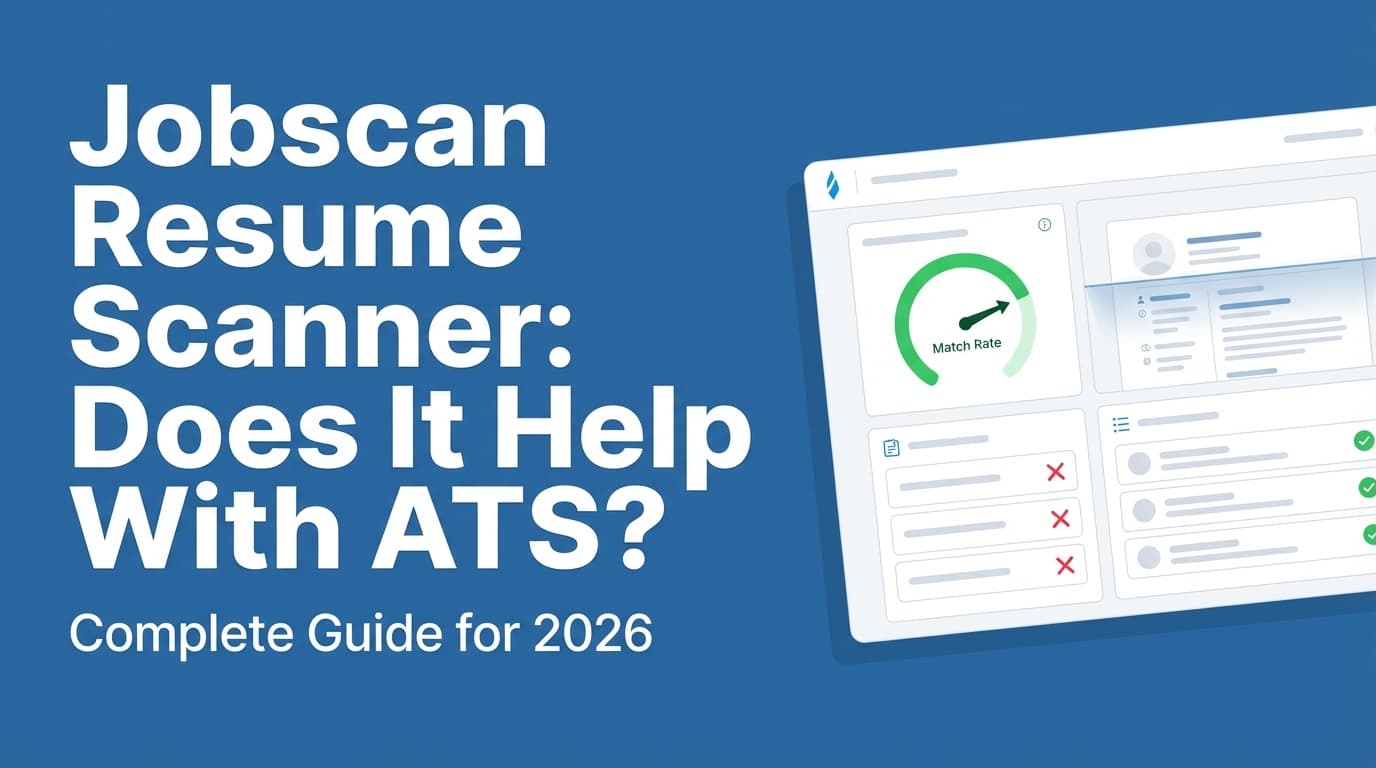
- Formatting risks (tables, columns, headers/footers, special characters)
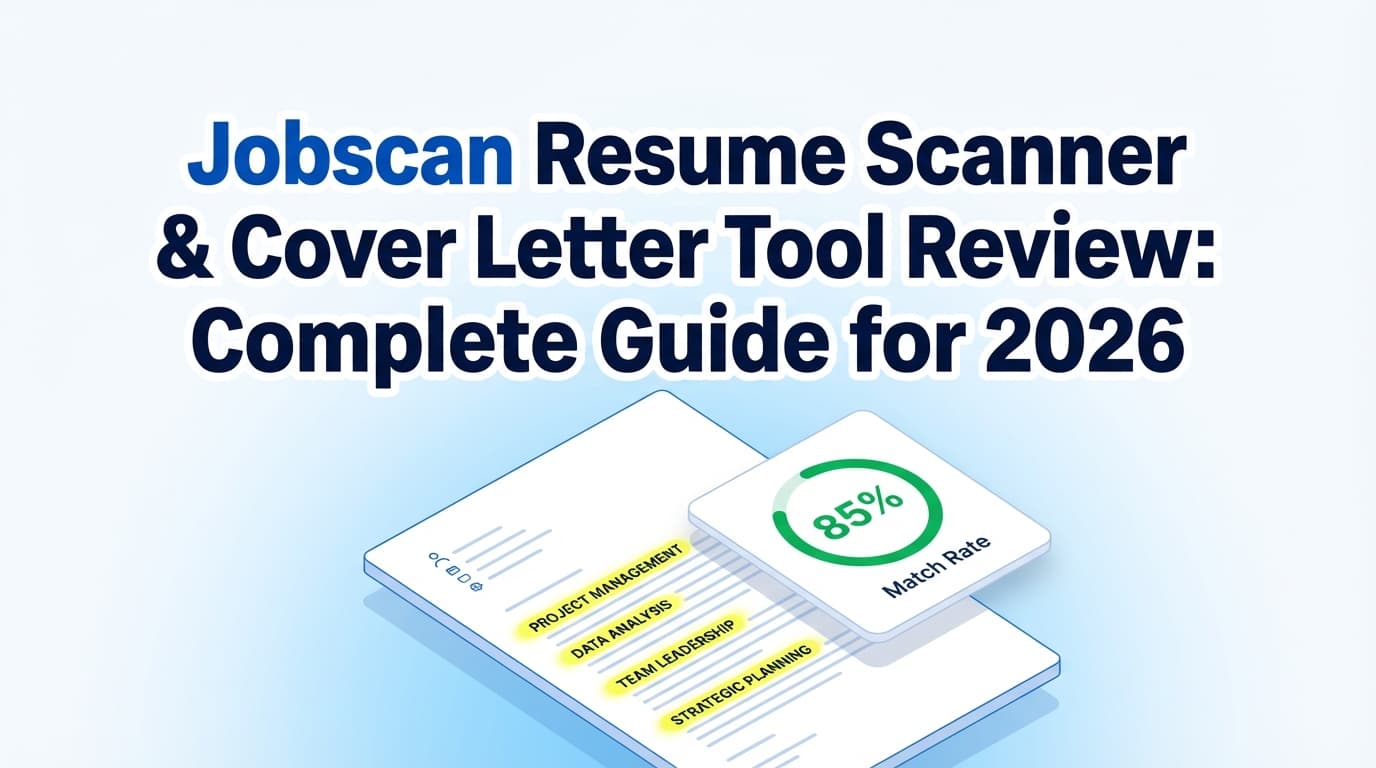
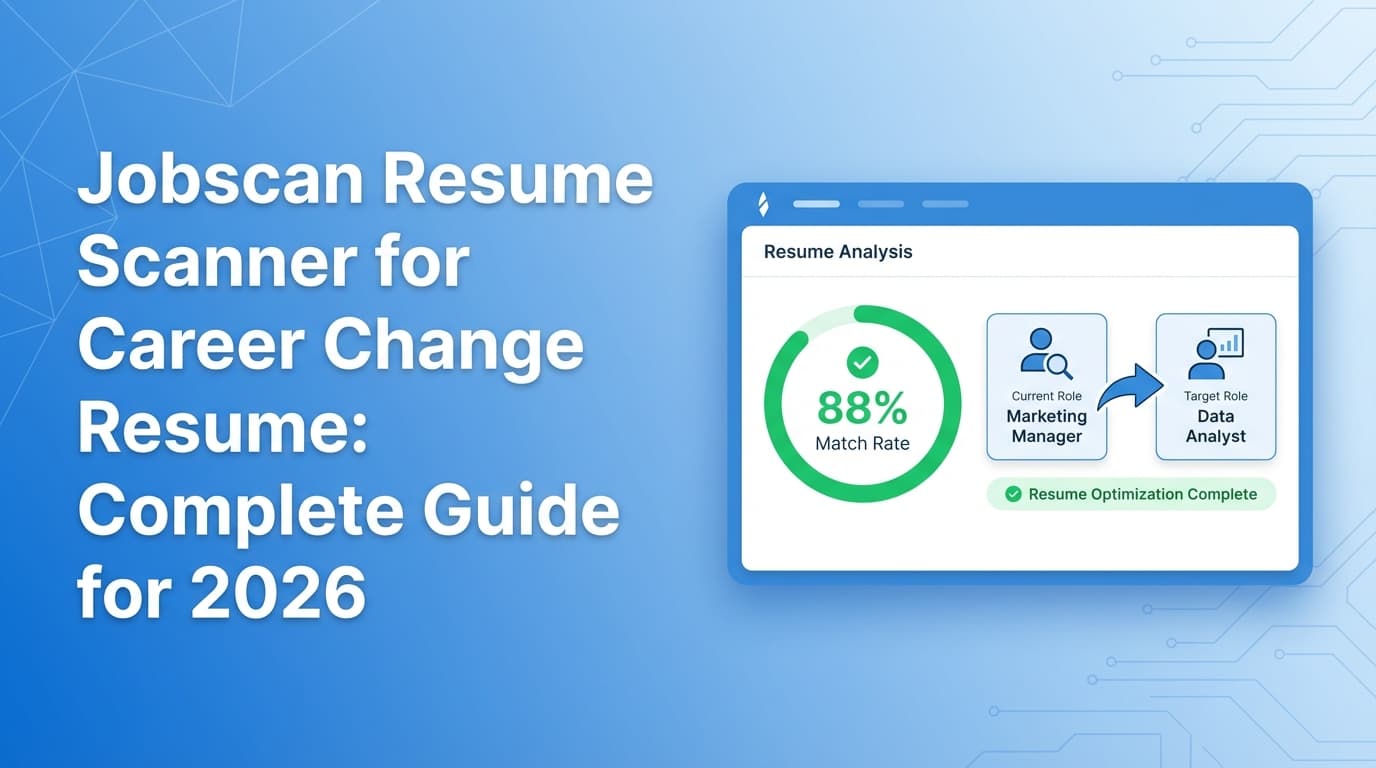
- A match score or “match rate”
Jobscan positions its resume scanner as a way to compare a resume to real job listings and get feedback on ATS formatting and best practices.
Source: https://www.jobscan.co/resume-scanner
Confidence: MEDIUM (vendor description; useful framing but not independent validation)
What a resume scanner can’t do (career changers need to know this)
A scanner can’t guarantee:
- What any specific employer’s ATS will do
- How a recruiter will weigh a non-traditional background
- Whether your pivot story is compelling
Use the scanner as a debugger and translation assistant, not a judge.
Why career-change resumes get filtered out (ATS + humans)
1) ATS usage is widespread
HR.com’s Future of Recruitment Technologies 2025–26 report says 78% of HR professionals use an ATS.
Source: https://www.hr.com/en/magazines/all_articles/hrcom%E2%80%99s-future-of-recruitment-technologies-2025-26_mh34lgc0.html
Confidence: MEDIUM (credible industry source; not triangulated here with 2 more independent reports)
2) Big employers almost certainly use ATS
Some ATS usage reporting cites 98.4% of Fortune 500 companies using a detectable ATS (2024 figure commonly repeated in ATS usage reports).
Sources:
- Jobscan ATS usage report: https://www.jobscan.co/blog/fortune-500-use-applicant-tracking-systems/
- Oleeo guide page referencing the same figure: https://www.oleeo.com/blog/what-is-an-applicant-tracking-system-ats/
Confidence: MEDIUM (two sources, but not fully independent)
3) Formatting can prevent your keywords from being “seen”
Jobscan explicitly warns that many ATS struggle with tables and columns, which can cause scrambled or missing data.
Source: https://www.jobscan.co/blog/resume-tables-columns-ats/
Confidence: MEDIUM (vendor guidance; consistent with widespread resume-parsing advice)
4) Career changers often use the “wrong vocabulary”
Even when your experience is relevant, you may describe it in your old industry’s language. ATS and recruiters search using the target role’s language.
Example translation:
- “Client onboarding” → “Implementation,” “requirements gathering,” “stakeholder management”
- “Training new staff” → “Enablement,” “onboarding program,” “learning design”
- “Monthly reporting” → “KPI dashboards,” “performance analytics,” “operational reporting”
The key mindset shift: a career-change resume is a translation document
Your resume must do two jobs:
- Machine readability: keywords + structure parse correctly
- Human credibility: bullets prove you can do the target role
Jobscan is useful because it forces a direct comparison against a job post. But the outcome depends on how you implement the recommendations.
How to use Jobscan resume scanner for a career change resume (step-by-step)
Step 1: Choose the right job description to scan against
Pick a job posting that is:
- Currently open
- Representative of roles you’ll apply to repeatedly
- Detailed (lists responsibilities + requirements clearly)
Pro tip: Start with a “middle difficulty” posting, not the toughest one. Your first resume version should work across 10–20 similar jobs.
Step 2: Build a “master inventory” before tailoring
Career changers tend to under-use their own evidence. Make a quick inventory of:
- Projects you led
- Tools you used
- Stakeholders you influenced
- Metrics you improved
- Deliverables (dashboards, playbooks, SOPs, training, documentation)
This inventory becomes your bullet bank.
Step 3: Run your first Jobscan and classify keyword gaps into 3 buckets
When Jobscan flags missing terms, label each one:
- True + provable: Add it (in the right section).
- Adjacent: Translate your experience so it maps honestly.
- Not true: Don’t add it.
This one practice prevents the biggest scanner trap: adding keywords you can’t defend in an interview.
Step 4: Fix formatting first (so your scan is measuring reality)
Before you chase match rate, make the resume ATS-safe.
ATS-friendly formatting checklist (safe defaults):
- One-column layout
- Standard headings: Experience, Skills, Education
- Avoid tables/text boxes
- Avoid icons and heavy graphics
- Consistent date format
- Keep contact info in the body (not header/footer)
Jobscan’s formatting resources (tables/columns and formatting mistakes):
- https://www.jobscan.co/blog/resume-tables-columns-ats/
- https://www.jobscan.co/blog/ats-formatting-mistakes/
Confidence: MEDIUM
Quick test: Copy-paste your resume into a plain text editor. If it looks scrambled, parsing may also be messy.
Step 5: Rewrite the top third of your resume to “announce the pivot”
Career changers need a stronger top section than same-track candidates.
Recommended order:
- Target headline
- 2–4 line summary (or objective, if early-career)
- Skills / tools (grouped, target-language)
Headline examples
Operations Specialist → Project Coordinator | Process Improvement | Cross-Functional DeliveryTeacher Transitioning to Instructional Design | Curriculum Development | eLearning Tools
Career-change summary template (copy/paste)
Career changer transitioning from [previous field] to [target role], bringing [transferable strengths] proven through [key outcomes]. Experienced in [skill cluster 1], [skill cluster 2], and [skill cluster 3], with a track record of [impact metric / scale].
Step 6: Use a skills section that’s readable and “clustered”
Instead of one long list, group skills into clusters (easier for scanners and humans):
Example skills clustering (Project Coordinator pivot)
- Project delivery: project planning, timelines, stakeholder updates, risk tracking
- Tools: Excel, Google Sheets, Jira (if true), Asana (if true)
- Operations: SOPs, process mapping, QA, documentation
This helps you incorporate keywords naturally without stuffing.
Step 7: Translate bullets into target-role language (without lying)
Bullet formula: Action + target skill + context + measurable result
Example: Customer Support → Business Analyst
Before:
- Helped customers resolve issues and reported trends.
After:
- Analyzed customer-reported issues to identify recurring failure patterns, created weekly KPI summaries, and reduced repeat tickets by 15% through prioritized process fixes.
Now you’ve added BA-adjacent language: analyzed, patterns, KPI summaries, prioritized, process fixes.
Example: Retail Manager → Operations / Logistics
Before:
- Managed inventory and staff scheduling.
After:
- Improved inventory controls and labor scheduling across 3 departments, reducing stock variances by 12% and improving coverage during peak hours.
Step 8: Aim for “good enough” match rate (don’t chase 100%)
Jobscan publishes guidance recommending a match rate of 80%, with many users and counselors seeing success around 75%.
Source: https://www.jobscan.co/blog/what-jobscan-match-rate-should-i-aim-for/
Confidence: MEDIUM (single vendor source)
Career-change interpretation:
- If you’re pivoting hard, you may not reach 80% without adding untruthful claims.
- Prioritize keywords you can prove with examples.
Step 9: Add bridging proof instead of fake experience
If you’re missing a requirement, bridge honestly with:
- A completed (or in-progress) relevant course/certificate
- A portfolio project
- Volunteer/freelance work
Example: Teacher → Instructional Designer
Portfolio: Built a 3-module onboarding course with quizzes and SME review cycles; iterated based on learner feedback.
Step 10: Re-scan once, then stop when improvements become cosmetic
Stop when:
- Formatting issues are resolved
- The top section clearly matches the role
- You have proof bullets for the key skills
- Remaining “gaps” are mostly synonyms or overly specific tools you don’t have
Apply.
Career-change resume best practices (that scanners don’t explain well)
1) Use a hybrid format (often best for pivots)
A hybrid (combination) resume lets you:
- Lead with skills/relevance (good for pivots)
- Keep chronological experience for credibility
Wharton’s career-change guidance emphasizes a skills-forward approach for career changers and includes an example template.
Source: https://executiveeducation.wharton.upenn.edu/thought-leadership/wharton-online-insights/how-to-write-a-career-change-resume/
Confidence: MEDIUM
ATS-safe hybrid structure:
- Summary or objective
- Skills (clustered)
- Selected achievements (optional)
- Experience (chronological)
- Education + certifications
2) Make transferable skills concrete (not generic)
Replace vague skills like “communication” with proofable, role-relevant skills:
- Stakeholder management
- Process documentation (SOPs)
- Reporting & dashboards
- Training / enablement
- Requirements gathering
3) Use “Selected Relevant Experience” if your past roles look unrelated
Career changers can split experience into:
- Selected Relevant Experience (most aligned)
- Additional Experience (rest)
This keeps the story tight without hiding history.
4) Don’t let a tool rewrite your voice into “keyword soup”
Readability matters because recruiters skim fast and will distrust awkward phrasing. Tools should help you find gaps—not erase your credibility.
Common mistakes to avoid when using Jobscan (especially for career changes)
Mistake 1: Keyword stuffing
Jobscan warns against keyword stuffing and frames it as a job-search trap.
Source: https://www.jobscan.co/blog/resume-keyword-stuffing/
Confidence: MEDIUM
Fix: Use keywords inside proof bullets and skills clusters.
Mistake 2: Over-tailoring to one posting
Career changers need a base resume that works across a category.
Fix: Maintain:
- A “pivot base resume”
- A lightly tailored version per application
Mistake 3: Adding tools you don’t have
If you’ve never used Jira, don’t list Jira.
Fix: Use adjacent truth (e.g., Asana/Trello) or list training in progress.
Mistake 4: Fancy templates that break parsing
Two-column layouts and tables can parse unpredictably.
Fix: Keep an ATS-first resume version that is single-column and plain.
Tools to help with Jobscan-style tailoring (including a sustainable alternative workflow)
Jobscan
- Best for: resume-to-job keyword comparison + match rate feedback + formatting reminders
Source: https://www.jobscan.co/resume-scanner
Confidence: MEDIUM
JobShinobi (for scanning, rewriting, versioning, and tracking applications)
JobShinobi is a job search toolkit that includes:
- LaTeX resume editing with in-app PDF preview (LaTeX → PDF compilation in the app)
- AI resume analysis (scoring + detailed feedback)
- Resume-to-job matching (paste a job URL or job description)
- A job application tracker, including Excel (.xlsx) export
- Optional email-forwarding job tracking that can auto-log job application emails (Pro feature)
Pricing (must be accurate): JobShinobi Pro is $20/month or $199.99/year. The marketing mentions a “7-day free trial,” but trial enforcement is not confirmed in code—treat it as unverified.
Internal link: /subscription
Confidence: HIGH for pricing; MEDIUM for trial mention
How this helps a career changer:
- Keep a clean, ATS-safe resume format by editing in structured LaTeX templates
- Save versions so “tailoring” doesn’t accidentally break your resume
- Run analysis/match workflows against target jobs to guide which skills and bullets to rewrite
- Track applications + outcomes so you can iterate based on response rates
Internal links: /dashboard/resume, /dashboard/job-tracker
Research-backed stats you can cite (and what they mean for your resume)
- Recruiters spend ~7.4 seconds on an initial resume screen
Sources: The Ladders PDF + HR Dive summary
- https://www.theladders.com/static/images/basicSite/pdfs/TheLadders-EyeTracking-StudyC2.pdf
- https://www.hrdive.com/news/eye-tracking-study-shows-recruiters-look-at-resumes-for-7-seconds/541582/
Confidence: HIGH
Implication: Your headline/summary/skills must explain the pivot instantly.
-
78% of HR professionals use an ATS (HR.com 2025–26)
Source: https://www.hr.com/en/magazines/all_articles/hrcom%E2%80%99s-future-of-recruitment-technologies-2025-26_mh34lgc0.html
Confidence: MEDIUM -
98.4% of Fortune 500 companies used a detectable ATS (2024 figure)
Sources: Jobscan + Oleeo pages
- https://www.jobscan.co/blog/fortune-500-use-applicant-tracking-systems/
- https://www.oleeo.com/blog/what-is-an-applicant-tracking-system-ats/
Confidence: MEDIUM
-
ADP skills-based hiring stats: 90% report reducing mis-hires; 94% say skills-based hiring is more predictive
Source: https://www.adp.com/resources/articles-and-insights/articles/s/skills-based-approach-to-hiring-and-development.aspx
Confidence: MEDIUM
Implication: Lean into skill proof and outcomes over titles. -
ATS adoption compilation (large companies/recruiters): SelectSoftwareReviews compiles common ATS usage stats
Source: https://www.selectsoftwarereviews.com/blog/applicant-tracking-system-statistics
Confidence: MEDIUM
Implication: ATS optimization applies beyond huge companies.
A repeatable 30–45 minute “career-change scan” workflow
- Pick a representative job post
- Scan resume vs JD (Jobscan or another tool)
- Fix formatting warnings first
- Rewrite top-of-page (headline, summary/objective, skills)
- Tailor only 3 bullets to match the job’s highest priorities
- Re-scan once
- Apply
This keeps you from spending hours chasing tiny score differences.
Key takeaways
- Resume scanners are best used as translation and QA tools, not as “hiring predictors.”
- Career changers win by rewriting truthful experience in target-role language with proof.
- Fix ATS formatting first; otherwise, scans can be misleading.
- Use Jobscan’s match-rate recommendations as guidance (80% target; 75% can still work), but don’t sacrifice credibility.
- If you’re applying at volume, use a system that supports versioning and tracking so tailoring doesn’t become chaos.
FAQ (People Also Ask-style)
How do you write a resume when you are switching careers?
Use a hybrid format, lead with a pivot headline + summary, list target-role skills, and prove those skills with rewritten bullets that show outcomes. Tools like Jobscan can help identify keyword gaps—but your job is to add keywords only when you can back them up.
Is Jobscan resume ATS friendly?
Jobscan provides ATS-focused formatting and keyword feedback, but “ATS-friendly” depends on your formatting choices and the employer’s ATS configuration. Use a single-column layout and validate with a plain-text paste test.
What is a good Jobscan match rate for a career change resume?
Jobscan generally recommends aiming for ~80% and notes many users see success around ~75%.
Source: https://www.jobscan.co/blog/what-jobscan-match-rate-should-i-aim-for/
Confidence: MEDIUM
For larger pivots, prioritize provable skills and strong “fit story” over a perfect score.
What is the best resume format for changing careers?
A hybrid/combination resume is often best: skills first (to support the pivot) plus chronological experience (to maintain credibility and help ATS parsing).
Can ATS read two-column resumes?
Sometimes, but it’s inconsistent—especially when columns are built using tables or text boxes. The safest option for online applications is a single-column ATS-first resume.
How do I mention a career change in my resume?
Use a “X → Y” headline, explain the pivot in a 2–4 line summary or objective, and then prove relevance with 2–3 bullets that map directly to target-role responsibilities and keywords.