Your tracker is supposed to reduce stress and increase interviews.
But if you’ve ever:
- spent 20 minutes updating a spreadsheet after a long day of applying,
- lost the job description you tailored to,
- forgotten which resume version you sent,
- or missed a follow-up because it was “somewhere in your inbox”…
…it’s a sign your tracker isn’t a system. It’s an activity log.
That matters more than ever because the hiring funnel is crowded and fast at the top:
-
Recruiters may only give your resume a few seconds on the first pass. A widely cited eye-tracking study found an average initial resume “glance” of ~7.4 seconds.
Sources: HR Dive’s coverage and the BU-hosted PDF of the study.- https://www.hrdive.com/news/eye-tracking-study-shows-recruiters-look-at-resumes-for-7-seconds/541582/
- https://www.bu.edu/com/files/2018/10/TheLadders-EyeTracking-StudyC2.pdf
Confidence: High (multiple independent citations + primary PDF)
-
Long, painful application processes lead to drop-off. SHRM reports CareerBuilder data showing 60% of job seekers quit mid-application due to length/complexity.
- https://www.shrm.org/topics-tools/news/technology/study-job-seekers-abandon-online-job-applications
Confidence: Medium (credible outlet; the underlying study methodology is not fully shown in the article snippet)
- https://www.shrm.org/topics-tools/news/technology/study-job-seekers-abandon-online-job-applications
-
In a more recent datapoint, LiveCareer reports 57% of job seekers abandoned an application mid-process, also covered by HR Dive.
- https://www.livecareer.com/resources/job-hunt-gauntlet-report
- https://www.hrdive.com/news/ai-barriers-complex-application-processes-lead-to-job-search-burnout/807661/
Confidence: Medium (LiveCareer is the primary source; HR Dive corroborates the reported number)
When your tracker wastes time, you’re paying a daily “admin tax” that could go to higher-leverage work: better targeting, better tailoring, stronger follow-up, and cleaner interview prep.
In this guide, you’ll learn:
- The top job application tracker mistakes that waste time (with fixes)
- A copy/paste tracker template that stays usable at 20 or 200 applications
- A “60-minute reset” to rebuild your system without overthinking it
- How to measure your funnel so you stop repeating low-yield behaviors
- Tools that reduce re-entry (and when a spreadsheet is still best)
What is a job application tracker?
A job application tracker is a workflow system that helps you:
- capture key info once,
- prevent lost context (job description, resume version, contacts), and
- decide what to do next (follow up, prep, network, move on).
A good tracker answers these questions in under 30 seconds:
- What stage is this application in?
- What’s my next action—and when?
- What version of my materials did I send?
- Who is the human attached to this opportunity?
If it can’t answer those quickly, it’s not a tracker. It’s a record.
Why tracking mistakes matter more in 2026 (the data)
Here are a few data-backed reasons organization and follow-through matter:
-
ATS is widely used in large employers. Jobscan reports that more than 98% of Fortune 500 companies use an ATS.
- https://www.jobscan.co/blog/fortune-500-use-applicant-tracking-systems/
Confidence: Medium (Jobscan is credible in this niche; “detectable ATS” methodology matters, but the stat is widely repeated)
- https://www.jobscan.co/blog/fortune-500-use-applicant-tracking-systems/
-
Application friction is real. Recruitee’s State of Hiring content reports 41.2% of applications are abandoned halfway through.
- https://recruitee.com/blog/global-hiring-insights
Confidence: Medium (vendor report; useful directional benchmark, not universal)
- https://recruitee.com/blog/global-hiring-insights
-
Job searches can require persistence—but not random volume. The U.S. Bureau of Labor Statistics (BLS) analysis of CPS data found it took jobseekers about six applications on average to obtain one job (note: this is a population-level average and varies widely by role/market).
- https://www.bls.gov/opub/btn/volume-9/how-do-jobseekers-search-for-jobs.htm
Confidence: High (primary government source)
- https://www.bls.gov/opub/btn/volume-9/how-do-jobseekers-search-for-jobs.htm
-
Competition can be intense. Multiple career sites citing Glassdoor report a corporate opening can attract ~250 resumes on average.
- https://www.recruiter.com/recruiting/these-statistics-will-change-the-way-you-apply-to-jobs/
- https://zety.com/blog/hr-statistics
Confidence: Medium (secondary citations of Glassdoor; still useful to frame funnel math)
Translation: you don’t need a “perfect tracker.” You need a tracker that prevents leaks—because small leaks in a crowded funnel are expensive.
The unique angle most tracker advice misses: your tracker should be a decision engine
A lot of articles teach “what columns to add.”
That’s helpful—but it doesn’t fix the real problem: most trackers are built to record the past, not to drive next decisions.
In this guide, you’ll build a tracker around three outputs:
- Next action list (what you do this week)
- Conversion visibility (where your funnel is failing)
- Context retrieval (job description + materials + contacts in one place)
Everything else is optional.
How to fix your tracker in 60 minutes (step-by-step)
Step 1: Choose your job-search mode (10 minutes)
Pick the mode you’re actually in:
- High-volume mode (speed): you’re applying broadly to qualified roles and need minimal admin.
- Targeted mode (quality): fewer applications, deeper tailoring, more relationship work.
- Hybrid mode (most common): targeted roles + a steady background pipeline.
Write the mode at the top of your tracker. It determines how many fields you can afford.
Rule: If you’re in high-volume mode, any tracker field that takes more than 10 seconds to update is suspect.
Step 2: Build a Minimum Viable Tracker (MVT) (20 minutes)
Use these columns (copy/paste). This is the smallest set that prevents the most time-wasting problems:
Minimum Viable Tracker columns
- Company
- Role Title
- Location / Remote
- Source (LinkedIn, referral, recruiter, company site, etc.)
- Job Link (or saved JD link)
- Date Applied
- Status (standardized)
- Resume Version (file name or label)
- Contact (name + email/LinkedIn)
- Next Action Date
- Next Action
- Notes (short + structured)
If you already have a big spreadsheet, don’t delete it. Create:
- Tab 1: Pipeline (MVT)
- Tab 2: Archive (everything else)
You’ll immediately feel less friction.
Step 3: Standardize statuses (10 minutes)
Use a small set so you can filter and spot bottlenecks.
Recommended statuses
- To Apply
- Applied
- Recruiter Screen
- Interview
- Offer
- Rejected
- Withdrawn
- Accepted
Avoid: “Waiting.” Everything is waiting. Use Next Action Date instead.
Step 4: Add a weekly review ritual (15 minutes)
Your tracker isn’t real until it’s reviewed.
Once per week (30 minutes), do:
- Filter Next Action Date = blank → assign a next action
- Filter Status = Applied older than your follow-up threshold → follow up or close
- Filter Status = Interview → add prep tasks + ensure JD is saved
- Add new items to To Apply based on bandwidth
This is where your tracker becomes a system, not a spreadsheet.
Step 5: Automate capture only where it removes re-entry (5 minutes)
Automation is worth it when it reduces copy/paste and missed updates.
Example: JobShinobi supports email-forwarding job tracking—you forward job-related emails to your unique JobShinobi address, and the system can parse those emails and log/update job applications. This email processing is restricted to JobShinobi Pro.
- Pricing: JobShinobi Pro is $20/month or $199.99/year. The pricing page mentions a “7-day free trial,” but trial enforcement isn’t clearly verifiable in code—so treat it as a marketing mention, not a guarantee.
Confidence: High (pricing + Pro gating), Medium (trial mechanics)
If you don’t want a paid tool, you can still reduce re-entry by:
- creating an email label for application confirmations,
- batching your updates 2–3 times per week,
- and pasting the confirmation “company + role” into your tracker quickly.
17 job application tracker mistakes that waste time (and the fix for each)
Mistake 1: Your tracker has no “Next Action” field
Symptom: You track “status” but still don’t know what to do today.
Why it wastes time: You reread emails and job posts to reconstruct context.
Fix: Add these two columns and make them mandatory:
- Next Action
- Next Action Date
If you only fix one thing, fix this.
Mistake 2: You don’t save the job description (JD)
Symptom: The posting disappears, is edited, or is behind a login by interview time.
Why it wastes time: You lose the exact language you tailored to, and you can’t prep precisely.
Fix options (pick one):
- Save JD text in a doc and link it.
- PDF/screenshot the posting.
- Paste a “JD highlights” snippet into Notes (top requirements + keywords).
Mistake 3: You don’t track which resume version you sent
Symptom: A recruiter calls and you can’t remember what you submitted.
Why it wastes time: You hunt through old files and risk inconsistency in interviews.
Fix: Use a consistent naming convention and log it in your tracker. Guidance on professional resume file names is common across career sites (e.g., include your name + “resume”).
- Example guidance: Indeed’s resume file name tips: https://www.indeed.com/career-advice/resumes-cover-letters/resume-file-name
Confidence: Medium (practical guidance, not research)
Suggested naming:
First_Last-Role-Company-v03.pdf
Mistake 4: Status sprawl (too many custom statuses)
Symptom: “Applied - no response,” “Applied - waiting,” “Applied - maybe,” “Applied - ghosted,” etc.
Why it wastes time: You can’t filter cleanly or measure your funnel.
Fix: Keep statuses simple. Store nuance in:
- Next Action Date
- Notes
- Priority (optional)
Mistake 5: You mix “To Apply” with “Applied”
Symptom: Your tracker is a giant list of maybe-jobs + real applications.
Why it wastes time: You can’t see what’s actually in your pipeline.
Fix: Use:
- a “To Apply” status or
- a separate “Targets” tab
Cap “To Apply” at 10–25 roles; otherwise it becomes an avoidance list.
Mistake 6: You don’t track the human (recruiter/referral/hiring manager)
Symptom: You have companies and roles, but no people.
Why it wastes time: You treat everything like cold applying and miss warm paths.
Fix: Add a Contact field and capture at least one:
- recruiter name + email/LinkedIn,
- referrer name,
- hiring manager name (if known)
Even “TBD” prompts you to find it.
Mistake 7: You track activity instead of outcomes
Symptom: You know how many you applied to, but not:
- response rate,
- interview rate,
- offer rate.
Why it wastes time: You keep repeating low-yield behaviors.
Fix: Track just enough to compute these monthly:
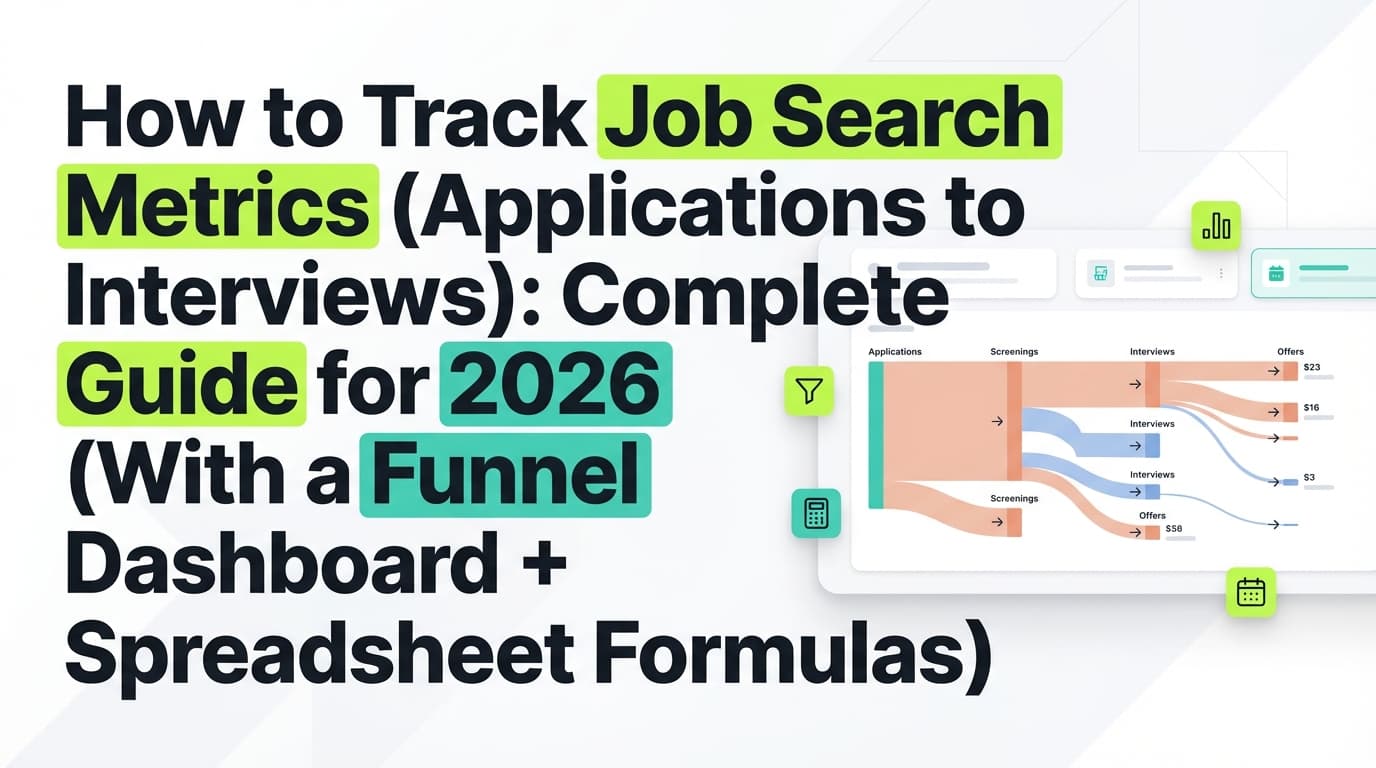
- Applications → Recruiter screens
- Screens → Interviews
- Interviews → Offers
- Source effectiveness (callbacks by source)
If you use JobShinobi, its analytics dashboard computes metrics like response rate and interview conversion from tracked applications.
Confidence: High (analytics dashboard exists)
Mistake 8: You update your tracker in real time (and burn out)
Symptom: You apply → immediately open tracker → perfect the row → repeat.
Why it wastes time: Context switching destroys momentum.
Fix: Batch updates:
- Apply in a focused block (e.g., 45 minutes)
- Update tracker in a 10-minute sweep
Mistake 9: Notes become essays
Symptom: Your notes column is long paragraphs you never reread.
Why it wastes time: Notes become noise.
Fix: Use a structured mini-format:
- Why this role: 1 line
- Keywords: 3–6 terms
- Last touch: date + what happened
- Risk: salary unknown / hybrid / contract / etc.
Mistake 10: You don’t close dead applications
Symptom: Your tracker is full of 90-day-old “Applied” rows.
Why it wastes time: Clutter creates avoidance and guilt.
Fix: Add a close rule:
- If no response after X days + you followed up → mark Closed (use “Withdrawn” or “Rejected” or an “Archived” view)
Mistake 11: You don’t capture “Source” consistently
Symptom: “LinkedIn,” “LI,” blank, “company site,” etc.
Why it wastes time: You can’t tell what’s working.
Fix: Use a dropdown list (or consistent text):
- Indeed
- Company Site
- Recruiter Outreach
- Referral
- Community/Slack
- Other
Then measure callbacks by source.
Mistake 12: You don’t track follow-up timing at all
Symptom: You “plan to follow up” but rely on memory.
Why it wastes time: You check your inbox instead of executing.
Fix: Pick a follow-up rule and make it automatic via Next Action Date.
Common guidance varies (some say 1 week, some say 2 weeks). Indeed suggests waiting about two weeks in some cases for application follow-up.
- https://www.indeed.com/career-advice/finding-a-job/follow-up-on-job-application
Confidence: Medium (practical guidance; not universal)
A simple system that avoids overthinking:
- Follow-up #1: 7–10 days after applying (if you have a contact)
- Follow-up #2: 7 days later
- Then close or deprioritize
Mistake 13: You don’t track what you actually sent (cover letter/portfolio)
Symptom: You can’t remember if you sent a portfolio link or a specific writing sample.
Why it wastes time: You rebuild materials repeatedly.
Fix: Add “Materials Sent” as a short coded field:
R(resume),CL(cover letter),P(portfolio),WS(writing sample)
Or store links in Notes.
Mistake 14: You duplicate applications (and confuse your own history)
Symptom: You applied via multiple paths or re-added the same job.
Why it wastes time: Duplicate effort and messy follow-up.
Fix: Create a unique key rule:
- Company + Role Title + Location (good enough)
- Add Req ID if available
In spreadsheets, use conditional formatting to highlight duplicates.
Mistake 15: Your tracker is in one tool, but your files are scattered
Symptom: Resumes in Downloads, cover letters in Drive, notes in Notion, links in email…
Why it wastes time: Context retrieval becomes a scavenger hunt.
Fix: Create a job-search folder structure with consistent links:
/Job Search/2026/Company - Role/- Resume.pdf
- CoverLetter.doc
- JD.pdf
- Notes.txt
Then link the folder in your tracker.
Mistake 16: You treat every job equally (no priority system)
Symptom: You spend the same effort on low-fit and high-fit roles.
Why it wastes time: You overinvest in low-probability outcomes.
Fix: Add a simple Priority:
- A = top fit + high interest
- B = decent fit
- C = low effort / low fit
Then only do deep tailoring for A roles.
Mistake 17: You never export/backup your tracker data
Symptom: You can’t take your history with you or analyze it later.
Why it wastes time: You lose learnings between searches.
Fix: Export monthly or after major milestones.
If you use JobShinobi’s job tracker, it supports export to Excel (.xlsx). (It does not export directly to Google Sheets.)
Confidence: High (Excel export implemented; Google Sheets export not supported)
The copy/paste tracker template (plus an example row)
Columns (Minimum Viable Tracker)
Copy these into Excel/Sheets/Notion:
- Company
- Role Title
- Location/Remote
- Source
- Job Link (or JD Link)
- Date Applied
- Status
- Resume Version
- Contact
- Next Action Date
- Next Action
- Notes (Why/Keywords/Last touch/Risk)
Example row
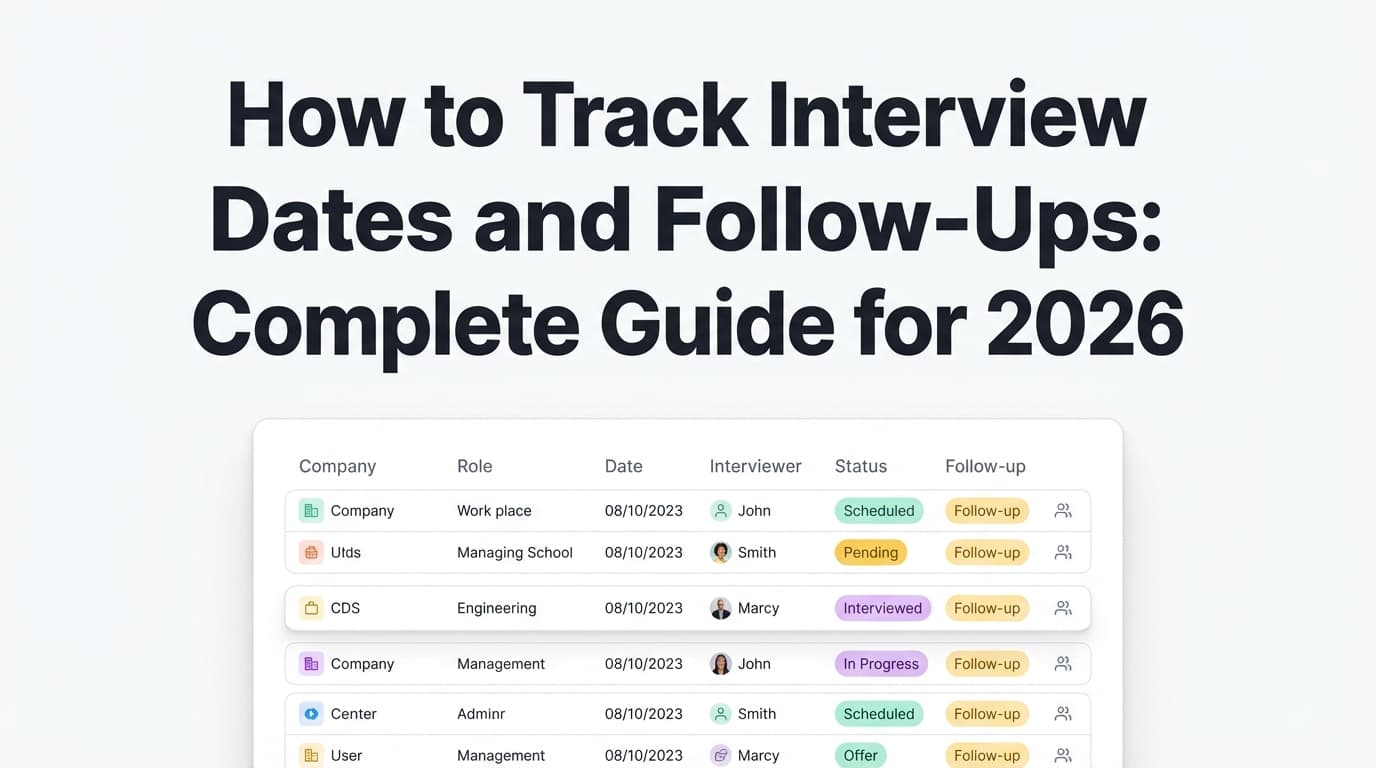
| Company | Role Title | Source | Date Applied | Status | Resume Version | Contact | Next Action Date | Next Action | Notes |
|---|---|---|---|---|---|---|---|---|---|
| Acme | Data Analyst | Referral | 2026-01-12 | Applied | Sam_Lee-DataAnalyst-Acme-v03.pdf | Jamie R. (LinkedIn) | 2026-01-22 | Follow up | Why: product analytics. Keywords: SQL, Looker, A/B tests. Last touch: applied. Risk: hybrid. |
Make your tracker “self-cleaning” (advanced tips that save time)
These are optional—but if you’re spreadsheet-heavy, they reduce manual effort.
1) Use conditional formatting for follow-ups
Highlight rows where:
- Status = Applied
- Date Applied is older than your follow-up threshold
- Next Action Date is blank (or due)
2) Create views instead of adding columns
Instead of more fields, create filtered views:
- Today: Next Action Date = today or earlier
- This Week: Next Action Date in next 7 days
- Interview Prep: Status = Interview
- Waiting: Status = Applied AND Next Action Date in the future
3) Keep a separate “Contacts” tab (if networking-heavy)
If you’re in targeted/hybrid mode, separate contacts from applications:
- One contact can connect to multiple roles
- You can track follow-ups without cluttering the application table
This mirrors relationship-first approaches (seen in organizing guides from tools like Dex).
Confidence: Medium (best-practice pattern; not a research claim)
Tools to help (and how to choose without wasting money)
Option A: Spreadsheet (best for control)
Best for: people who will actually do a weekly review and want full customization
Risk: manual re-entry and inconsistent updates
Good resources for baseline spreadsheet structures include The Muse and Zapier’s spreadsheet-based approaches. (Zapier’s article is notably comprehensive and long-form.)
- Zapier: https://zapier.com/blog/supercharge-your-job-hunt/
Confidence: High (direct content review)
Option B: Tracker apps (best for speed + reduced re-entry)
Best for: high-volume applicants or anyone who hates manual updates
Risk: you stop using it if it doesn’t match your workflow
Option C: Job-search CRMs (best for relationship-heavy searches)
Best for: targeted/hybrid searches where referrals and recruiter outreach drive results
Risk: overbuilding a system instead of executing
Where JobShinobi fits (honest, accurate)
JobShinobi is positioned as:
- a job application tracker (manual add/edit/delete)
- with realtime updates in the UI
- analytics (response rate / interview conversion style metrics)
- export to Excel (.xlsx)
- plus an automation workflow: forward job-related emails to your unique JobShinobi address so it can parse and log application updates automatically (Pro required).
Pricing: JobShinobi Pro is $20/month or $199.99/year. Pricing pages mention a “7-day free trial,” but trial mechanics aren’t clearly verifiable in code—so don’t plan your job search around the trial existing.
Confidence: High (pricing + Pro gate), Medium (trial)
If you want to try it, you can start at the login page: /login.
The weekly workflow that makes tracking worth it (30 minutes/week)
Here’s a simple routine that prevents the most common time-wasters:
-
Monday (10 min):
- Open “This Week” view
- Send follow-ups due
- Identify 1–2 roles to prioritize (A roles)
-
Midweek (10 min):
- Add new applications from the last 2–3 days
- Save missing job descriptions
- Ensure resume versions are logged
-
Friday (10 min):
- Close dead roles
- Note what sources produced screens/interviews
- Add next week’s targets
Your tracker stays clean, and you never “fall behind” so far that you avoid opening it.
Key takeaways
- A tracker that doesn’t tell you the next action and date is a time-waster, not a system.
- Save the job description and track the resume version you sent—those two fixes alone prevent hours of rework.
- Standardize statuses so you can filter, follow up, and measure conversion.
- Review weekly, analyze monthly.
- Automate capture only when it removes re-entry (e.g., confirmations and status-change emails).
FAQ (for quick answers + featured snippets)
What are the biggest job application tracker mistakes that waste time?
The biggest are: no next action/date, not saving job descriptions, not tracking resume versions, inconsistent statuses, no follow-up system, and letting dead applications clutter your pipeline.
What should I track in a job application spreadsheet?
At minimum: company, role, job/JD link, date applied, status, resume version, contact, and next action/date. Everything else is optional.
How often should I follow up after applying?
Guidance varies by source and situation. Some career resources suggest waiting about two weeks to follow up in many cases (e.g., Indeed), while other advice suggests around one week. A practical approach is 7–10 days if you have a real contact, then one more follow-up a week later.
- Indeed follow-up guidance: https://www.indeed.com/career-advice/finding-a-job/follow-up-on-job-application
Confidence: Medium
Why should I save a copy of the job description?
Because postings can be edited or removed, and the JD language is the best source for tailoring your resume and prepping interview stories. Saving it prevents “context loss” later.
Do recruiters really only spend 6–8 seconds on a resume?
A well-known eye-tracking study reported an average initial resume glance of ~7.4 seconds. It doesn’t mean decisions are always made in 7 seconds—but it does mean your top content and formatting must be immediately clear.
- https://www.hrdive.com/news/eye-tracking-study-shows-recruiters-look-at-resumes-for-7-seconds/541582/
- https://www.bu.edu/com/files/2018/10/TheLadders-EyeTracking-StudyC2.pdf
Are applicant tracking systems (ATS) really used by most big companies?
Jobscan reports over 98% of Fortune 500 companies use ATS software. ATS usage varies by company size and industry, but for large employers it’s extremely common.
- https://www.jobscan.co/blog/fortune-500-use-applicant-tracking-systems/
Confidence: Medium