If you’ve been applying for weeks (or months) and your resume feels “fine” but you’re still getting silence, you’re not alone. Most job seekers aren’t failing because they’re unqualified—they’re failing because their resume isn’t aligned to the language of the job posting (and sometimes isn’t being parsed cleanly in the first place).
Here’s why scanning your resume for ATS keywords is worth doing:
- 97.8% of Fortune 500 companies were detected as using an ATS in Jobscan’s 2025 ATS usage report. (Confidence: Medium — credible niche source, but based on their own detection methodology.) Source: https://www.jobscan.co/blog/fortune-500-use-applicant-tracking-systems/
- Recruiters may make a quick first impression: The Ladders’ eye-tracking study is widely cited for 7.4 seconds in initial resume screening. (Confidence: High — primary PDF + multiple secondary citations.) Source (PDF): https://www.theladders.com/static/images/basicSite/pdfs/TheLadders-EyeTracking-StudyC2.pdf
- A commonly cited recruiting stat roundup reports 75% of recruiters use an ATS or another tech-driven tool to review applicants, and 94% agree their ATS has a positive impact on hiring. (Confidence: Medium — widely repeated; the roundup aggregates multiple sources.) Source: https://www.selectsoftwarereviews.com/blog/applicant-tracking-system-statistics
- ATS isn’t a “big-company-only” thing: one university career article cites Jobscan + a Kelly OCG survey estimate of 66% of large companies and 35% of small organizations using ATS. (Confidence: Medium — secondary citation.) Source: https://mckelveyconnect.washu.edu/blog/2022/02/04/8-things-you-need-to-know-about-applicant-tracking-systems/
- Hiring tech keeps growing: an iCIMS newsroom post cites a report claiming the ATS market grew to $2.5B in 2024 (12.3% YoY). (Confidence: Medium — cited by a vendor; original report is third-party.) Source: https://www.icims.com/company/newsroom/appsruntheworld2025/
In this guide, you’ll learn:
- What “ATS keywords” actually are (and what they aren’t)
- Exactly how to scan your resume against a job description (manual + tool-based)
- A reusable keyword checklist template (so you can tailor faster)
- Where to place keywords so they help both ATS and humans (without keyword stuffing)
- Common mistakes (including “hidden text” hacks) and how to avoid them
- Practical examples for different roles (with before/after bullets)
- A realistic way to interpret “match rate” scores
What are ATS keywords?
ATS keywords are the job-related terms recruiters and applicant tracking systems use to search, filter, and rank candidates.
They usually come from the job description—and they typically fall into these buckets:
- Job titles & role language
- “Data Analyst,” “Customer Success Manager,” “FP&A,” “Project Manager”
- Hard skills & methods
- “forecasting,” “A/B testing,” “ETL,” “financial modeling,” “stakeholder management”
- Tools & technologies
- “SQL,” “Excel,” “Tableau,” “Salesforce,” “Workday,” “GA4,” “Python”
- Certifications & credentials
- “PMP,” “CPA,” “RN,” “CompTIA Security+”
- Domain/industry terms
- “HIPAA,” “SOX,” “KYC,” “ISO 27001”
- Deliverables & outcomes
- “dashboards,” “renewals,” “pipeline,” “KPIs,” “roadmap,” “OKRs”
What ATS keywords are not
- They are not generic “buzzwords” like “hard-working” or “go-getter.”
- They are not a magic list you can copy/paste into every resume.
- They are not a guarantee of interviews.
Keywords help you get found and considered—but you still need strong experience bullets, credibility, and a clear narrative.
How ATS keyword scanning works (plain English)
Think of an ATS as two systems:
- A parser: tries to convert your resume into structured fields (contact info, experience, skills).
- A search & workflow system: lets recruiters search and filter candidates, manage stages, and communicate.
That’s why keyword scanning is really two checks:
- Parsing check: Can software reliably extract your text and section structure?
- Matching check: Does your resume include the role-relevant terms from the job post?
If either fails, you can be filtered out—even if you’re qualified.
Why scanning for ATS keywords matters in 2026 (without the fear-mongering)
Yes, ATS is common. But the point isn’t “beat the bots.”
The point is:
- Recruiters often search inside ATS by skills, titles, and tools
- Your resume needs to use the same language as the job post so you’re discoverable
- Humans still make decisions quickly (the 7.4 seconds insight is a good reminder)
So the “ATS keyword scan” is really a clarity exercise:
Are you describing your experience in the same words the employer uses to describe the job?
The best way to scan your resume for ATS keywords: the 7-step workflow
This workflow is designed to be:
- fast enough for high-volume applicants
- precise enough to improve results
- honest enough to keep your resume credible
Step 1: Choose a specific job posting (not a general role)
Keyword scans work best when they’re tied to one job description.
Do:
- Copy the entire job post (including requirements and preferred qualifications)
- Save it with a clear name:
JD - Company - Role - Date
Don’t:
- Scan your resume against a generic “Data Analyst keywords list” and call it done
Pro tip: If you’re applying to many similar roles, build 2–3 “base” resumes by job family, then tailor from the closest base.
Step 2: Extract keywords from the job description (the “highlight method”)
Paste the job description into a doc and highlight:
- Tools/tech (SQL, Excel, Tableau)
- Responsibilities (build dashboards, manage renewals, run QBRs)
- Requirements (PMP, degree, security clearance)
- Metrics/outcomes (reduce churn, increase conversion rate)
- Soft skills (only if emphasized: stakeholder management, communication)
Then build a keyword list.
A quick rule for prioritizing keywords
- If a term appears multiple times, it matters
- If it appears under Required Qualifications, it matters
- If it names a core output (dashboards, forecasts, renewals), it matters
Step 3: Categorize keywords into “must-have” vs “nice-to-have”
Create two lists:
Must-have keywords
- required tools/certs (e.g., “SQL required”)
- repeated core skills (e.g., “stakeholder management” appears 3x)
Nice-to-have keywords
- preferred tools (e.g., “Looker a plus”)
- bonus domain terms you can truthfully claim
This prevents keyword stuffing and makes tailoring faster.
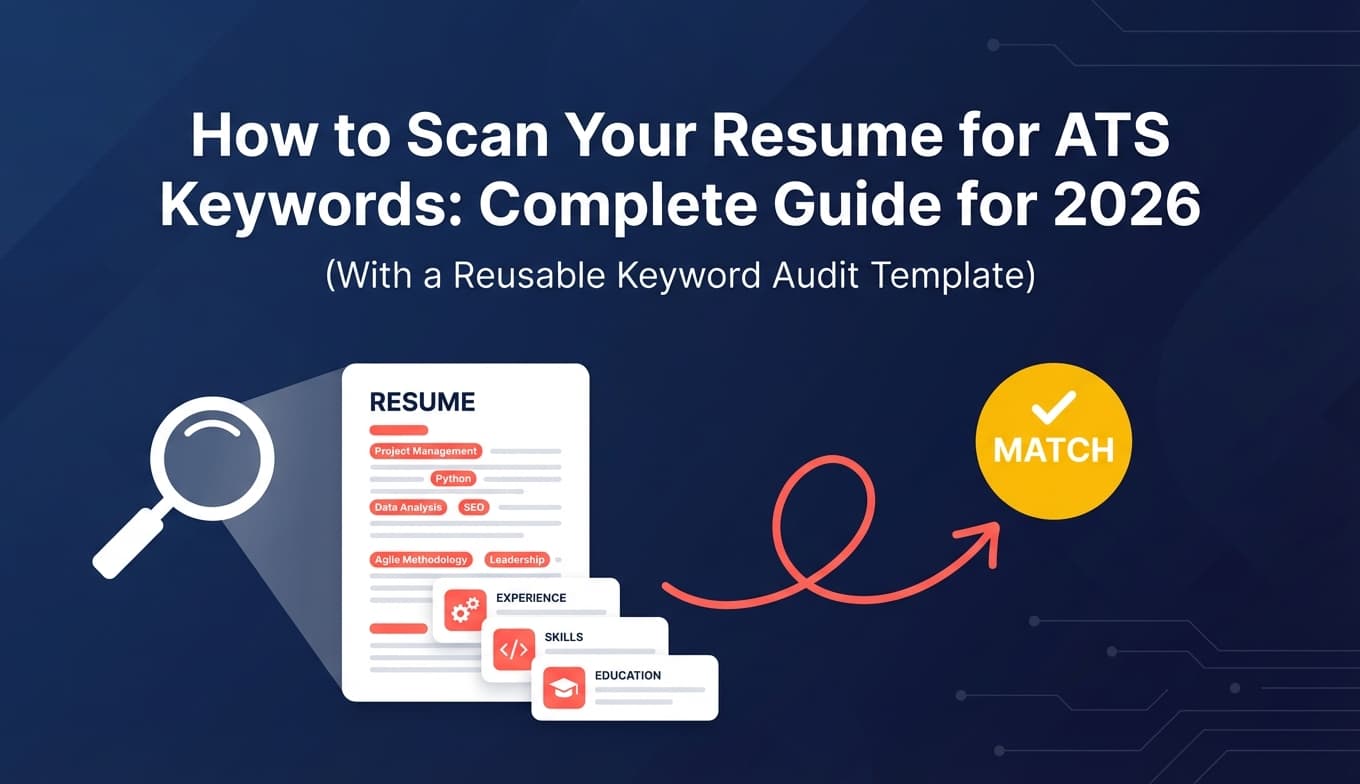
Step 4: Build a reusable ATS keyword checklist (template)
Copy this into a spreadsheet:
| Keyword / Phrase | Category | Must-have (Y/N) | Job description proof | On resume? (Y/N) | Where (Summary/Skills/Experience/Projects) | Fix needed |
|---|---|---|---|---|---|---|
| SQL | Tool | Y | “Strong SQL required” | N | — | Add + prove in bullet |
| Tableau | Tool | Y | “Build dashboards in Tableau” | Y | Skills + Exp | Improve bullet context |
| Stakeholder management | Skill | Y | “Partner with stakeholders…” | N | — | Add to bullet |
| A/B testing | Method | N | “Experimentation experience preferred” | N | — | Only if true |
This checklist becomes your “scanner.” It’s also the easiest way to avoid missing obvious gaps.
Step 5: Scan your resume for ATS keywords (3 levels of scanning)
Level 1: Ctrl+F scan (exact-match)
Search every must-have keyword in your resume.
- If the job says “stakeholder management”, do you have that exact phrase?
- If it says “GA4”, do you have it?
This step is simple—and powerful.
Level 2: Parse/readability scan (plain-text test)
ATS can only match keywords it can read.
A quick self-test recommended by multiple career resources is to copy/paste your resume into plain text or save as text and check for scrambled sections. (Confidence: Medium–High — supported by multiple sources.)
Examples:
- MIT Career Advising suggests testing because ATS focuses on text and you can “save as plain text (.txt)” to see how it reads. (Confidence: High for the recommendation.) Source: https://capd.mit.edu/resources/make-your-resume-ats-friendly/
- A U.S. government program blog suggests saving as PDF or DOCX and using a resume checker; it also emphasizes keyword placement. (Confidence: High for basic guidance.) Source: https://choosework.ssa.gov/blog/2024-08-08-how-to-make-your-resume-applicant-tracking-system-friendly.html
How to do the test:
- Open your resume (PDF or Word).
- Select all → copy.
- Paste into:
- Notepad / TextEdit (plain text)
- or a blank Google Doc
- Look for:
- missing section headings
- bullets merging into paragraphs
- dates appearing out of order
- content disappearing (especially if it was in headers/footers)
If it looks messy here, it may parse poorly in some ATS environments.
Level 3: Semantic scan (synonyms + acronyms)
Many ATS searches and recruiter searches depend on the terms they type. You want to be findable for both acronyms and long-form terms.
Examples:
- Search Engine Optimization (SEO)
- Google Analytics 4 (GA4)
- Customer Relationship Management (CRM)
Jobscan and multiple university career PDFs recommend including both the spelled-out term and acronym. (Confidence: Medium–High — common and consistent advice.)
- Jobscan formatting mistakes article appears in SERPs emphasizing spelling out acronyms (source visible in search results). (Confidence: Medium without full page analysis due to access limits.)
- University PDF example: UIC career services checklist includes “spelled-out version terms in addition to abbreviations and acronyms.” (Confidence: High — direct PDF guidance.) Source: https://careerservices.uic.edu/wp-content/uploads/sites/26/2017/08/Ensure-Your-Resume-Is-Read-ATS.pdf
Step 6: Add missing keywords the right way (so you don’t sound fake)
This is the make-or-break step.
Rule: Add a keyword only if you can support it with evidence:
- a bullet point
- a project
- a certification
- a tool you actually used
Where to place ATS keywords (highest impact)
- Experience bullets (best)
- Skills section (fast indexing + quick skim)
- Summary (context for humans)
- Projects (especially for career changers/new grads)
Example: keyword gap → credible bullet
Job requires: SQL, dashboards, stakeholder management
Before (too vague):
- Created reports and helped the team make decisions.
After (keyword-rich + believable):
- Wrote SQL queries to automate weekly KPI reporting and published Tableau dashboards used by 12+ stakeholders across Sales and Customer Success.
Why it works:
- keywords appear naturally (SQL, Tableau, dashboards, stakeholders)
- it includes scope (12+ stakeholders)
- it shows an output (dashboards) and use-case (KPI reporting)
Step 7: Re-scan for readability + keyword stuffing (the “human check”)
A keyword scan isn’t complete until the resume still reads well.
Avoid these stuffing patterns
- A skills section with 40+ items and no prioritization
- Repeating the same term unnaturally (“SQL SQL SQL”)
- Copy/pasting job description lines verbatim into your resume
Also avoid “hidden keyword” hacks. The “white font”/hidden text tactic is widely criticized and easy to detect (and can destroy trust). (Confidence: High — multiple sources warn against it.)
- Discussion: https://www.reddit.com/r/jobhunting/comments/1lkbl66/that_white_text_resume_hack_is_complete_bs_and/
- Debunk: https://prosple.com/applying/debunking-the-white-font-resume-hack-from-tiktok
- Reporting: https://builtin.com/articles/hidden-ai-prompts-in-resume
ATS keyword scanning, but faster: a practical 15-minute routine
If you’re a high-volume applicant, here’s a repeatable routine:
- 3 minutes: Highlight keywords in the job description
- 5 minutes: Fill your keyword checklist (must-have vs nice-to-have)
- 4 minutes: Ctrl+F must-haves in your resume
- 3 minutes: Rewrite 2–3 bullets to include missing must-haves with proof
- 1 minute: Plain-text paste test (spot disasters fast)
This is usually enough to produce a “tailored” resume without spending hours per application.
What ATS keywords should you include? (A practical keyword taxonomy)
When people ask “What keywords do ATS scanners look for?” they often mean “What types of keywords matter most?”
Use this priority order:
1) Required qualifications (highest priority)
- certifications
- licenses
- degree requirements (only include if you have them)
- “X years of experience with Y”
2) Core tools + workflows
- tools you’ll use daily
- methods you’ll execute (forecasting, dashboards, ETL, renewals)
3) Role outputs (deliverables)
- “dashboards,” “reports,” “roadmap,” “QBRs,” “pipelines,” “SOPs”
4) Domain language
- regulated terms (HIPAA, SOX)
- product area language (B2B SaaS, PLG, enterprise)
5) Soft skills (only if repeated/emphasized)
Soft skills matter most when the JD repeats them:
- “stakeholder management”
- “cross-functional collaboration”
- “executive communication”
Otherwise, focus on hard proof.
Formatting issues that can sabotage keyword scanning (because the ATS can’t read the words)
Even perfect keywords won’t help if the text isn’t being extracted cleanly.
Many ATS-friendly formatting resources recommend:
- simple fonts
- clear headings
- avoiding tables, columns, and text boxes
For example, a university ATS PDF checklist explicitly recommends a single-column format (no tables, multiple columns, or text boxes). (Confidence: High — direct PDF guidance.) Source: https://careerservices.uic.edu/wp-content/uploads/sites/26/2017/08/Ensure-Your-Resume-Is-Read-ATS.pdf
Also, mainstream ATS formatting content consistently warns about columns/tables causing scrambled parsing (varies by system, but the risk is real). (Confidence: Medium — ATS differs, but consistent guidance across sources.)
Quick ATS formatting checklist (low drama, high reliability)
- Use standard headings like Summary, Experience, Education, Skills
- Indeed specifically recommends standard section headings for ATS resumes. (Confidence: High.) Source: https://www.indeed.com/career-advice/resumes-cover-letters/ats-resume-template
- University at Buffalo also recommends standard headings. (Confidence: High.) Source: https://management.buffalo.edu/career-resource-center/students/preparation/tools/correspondence/resume/electronic.html
- Avoid putting critical content in headers/footers
- Keep dates consistent (e.g., “Jan 2023 – Dec 2024”)
- Use selectable text (not images)
PDF vs DOCX: which file format is best for ATS keyword scanning?
There’s a lot of conflicting advice here, because ATS systems differ.
What you can safely say:
- Many career services offices say it’s generally safe to submit PDF or DOCX unless the posting specifies otherwise. (Confidence: High.)
- MIT: “safe to use either a .doc/.docx or .pdf file type” unless specified. Source: https://capd.mit.edu/resources/make-your-resume-ats-friendly/
- SSA Choose Work blog: suggests saving as PDF or DOCX. Source: https://choosework.ssa.gov/blog/2024-08-08-how-to-make-your-resume-applicant-tracking-system-friendly.html
A practical approach:
- If the application portal asks for .docx → upload .docx
- If it accepts PDF and your PDF is text-based (not a scan) → PDF is often fine
- If you suspect parsing issues → try DOCX and re-run your paste test
Pro tip: If you export as PDF, ensure it’s not an image-based scan. ATS can’t match keywords it can’t extract.
How to interpret ATS “match rate” scores (and not lose your mind)
Many scanners output a “match rate.” Treat it as a diagnostic, not a verdict.
Jobscan publishes guidance suggesting:
- aim around 75%+
- often 80% is recommended
(Confidence: Medium — tool-specific recommendation, useful as a heuristic.) Sources: - https://support.jobscan.co/hc/en-us/articles/41334833854099-What-match-rate-should-I-aim-for
- https://www.jobscan.co/blog/what-jobscan-match-rate-should-i-aim-for/
A healthier way to use match rates
Use them to answer:
- What must-have terms am I missing?
- Are the missing terms actually true for me?
- Are my keywords showing up in Experience bullets (not just Skills)?
Do not:
- chase 100% by copying the job description
- add tools you don’t have experience with
- destroy readability to increase a score
Common mistakes to avoid when scanning your resume for ATS keywords
Mistake 1: Scanning without a specific job description
A general scan produces general results.
Fix: Always scan against one job post (or a tight job family).
Mistake 2: Only adding keywords to a Skills section
A Skills section helps, but Experience bullets are where you prove.
Fix: For every must-have keyword, try to place it in:
- Skills (once)
- Experience or Projects (once, with proof)
Mistake 3: Using synonyms when the job uses a specific phrase
Some systems and recruiter searches rely on the exact phrase.
Fix: Mirror the job description language for must-haves, then add synonyms as secondary.
Example:
- If job says “stakeholder management,” use that phrase at least once.
Mistake 4: Keyword stuffing (or “white text” hacks)
This can backfire with both ATS tooling and humans.
Fix: Add fewer keywords, but add them in context with outcomes.
Mistake 5: Ignoring section headings and structure
If headings aren’t clear, parsing can fail, which breaks keyword matching.
Fix: Use standard headings and consistent formatting.
Tools to help with ATS keyword scanning (honest recommendations)
Tools can save time, but no scanner can perfectly simulate every ATS. Use tools to:
- find keyword gaps
- identify formatting risks
- speed up tailoring
JobShinobi (resume analysis + job matching + versioning)
If you want one workflow to build, analyze, and tailor your resume:
- Build resumes using a LaTeX editor and compile to PDF inside the app
- Run AI resume analysis that includes ATS-focused scoring/feedback
- Paste a job description (or job URL) for job detail extraction and resume-to-job matching (missing vs present keywords)
- Keep tailored versions organized with resume version history
Pricing (must be precise):
- JobShinobi Pro is $20/month or $199.99/year.
- The pricing UI mentions a “7-day free trial,” but trial mechanics are not clearly verifiable from code, so treat it as unverified.
Links: /login, /subscription, /dashboard/resume
Other common tools
- Jobscan (match scoring and keyword comparison): https://www.jobscan.co/
- ResyMatch (Cultivated Culture) (scanner + match tool): https://cultivatedculture.com/resume-scanner/
- General ATS formatting guidance (for pitfalls and checklists): Novorésumé’s ATS formatting mistakes article is comprehensive and includes examples. (Confidence: High for breadth.) Source: https://novoresume.com/career-blog/ats-formatting-mistakes
Role-based ATS keyword scanning examples (with realistic before/after bullets)
These examples show how to place keywords (not just list them).
Example 1: Data Analyst / BI Analyst
Common ATS keywords
- SQL, Excel, Python
- Tableau / Power BI
- ETL, data validation, data modeling
- dashboards, reporting, KPIs
- stakeholders, cross-functional
Before
- Responsible for analytics and reporting.
After
- Built SQL-based KPI reporting and maintained Tableau dashboards for weekly business reviews, partnering with cross-functional stakeholders to improve funnel visibility.
Why it works
- includes tool keywords (SQL, Tableau)
- includes deliverables (dashboards, reporting)
- includes collaboration language (stakeholders)
Example 2: Project Manager
Common ATS keywords
- Agile / Scrum / Waterfall
- stakeholder management
- roadmap, scope, risk management
- Jira, Confluence
- delivery, milestones
Before
- Managed projects from start to finish.
After
- Led Agile delivery across 3 cross-functional teams using Jira/Confluence, managing scope, risks, and stakeholder communication to deliver roadmap milestones on schedule.
Example 3: Customer Success Manager
Common ATS keywords
- renewals, retention, churn
- onboarding, adoption
- QBRs
- Salesforce (CRM)
- health scores, playbooks
Before
- Worked with customers to ensure satisfaction.
After
- Owned onboarding and adoption for a $1.2M book of business, running QBRs and renewal planning in Salesforce CRM to improve retention by 8% YoY.
The “ATS keyword placement map” (where each keyword type belongs)
Use this as a quick reference:
- Tools/tech keywords → Skills + Experience bullets
- Methods/frameworks → Experience bullets (and Projects if needed)
- Certifications → Header/Certifications section (not buried)
- Role keywords → Summary + Experience
- Domain terms → Experience bullets (when relevant), sometimes Summary
- Soft skills → Only when tied to actions (“partnered,” “presented,” “led”)
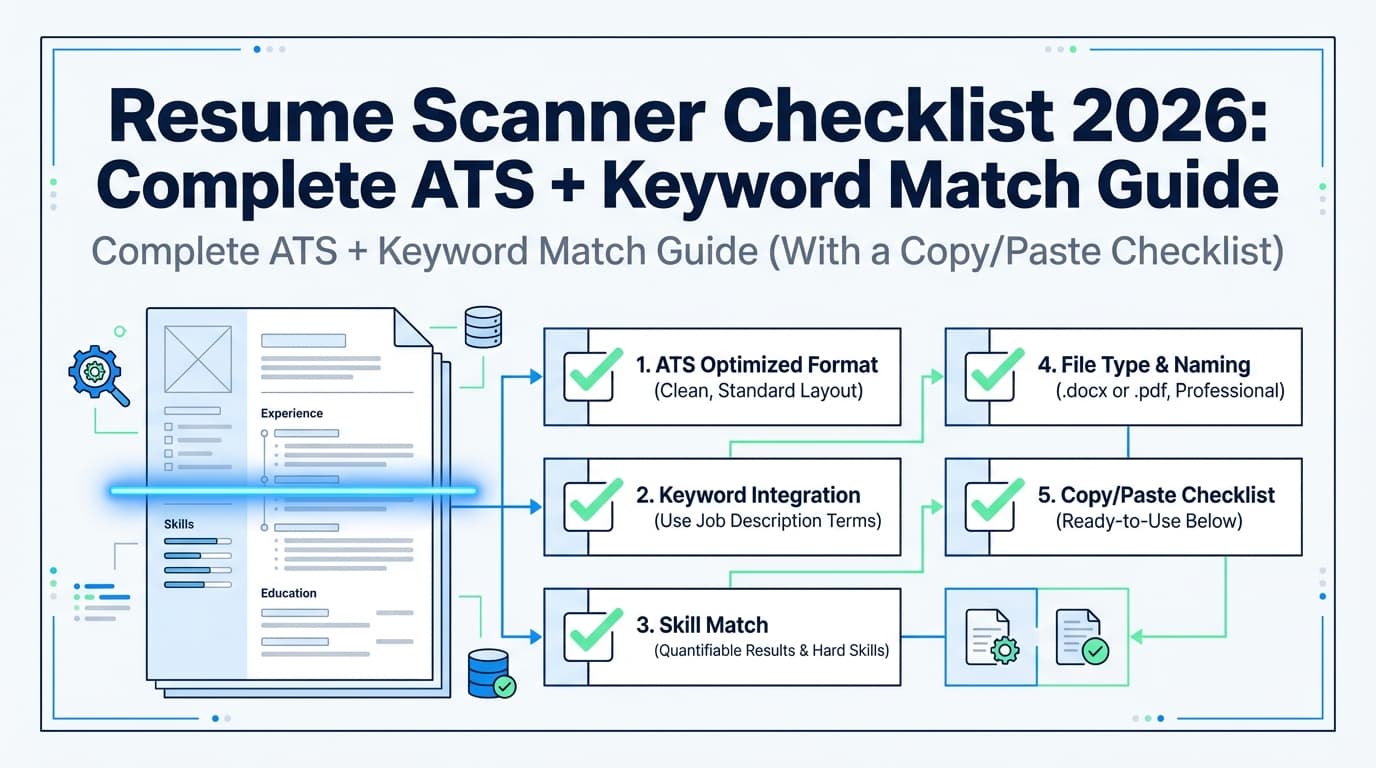
A simple checklist you can run before every application
ATS keyword checklist
- I scanned the job description and pulled 15–30 keywords
- I marked must-have vs nice-to-have
- Every must-have keyword appears at least once in my resume truthfully
- At least half of must-have keywords appear in Experience bullets, not just Skills
- I included acronym + spelled-out version where relevant (SEO, GA4, CRM)
- My resume passes the plain-text paste test without scrambled sections
Human checklist (equally important)
- My top third clearly shows role + specialty + 2–4 core strengths
- Bullets show outcomes (numbers, scope, impact)
- My resume still reads naturally (not like a keyword dump)
Key takeaways
- Scanning your resume for ATS keywords is a resume-to-job-description comparison.
- The best workflow combines exact match (Ctrl+F) + parse test + semantic coverage (acronyms/synonyms).
- Keywords help most when they appear in Experience bullets (proof), not only Skills.
- Use “match rate” as a gap finder, not a guarantee.
- Avoid hacks like hidden text; build credibility with clear, truthful keyword placement.
FAQ (People Also Ask)
How do I find ATS keywords in a job description?
Highlight repeated tools, required skills, certifications, and core deliverables—especially in “Requirements” and “Qualifications.” Then turn them into a must-have checklist and scan your resume for those terms.
How do I scan my resume in ATS for keywords for free?
Use a manual method:
- build a keyword checklist from the job description,
- Ctrl+F each must-have keyword in your resume,
- run a plain-text paste test to ensure your resume parses cleanly.
Is there a way to check if your resume is ATS-friendly?
Yes. Use standard headings (Summary/Experience/Education/Skills), avoid fragile formatting, and do the paste test (copy/paste into plain text). If content scrambles, ATS parsing may also struggle.
Should I include both acronyms and the full phrase on my resume?
Usually, yes—especially for common industry terms (e.g., “Search Engine Optimization (SEO)”, “Customer Relationship Management (CRM)”). This helps both ATS search and human clarity.
Is PDF or DOCX better for ATS?
It depends on the employer and ATS. Many career services offices consider PDF or DOCX acceptable unless the job posting specifies otherwise. If you suspect parsing issues, test both formats and follow the posting instructions.
What’s a good ATS match rate?
Some tools recommend aiming around 75–80% (tool-specific). Use the score to find missing must-have keywords, but don’t chase 100% at the expense of readability and honesty.
Can ATS read a two-column resume?
Sometimes, but not always. Because parsing accuracy varies, a single-column layout is the safest option if you’re applying widely.