If you’re applying to jobs and getting silence, it’s natural to assume your resume is being filtered out by an Applicant Tracking System (ATS) before a human ever sees it.
And ATS systems really are everywhere: Tufts Career Services cites that 98.4% of Fortune 500 companies use an ATS.
Source: https://careers.tufts.edu/resources/everything-you-need-to-know-about-applicant-tracking-systems-ats/ (Confidence: Medium — reputable university source; the upstream dataset isn’t fully shown here.)
Even when you do “pass” the ATS, you still face the second filter: the recruiter’s skim. The Ladders’ eye-tracking research reports an average initial resume screen of 7.4 seconds (2018 update).
Source (PDF): https://www.theladders.com/static/images/basicSite/pdfs/TheLadders-EyeTracking-StudyC2.pdf (Confidence: High — primary-source PDF)
So yes—ATS optimization matters. But the fix is not obsessing over one scanner’s score.
This guide shows you a free-tool workflow to raise ATS scores and improve what actually drives interviews:
- clean parsing (your resume reads correctly in systems),
- relevant keyword alignment to the job,
- and fast human readability.
In this guide, you’ll learn:
- What an “ATS score” is (and why there’s no universal score)
- How to improve ATS score using free tools in a repeatable step-by-step loop
- The best free tests for ATS parsing (including the plain-text test)
- How to pull keywords from a job description without keyword stuffing
- ATS-friendly formatting rules that consistently improve scan results
- Examples, checklists, and troubleshooting scenarios
- When a paid tool can save time (and how to evaluate it honestly)
What is an ATS score?
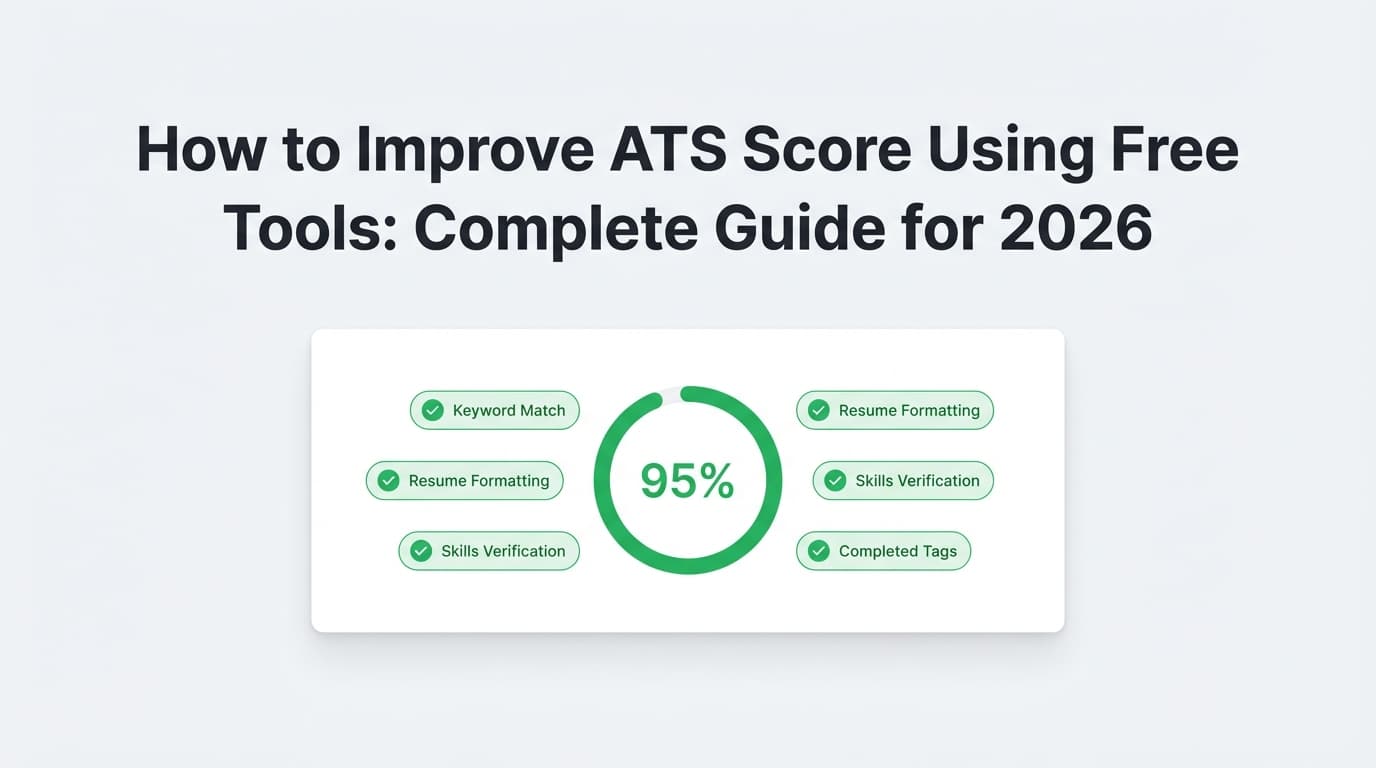
An “ATS score” is typically a resume scanner’s estimate of:
- Keyword match to a job description (skills, tools, responsibilities, titles)
- Parsing success (can the system correctly extract sections, dates, employer names, job titles, etc.)
- Formatting compliance (avoids layouts that break parsing)
- Content quality signals (impact, metrics, clarity, role alignment)
There is no single, universal ATS score
Different scanners produce different numbers because they:
- use different keyword lists and weights
- treat synonyms and acronyms differently
- parse PDF vs DOCX differently
- score against different rubrics (generic vs job-specific)
What to do instead: Treat ATS score tools like unit tests. Your goal is to pass the common tests (parsing + relevance), not to get 100/100 on one tool.
Why ATS optimization matters in 2026 (with citations)
1) ATS usage is extremely common
- 98.4% of Fortune 500 companies use an ATS (Tufts Career Services).
Source: https://careers.tufts.edu/resources/everything-you-need-to-know-about-applicant-tracking-systems-ats/ (Confidence: Medium)
2) Recruiters skim quickly (so structure matters)
- 7.4 seconds average initial resume screen (Ladders eye-tracking study, 2018 update).
Source: https://www.theladders.com/static/images/basicSite/pdfs/TheLadders-EyeTracking-StudyC2.pdf (Confidence: High)
3) A practical “match rate” target exists (but only within specific tools)
Jobscan (a widely used resume scanner) says they generally recommend aiming for an 80% match rate, and note many users succeed around 75% within their system.
Source: https://www.jobscan.co/blog/what-jobscan-match-rate-should-i-aim-for/ (Confidence: Medium — strong guidance for Jobscan’s scoring model, not a universal ATS standard.)
4) The ATS ecosystem is concentrated (which influences how applications behave)
Jobscan’s ATS usage report states that among Fortune 500 companies in 2024, Workday was used by 37.1% and SuccessFactors by 13.4% (per their tracking).
Source: https://www.jobscan.co/blog/fortune-500-use-applicant-tracking-systems/ (Confidence: Medium)
5) Career centers consistently recommend ATS-safe formatting
UIC’s ATS handout includes guidance like single-column format and avoiding complex elements (tables, text boxes) for better parsing.
Source (PDF): https://careerservices.uic.edu/wp-content/uploads/sites/26/2017/08/Ensure-Your-Resume-Is-Read-ATS.pdf (Confidence: High — primary-source career services document.)
6) MIT recommends a plain-text test
MIT Career Advising suggests testing your resume by saving or converting it to plain text to see what the ATS “sees.”
Source: https://capd.mit.edu/resources/make-your-resume-ats-friendly/ (Confidence: High — direct guidance from a major university career office.)
How to improve ATS score using free tools: the 6-step workflow
Here’s the loop you’ll run for each target role:
- Pick one target job posting
- Extract keywords (free)
- Fix parsing/formatting (free)
- Rewrite + align keywords in context (free)
- Test with multiple free ATS scanners (free/limited)
- Iterate + version your resume (free)
If you do this well once, you can reuse the same workflow repeatedly in 20–40 minutes per application (instead of rewriting from scratch every time).
Step 1: Choose a target job (and stop optimizing in the abstract)
ATS scores are job-specific in practice. A “perfect” resume for a Data Analyst role can score poorly for a Product Analyst role—because the keywords change.
What you need for each optimization pass
- The job title
- The full job description
- Any “must-have” tools listed (e.g., SQL, Python, Salesforce)
- Any domain terms (healthcare, fintech, ecommerce)
- The job level (entry/mid/senior)
Free setup tip: Create a folder for each job application:
CompanyName - Role - ReqID/JD.txt(job description)Resume_v1.docxResume_v2.docxNotes.txt(what changed + what improved)
Version control alone often improves results because you stop “accidentally deleting” good bullets.
Step 2: Extract ATS keywords using free tools (without keyword stuffing)
You’re trying to build a keyword list that matches how recruiters and systems search:
- tools (software, platforms)
- skills (hard + soft)
- responsibilities (verbs + deliverables)
- job title variants
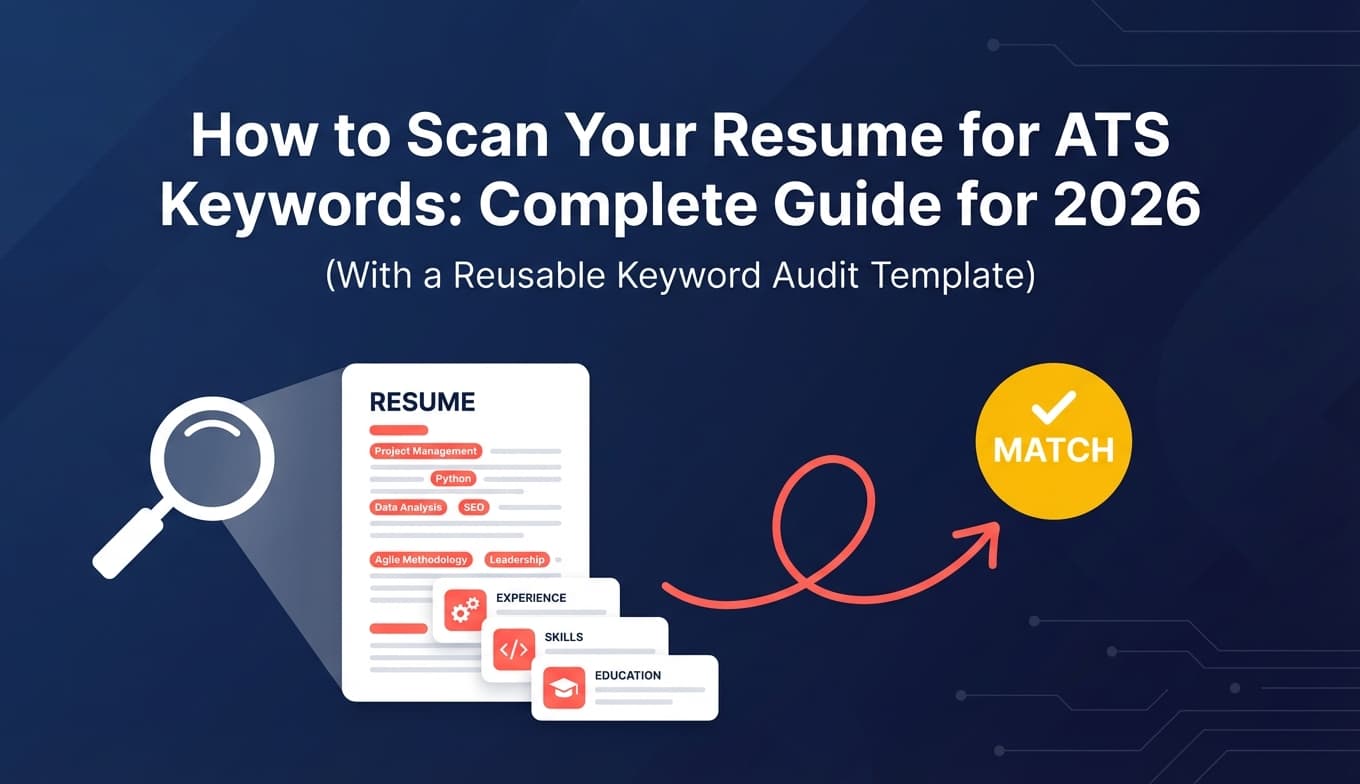
2A) Build a keyword list in 10 minutes (free method)
Paste the job description into a doc and highlight:
- Hard skills/tools: SQL, Tableau, Excel, Python, AWS, Salesforce
- Methods/frameworks: A/B testing, forecasting, ETL, Agile, stakeholder management
- Deliverables: dashboards, reports, pipelines, requirements documents
- Role-level cues: “own,” “lead,” “mentor,” “present,” “strategy”
Free keyword extraction options
- Manual highlight method (surprisingly effective)
- A free word/phrase frequency counter (search: “free phrase frequency counter”)
- A free “job description keyword finder” tool (many exist; limits vary)
Important: Don’t blindly follow any tool’s list. Your resume should only include keywords you can defend in an interview.
2B) Separate keywords into three buckets
Create three columns:
- Must-have (you need these to be credible)
- Strong-to-have (high relevance, but not always required)
- Nice-to-have (optional/bonus)
This avoids the common ATS mistake: “I added every word from the job description.”
2C) Translate keywords into resume language (the right way)
Your resume needs keywords in places scanners reward:
- Skills section (for fast matching)
- Experience bullets (for credibility + weighting)
- Project bullets (especially if switching careers)
- Summary (for human skimming in ~7 seconds)
Remember: recruiters skim quickly (Ladders: 7.4 seconds initial review).
Source: https://www.theladders.com/static/images/basicSite/pdfs/TheLadders-EyeTracking-StudyC2.pdf (Confidence: High)
Step 3: Fix parsing and formatting issues first (free tests that work)
Many “low ATS scores” are not about experience—they’re about the resume not parsing cleanly.
3A) The plain-text resume test (free, fast, recommended by universities)
This test shows you what many systems extract.
How to do it:
- Save your resume as .docx (or export a clean version)
- Select all → copy
- Paste into:
- Notepad/TextEdit (plain text), or
- a blank Google Doc (then “remove formatting”)
If you see:
- scrambled columns
- dates drifting into the wrong jobs
- missing job titles
- random words out of order
- broken section headings
…your parsing is at risk.
MIT explicitly recommends a version of this concept (testing what an ATS reads by checking the text).
Source: https://capd.mit.edu/resources/make-your-resume-ats-friendly/ (Confidence: High)
Distinctive Resume Templates also describes a quick ATS parsing test using plain text copy/paste.
Source: https://www.distinctiveresumetemplates.com/free-ats-resume-parsing-test/ (Confidence: Medium — practitioner source; aligns with university guidance.)
3B) ATS-friendly formatting checklist (free, reliable)
UIC’s ATS checklist emphasizes simple formatting and single-column structure.
Source: https://careerservices.uic.edu/wp-content/uploads/sites/26/2017/08/Ensure-Your-Resume-Is-Read-ATS.pdf (Confidence: High)
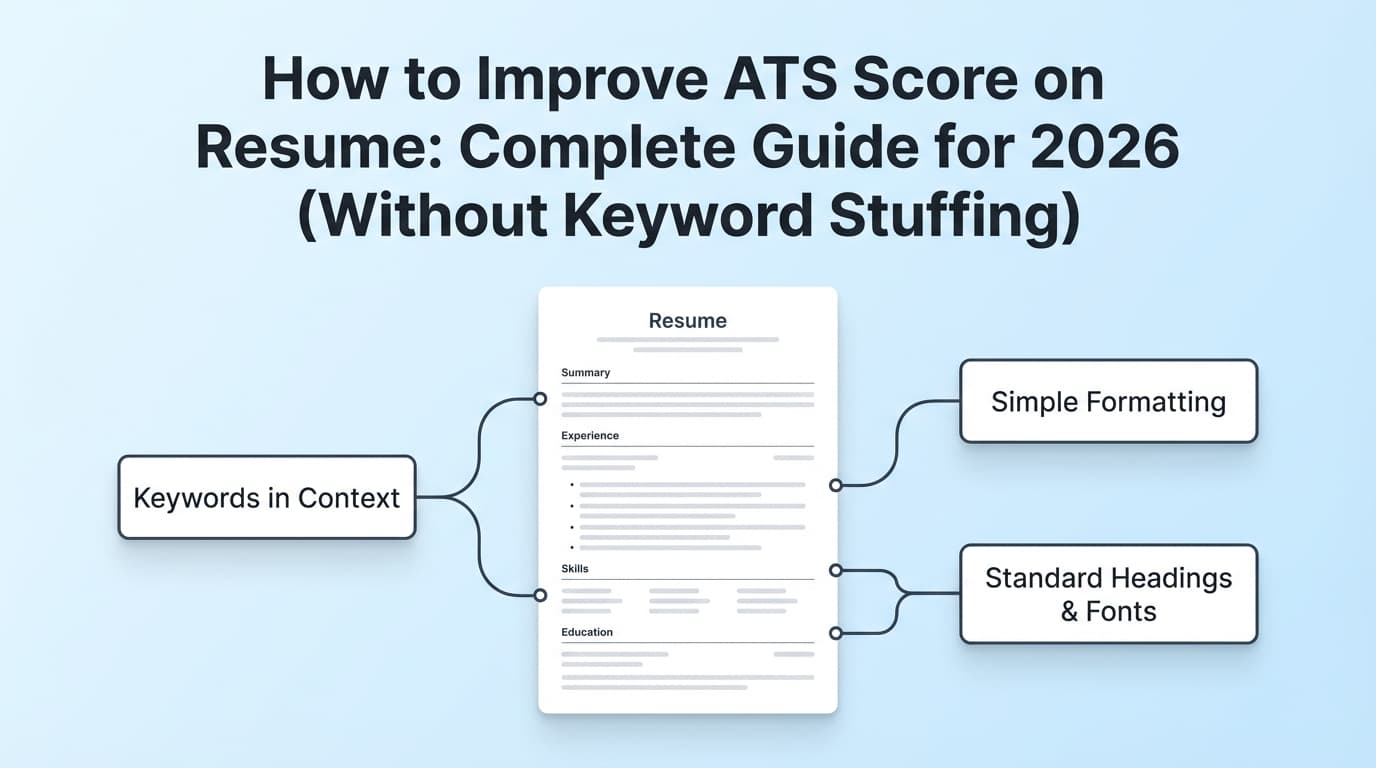
Use this as your baseline:
Layout rules
- Use one column
- Avoid tables, text boxes, icons, and images
- Use standard margins and readable font sizes
- Use simple bullets (• or -)
Structure rules
- Use standard headings:
- Summary
- Skills
- Experience
- Education
- Projects
- Certifications
- Keep section headings consistent (don’t rename “Experience” to “Where I’ve Been”)
Consistency rules
- One date format throughout:
Jan 2023 – Dec 2024 - One location format:
City, ST(or remote) - One job title format per role
3C) PDF vs DOCX: what to submit (practical rule)
Different ATS handle file formats differently, and company instructions matter.
A safe rule:
- If the portal requests DOCX, submit DOCX.
- If it accepts PDF and doesn’t specify, submit a text-based PDF (not scanned).
Jobscan discusses PDF vs Word considerations and recommends following job posting instructions.
Source: https://www.jobscan.co/blog/resume-pdf-vs-word/ (Confidence: Medium)
Free test: Open your PDF and try selecting text. If you can’t select text, it may be image-based (bad for parsing).
Step 4: Improve keyword match the right way (no keyword stuffing)
4A) Aim for “keyword alignment,” not “keyword stuffing”
Keyword stuffing is when you paste a pile of terms (or worse, hide text) to force a match.
Instead, you want:
- the right keywords,
- in the right sections,
- in natural sentences,
- backed by achievements.
4B) The “Skills + Proof” rule (simple and powerful)
For any critical keyword in your Skills section, add proof somewhere in Experience or Projects.
Example: keyword with no proof (weak)
Skills: SQL, Tableau, Python
Experience: “Built reports and dashboards.”
Example: keyword with proof (strong)
Skills: SQL, Tableau, Python
Experience bullet: “Built Tableau dashboards using SQL queries to track weekly KPIs, reducing manual reporting time by 40%.”
4C) Use both acronym + full term once
Some ATS or recruiter searches match one but not the other.
Examples:
- Search Engine Optimization (SEO)
- Key Performance Indicators (KPIs)
- Customer Relationship Management (CRM)
4D) Mirror the job description’s language—honestly
If the job description emphasizes:
- “stakeholder management”
- “requirements gathering”
- “cross-functional collaboration”
…and you did that work, use those phrases in your bullets. Not because of “gaming,” but because it communicates relevance in the employer’s vocabulary.
Step 5: Rewrite bullets for impact (free tools + templates)
ATS scores often reward content quality indirectly: clear achievements, measurable results, and role-relevant outcomes.
5A) Use the “Verb + What + How + Result” bullet formula
A repeatable template:
Action verb + what you did + how/tools + result/impact
Examples:
- “Reduced cloud spend by 18% by implementing autoscaling and rightsizing EC2 instances.”
- “Increased lead-to-demo conversion from 9% to 14% by A/B testing landing pages and refining CTA copy.”
- “Improved forecast accuracy by 12% by building a Python model and standardizing data inputs.”
5B) Free writing polish tools (don’t invent achievements)
- Grammarly (free tier) for clarity/grammar
- Hemingway Editor (free web version) for readability
5C) Optional: use free AI carefully (rewrite, don’t fabricate)
If you use a free AI assistant, use prompts like:
“Rewrite this resume bullet to be ATS-friendly and impact-focused. Keep it truthful. Do not add new tools, employers, or metrics. Provide 2 options.”
Then verify every claim.
Step 6: Test your ATS score using multiple free tools (triangulation)
Do not rely on one scanner.
6A) Use 2–3 free ATS scanners (limits vary)
Examples you’ll commonly see in search results:
- Resume Worded (free scan exists; often limited)
- Jobscan (limited free scans in many regions)
- Enhancv (markets a free resume checker)
- MyPerfectResume (markets a free ATS checker)
- Cultivated Culture / ResyMatch (markets a free scanner)
Reality check: “Free” often means “limited.” Use scanners for diagnostics, not as a promise of unlimited access.
6B) Create an “overlap table”
Make a quick spreadsheet or note:
| Issue flagged | Scanner A | Scanner B | Scanner C | Fix first? |
|---|---|---|---|---|
| Missing keyword: “SQL” | ✅ | ✅ | ✅ | Yes |
| Tables detected | ✅ | ❌ | ✅ | Yes |
| Contact info not parsed | ✅ | ✅ | ✅ | Yes |
| “Add more soft skills” | ✅ | ❌ | ❌ | Maybe |
Fix the issues that appear in multiple scanners and also show up in your plain-text test.
What ATS score should you aim for?
There’s no universal standard, but you can use a practical target range.
Jobscan recommends aiming for 80% match rate, noting many succeed at 75% in their system.
Source: https://www.jobscan.co/blog/what-jobscan-match-rate-should-i-aim-for/ (Confidence: Medium)
Practical targets (realistic, non-obsessive)
- Entry-level / career switchers: 60–75% can be workable if your evidence is strong and keywords match core needs.
- Mid-level roles: 75–85% is a good range without harming readability.
- Highly specialized roles: focus on must-have hard skills first; if you truly lack a must-have, don’t fake it.
Rule: If your score goes up but your resume becomes repetitive or unreadable, you’re optimizing the wrong thing.
15 best practices to improve ATS score using free tools
1) Use a single-column resume for maximum parsing safety
UIC’s ATS guidance explicitly recommends single-column format.
Source: https://careerservices.uic.edu/wp-content/uploads/sites/26/2017/08/Ensure-Your-Resume-Is-Read-ATS.pdf (Confidence: High)
2) Use standard headings (don’t get cute)
Standard titles like “Experience” and “Skills” are easier for parsers and humans.
3) Put your contact info in the document body (not header/footer)
Some systems parse headers/footers poorly.
4) Replace vague claims with proof
Swap:
- “Results-driven team player” for:
- “Reduced onboarding time by 25% by documenting SOPs and training new hires.”
5) Keep your Skills section tight and relevant
Group skills into categories:
- Tools:
- Methods:
- Domain:
6) Add keywords in context (Experience/Projects), not just Skills
Skills-only keyword lists can look suspicious and may score lower on some rubrics.
7) Match the job title when truthful
If your title was “Analyst II” but your work was “Data Analyst,” you can do:
Analyst II (Data Analyst)only if defensible.
8) Use consistent date formats everywhere
Inconsistency can break parsing and looks sloppy.
9) Use measurable outcomes whenever possible
Even small metrics help: time saved, throughput, conversion rate, error reduction.
10) Don’t over-optimize soft skills
Soft skills matter, but ATS scoring tends to reward hard skills and role-specific responsibilities more consistently.
11) Don’t include graphics, icons, or text inside images
Images often don’t parse well.
12) Avoid tables/text boxes for key information
Tables can cause text to read out of order (especially in multi-column layouts).
13) Run the plain-text test before every submission
MIT recommends testing what the ATS sees by checking the text output.
Source: https://capd.mit.edu/resources/make-your-resume-ats-friendly/ (Confidence: High)
14) Use multiple scanners and fix overlap issues first
Think “test suite,” not “one score.”
15) Track versions so you don’t lose improvements
Versioning is the cheapest productivity hack in job searching.
Common mistakes that tank ATS scores (and how to fix them)
Mistake 1: Two-column templates that scramble in plain text
Fix: Convert to one column and re-run the plain-text test.
Mistake 2: Keyword stuffing (including hidden text hacks)
It can make your resume unreadable and may get flagged as suspicious.
Fix: Use keyword alignment with proof, not stuffing.
Mistake 3: Missing the employer’s exact tool names
“CRM” isn’t the same as “Salesforce” in many keyword match systems.
Fix: Use the exact tool names you’ve used (and optionally keep the generic term too).
Mistake 4: Fancy section names
Creative headings can confuse parsers and slow recruiters.
Fix: Use standard headings.
Mistake 5: Uploading an image-based PDF
Scanned PDFs can be unreadable.
Fix: Export a text-based PDF and confirm you can select text.
Free tools stack: what to use and when (quick-start)
Keyword extraction (free)
- Manual highlight method (fastest)
- Phrase frequency counters (web-based)
- Free “job description keyword finder” tools (limits vary)
ATS parsing tests (free)
- Plain-text copy/paste test (Notepad/TextEdit)
- Google Docs paste test
- “Select text” test on PDFs
Writing clarity (free)
- Grammarly (free tier)
- Hemingway Editor (free web)
Free ATS scanners (often limited)
- Jobscan (limited free scans in many cases)
- Resume Worded (free scan exists, often limited)
- Enhancv (markets a free resume checker)
- Cultivated Culture ResyMatch (markets free scanning)
- MyPerfectResume (markets free ATS checking)
A realistic “free ATS improvement” example (before/after)
Below is a simplified example to show what improves scores across many scanners.
Job description keywords (sample)
- SQL
- Tableau
- dashboards
- stakeholder management
- KPI reporting
- A/B testing (preferred)
Before (low match, low proof)
Skills: Data analysis, dashboards, reporting, teamwork
Bullet: “Created dashboards and reports for leadership.”
After (better match + proof)
Skills: SQL, Tableau, KPI reporting, stakeholder management
Bullet: “Built Tableau dashboards and KPI reports using SQL queries for weekly executive reviews, reducing manual reporting time by 40%.”
Why this works:
- Keywords appear naturally
- Tools are named
- Result is measurable
- Still readable for humans in seconds
When a paid tool can help (optional)
You can absolutely improve ATS score using free tools—especially if you:
- fix parsing,
- align keywords with proof,
- and use multiple scanners.
Where paid tools help is time: job-specific matching, analysis, and iteration speed—especially if you’re applying at volume.
Where JobShinobi fits (accurate, evidence-based)
JobShinobi supports:
- AI resume analysis with ATS-focused scoring and detailed feedback
- Job description extraction (paste a job URL or job text)
- Resume-to-job matching (match insights and keyword gaps)
- A LaTeX-based resume editor with PDF compilation/preview
- A job application tracker (with Excel export)
Pricing (verified): JobShinobi Pro is $20/month or $199.99/year.
The pricing UI mentions a 7-day free trial, but trial enforcement isn’t clearly verifiable in code—treat it as “mentioned,” not guaranteed. (Confidence: Medium)
Important limitation (verified): Job application tracking via forwarded emails is Pro-gated (not available on a free plan). (Confidence: High)
Relevant internal links:
- Sign in:
/login - Subscription:
/subscription - Resume area (after login):
/dashboard/resume - Job tracker (after login):
/dashboard/job-tracker
Key takeaways
- There’s no universal ATS score. Use scanners as tests, not truth.
- Fix parsing and formatting first (plain-text test + simple structure).
- Improve match rate by adding keywords with proof in Experience/Projects.
- Use 2–3 free tools and prioritize fixes that show up across multiple scanners.
- Aim for a strong range (often ~75–85%) instead of chasing 100%.
- Version your resume so you keep what works.
FAQ
How do I increase my ATS score?
Start with parsing and structure:
- Run a plain-text test (copy/paste into Notepad/TextEdit).
- Switch to a single-column, standard-heading layout if anything scrambles.
- Extract job keywords and add them naturally into Skills + relevant bullets with proof.
- Re-test using 2–3 scanners and fix overlapping issues.
Can a free ATS checker improve my resume?
Yes. Free scanners are useful for identifying missing keywords and formatting problems. The key is using multiple free checks (because scores vary by tool) and validating with a plain-text parsing test.
Is a 70% ATS score good?
It depends on the scanner and the role. As a practical benchmark, many candidates aim for 75–85% on job-specific scans while keeping the resume readable. Jobscan’s own guidance recommends ~80% (within Jobscan).
Source: https://www.jobscan.co/blog/what-jobscan-match-rate-should-i-aim-for/ (Confidence: Medium)
How do I make my resume ATS-friendly for free?
Use ATS-safe formatting:
- single column
- standard headings
- no tables/text boxes/icons
- consistent dates
Then run a plain-text test (MIT recommends testing what the ATS sees by checking the text).
Source: https://capd.mit.edu/resources/make-your-resume-ats-friendly/ (Confidence: High)
Should I submit my resume as PDF or DOCX for ATS?
Follow the job posting instructions. If it requests DOCX, submit DOCX. If PDF is allowed, submit a text-based PDF (not scanned).
Jobscan discusses PDF vs Word tradeoffs and recommends following the posting.
Source: https://www.jobscan.co/blog/resume-pdf-vs-word/ (Confidence: Medium)
Are tables ATS-friendly?
Tables can cause parsing errors (especially when used to create columns). For maximum safety, avoid tables for critical content and keep the resume single-column.
Source: https://careerservices.uic.edu/wp-content/uploads/sites/26/2017/08/Ensure-Your-Resume-Is-Read-ATS.pdf (Confidence: High)