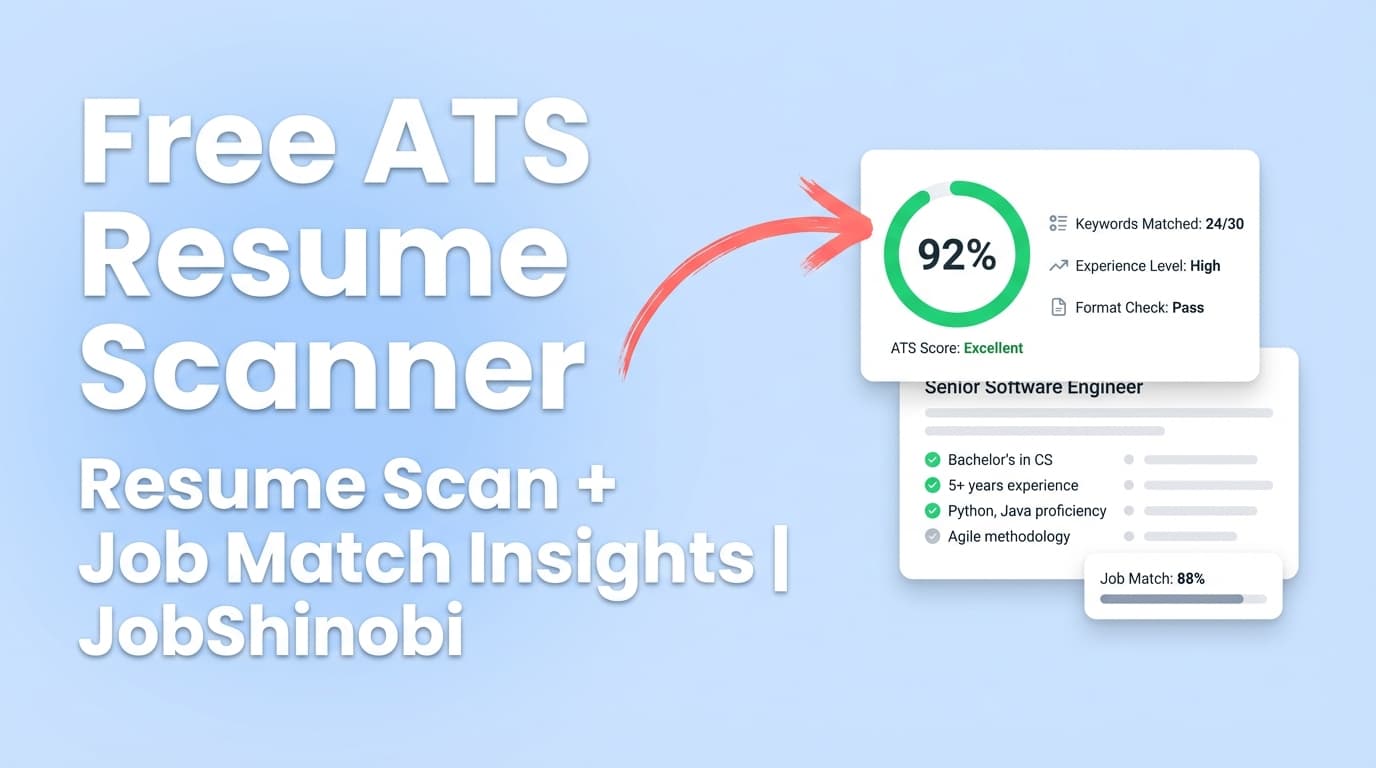
JobShinobi is a job tracking tool with a resume scanner built for high-volume job seekers who need two things to happen consistently:
- Your job tracker stays accurate (without endless manual updates)
- Your resume improves per job (based on real keyword/ATS feedback—not guesses)
In one place, you can:
- Track job applications in a dashboard (with realtime updates)
- Export your job tracker to Excel (.xlsx)
- Build and manage LaTeX-based resumes with PDF preview/download
- Run AI resume analysis (ATS + keyword insights)
- Match your resume to a job posting (URL or pasted description) to get a match score, missing keywords, and recommendations
Get started: Sign in with Google
Why choose JobShinobi as your job tracking tool with resume scanner?
Most job search setups split across tools:
- a spreadsheet or basic tracker for “Applied / Interview / Rejected”
- a resume scanner to chase a better ATS score
- a doc editor to implement changes (often losing formatting or version control)
JobShinobi is designed around the loop that actually lands interviews:
Track → Learn → Tailor → Apply → Track again
1) Job tracking that doesn’t fall apart after 30+ applications
JobShinobi’s tracker supports the essentials you need every day:
- Job title
- Company
- Status (Applied / Interview / Offer / Rejected / Other)
And when you need to share or archive your progress, you can export to an .xlsx file.
Try it now: Open Job Tracker
2) Email-forwarding automation (Pro) to reduce manual tracker updates
If you’re applying at volume, your inbox becomes the real source of truth: confirmations, interview scheduling, rejections, and status updates.
With Pro membership, JobShinobi can process forwarded job-related emails and extract structured data such as:
- company
- job title
- status
- optional details like location, salary, job URL, and additional notes
Then it can:
- create a new application entry, or
- fuzzy-match an existing application (by company/title similarity) and update it to reduce duplicates
3) A resume scanner that’s tied to the resume you’re actually editing
JobShinobi’s resume workflow is LaTeX-based. That means you’re not uploading random files and hoping formatting stays consistent.
You can:
- create resumes from templates
- edit the LaTeX directly or use the AI editor
- compile to PDF for preview
- download PDF and .tex
- run analysis and job matching on that same resume
Start your resume here: Open Resume Builder
4) Job-specific matching (not just a generic score)
A generic “resume score” can be helpful, but most hiring decisions are made relative to a specific role.
JobShinobi lets you paste:
- a job posting URL, or
- the job description text
…and it generates a match analysis that includes:
- match score
- present keywords
- missing keywords
- recommendations you can use as a tailoring checklist
How JobShinobi’s job tracking + resume scanner workflow works
Step 1: Sign in
Go to Login and sign in with Google.
Step 2: Track your applications in the Job Tracker
Open the Job Tracker and add applications as you apply. You can edit entries any time (job title, company, status).
What you can do in the tracker
- Add application rows
- Edit existing rows
- Delete rows
- See updates in realtime
- Export your table to Excel
Step 3: (Pro) Forward application emails to keep your tracker updated
If you’re a Pro member, JobShinobi can process forwarded emails and interpret common job-search messages, for example:
- “Thanks for applying…” → Applied
- “We’d like to schedule an interview…” → Interview
- “We’re pleased to offer…” → Offer
- “We’ve decided to move forward…” → Rejected
The system can then update your job tracker so your statuses reflect what’s happening in your inbox.
Note: Email processing requires Pro membership.
Step 4: Build your resume (templates + LaTeX editor + PDF preview)
Open the Resume Builder to start from a template and create a resume stored as LaTeX.
In the resume editor, you can:
- edit LaTeX manually
- compile to PDF for preview
- download PDF or .tex
- save versions to maintain history as you tailor for different roles
Step 5: Run the resume scanner (AI resume analysis)
JobShinobi can analyze your resume and return a structured report (and can return cached results if the resume hasn’t changed).
The analysis includes multiple score categories (for example):
- overall score
- content score
- keyword score
- formatting score
- completeness score
- ATS score
It also returns actionable feedback such as strengths, weaknesses, missing sections, keyword insights, and ATS-related issues.
Step 6: Match your resume to a job posting (URL or text)
In resume analysis, add a job posting by:
- pasting a URL, or
- pasting the description text
JobShinobi extracts job details and generates match output you can use immediately:
- match score
- missing keywords vs present keywords
- recommendations for improving fit
Step 7: Export your job tracker to Excel (.xlsx)
When you want a portable copy, export your applications list to .xlsx.
This is useful for:
- personal review
- sharing with a mentor/coach
- keeping a local archive
- analyzing your search outside the app
Key Features for a job tracking tool with resume scanner
| Feature | What It Does | Why It Matters |
|---|---|---|
| Job Tracker dashboard | Track job applications and statuses in a central table | Replaces messy notes/spreadsheets with a consistent workflow |
| Realtime updates | Live updates from database changes | Your tracker stays current without constant refresh |
| Excel export (.xlsx) | Export job applications to an Excel file | Easy to share, archive, or run your own analysis |
| Email forwarding automation (Pro) | Parses forwarded emails into structured application updates; fuzzy-matches existing entries | Reduces manual work and helps avoid missed status changes |
| LaTeX resume templates | Create resumes from a template library; store as LaTeX | A structured resume source that’s easy to tailor and keep consistent |
| PDF preview + downloads | Compile LaTeX to PDF preview; download PDF or .tex | You can validate layout and export clean files |
| Resume Analysis (AI) | Generates scores + structured feedback; supports enhanced analysis mode | Turns “I think it’s ATS-friendly” into concrete improvements |
| Job extraction (URL or text) | Extract job details from a posting URL or pasted text | Faster setup for job-specific tailoring |
| Resume-to-job matching | Match score + missing/present keywords + recommendations | Clear checklist for tailoring before you apply |
| AI Resume Editor (streaming) | Chat-based editing that updates LaTeX and checks compilation | Implement changes without breaking your LaTeX document |
| Resume version history | Versions saved so you can revert | Tailor aggressively without losing your baseline resume |
What exactly gets tracked in JobShinobi’s job tracker?
At a minimum, JobShinobi tracks:
- Company
- Job title
- Status (Applied / Interview / Offer / Rejected / Other)
When updates come in via forwarded emails (Pro), JobShinobi can also capture optional fields such as:
- location
- salary
- job posting URL
- additional information pulled from the email content
This matters because your tracker becomes more than a list—it becomes a timeline of what’s happening across all applications.
What the resume scanner checks (and what you’ll see)
JobShinobi’s resume scanner (AI resume analysis) produces a structured report so you can take action quickly.
Depending on your resume and analysis mode, results can include:
Score breakdowns you can track over time
- overall score
- content score
- keyword score
- formatting score
- completeness score
- ATS score
Actionable feedback sections
- strengths
- weaknesses
- missing sections (if key sections are absent)
- ATS-related issues
- keyword analysis such as:
- present keywords
- missing keywords
- overused keywords
- keyword density/context signals (where available)
Cached results when the resume hasn’t changed
If your resume hasn’t been updated since the last analysis, JobShinobi can return the latest saved analysis instead of re-running the same scan—helpful when you’re iterating quickly.
Job tracking tool with resume scanner vs separate tools (and why it matters)
If you track jobs in a spreadsheet…
Spreadsheets can work early on, but they tend to fail when:
- you apply to many roles quickly
- statuses change in your inbox and you forget to update rows
- you want to connect “what I applied with” to “what happened after”
JobShinobi gives you a dedicated job tracking workflow and lets you export to Excel when you want that format.
If you only use a resume scanner…
A scanner score without a tracker often leads to wasted effort:
- you improve a resume version but can’t tie it to outcomes
- you don’t know whether changes improve response rate
- you lose track of which resume you used for which job
JobShinobi helps you keep your job search organized and gives you tools to tailor more intentionally.
If you use a job tracker without job-specific resume matching…
You might stay organized, but still apply with the wrong keywords for the role.
JobShinobi bridges this gap by letting you extract a job description and generate match feedback (missing/present keywords + recommendations) before you apply.
Who this is best for
High-volume applicants
If you’re applying to many roles and keeping statuses updated is becoming a daily burden, the tracker + email-forwarding workflow (Pro) can save time and reduce missed updates.
Career switchers and role-changers
When you’re pivoting (e.g., analyst → product, support → ops), job matching and keyword feedback help you adjust your resume language to what the role actually asks for.
Anyone tired of “ATS-friendly” guesswork
JobShinobi’s LaTeX resume workflow + structured analysis helps you move from vague advice to specific edits and iteration.
Pricing
JobShinobi offers paid subscriptions via Stripe:
- Monthly: $20.00
- Yearly: $199.99
Email-forwarding job application processing requires Pro membership.
View subscription options: /subscription
Frequently Asked Questions
What is a “job tracking tool with resume scanner”?
It’s a tool that combines:
- a job application tracker (so you can manage applications, statuses, and progress), and
- a resume scanner (so you can analyze and improve your resume, ideally against specific job descriptions)
JobShinobi includes both: job tracking in a dashboard plus AI resume analysis and resume-to-job matching.
Does JobShinobi scan uploaded PDFs?
JobShinobi’s resume workflow is LaTeX-based: you create/manage your resume inside JobShinobi, compile to PDF for preview/download, and run analysis on the LaTeX resume content. (Image/PDF OCR parsing is not supported.)
Can JobShinobi match my resume to a job posting?
Yes. You can provide a job URL or paste the job description text, and JobShinobi can extract job details and generate a match analysis including match score, missing/present keywords, and recommendations.
How does the email-forwarding job tracking work?
With Pro membership, you get a unique forwarding address. When you forward job-related emails, JobShinobi parses the email to extract job application details and can create or update entries in your tracker.
Can I export my tracked applications?
Yes. JobShinobi exports job applications to an Excel (.xlsx) file.
Is there job search analytics?
Yes. JobShinobi includes a job search analytics dashboard generated from your tracked applications.
Open analytics: /dashboard/analytics
Get Started with JobShinobi Today
If you want a job tracking tool with resume scanner that supports the full workflow—track applications, keep statuses updated, analyze your resume, and tailor per job—JobShinobi is built for that.
- Sign in: Login with Google
- Track applications: /dashboard/job-tracker
- Build + scan your resume: /dashboard/resume
- See your trends: /dashboard/analytics