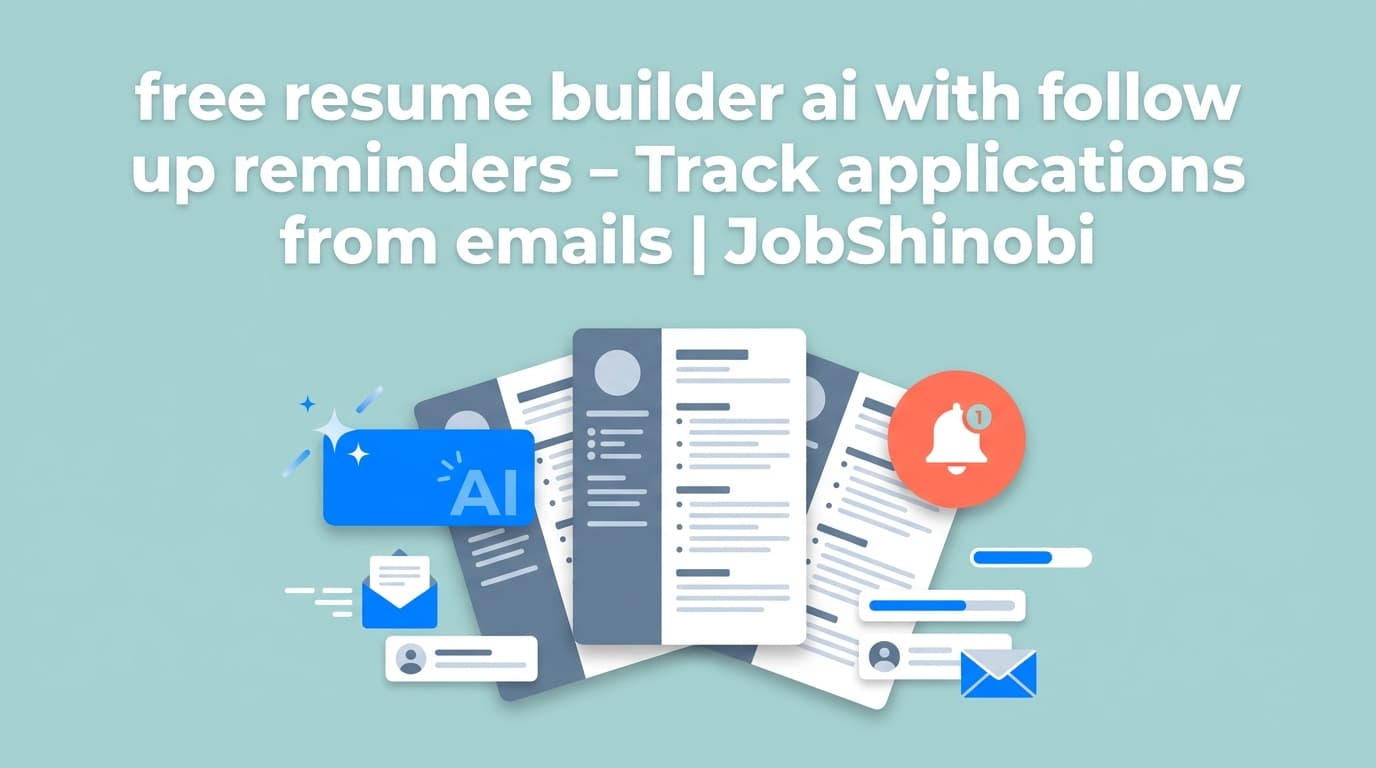
If you searched “free resume builder ai with follow up reminders”, you’re trying to solve two problems at once:
- build an ATS-friendly resume fast (preferably with AI), and
- stop losing track of applications, status updates, and what you need to do next.
JobShinobi combines a LaTeX-based resume builder, AI resume analysis, and a unique email-forwarding job tracker that can automatically create/update job applications from the emails you already receive (application confirmations, interview invites, rejections, etc.).
Important accuracy note: JobShinobi does send automated email notifications when forwarded emails are successfully processed (or fail). It does not claim automated follow-up reminder scheduling (e.g., “nudge me to follow up in 7 days”) as a verified feature.
Why Choose JobShinobi for “free resume builder ai with follow up reminders” intent?
A lot of “free” tools focus on the resume document only—then you’re back in a spreadsheet trying to remember:
- where you applied
- what version of your resume you used
- which emails represent a status change
- when you should follow up
JobShinobi is built for the full workflow: resume creation + ATS/keyword feedback + job tracking that updates from your inbox.
1) A resume builder designed for structure (LaTeX-based)
JobShinobi resumes are stored as LaTeX source and built from a template library (with categories). This gives you consistent formatting and predictable structure—especially helpful when you’re iterating quickly across roles.
2) AI feedback you can act on (analysis + editing)
JobShinobi includes:
- AI Resume Analysis (with detailed scoring and feedback)
- Enhanced analysis mode (an additional analysis path supported by the API)
- AI Resume Editor (streaming chat) that can help you rewrite sections and keep the resume compiling cleanly
3) “Follow-up reminders” without a complicated setup: track status changes from emails
Instead of manually logging every update, JobShinobi can:
- process inbound forwarded emails
- extract structured job details (company, job title, status, etc.)
- create or update the matching application (with fuzzy matching)
- notify you by email when processing succeeds or fails
This doesn’t “remind” you to follow up automatically—but it dramatically reduces the reason you miss follow-ups in the first place: missing or outdated tracking data.
How JobShinobi Works (Real Product Flow)
Step 1: Sign in
Go to /login and sign in with Google.
Step 2: Start a resume from a template
Open /dashboard/resume and choose Start from Template to generate a resume you can edit and save.
Step 3: Edit in the LaTeX resume editor + preview PDF
In the resume editor you can:
- edit LaTeX directly
- compile and preview your resume as a PDF
- download your PDF and .tex file
Step 4: Use the AI Resume Agent (streaming editor chat)
Switch to the AI editor mode to ask for changes like:
- “Make these bullets more quantified”
- “Tailor this section for a frontend role”
- “Rewrite this experience to emphasize impact”
JobShinobi’s AI editor uses a streaming response workflow and maintains resume versions so you can iterate safely.
Step 5: Analyze your resume for ATS/keyword fit
Run resume analysis to get structured scoring and recommendations. JobShinobi can also return cached results if your resume hasn’t changed since the last analysis.
Step 6: Auto-track applications from emails (Pro membership required)
JobShinobi’s email-forwarding automation is gated:
- inbound email processing requires Pro membership
- forwarded emails are parsed and can update your job tracker automatically
- you can receive success/failure notification emails about the processing result
Step 7: View your tracker and export to Excel
In /dashboard/job-tracker, you can:
- view applications in a dashboard table
- see realtime updates (Supabase Realtime)
- export your applications to .xlsx (Excel)
Key Features for This Use Case
| Feature | What It Does | Why It Matters for “follow up reminders” intent |
|---|---|---|
| LaTeX Resume Builder | Create and manage resumes stored as LaTeX source | Keeps formatting consistent while you tailor for roles |
| Resume Templates Library | Browse templates with categories | Faster start, less layout work |
| PDF Compile + Preview | Compiles LaTeX and shows a PDF preview | You can verify output before sending |
| AI Resume Editor (Streaming) | Chat-based editing workflow that updates LaTeX | Faster iteration without breaking structure |
| Resume Version History | Stores versions for manual saves + AI chat saves | Easy rollback when tailoring goes sideways |
| AI Resume Analysis (Comprehensive + Enhanced mode) | Generates scoring + feedback and stores results | Helps you improve ATS/keyword fit iteratively |
| Resume-to-Job Matching | Paste a job description/URL for extracted requirements + match insights | Makes tailoring systematic rather than guessing |
| Email Forwarding → Job Tracker Updates (Pro) | Forward job emails; JobShinobi parses and updates applications | Your tracker stays current—so follow-ups don’t slip |
| Email Processing Notifications | Sends success/failure notification emails | You know when your tracker was updated (or needs attention) |
| Export to Excel (.xlsx) | Download tracker data as an Excel file | Useful if you want your own reminder workflow elsewhere |
“free resume builder ai with follow up reminders” vs. the usual alternatives
Versus “free” resume builders
Many “free” resume builders are optimized for getting you to the editor—but not for keeping your job search organized after you apply.
JobShinobi focuses on:
- structured resume building (LaTeX + templates)
- AI analysis + job matching (so you can tailor deliberately)
- email-driven job tracking (so your tracker stays accurate with less manual entry)
Pricing note: JobShinobi is a paid product (see Pricing section). If you only want a totally free resume file generator, JobShinobi may not be a match—but if you want a resume workflow plus tracking automation, it’s built for that.
Versus spreadsheets / manual tracking
Spreadsheets can work, but they don’t update themselves.
With JobShinobi, the core difference is:
- you can forward an email you already received
- the application record can be created/updated automatically
- you get an email notification that it was tracked
That’s often the difference between “I’ll follow up later” and “I know exactly what happened, and when.”
Versus job trackers that rely on Gmail sync
Some trackers market Gmail sync. JobShinobi’s differentiator is email forwarding and inbound parsing:
- you forward the emails you want to track
- JobShinobi attempts to associate them with the right application (fuzzy match)
- status changes are logged into your tracker
How JobShinobi’s Email-Forwarding Tracking Works (What it actually does)
Step 1: Get your forwarding address (Pro)
After Pro membership is active, JobShinobi provisions a forwarding address on the @parse.jobshinobi.com domain for your account.
Step 2: Forward job-related emails
Forward emails like:
- application confirmations
- interview scheduling messages
- rejections/updates
Step 3: AI extracts structured application details
JobShinobi parses the email and extracts fields like:
- company
- job title
- status (Applied / Interview / Offer / Rejected / Other)
- optional details like location, salary, job URL, additional info
Step 4: It creates or updates the right application
If a close match already exists (based on similarity scoring for company/title), JobShinobi updates it instead of duplicating.
Step 5: You get notified
If email notifications are enabled, JobShinobi sends a notification email indicating:
- application tracked (or updated), or
- processing failed (with guidance on what to do)
Pricing
JobShinobi offers paid subscriptions via Stripe:
- Monthly: $20.00
- Yearly: $199.99
Email-forwarding automation for tracking applications is Pro-gated (processing inbound forwarded emails requires Pro membership).
Frequently Asked Questions
Is JobShinobi a free resume builder AI with follow up reminders?
JobShinobi is a paid subscription product (Monthly $20 / Yearly $199.99). It’s built for job seekers who want an AI resume workflow plus job tracking automation from forwarded emails.
If your requirement is “100% free forever,” JobShinobi may not be the right fit.
Does JobShinobi send follow-up reminder emails automatically?
JobShinobi does send automated email notifications when your forwarded emails are processed (success/failure).
It does not make a verified claim that it automatically schedules follow-up reminders like “follow up in 7 days” as a built-in reminder engine.
What kind of reminders/notifications does it support today?
Verified notifications include:
- email notifications when a forwarded email results in a job application being tracked or updated
- email notifications when processing fails
How does JobShinobi help me follow up if it doesn’t auto-schedule reminders?
Most missed follow-ups happen because your tracker is incomplete or outdated. JobShinobi helps by:
- automatically logging updates from job-related emails
- keeping timestamps/status current
- letting you export your tracker to Excel so you can run your own reminder workflow if you want
Is the resume builder ATS-friendly?
JobShinobi is designed around structured LaTeX resumes and includes AI resume analysis with ATS/keyword feedback. (As with any tool, ATS outcomes vary by company and role, but the product provides concrete scoring and recommendations to improve fit.)
Can I tailor my resume to a specific job description?
Yes. JobShinobi supports a resume-to-job workflow where you can paste a job description (or job URL) to extract structured requirements and analyze match, including missing/present keywords and tailoring suggestions.
Can I export my applications?
Yes—JobShinobi supports exporting your job tracker to Excel (.xlsx).
Get Started with JobShinobi Today
If you’re searching for a “free resume builder ai with follow up reminders”, you’re really searching for a system that helps you:
- build an ATS-friendly resume faster,
- tailor it intelligently,
- and keep application tracking accurate so follow-ups don’t fall through the cracks.
Next step:
- Sign in: /login
- Build your resume: /dashboard/resume
- Track applications: /dashboard/job-tracker
- Manage notification preferences: /dashboard/settings