Searching for a free resume builder AI with ATS checker usually means you want two things fast:
- An ATS-friendly resume format (so your content gets parsed correctly), and
- A clear ATS score + keyword gap report (so you know what to fix before you apply).
JobShinobi is not a “100% free” ATS checker. It’s a subscription product (Monthly $20 / Yearly $199.99) built for serious applicants who want a repeatable workflow: build → analyze → tailor → re-check → export—without your formatting breaking every time you edit.
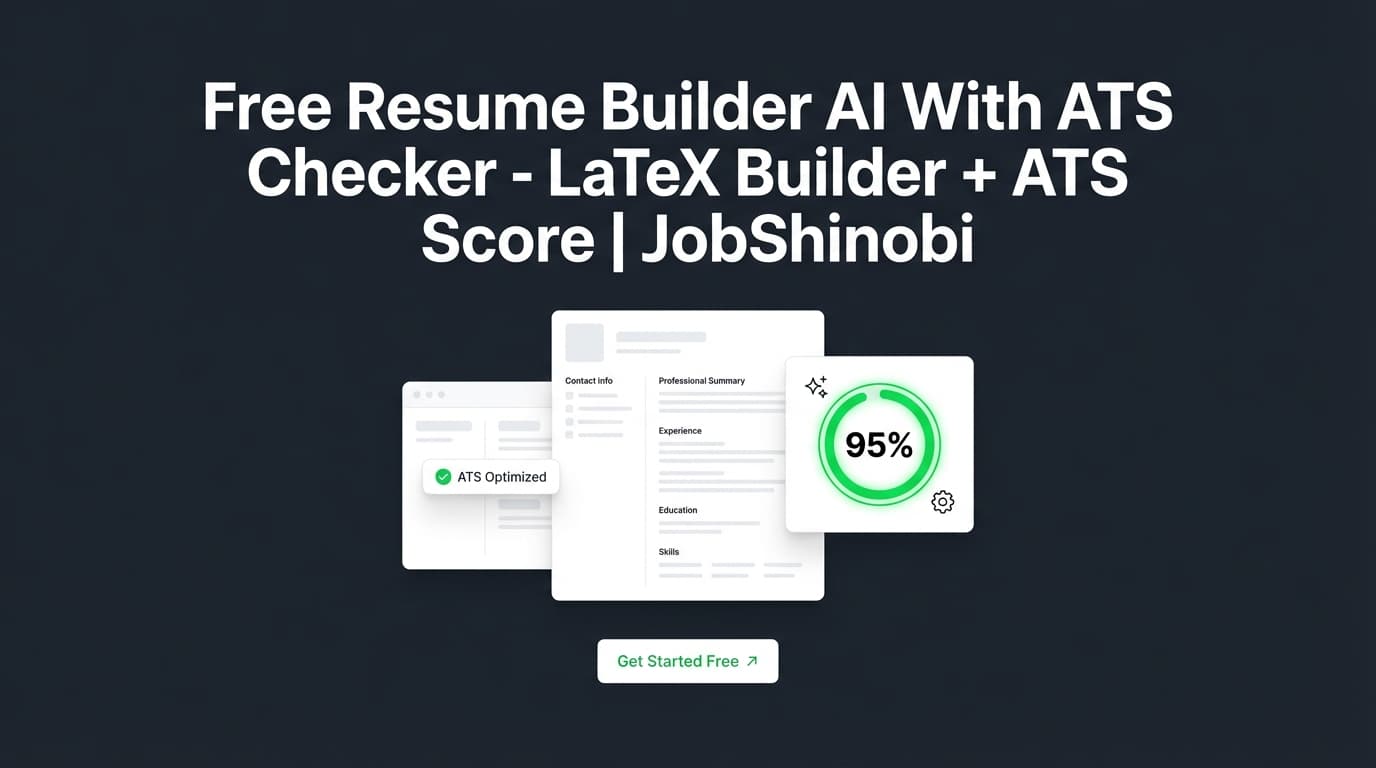
If you’ve tried “free ATS scans” that give a single number and vague tips, JobShinobi’s approach is different: it’s LaTeX-first (structured resumes) and the AI analysis returns real breakdowns (ATS score, keyword gaps, overuse, section scores, bullet analysis, length analysis, and more).
Get started: Sign in with Google → choose a template → generate your first ATS report.
Why Choose JobShinobi for a “Free Resume Builder AI With ATS Checker” Use Case?
Many “free” resume builders and ATS checkers are optimized for quick demos:
- They give a headline score but don’t show exactly what’s missing.
- They’re template-heavy but not structure-safe (design-first can become ATS-risky).
- They make tailoring feel like a one-off, not a process you can repeat across 20–200 applications.
JobShinobi is designed for job seekers who are applying at volume and want:
- A resume format that stays consistent (LaTeX),
- A scoring system that breaks down what’s wrong (not just “improve keywords”),
- A way to tailor to a specific job description and then apply suggestions back in the editor,
- And (optionally) a job search system beyond resumes: job tracking + analytics.
What JobShinobi actually does (supported features)
JobShinobi includes:
- Resume Builder (LaTeX-based) with a template library and saved resumes
- PDF compilation + preview (compiled from LaTeX, cached for speed)
- AI Resume Editor (streaming chat) that can propose and apply LaTeX edits
- Resume Analysis (AI) with caching when the resume hasn’t changed
- ATS scoring + keyword analysis (present/missing/overused, density/context fields when available)
- Job description extraction + resume-to-job matching (paste a job description or job URL in the job input flow)
- Resume version history (manual saves and AI/chat-created versions)
- Job tracker with realtime updates and Excel (.xlsx) export
- Email-forwarding workflow that can parse job emails and auto-update applications (automation is gated to subscribed members in backend processing)
Benefit 1: LaTeX resumes that keep structure stable (and easier to iterate)
A lot of ATS frustration isn’t “your experience is bad”—it’s that formatting and structure drift:
- Sections move around
- Dates align oddly
- Bullet indentation breaks
- Headings become inconsistent
JobShinobi’s resume source is LaTeX, and you compile it into a PDF preview. That makes formatting explicit and repeatable—so when you tailor content, the structure doesn’t fall apart.
What you get:
- Template → edit content → compile → preview → export PDF and
.tex
Benefit 2: ATS checker output you can turn into a plan (scores + actionable breakdowns)
JobShinobi’s resume analysis produces a structured score object that includes:
- overall_score
- ats_score
- keyword_score
- formatting_score
- content_score
- completeness_score
And it can return detailed feedback such as:
- strengths / weaknesses
- missing sections
- keyword analysis (present/missing/overused + density/context signals when available)
- ATS issues (when returned)
- deeper breakdown objects like section scores, bullet analysis, length analysis, benchmarking, and role alignment
Instead of “your resume isn’t ATS friendly,” you get specific categories to fix.
Benefit 3: Tailor to the job description, then apply changes back to the resume
“ATS checker” without job context is limited. Most applicants get filtered out because they’re not aligned to a specific role, not because they used the wrong font.
JobShinobi supports a job matching workflow:
- Provide a job description (or job URL in the job input flow)
- Extract job details and keywords
- Generate a match analysis
- Click Apply Suggestions to move from analysis to edits
That’s how you turn “missing keywords” into an actual improved resume.
How JobShinobi’s Resume Builder + ATS Checker Works
Step 1: Sign in and open Resume Builder
- Go to Login and sign in with Google.
- Navigate to Resume Builder in your dashboard: Resume Builder
Why this matters: You can manage multiple resumes, duplicate versions for different roles, and keep iterations organized.
Step 2: Start from a template (LaTeX template library)
In the Resume Builder, choose Start from Template:
- Pick a template
- Click Use Template
- The editor opens with LaTeX source pre-filled
Result: You start with a consistent structure that you can tailor safely.
Step 3: Edit with AI chat or direct LaTeX editing
In the editor (Resume Editor), you can:
- Edit directly in LaTeX (full control), or
- Use the AI chat editor to request targeted changes (rewrites, restructuring, bullet improvements)
Because the AI editor is built around the resume’s current LaTeX, it’s designed for iterative edits—especially when you’re tailoring.
Step 4: Compile and preview the PDF
Compile to generate a PDF preview (compiled from your LaTeX). Compilation results can be cached to speed up repeated iterations.
Why this matters: You see what recruiters will see (PDF), but you maintain the structured source (LaTeX).
Step 5: Run the ATS checker (Resume Analysis)
Click Analyze Resume to generate your resume report:
- Score breakdown (overall + ATS + category scores)
- Keyword analysis (present / missing / overused; density/context metrics when available)
- Strengths/weaknesses + missing sections
- Deep breakdown objects (e.g., bullet analysis, role alignment) when returned
The analyzer can return cached results if the resume hasn’t changed—so you can re-open the report without burning time.
Step 6: (Optional) Tailor with job matching
Open the analysis page (Resume Analysis) and use Job Matching:
- Paste a job description (or job URL in the job input flow)
- Get match insights
- Use Apply Suggestions to go back and implement changes
This is the fastest way to tailor reliably across many applications.
Key Features for “Free Resume Builder AI With ATS Checker” Intent
| Feature | What It Does | Why It Matters |
|---|---|---|
| LaTeX Resume Builder | Creates resumes stored as LaTeX source with template support | Stable structure that’s easy to iterate on |
| Template Library | Start from a template and manage multiple resumes | Faster setup and consistent formatting |
| PDF Compilation + Preview | Compiles LaTeX and previews the result as a PDF | Catch layout issues before applying |
Export PDF + .tex |
Download your compiled PDF and LaTeX source | You keep ownership of the output files |
| ATS Score + Category Scores | Returns overall score plus ATS/content/keyword/formatting/completeness | You know what to fix first (not guess) |
| Keyword Analysis (present/missing/overused) | Highlights keyword gaps and repetition; may include density/context metrics | Tailor without keyword-stuffing |
| Bullet/Section/Length Analysis (when returned) | Deeper breakdown objects in the analysis | Turns “feedback” into a plan |
| Job Description Matching | Extracts job details and computes match insights | Makes tailoring repeatable per job |
| AI Resume Editor (Streaming) | Chat-driven edits to your LaTeX resume with live responses | Faster rewrites and targeted improvements |
| Resume Version History | Stores versions and supports reverting | You can test changes safely |
| Job Tracker + Analytics | Track applications, export to Excel, view trends | Helps you improve your process, not just the resume |
What to Look For in a “Free ATS Checker” (and Where JobShinobi Fits)
If your search includes “free,” here’s how to evaluate any ATS checker—so you don’t waste time on a tool that can’t help you iterate.
1) Does it check more than keywords?
Keyword matching matters, but it’s not enough. You want feedback on:
- structure/completeness (missing sections)
- formatting signals (readability/consistency)
- bullet quality and clarity
- role alignment (how your experience matches the target role)
JobShinobi’s analysis is designed to include multiple score categories and structured feedback fields—beyond a single match number.
2) Can you tailor to a specific job description?
The highest-intent ATS checker use case is: “I’m applying to this role—what’s missing?”
JobShinobi supports job matching against a job description and then routes you back to the editor via Apply Suggestions.
3) Does the format stay stable while you iterate?
Many builders are WYSIWYG and can introduce formatting surprises. A stable source format helps you iterate faster.
JobShinobi’s workflow is LaTeX → compiled PDF preview.
4) Can you re-check quickly after edits?
The best tools make iteration easy:
- edit → re-check → confirm improvement
JobShinobi supports re-analysis and can return cached results when the resume hasn’t changed.
A Clear Example Workflow (Use This Even If You’re Still Comparing Tools)
This is a practical step-by-step approach that maps directly to JobShinobi’s feature set:
-
Start with a structured template
Don’t begin from scratch every time. Use a format you can repeat. -
Run a baseline ATS analysis
Get an initial ATS score and category breakdown. -
Fix “blockers” before “optimizers”
- Missing sections and structural issues first
- Formatting consistency next
- Keywords and bullet clarity after
-
Tailor to the job description
Identify missing keywords and required skills for that role. -
Apply improvements and re-check
Confirm the score and feedback improved (and didn’t introduce new issues). -
Export PDF and apply
Keep your final output consistent and submit with confidence.
Free Resume Builder AI With ATS Checker vs. JobShinobi (Paid, But Built for Iteration)
The “free tool” approach (good for quick checks)
Free tools can be useful when you need:
- a quick sanity check on a draft
- an initial list of missing keywords
- a lightweight scan before you rewrite manually
Common limitations:
- partial reports
- gated insights
- limited tailoring depth
- inconsistent formatting when you iterate
The JobShinobi approach (paid, but end-to-end)
JobShinobi is built for repeated cycles:
- Build in LaTeX
- Compile to preview
- Analyze with ATS score and breakdowns
- Tailor using job matching
- Apply suggestions back to the editor
- Save versions so you can safely iterate
- (Optional) track applications and trends in a job tracker + analytics dashboard
If you’re applying to many roles, this workflow is the difference between “I tweaked my resume” and “I can tailor consistently.”
Beyond the Resume: Job Tracker + Analytics (For High-Volume Applicants)
If you’re applying at volume, your resume isn’t the only variable. JobShinobi includes:
Job Tracker
- Track job applications in a dashboard table
- Realtime updates (so your tracker stays current)
- Export your job applications to Excel (.xlsx)
Visit: Job Tracker
Analytics Dashboard
- Response-rate and conversion-style metrics derived from your tracked applications
- Trends over time (e.g., monthly volume)
Visit: Analytics
Email-forwarding automation (optional workflow)
JobShinobi also supports an email-forwarding workflow where forwarded job emails can be parsed into structured application updates (company, job title, status, etc.). Automated processing is gated to subscribed members in backend processing.
This matters when you’re dealing with dozens (or hundreds) of confirmations and interview invites—manual spreadsheets break quickly.
Pricing
JobShinobi is not a “free resume builder AI with ATS checker.”
Plans (via Stripe):
- Monthly: $20.00
- Yearly: $199.99
Start here: Sign in
If you’re prompted for subscription access: /subscription
Frequently Asked Questions
Is JobShinobi actually free?
JobShinobi is a paid subscription product (Monthly $20 / Yearly $199.99). If you’re specifically looking for a forever-free ATS checker, JobShinobi is positioned as a higher-commitment workflow designed for iterative tailoring and structured resumes.
What does JobShinobi’s ATS checker score?
JobShinobi’s resume analysis returns an overall score plus category scores including:
- ATS score
- Keyword score
- Formatting score
- Content score
- Completeness score
It can also return structured detailed feedback such as strengths/weaknesses, missing sections, keyword analysis (present/missing/overused, and additional metrics when available), and deeper breakdown objects (e.g., bullet analysis, role alignment, benchmarking, length analysis).
Can I tailor my resume to a specific job description?
Yes. JobShinobi supports job matching against a job description (and supports job input flows that can accept URL or raw text). You can then use Apply Suggestions to return to the editor and implement changes.
Do I need to upload a PDF or DOCX?
JobShinobi’s resume workflow is LaTeX-first: you build/edit in the LaTeX editor and compile a PDF preview. This is designed to keep formatting consistent and reduce the “WYSIWYG drift” that can happen during tailoring.
Does JobShinobi replace a recruiter’s review?
No ATS checker can guarantee outcomes. JobShinobi helps you improve structure, clarity, keyword alignment, and ATS-related issues—but hiring decisions depend on role needs, competition, and human judgment.
Can JobShinobi track my applications too?
Yes. JobShinobi includes a Job Tracker and an Analytics dashboard so you can track applications, outcomes, and trends—especially useful for high-volume job searching.
Get Started with JobShinobi Today
If you’re done with “free ATS scans” that don’t help you iterate, use a workflow built to actually finish the job:
- Build in a stable format (LaTeX)
- Compile and preview as PDF
- Run ATS scoring + keyword gap analysis
- Tailor to a job description and apply suggestions
- Save versions so you can iterate safely
Next step: Sign in with Google to start your resume and generate your first ATS report.