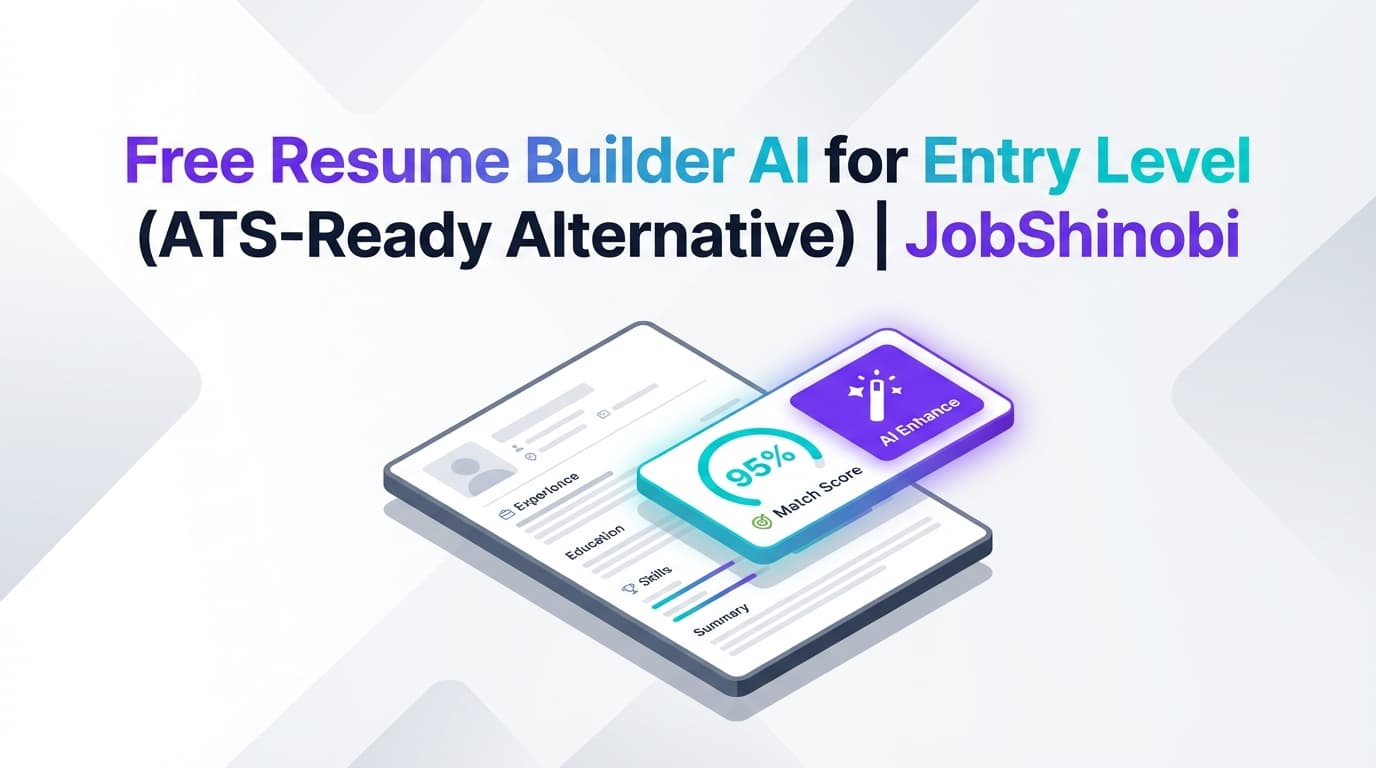
If you’re searching for a free resume builder AI for entry level, you’re likely in a high-intent moment: you need a resume now, you don’t want to waste money, and you’re worried your resume is getting filtered out before a human sees it.
JobShinobi is built for that exact “first job / new grad / entry-level” pressure cooker—where you need to:
- start fast with a structure that doesn’t break ATS parsing,
- tailor your resume to the job description without guessing,
- and iterate quickly as you apply to many roles.
Important pricing note (so you’re not surprised): JobShinobi is not a free tool. JobShinobi offers Monthly ($20) and Yearly ($199.99) plans via Stripe. This page targets the “free” keyword because many entry-level job seekers start there and then choose a more ATS-reliable workflow when “free builders” hit limitations.
Primary CTA: Sign in & start from a template
Secondary CTA: Go to Resume Builder
Why Choose JobShinobi for “Free Resume Builder AI for Entry Level” Intent?
A lot of “free resume builder” tools are great at one thing: letting you type content into a template.
Entry-level candidates usually need more than that:
- structure that parses (ATS-safe layout choices),
- feedback that’s actionable (not generic),
- job-specific keyword coverage (so your resume matches the posting),
- and a workflow that supports lots of versions as you apply.
JobShinobi is designed around LaTeX-based resumes, a PDF preview compilation flow, and AI analysis + job matching—so you can build a resume that’s not just “pretty,” but repeatably tailored.
Benefit 1: ATS-safe structure with LaTeX templates + PDF output
JobShinobi resumes are created and stored as LaTeX source (latex_source). That means your resume is built on consistent structure, not a fragile drag-and-drop layout that can change unexpectedly.
You can:
- start from a template in the Resume Builder,
- edit in the LaTeX editor,
- compile and preview a PDF,
- download the PDF when ready.
Benefit 2: Job-specific tailoring (without guessing keywords)
JobShinobi supports job description extraction (URL or paste text) and a resume-to-job matching workflow that provides:
- match score
- present keywords
- missing keywords
- recommendations
This is exactly what entry-level candidates need when they’re applying broadly and don’t know how to tailor per role without keyword stuffing.
Benefit 3: AI resume analysis with scoring + structured feedback
JobShinobi includes an AI resume analysis endpoint that returns a score breakdown:
- overall score
- content score
- keyword score
- formatting score
- completeness score
- ATS score
It also returns structured fields like strengths/weaknesses, keyword analysis, ATS issues, and can run in a more detailed enhanced analysis mode.
How JobShinobi’s Resume Builder Works (Real Workflow)
Step 1: Sign in (Google) and open Resume Builder
Start here:
Then open:
Step 2: Start from a LaTeX resume template
In Resume Builder, you can:
- browse the template library (templates have categories),
- click Use Template to open the editor with a selected template,
- manage “My Resumes” (open saved resumes, duplicate, delete).
This is ideal for entry-level candidates because you get a clean structure immediately.
Step 3: Edit your resume (Code mode or AI mode)
In the editor, you can work in:
- Code mode (direct LaTeX editing), or
- AI mode (streaming AI chat that edits your LaTeX resume)
The AI editor uses a tool-based workflow to:
- fetch your current resume,
- edit a section or update the resume,
- run a LaTeX compilation check.
Step 4: Compile and preview the PDF
JobShinobi supports cloud LaTeX compilation and returns a PDF preview (base64 data URL). This lets you verify formatting before you apply.
You can also export:
- Download PDF
- Download
.tex
Step 5: Analyze your resume (general or job-specific)
You can run resume analysis that:
- returns scored categories and structured feedback,
- can optionally include a job description for job-specific analysis,
- may return cached results if the resume hasn’t changed.
Step 6: Match your resume to a job posting (URL or text)
Use Job Match to:
- paste a job URL or job description text,
- extract job details and keywords,
- get a match score plus missing/present keywords,
- apply suggestions by returning to the editor.
Key Features for Entry-Level Resume Building (Only Verified Features)
| Feature | What It Does | Why It Matters for Entry Level |
|---|---|---|
| LaTeX Resume Templates Library | Lets you start from a template and build resumes saved as LaTeX (latex_source) |
Clean structure fast—less time formatting, more time improving content |
| LaTeX Editor + PDF Preview | Edit LaTeX and compile to preview the PDF | You see exactly what recruiters/ATS will get |
Download PDF + Download .tex |
Export final resume assets | Easy application submission + portability |
| AI Resume Editor (Streaming Chat) | AI-assisted editing with streaming responses and tool-based edits | Faster rewriting of project bullets, summaries, skills sections |
| Resume Version History | Saves versions tied to manual saves and AI chat saves | Safely tailor multiple entry-level versions (internships vs new grad vs support roles) |
| Resume Analysis (Comprehensive + Enhanced Mode) | Generates scores + feedback (keywords/ATS fields included) and stores results | Turns “I’m not getting callbacks” into concrete fixes |
| Job Description Extraction | Accepts URL or pasted text, extracts structured job details | Makes tailoring faster and less error-prone |
| Resume-to-Job Matching | Computes match score + missing/present keywords + recommendations | Helps you align with postings without keyword stuffing |
| Job Tracker (Realtime + Excel export) | Track applications and export to .xlsx |
Helpful when you’re applying to many entry-level roles |
| Email Forwarding → Auto-tracking (Pro required) | Forward emails to a unique address; system attempts to parse/update applications | Reduces manual tracking when you’re applying at scale |
“Free Resume Builder AI for Entry Level” vs. Typical Alternatives
Most pages ranking for “free AI resume builder” lean on:
- template galleries,
- “free” messaging,
- generic AI writing claims.
Entry-level candidates typically run into one of these problems:
- The resume looks nice, but tailoring is guesswork.
- The builder is easy at first, but export is limited later.
- Formatting changes unexpectedly during edits.
- The tool doesn’t help you understand missing job keywords.
Why JobShinobi is different
JobShinobi is built around an end-to-end workflow:
- ATS-stable resume structure (LaTeX templates)
- PDF compilation preview (verify output)
- Analysis + job matching (keyword gaps + recommendations)
- Version history (tailor safely across applications)
If your top constraint is “must be $0 forever,” JobShinobi may not fit.
If your constraint is “I need an ATS-ready resume and a job-matching workflow that helps me land interviews,” JobShinobi is designed for that.
What to Put on an Entry-Level Resume (And How JobShinobi Helps)
Entry-level resumes are often strong—but under-communicated. JobShinobi helps you improve the sections that matter most:
Projects (your best “experience” when you’re entry-level)
Use AI editing + analysis to:
- turn responsibilities into outcomes,
- use stronger action verbs,
- align tooling and keywords with the target role.
Skills (mapped to the job description)
Use job matching to:
- identify missing keywords,
- add only relevant skills you can defend,
- avoid random keyword lists.
Education + relevant coursework (only when it supports the job)
Use job extraction/matching to:
- find which topics matter for the role,
- decide what coursework is worth including.
Summary (optional, but powerful for entry-level)
Use AI editing to craft a concise summary that:
- states target role,
- highlights projects/tools,
- aligns with job keywords without sounding robotic.
How JobShinobi’s Resume Analysis Helps You Improve Faster
JobShinobi’s analysis returns a structured report including scores such as:
- overall_score
- content_score
- keyword_score
- formatting_score
- completeness_score
- ats_score
It can also return:
- strengths and weaknesses,
- missing sections,
- keyword analysis (present/missing/overused plus additional keyword fields),
- ATS issues fields (where provided).
You can rerun analysis after updates. If your resume hasn’t changed since the last analysis, the system may return cached results—useful for fast iteration.
How Job Matching Works (Job Description → Match Score → Keyword Gaps)
JobShinobi’s job matching workflow is designed for real entry-level behavior: applying to many roles with small tweaks per posting.
Step 1: Add a job posting by URL or paste text
In the Job Description input, you can choose:
- URL tab (paste a job posting URL), or
- Text tab (paste the full job description)
Step 2: Extract job details
JobShinobi extracts job details and keywords (when available) so you can work from structured data.
Step 3: Get match score + keyword breakdown
You receive:
- match_score
- present_keywords
- missing_keywords
- recommendations
Step 4: Apply suggestions
Use “Apply Suggestions” to jump back to the editor and implement changes in your resume.
Bonus: Track Entry-Level Applications Without Spreadsheet Chaos
If you’re applying to entry-level roles at volume, JobShinobi includes a Job Tracker:
- view applications in a dashboard table
- create/edit/delete entries
- see realtime updates
- export to Excel (.xlsx)
Email-forwarding automation (Pro only)
Pro members can forward job-related emails to a unique address and JobShinobi attempts to:
- parse job details from emails,
- create or update the job application record,
- fuzzy-match to avoid duplicates (company/title similarity).
Pricing
JobShinobi offers paid subscriptions via Stripe payment links:
- Monthly: $20.00
- Yearly: $199.99
You can start by signing in and exploring the resume workflow:
Frequently Asked Questions
Is JobShinobi a free resume builder AI for entry level?
No. JobShinobi is not positioned as a free resume builder. It offers Monthly ($20) and Yearly ($199.99) subscriptions. This page targets the “free” query because many entry-level job seekers start there and then look for a stronger ATS + job-matching workflow.
Can JobShinobi help if I have no work experience?
Yes. JobShinobi is well-suited for entry-level resumes built around projects, coursework, internships, leadership, and skills. The AI editor helps rewrite content, and the analysis + job match features help you identify what to add or improve.
Can I download my resume as a PDF?
Yes. JobShinobi supports cloud LaTeX compilation with PDF preview and PDF download.
Can I download the LaTeX file too?
Yes. The resume editor supports downloading the .tex source.
Can I match my resume to a job description?
Yes. You can paste a job URL or job description text, extract job details, and get a match score plus missing/present keywords and recommendations.
Does JobShinobi automatically apply to jobs for me?
No. JobShinobi does not support auto-apply or direct job board integrations for applying.
Can JobShinobi import my existing PDF resume?
There is no verified feature for PDF/image parsing or OCR-based import. JobShinobi is designed around creating and editing resumes as LaTeX.
Does JobShinobi include a job tracker?
Yes. JobShinobi includes a job tracker with realtime updates and Excel export. Pro members can also use email-forwarding automation to update the tracker from job-related emails.
Get Started with JobShinobi Today
If you searched for a free resume builder AI for entry level, you’re trying to move quickly without wasting effort. JobShinobi is built for the next step: a repeatable workflow that helps you ship an ATS-ready resume and tailor it to real job descriptions.
- Start from a LaTeX template
- Edit in code mode or AI mode
- Compile and preview your PDF
- Run analysis to find high-impact fixes
- Match against job descriptions to identify missing keywords
- Save tailored versions as you apply
Primary CTA: Sign in and build your entry-level resume