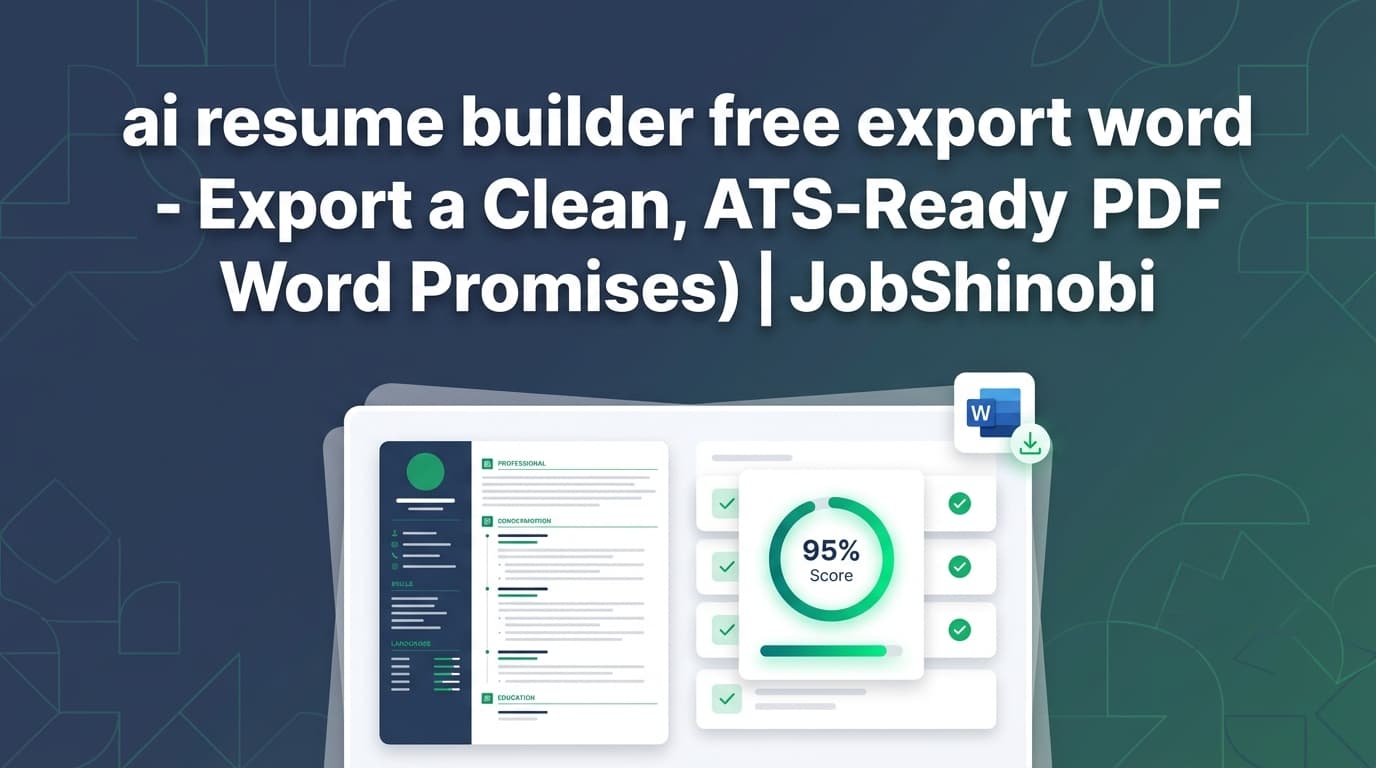
If you searched “ai resume builder free export word”, you’re probably trying to avoid two common job-search problems:
- Spending time building a resume… then hitting a download paywall
- Needing a Word file (.docx) because a recruiter or portal asked for it
Here’s the honest answer up front:
- JobShinobi is not a “free Word export” resume builder.
- JobShinobi does not export to Word (.docx).
- JobShinobi is a LaTeX-based AI resume builder that exports:
- PDF (
resume.pdf) - LaTeX source (
resume.tex)
- PDF (
So why build a page for a “Word export” keyword?
Because many job seekers searching for Word export actually need something more important than .docx: a resume that stays clean, consistent, and easy to tailor—without formatting breaking between devices, Word versions, or templates.
JobShinobi is built around a workflow that prioritizes:
- Stable formatting (compiled output)
- AI-powered resume analysis (with cached results when your resume hasn’t changed)
- Job description matching (keywords present vs missing)
- Streaming AI resume editing (that works directly with your LaTeX)
- Version history (so you can keep tailored variants without losing your baseline)
Get started: Sign in with Google
Why Choose JobShinobi for This “Free Word Export” Search?
A lot of “free” resume builder searches come from frustration—people want to apply today, not fight tools. Most competitors position themselves as:
- “Free AI resume builder”
- “Unlimited downloads”
- “Export to Word/PDF”
But in practice, the real needs behind this query usually look like:
- “My formatting keeps breaking when I copy/paste or download”
- “I’m tailoring for 20 roles and need a repeatable workflow”
- “I need keyword alignment and ATS-focused feedback—not just pretty templates”
- “I want to keep multiple versions without chaos”
JobShinobi’s core promise (based on supported features)
JobShinobi gives you a resume workflow that’s:
- LaTeX-first (your resume is stored as
latex_source) - Compile-to-PDF (preview and download the compiled PDF)
- AI-assisted (resume analysis + job matching + AI editing chat)
- Versioned (resume versions saved so you can revert/compare)
It’s not positioned as a Word-doc generator. It’s designed for job seekers who want control, consistency, and tailoring speed.
Benefit 1: Export a resume that doesn’t “shift” (LaTeX → compiled PDF)
Word documents can be convenient, but they’re also notorious for:
- Spacing changes across Word versions and fonts
- Template layouts that behave differently on Mac vs Windows
- Subtle formatting differences after edits
JobShinobi is built around compilation. In the resume editor you can:
- Edit LaTeX
- Compile and preview the PDF
- Download
resume.pdf - Download
resume.tex
That’s a “what you preview is what you submit” workflow.
Quick link: Open the resume editor
Benefit 2: Tailor your resume to a job description (match score + keyword gaps)
JobShinobi supports job-specific tailoring via:
- Job description extraction (from a URL or pasted job text)
- Resume-to-job match analysis (including missing vs present keywords)
- A structured analysis saved to your account (job analyses stored in the app)
If you’re searching “export Word” because you’re applying at volume, this is the part that tends to move the needle: repeatable tailoring.
Benefit 3: Iterate faster with streaming AI edits + compilation checks
JobShinobi includes a streaming AI resume editor that:
- Works inside your resume workflow (not a separate chat app)
- Can update sections in your LaTeX resume
- Uses compilation checks as part of the editing loop (to catch LaTeX issues)
It also supports a model picker with tiers (e.g., “Shinobi Swift / Turbo / Pro”) so you can balance speed vs output quality.
What You Can Export in JobShinobi (and what you can’t)
Supported exports (resume editor)
- PDF download:
resume.pdf - LaTeX source download:
resume.tex
Not supported exports (resume editor)
- Word (.docx) export is not supported
If your process requires a .docx file at the final step, you can still use JobShinobi to build a clean resume—then handle conversion externally (more on that below). But JobShinobi does not provide a “Download Word” button.
How JobShinobi’s Resume Builder Works (Real Workflow)
Step 1: Sign in and open Resume Builder
JobShinobi uses Google sign-in. Once inside, go to the Resume Builder:
- Browse templates
- Open saved resumes
- Duplicate a resume to create a tailored version
Start here: Resume Builder dashboard
Step 2: Start from a template or a saved resume
You can:
- Start from template (template library with categories)
- Open a saved resume
- Duplicate a resume to create a variant (e.g., “Product Manager — B2B SaaS”)
This helps when you need multiple tailored versions without reworking your base resume each time.
Step 3: Edit in LaTeX with PDF preview (compile loop)
Inside the editor:
- You edit LaTeX (directly or via the AI chat)
- You compile to generate a PDF preview
- You fix issues until the PDF output is clean
This workflow is particularly useful for candidates who care about:
- consistent layout
- predictable output
- fewer “download surprises”
Step 4: Analyze your resume (with caching)
JobShinobi provides resume analysis with two modes:
- Comprehensive analysis
- Enhanced analysis (when enabled)
It can also return cached analysis when the resume hasn’t changed since the last run—useful when you’re iterating quickly and don’t want redundant re-checks.
Step 5: Match your resume to a job description (keywords + recommendations)
You can:
- Paste a job description (or provide a job URL)
- Run match analysis
- See:
- match score
- missing keywords
- present keywords
- recommendations / tailored suggestions
Then you can apply changes in the editor (manual or AI-assisted).
Step 6: Export (PDF + .TEX)
When you’re ready:
- Download PDF (
resume.pdf) - Download LaTeX source (
resume.tex)
That’s the export workflow JobShinobi supports today.
Key Features for “AI Resume Builder + Export” Intent
| Feature | What It Does | Why It Matters |
|---|---|---|
| LaTeX-based resume builder | Resumes are created and stored as LaTeX (latex_source) |
Structure stays consistent and editable |
| Template library | Choose templates and start quickly | Faster setup and cleaner layouts |
| Cloud compilation + PDF preview | Compile LaTeX and preview a PDF | Catch layout issues before you apply |
| PDF export | Download resume.pdf |
Stable submission format |
| .TEX export | Download resume.tex |
You keep full source control |
| Resume analysis (cached) | Runs analysis and can return cached results if unchanged | Faster iteration and less repetition |
| Enhanced analysis mode | Deeper analysis option | More detailed guidance when needed |
| Job description extraction | Accepts URL or pasted text | Tailoring becomes structured |
| Resume-to-job matching | Missing vs present keywords + match score | Practical ATS-focused alignment |
| Streaming AI resume editor | AI chat that edits LaTeX and can compile-check | Faster rewrites without breaking your document |
| Version history | Resume versions stored and reversible | Safer experimenting + tailoring at scale |
“Free Word Export” vs JobShinobi (Honest Fit Check)
Choose a “free Word export” tool if:
- Your employer requires a .docx upload and you don’t want any conversion step
- You need a one-click Word file from the builder
- Your workflow is primarily Word-based (collaboration in Word, tracked changes, etc.)
Choose JobShinobi if:
- You want stable formatting and a clean compiled output
- You want AI analysis + job matching tied to your actual resume content
- You want a repeatable tailoring workflow with versions
- You’re tired of “free” tools that hide the real download behind an upsell (and you’d rather pay for a serious workflow)
JobShinobi isn’t trying to be everything. It’s built around a LaTeX → PDF workflow with analysis and tailoring tools layered on top.
If You Still Need Word (.docx): Practical Options (Outside JobShinobi)
JobShinobi does not export Word files. If a portal requires .docx, here are realistic paths people use:
Option A: Build in JobShinobi → export PDF → convert PDF to Word externally
Workflow:
- Build and compile your resume in JobShinobi
- Download
resume.pdf - Convert PDF → Word using a third-party converter
What to expect:
- Conversion quality varies by tool and by resume layout
- You should plan a quick formatting pass after conversion
Option B: Export .tex and use your own conversion pipeline
Workflow:
- Download
resume.tex - Convert externally using your own tooling (outside JobShinobi)
This is best for candidates who are comfortable with technical workflows and want maximum control.
Why This Still Works for ATS-Intent Searches (Even Without Word Export)
A big part of this keyword is not actually “Word.” It’s:
- “I want something that passes ATS parsing”
- “I want to tailor quickly”
- “I want to export cleanly and apply”
JobShinobi’s differentiator is that the resume is:
- stored in a structured, editable source (LaTeX)
- compiled to a stable output (PDF preview + download)
- evaluated with analysis and job-match data to drive improvements
If you’re applying to many roles, the bigger bottleneck is usually tailoring quality and consistency, not file format.
Beyond Resumes: Track Applications (and Export to Excel)
If you’re searching “free export Word,” there’s a good chance you’re in high-volume application mode. JobShinobi also includes a job tracker that supports:
- Job application tracking in a dashboard
- Realtime updates
- Export job applications to Excel (
.xlsx)
This is separate from resume exporting—but it matters for the same persona: people applying at scale who want everything organized.
Quick link: Job Tracker
Quick link: Analytics dashboard
Pricing
JobShinobi offers paid subscriptions via Stripe payment links:
- Monthly: $20.00
- Yearly: $199.99
If you’re comparing against “free Word export” tools, use this question to decide:
Do you want a free file download, or do you want a workflow you’ll use for dozens (or hundreds) of applications?
JobShinobi is built for the second.
CTA: Sign in and start building
Frequently Asked Questions
Is JobShinobi a free AI resume builder?
No. JobShinobi is a paid subscription product (Monthly $20, Yearly $199.99). It does not claim a verified free trial in the supported implementation.
Can JobShinobi export my resume to Word (.docx)?
No. JobShinobi does not export Word (.docx). The resume editor supports:
- PDF export (
resume.pdf) - LaTeX source export (
resume.tex)
Can I download a PDF resume from JobShinobi?
Yes. The resume editor compiles your LaTeX resume and allows you to download the compiled PDF.
What if an employer portal requires a Word document?
Since JobShinobi doesn’t export .docx, you would need to convert externally (for example, PDF → Word with a third-party tool) or use your own LaTeX conversion workflow outside JobShinobi.
Does JobShinobi help tailor my resume to a job description?
Yes. JobShinobi supports job description extraction (URL or text) and resume-to-job matching, including missing vs present keywords and recommendations you can apply in the editor.
Does JobShinobi include an AI resume editor?
Yes. JobShinobi includes a streaming AI resume editor chat that works with your resume content and supports an editing workflow that can compile-check changes.
Does JobShinobi keep resume versions?
Yes. Resume changes are saved into version history so you can iterate and revert while tailoring.
Can JobShinobi track my job applications too?
Yes. JobShinobi includes a job tracker with realtime updates and Excel (.xlsx) export.
Get Started with JobShinobi Today
If your only requirement is “free Word export,” JobShinobi isn’t the right match—and it’s better to know that immediately.
If your real goal is a resume workflow that stays consistent, compiles cleanly, and supports fast tailoring with analysis and job matching, JobShinobi is built for that.