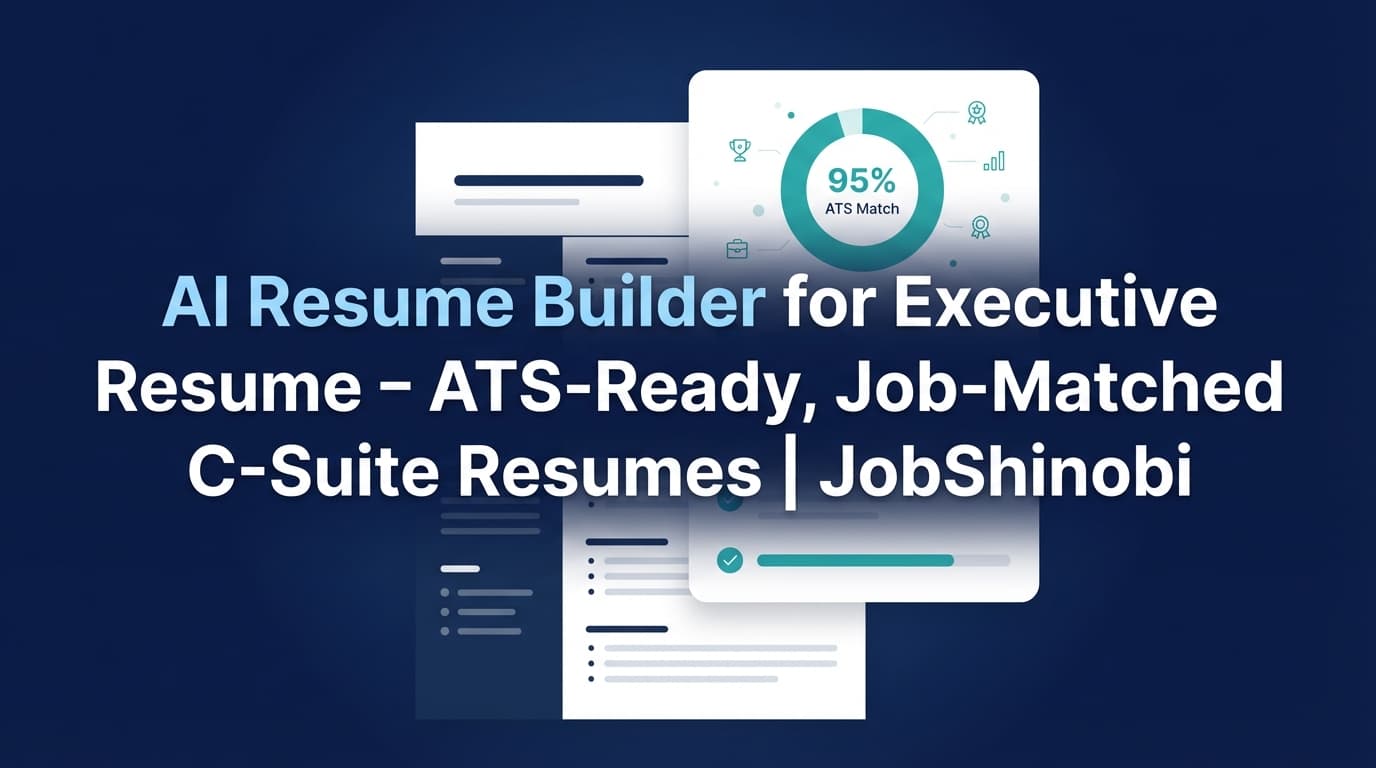
JobShinobi is an AI resume builder for executive resume workflows that helps you build an executive-ready resume in a LaTeX-based editor, validate it with ATS/keyword scoring, and tailor it using job-description match analysis—without your formatting falling apart every time you revise your summary or restructure your leadership impact bullets.
Executive hiring is different. Recruiters and hiring panels scan for proof of:
- scope (team size, regions, budgets),
- impact (revenue, margin, cycle time, retention),
- leadership (cross-functional influence, operating cadence),
- and role alignment (the language used in the job description).
JobShinobi helps you create and iterate on a resume that communicates those signals clearly—then backs it up with analysis you can act on.
CTA: Sign in to start your executive resume → then go to Resume in your dashboard.
Why Choose JobShinobi for Executive Resume Building?
Many resume builders are optimized for “make something that looks good.” Executive resumes need something else: repeatable iteration and role-specific alignment.
JobShinobi is built around three capabilities that matter most for executive candidates:
-
LaTeX Resume Builder + PDF Preview
Your resume content is stored as LaTeX and compiled for PDF preview, which helps keep structure consistent as you iterate. -
AI Resume Agent (Streaming) for targeted editing
Use an in-editor AI chat to revise sections, strengthen leadership bullets, and apply changes to your LaTeX resume—while the system checks compilation. -
Resume Analysis + Job Match
Run resume scoring (including ATS/keyword signals) and compare your resume against a job description to identify missing keywords and get recommendations.
Designed for executive iteration (not one-and-done drafts)
Executive searches commonly require multiple positioning angles:
- COO vs. Chief of Staff vs. GM,
- enterprise vs. growth-stage,
- transformation vs. scale-up operations.
JobShinobi supports this with resume version history so you can test changes, keep strong versions, and revert when needed.
Executive Benefit 1: Stable formatting while you rewrite (LaTeX-first workflow)
For executives, formatting is not decoration—it’s credibility. You want:
- a clean hierarchy,
- predictable section structure,
- and a PDF that looks consistent across devices.
JobShinobi’s LaTeX workflow helps keep your resume structured as you:
- tighten your executive summary,
- reorder leadership highlights,
- and refine bullets for impact.
You can also download:
- PDF (final output)
- .tex (source-of-truth file)
Executive Benefit 2: Keyword alignment without guesswork (job match + missing keywords)
Executive job descriptions often include recurring keywords that differ by function:
- Operations: operational excellence, continuous improvement, cost reduction, P&L
- Technology: cloud transformation, cybersecurity, IT strategy, data platform
- Revenue: go-to-market, pipeline, enterprise sales, ARR growth, retention
JobShinobi’s job match analysis shows:
- present keywords
- missing keywords
- recommendations
- and a match score
So you can tailor intentionally—without blindly keyword stuffing.
Executive Benefit 3: Safer edits with version history (iterate without losing a strong draft)
High-stakes editing is risky: one “improvement” can weaken clarity or remove an important scope signal.
JobShinobi stores changes as resume versions (including versions created through AI chat), enabling you to:
- keep a timeline of edits,
- revert to earlier versions,
- and maintain multiple resume directions.
How JobShinobi’s Executive Resume Workflow Works
Step 1: Start from a template and open the LaTeX editor
Go to your resume workspace and choose a template from the library, then open it in the editor.
- Resume templates load into a LaTeX editor
- A PDF preview is generated from your LaTeX content
Tip for executives: prioritize clarity. A straightforward structure usually outperforms “creative” layouts for leadership hiring.
Step 2: Use the AI Resume Agent to rewrite leadership content
Switch to AI mode in the editor and ask for targeted improvements (summary, leadership highlights, experience bullets).
Examples of executive prompts you can use:
- “Rewrite my executive summary for a COO role emphasizing multi-site operations, cost-to-serve reduction, and cross-functional leadership.”
- “Convert these bullets from task language to measurable outcomes; keep claims realistic and add placeholders where metrics are missing.”
- “Condense this experience section—retain only leadership-level initiatives and outcomes.”
The AI chat is streaming, so you can see progress and iterate quickly.
Step 3: Run Resume Analysis (ATS/keyword + structured feedback)
Run analysis to generate:
- an overall score plus category scores (content, keywords, formatting, completeness, ATS),
- strengths + improvements + recommendations,
- keywords found vs. missing keywords.
This makes it easier to prioritize what to fix first.
Step 4: Add a job description to get a role-specific match score
Paste a job description (or job text) and run job match analysis to see:
- match score,
- missing keywords,
- present keywords,
- recommendations.
Then jump back into the editor and implement changes (manually or via AI chat).
Step 5: Export the final resume
Download your resume as:
- PDF (most common application format)
- .tex (LaTeX source)
Key Features for Executive Resume Building
| Feature | What It Does | Why It Matters for Executives |
|---|---|---|
| LaTeX Resume Builder | Creates and manages resumes stored as LaTeX source | Keeps structure consistent during heavy iteration |
| PDF Preview (LaTeX compilation) | Compiles your LaTeX into a PDF preview | Catch layout issues before you send to recruiters |
| AI Resume Agent (Streaming) | Chat-based editing that can update sections of your resume | Faster rewrites for executive summaries and impact bullets |
| Resume Analysis (scoring + feedback) | Provides overall + category scores and actionable feedback | Helps you improve clarity, ATS signals, and keyword alignment |
| Job Description → Resume Match | Match score + missing/present keywords + recommendations | Tailor each version to the exact executive role |
| Resume Version History | Stores versions created by manual saves and AI chat | Experiment safely and revert when needed |
| Job Tracker (Dashboard) | Track your applications in one place with realtime updates | Stay organized across multiple executive pipelines |
| Export job tracker to Excel (.xlsx) | Download your applications as an Excel file | Useful for reporting and follow-up cadence |
What Executive Hiring Teams Look For (and how to reflect it with JobShinobi)
Executive resumes are evaluated on signal density, not volume. JobShinobi helps you build those signals into the right places:
1) Executive Summary that leads with scope + outcomes
A strong executive summary typically communicates:
- domain and leadership type (e.g., “operator,” “transformational leader,” “growth-stage scaler”),
- scope (P&L, regions, org size),
- outcomes (revenue, margin, retention, cycle time),
- and the target role direction.
Use the AI Resume Agent to rewrite your summary in a role-specific way, then validate the keyword alignment using analysis/job match.
2) Leadership impact bullets that read at the right altitude
Executive bullets are strongest when they reflect:
- a leadership decision,
- a business outcome,
- and scale/constraints.
JobShinobi’s resume analysis feedback helps you identify vague bullets and strengthen them into measurable, credible outcomes.
3) Keywords and terminology that match the job description
Executive roles have distinct vocabularies. “Strategy” is not enough—your resume needs the job’s language where appropriate.
With job match analysis, you can see missing keywords and add them naturally in:
- leadership highlights,
- experience bullets,
- and skills/competencies.
AI Resume Builder for Executive Resume vs. Common Alternatives
JobShinobi vs. “one-shot AI resume generators”
Many AI tools generate a draft once and leave you to manually refine. Executive resumes usually require multiple revisions and versions.
JobShinobi approach: iterative editing (AI chat + manual LaTeX control) + scoring + job match + version history.
JobShinobi vs. Word/Docs editing
Word is familiar, but executive iteration can create:
- duplicated versions,
- formatting drift,
- and time-consuming restructuring.
JobShinobi approach: LaTeX-based structure + compiled PDF preview + version history for safer experimentation.
JobShinobi vs. “just follow a template”
Templates help, but executives still need:
- role-specific keywords,
- the right leadership altitude,
- and evidence-backed impact.
JobShinobi approach: job match + missing keyword lists + recommendations to guide exactly what to change.
Pricing
JobShinobi offers paid subscriptions via Stripe payment links:
- Monthly: $20.00 — https://buy.stripe.com/7sYeV61P10GS310eTy0VO02
- Yearly: $199.99 — https://buy.stripe.com/6oU9AM0KXexIdFE5iY0VO03
To start building your executive resume, sign in here: /login
Then go to your resume workspace: /dashboard/resume
Frequently Asked Questions
Is JobShinobi really an AI resume builder for executive resume writing?
Yes—JobShinobi supports executive resume creation and optimization through:
- a LaTeX-based resume builder (structure-first),
- an AI Resume Agent (streaming) for iterative rewriting,
- resume scoring (including ATS/keyword signals),
- and job-description match analysis (match score + missing keywords + recommendations).
Can I tailor my executive resume to a specific job posting?
Yes. You can paste a job description and run job match analysis to get:
- a match score
- missing keywords
- present keywords
- recommendations
Then you can apply edits in the resume editor.
Does JobShinobi export to Word (.docx)?
No. JobShinobi exports:
- .tex (LaTeX source)
Is a PDF executive resume ATS-friendly?
Often, yes—many ATS can parse text-based PDFs, but results can vary by employer and system. JobShinobi helps by keeping your resume structure consistent and providing ATS/keyword-focused analysis so you can validate clarity and keyword coverage.
Can ATS read columns, tables, or icons?
Some ATS struggle with complex layouts (multi-column designs, tables, graphics/icons). If ATS parsing reliability is your top priority, a clean structure is usually safest. JobShinobi’s LaTeX workflow is designed to keep structure controlled and consistent, and the analysis helps you catch issues related to formatting and ATS signals.
Can employers detect AI-written resumes?
Some recruiters may notice generic language or inconsistencies. The safest approach is to use AI as an editor—not a fabricator:
- keep claims accurate,
- include real metrics only when you can support them,
- and tailor language to the role without sounding overly generic.
JobShinobi’s workflow helps by making it easy to iterate and refine while keeping the resume cohesive.
Does JobShinobi auto-apply to jobs or integrate with job boards?
No. JobShinobi focuses on resume building, analysis, job matching, and job application tracking.
Does JobShinobi sync my job tracker directly to Google Sheets?
No. JobShinobi supports exporting your job tracker to Excel (.xlsx).
Get Started with JobShinobi Today
If you’re pursuing VP, SVP, Director, GM, or C‑level roles, your resume needs to be:
- structurally clean,
- keyword-aligned to the role,
- and easy to iterate without breaking format.
JobShinobi gives you that workflow in one place: LaTeX resume builder + AI editing + ATS/keyword analysis + job matching + version history.
Next step:
- Sign in: jobshinobi resume login
- Open your resume workspace: /dashboard/resume
- Track your pipeline: /dashboard/job-tracker