If your resume looks great to you but shows up scrambled in an ATS portal (wrong dates, merged sections, missing job titles), you’re not dealing with a “bad resume.” You’re dealing with ATS formatting errors—and they can quietly kill your chances before a recruiter ever sees your work.
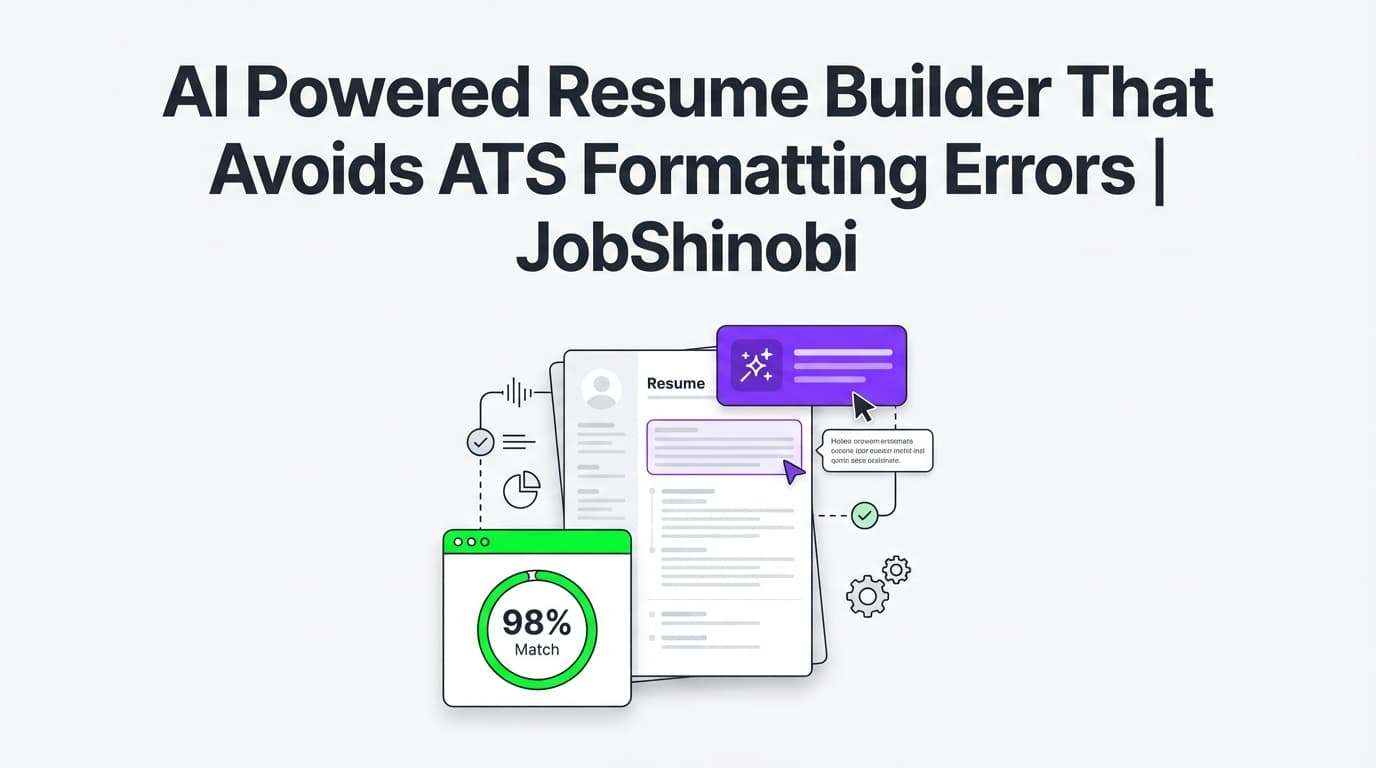
JobShinobi is an AI-powered resume builder designed to reduce formatting risk with a LaTeX-first workflow (structured templates + source-based editing), a live PDF preview (cloud compilation), and AI resume analysis that includes an ATS-oriented score plus a list of ATS issues. You can also paste a job description (or a job URL) to extract keywords and run a resume-to-job match so you don’t miss critical requirements.
- Create a resume from a LaTeX template
- Edit in a dedicated LaTeX editor + preview the PDF output
- Run AI analysis (including formatting score + ATS score + ATS issues)
- Match your resume to a specific job description and close keyword gaps
- Export a clean PDF (and download your
.texsource)
Get started: /login
Why Choose JobShinobi for an ATS-Safe Resume?
Most resume builders optimize for appearance. That’s not what breaks your applications.
ATS formatting errors usually happen when a resume’s layout is built on design elements that don’t convert cleanly into the text structure an ATS expects—especially when content lives in columns, tables, text boxes, headers/footers, or icon-based sections.
JobShinobi is built around a workflow that prioritizes:
- Stable, structured formatting (LaTeX templates + compilation)
- Repeatable QA (AI analysis with scoring + ATS issues)
- Job-specific relevance (job description extraction + match score + missing keywords)
What JobShinobi does (in plain terms)
- You start from a resume template library and create a LaTeX resume.
- You edit your resume in a LaTeX editor and preview a compiled PDF.
- You run AI Resume Analysis to get an overall score and category scores (including formatting_score and ats_score) plus detailed feedback (including ats_issues).
- You optionally paste a job description (or job URL) to generate a job match analysis (match score, missing keywords, present keywords, recommendations).
- You iterate safely using resume version history (versions are stored as you save).
Benefit 1: LaTeX-based resumes with a predictable structure (less formatting chaos)
JobShinobi resumes are stored as LaTeX source (latex_source) and can be compiled into a PDF. Instead of fighting hidden Word styles or dragging text boxes around, you’re working from a structured source file.
Why that matters when you want to avoid ATS formatting errors:
- Your resume structure is explicit (sections and content are defined in source)
- You can keep the layout consistent across versions and edits
- You can validate the output by compiling to PDF and reviewing it before you apply
Benefit 2: AI resume analysis that includes formatting + ATS signals (not just “nice wording”)
JobShinobi’s resume analysis returns:
- overall_score
- content_score
- keyword_score
- formatting_score
- completeness_score
- ats_score
It also provides structured feedback including:
- strengths / weaknesses / missing sections
- keyword analysis (present, missing, overused + additional keyword metrics)
- ats_issues (a dedicated list you can act on)
You can run Comprehensive Analysis or enable an Enhanced Analysis mode for deeper breakdowns.
Benefit 3: Job matching that finds missing keywords without breaking your layout
Avoiding formatting errors is necessary—but not sufficient. Many candidates get filtered out because their resume doesn’t align with the job description.
JobShinobi helps you tailor without “rewriting everything from scratch”:
- Extract job details from a job URL or pasted job text
- Run a resume-to-job match that saves:
- match_score
- missing_keywords
- present_keywords
- recommendations
- Use “Apply Suggestions” to jump back into editing and iterate
Benefit 4: An AI Resume Agent that can help you edit your LaTeX resume (with compilation checks)
JobShinobi includes a streaming AI Resume Agent (chat-based editing) that can:
- fetch your current resume LaTeX
- propose targeted edits
- update your resume content
- run a LaTeX compilation check as part of the workflow
This helps you move faster while still staying inside a structured, ATS-conscious format.
Benefit 5: Version history so you can tailor quickly and revert safely
Tailoring is risky when every change feels irreversible.
JobShinobi stores resume versions (including versions created through chat-assisted edits). That means you can:
- keep a “base” resume
- create role-specific variants
- revert if an edit makes your resume worse
How JobShinobi’s ATS-Safe Resume Workflow Works
Step 1: Sign in and open the Resume Builder
- Go to /login and sign in with Google.
- Open your resume dashboard: /dashboard/resume.
- Choose a template from the template library and create a resume.
Outcome: you start from a structured LaTeX resume template rather than a design-heavy document that’s prone to parsing issues.
Step 2: Edit your LaTeX resume and preview the PDF output
In the resume editor (/dashboard/resume/editor), you can:
- edit the LaTeX code
- compile and preview the PDF
- address compilation errors (if any) and recompile
- download:
- .tex source
JobShinobi compiles your LaTeX via a dedicated compilation service and returns a previewable PDF (as a base64 data URL). This makes the “final output” visible while you iterate.
Outcome: you can see what you’re exporting and avoid shipping a broken or messy file to employers.
Step 3: Run AI Resume Analysis (Comprehensive or Enhanced)
From inside the editor, you can run analysis to get:
- overall score + category scores (including formatting_score and ats_score)
- actionable feedback and structured sections
- an ATS issues list you can fix systematically
JobShinobi can return cached results when your resume hasn’t changed since the last analysis—useful when you’re iterating and don’t want to re-run identical scans.
Outcome: fewer blind spots (formatting + ATS + keyword quality) before you apply.
Step 4: Add a job description (or job URL) to tailor with a match score
JobShinobi supports job description input in two practical ways:
- Paste a job URL (LinkedIn, Indeed, company career page, etc.)
- Paste the job description text directly
JobShinobi extracts structured job details and keywords, then you can run match analysis to get:
- match score (%)
- missing keywords vs present keywords
- recommendations you can apply
Outcome: you don’t just “sound good”—you align with what the job is screening for.
Step 5: Apply suggestions, save versions, export a clean PDF
Once you’ve improved your format, fixed ATS issues, and closed keyword gaps:
- save your resume (versions are created)
- export the final PDF for applications
- download
.texif you want your source file
Outcome: a structured resume you can reuse and tailor safely.
Key Features for Avoiding ATS Formatting Errors
| Feature | What It Does | Why It Matters |
|---|---|---|
| LaTeX-based Resume Builder | Creates and stores resumes as LaTeX (latex_source) |
Source-based structure is easier to keep consistent than design-heavy docs |
| Resume Template Library (with categories) | Lets you start from templates rather than a blank page | Reduces formatting “experiments” that often cause parsing issues |
| Cloud LaTeX Compilation + PDF Preview | Compiles LaTeX and renders a PDF preview | Validates output before you apply (and catches compile errors) |
Download PDF + Download .tex |
Exports the application file and the source | You control the final output and keep your editable source |
| AI Resume Analysis (Comprehensive + Enhanced) | Produces overall + category scores, keyword feedback, and ATS issues | Turns “ATS friendly” into a repeatable checklist (including formatting_score + ats_score + ats_issues) |
| Job Description Extraction (URL or text) | Extracts job details and keywords from a posting | Makes tailoring faster and more consistent |
| Resume-to-Job Match Analysis | Saves match_score + missing/present keywords + recommendations | Helps you fix keyword gaps without guesswork |
| AI Resume Agent (streaming chat) | Assists with edits to your LaTeX resume using tool-based workflows | Speeds up iteration while staying in a structured format |
| Resume Version History | Stores versions from manual saves and chat edits | Lets you tailor for many jobs without losing your best draft |
What “ATS Formatting Errors” Usually Are (and How to Avoid Them)
When people say “my resume failed ATS,” the failure often looks like:
- sections appearing in the wrong order
- dates detached from the correct job
- skills and experience content blended together
- job titles missing or placed under the wrong company
- contact info not appearing correctly in the application form
These are typically caused by layout choices that look fine visually but translate poorly to parsing.
High-risk formatting patterns (common causes of ATS formatting errors)
Avoiding these patterns reduces the likelihood of parse issues:
- Multi-column layouts (especially when implemented via tables/text boxes)
- Tables used for layout
- Text boxes / shapes
- Icons used as labels (instead of plain text labels)
- Headers/footers containing critical information
- Graphics, charts, or images that contain important text
- Non-standard section headings
- Unusual bullets/symbols that copy/paste poorly
- Excessive styling for spacing (manual tabs, repeated spaces, etc.)
The “ATS-safe default” approach
A safer baseline resume structure is:
- one primary reading order (top-to-bottom)
- standard headings (Experience, Skills, Education, Projects)
- plain text contact info in the body (not only in headers/footers)
- consistent date formatting
- clean bullets
JobShinobi supports this “ATS-safe default” by making it easy to start with a structured template, keep structure consistent via LaTeX, and use analysis to identify issues before submission.
How JobShinobi Helps You Fix ATS Formatting Errors (Specifically)
1) You get a formatting score—not just vague advice
JobShinobi’s analysis includes a formatting_score and an ats_score. That’s useful because many “resume writing” tools only critique wording, while ATS failures often come from structure.
2) You get an “ATS issues” list you can work through
The analysis returns ats_issues as a dedicated list. This gives you a concrete set of fixes instead of generic “make it ATS-friendly” guidance.
3) You can verify output by compiling and reviewing the PDF
A resume builder that “exports” without verification can accidentally ship broken output.
JobShinobi’s compile-and-preview loop helps you:
- spot spacing issues
- catch compilation errors (syntax/infrastructure)
- verify the final layout is clean before you apply
4) You can tailor for jobs without introducing new formatting risk
Tailoring is where many candidates accidentally break structure—especially if they copy/paste content between documents.
JobShinobi keeps tailoring inside the same workflow:
- run match analysis
- apply suggestions
- save a version
- re-run analysis
- export PDF
AI Powered Resume Builder That Avoids ATS Formatting Errors vs. Alternatives
JobShinobi vs. “design-first” resume builders
Design-first builders may encourage columns, icons, and layout complexity. Even if the PDF looks nice, parsing can be unpredictable.
JobShinobi’s approach:
- structured LaTeX templates + source-based editing
- PDF preview via compilation
- analysis that explicitly includes ATS/formatting signals
JobShinobi vs. writing in Word and hoping it parses correctly
Word can be fine, but many applicants experience:
- formatting drift after edits
- inconsistent spacing
- template complexity that looks clean visually but parses inconsistently
JobShinobi’s approach:
- stable, template-driven structure
- compile/preview loop
- analysis + job matching in one workflow
JobShinobi vs. using “AI text generators” alone
Generating bullet points doesn’t prevent ATS formatting errors—and it doesn’t guarantee keyword alignment.
JobShinobi’s approach:
- AI + structure together:
- resume analysis (with ATS issues)
- job extraction and match scoring
- AI-assisted editing that updates your resume content inside a controlled editor
Practical Checklist: Avoid ATS Formatting Errors Before You Apply
Use this as a fast pre-application QA loop:
- Compile and preview your PDF (confirm sections and spacing look correct).
- Run AI Resume Analysis (check formatting_score + ats_score and review ats_issues).
- Use standard headings (Experience, Skills, Education) and consistent dates.
- Run job matching for the target role (find missing keywords).
- Apply suggestions and save a new version (keep a clean baseline resume too).
- Export the PDF you’ll submit.
This is exactly the workflow JobShinobi is built to support.
Bonus: Keep Your Job Search Organized (Optional, but built in)
If your job search is high-volume, JobShinobi also includes:
- a Job Tracker dashboard (CRUD + realtime updates)
- export to Excel (.xlsx)
There’s also an email-forwarding workflow (membership-gated in backend processing) designed to help log and update applications based on inbound job emails.
If your main pain is “I’m applying everywhere and losing track,” this can reduce the operational overhead while you keep iterating your resume.
Pricing
JobShinobi offers paid subscriptions via Stripe payment links:
- Monthly: $20.00
https://buy.stripe.com/7sYeV61P10GS310eTy0VO02 - Yearly: $199.99
https://buy.stripe.com/6oU9AM0KXexIdFE5iY0VO03
Start by signing in and building your resume, then choose a plan when you’re ready to unlock subscription features.
Frequently Asked Questions
What are “ATS formatting errors”?
ATS formatting errors are problems where an applicant tracking system (or resume parser) misreads your resume’s structure—mixing sections, scrambling dates, dropping job titles, or misplacing skills—usually due to layout choices like columns, tables, text boxes, headers/footers, or heavy design elements.
JobShinobi helps reduce these risks by using a structured LaTeX resume workflow plus AI analysis that includes formatting and ATS signals.
Does ATS reject AI-written resumes?
ATS systems don’t “reject AI” as a category. They parse resumes and help recruiters filter candidates based on structure and content. The real risks are:
- formatting/parsing issues
- missing keywords for the role
- low-quality or generic content
JobShinobi addresses these with LaTeX-based structure, AI resume analysis (including ats_issues), job matching, and versioned iteration.
Are LaTeX resumes ATS-friendly?
Many ATS systems can parse text-based PDFs effectively, but results can vary by system and by how the PDF is generated. The safest approach is to keep structure clean and verify your final output.
JobShinobi helps by:
- keeping resumes structured as LaTeX source
- compiling to a PDF you can preview
- providing analysis feedback (including ATS issues) to guide improvements
Can I upload an existing PDF and have JobShinobi parse it?
No. JobShinobi’s resume workflow is LaTeX-based, and there is no supported image/PDF OCR resume parsing feature.
Can I export to Word (.docx)?
JobShinobi supports exporting a PDF and downloading your .tex source. Word/DOCX export is not a supported feature.
How does job matching work in JobShinobi?
You provide a job posting as either:
- a job URL, or
- pasted job description text
JobShinobi extracts job details and keywords, then runs a resume-to-job match that produces a match score plus missing and present keywords, along with recommendations you can apply back in the editor.
Can I keep multiple versions of my resume for different roles?
Yes. JobShinobi supports resume versions, including versions created via manual saves and chat-assisted edits. This is ideal for keeping a strong baseline resume while tailoring role-specific variants.
Get Started with JobShinobi Today
If you want an AI powered resume builder that avoids ATS formatting errors, you need more than nice templates—you need a workflow that keeps structure stable, checks output, and gives you a repeatable way to fix issues.
- Sign in: /login
- Build from a template: /dashboard/resume
- Edit + preview PDF + run analysis + match to jobs: /dashboard/resume/editor
Create a cleaner resume, reduce formatting risk, and tailor faster—without losing control of the final output.