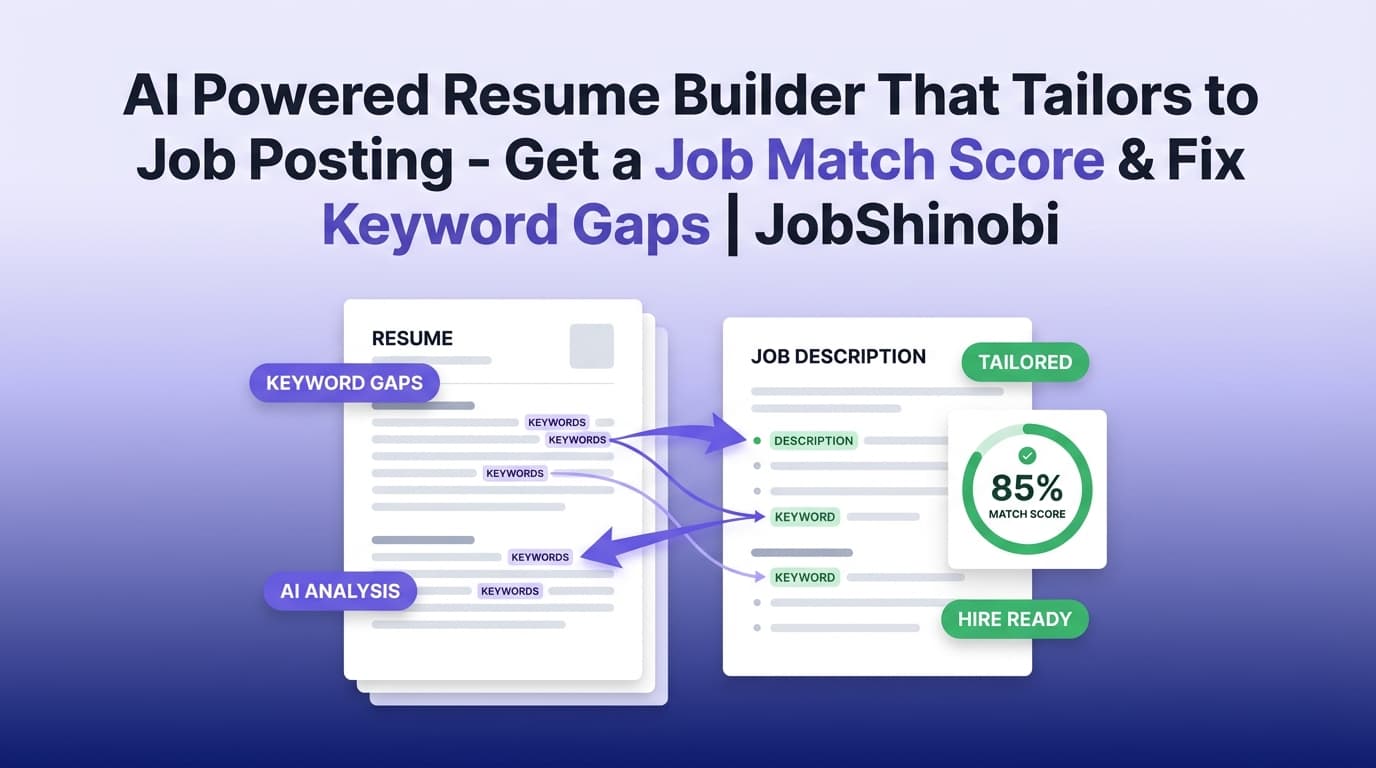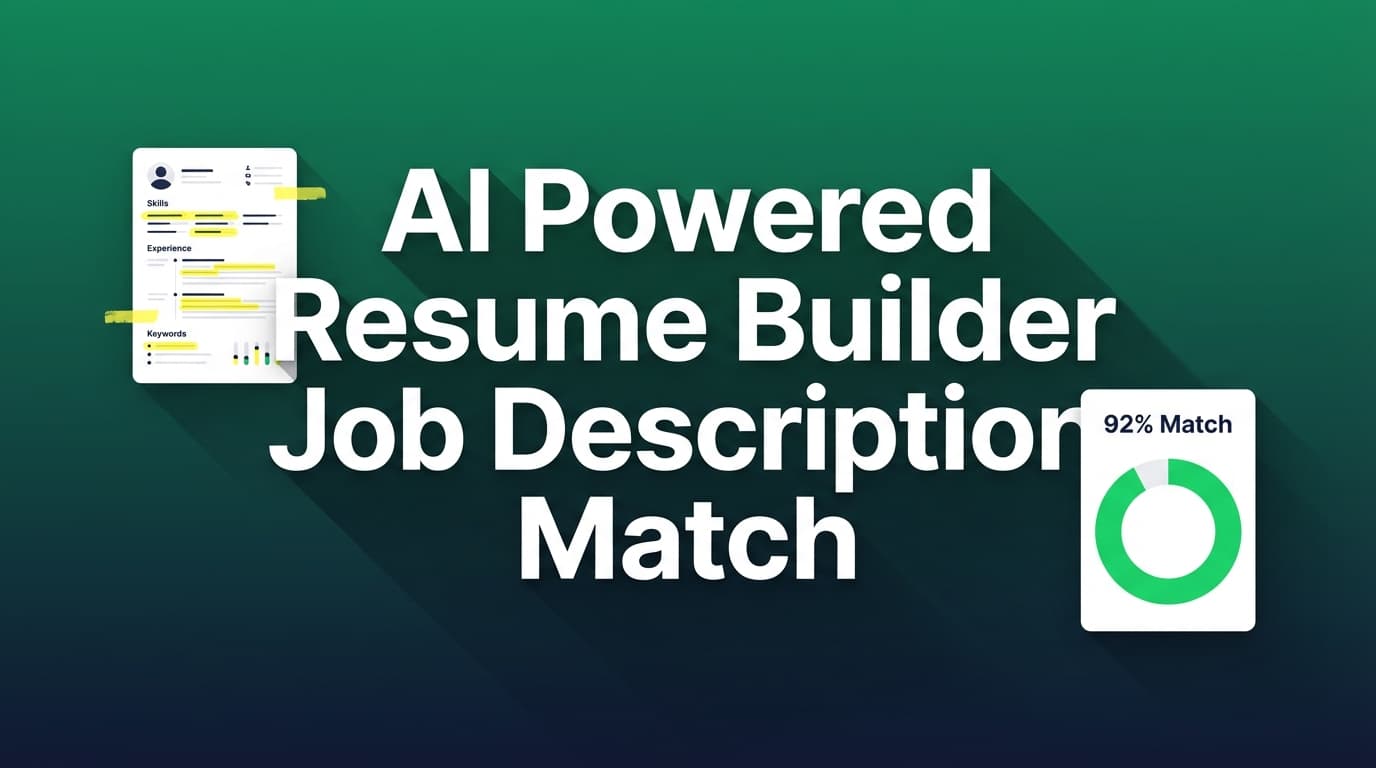
JobShinobi helps you match your resume to a specific job description—using an AI-powered workflow that’s built into a LaTeX-based resume builder. Paste a job posting URL or the full job description text, extract the job’s key skills/keywords, then generate a job match score, present vs. missing keywords, and recommendations you can apply in your resume editor.
If you’re tired of guessing which terms matter—or rewriting your resume from scratch for every application—JobShinobi gives you a clear, repeatable way to tailor your resume to each role while keeping formatting consistent and export-ready.
Primary use case this page targets: ai powered resume builder job description match (high intent: “compare my resume to this job posting and tell me what to change”).
Why Choose JobShinobi for AI Powered Resume Builder Job Description Match?
Most “resume match” tools stop at a score. JobShinobi is built to take you from match analysis → edits → a clean PDF in one workflow:
- Job Description Extraction (URL or Text): Paste a job link or job description. JobShinobi extracts structured job details (company, position, description, requirements, keywords).
- Resume-to-Job Matching: Generates a match score and identifies missing vs. present keywords for your resume.
- Apply Suggestions in Your Resume Editor: Jump back to the resume editor to implement recommendations and keep iterating.
Because resumes in JobShinobi are stored as LaTeX source, you can keep your resume consistent, version it over time, and compile it to a PDF preview when you’re ready.
A job-description match workflow that doesn’t break your formatting
JobShinobi is designed around a LaTeX resume workflow—so your layout stays consistent while you tailor content. You can:
- edit your LaTeX resume directly,
- compile and preview the PDF,
- download the final PDF and
.tex.
Built for high-volume applicants
If you apply to many roles, you need a repeatable process:
- extract job requirements, 2) measure fit, 3) apply improvements, 4) ship the PDF, 5) track the application.
JobShinobi supports that system with resume analysis + job matching + a job tracker (including Excel export)—so you can reduce the chaos that comes with tailoring at scale.
How JobShinobi’s Job Description Match Works
Step 1: Build or import your resume as LaTeX (templates supported)
In the Resume dashboard, you can start from a template and save your resume as LaTeX source. This becomes your “base resume” that you can tailor per job.
What you get:
- a saved resume you can open anytime,
- a stable source file that supports clean formatting,
- easy exporting (PDF /
.tex).
Step 2: Run AI resume analysis (optional—but recommended)
JobShinobi can score your resume and provide feedback across multiple dimensions (e.g., overall score, content, keywords, formatting, completeness, ATS compatibility).
This step is helpful before job matching because it identifies baseline issues that can suppress performance across every application (e.g., weak bullet points, missing sections, keyword gaps).
Step 3: Paste the job posting URL or the full job description text
On the Job Matching tab:
- choose URL (job posting link) or Text (paste the full description),
- click Extract Job Details.
JobShinobi extracts job details such as:
- company (if available),
- position (if available),
- description and requirements,
- keywords.
Step 4: Generate your resume-to-job match score + keyword gaps
Once the job is extracted, JobShinobi matches your resume to the job and returns:
- Job Match Score (%),
- Matching Keywords (present in your resume),
- Missing Keywords (in the job post but not present in your resume),
- Recommendations to improve fit.
This is the core of “ai powered resume builder job description match” intent: you’re not just getting advice—you’re getting a structured comparison you can act on.
Step 5: Apply suggestions in the editor and iterate
Click Apply Suggestions to go back to the resume editor and implement changes.
From there, you can:
- edit the content,
- compile to confirm output looks right,
- re-run job matching to see if the score and keyword coverage improved.
Key Features for AI Powered Resume Builder Job Description Match
| Feature | What It Does | Why It Matters |
|---|---|---|
| Job Description Input (URL or Text) | Accepts a job link or pasted job description and starts extraction | Works with real job postings; fast tailoring without manual copying |
| AI Job Details Extraction | Extracts structured job data including keywords | Turns messy postings into an actionable target |
| Resume-to-Job Match Score | Generates a percent-based match score | Gives you a measurable baseline before/after edits |
| Missing vs. Present Keywords | Splits job keywords into “already included” vs “missing” | Shows exactly what to add (without guessing) |
| Recommendations | Provides improvement suggestions based on the job and your resume | Helps you tailor content while staying relevant |
| LaTeX Resume Builder | Stores resumes as LaTeX source and supports templates | Keeps formatting consistent while you edit content |
| PDF Compile + Preview | Compiles LaTeX to a PDF preview | Confidently export a clean resume after tailoring |
| Resume Analysis (Comprehensive + Enhanced mode) | Multi-dimensional scoring + detailed feedback; can run job-specific analysis | Helps improve overall resume quality and job-specific fit |
| Analysis Caching | Returns cached results when the resume hasn’t changed | Faster iteration (re-analyze without wasted cycles) |
| Resume Version History | Saves resume versions and supports reverting | Tailor per job without losing your “base” resume |
What You’ll See in a Job Description Match Report (and How to Use It)
1) Job Match Score (%)
Think of the match score as a directional indicator: it helps you understand whether your resume appears aligned with a specific posting.
Use it to:
- validate that your resume contains the role’s core terminology,
- track improvements as you tailor,
- avoid applying with an obviously misaligned resume.
Tip: Don’t chase 100% match by stuffing keywords. The goal is relevance and accuracy—use keywords where they truthfully represent your experience.
2) Matching Keywords
These are skills/terms from the job post that your resume already contains.
Use them to:
- confirm you’re speaking the employer’s language,
- decide which strengths to emphasize higher on the page (e.g., summary, top bullets, skills section).
3) Missing Keywords
These are job keywords that are not found in your resume.
Use them to:
- identify true gaps (skills you have but didn’t name explicitly),
- choose a few high-signal additions (tools, methodologies, domain terms),
- rewrite bullets to include those keywords in context.
4) Recommendations
Recommendations help you move beyond “add keyword X” into actual resume improvements:
- which areas to adjust,
- what to clarify,
- how to better align your content with the role.
Then you can apply those changes in your resume editor and re-check the match.
AI Powered Resume Builder Job Description Match vs. Other Approaches
JobShinobi vs. manual keyword copying
Manual approach:
- read the job post,
- guess what matters,
- edit your resume,
- hope the edits are enough.
JobShinobi approach:
- extract job keywords,
- see present vs missing terms,
- get a match score and recommendations,
- edit, compile, and iterate.
Result: less guessing, more repeatability—especially for high-volume applicants.
JobShinobi vs. “just use ChatGPT”
General-purpose prompts can help, but you’ll still need a system to:
- consistently extract job requirements,
- measure fit,
- avoid losing formatting,
- keep versions per job.
JobShinobi provides a product workflow:
- job extraction → match analysis → apply suggestions → compile → version history.
JobShinobi vs. upload-only “resume scanners”
Many scanners focus heavily on scoring, but your end goal is a resume you can actually ship.
JobShinobi is built to connect the analysis to an editing workflow:
- tailor in the editor,
- compile to PDF preview,
- export PDF /
.tex, - repeat per job.
A Practical Tailoring Playbook (Fast, Honest, and ATS-Friendly)
Use this process whenever you need a job-description match in minutes:
1) Extract the job details
Paste the URL or full text and extract job details.
Best practice: If the job post is long, prefer pasting the full description text to ensure all requirements and keywords are present.
2) Review missing keywords and pick “truthful adds”
For each missing keyword, ask:
- Do I have this skill/tool/experience?
- Can I demonstrate it with a real project or accomplishment?
If yes, add it:
- in your skills section,
- in a bullet where it actually applies,
- in your summary (if it’s truly core to the role).
If no, do not add it. A higher score is not worth misrepresenting your experience.
3) Apply 2–4 targeted rewrites in experience bullets
Don’t rewrite everything. Improve the bullets that map to the job’s “must-haves.”
Examples of high-impact edits:
- add the correct tool name (e.g., “SQL”, “Python”, “Tableau”) where accurate,
- clarify scope (team size, scale, volume),
- add measurable impact (time saved, latency reduced, revenue influenced, tickets closed).
4) Compile and preview
If you tailor content but the resume looks messy, your changes may backfire. Compile to confirm the final output is clean and readable.
5) Re-run match
Run the job matching again and confirm:
- missing keywords decreased,
- match score improved,
- recommendations make sense.
Going Beyond Matching: Resume Analysis That Improves Every Application
Job description matching is most effective when your base resume is strong. JobShinobi also includes AI resume analysis with multiple scoring categories, such as:
- Overall score
- Content quality
- Keywords
- Formatting
- Completeness
- ATS compatibility
You can also run job-specific analysis by adding a job description during analysis to get more targeted feedback.
Bonus for iteration speed: JobShinobi can return cached analysis if your resume hasn’t changed—so you don’t waste time re-running the same analysis repeatedly.
Built-In Job Tracking (Optional, But Powerful)
Tailoring is only half the battle—high-volume applicants also need a system to track outcomes.
JobShinobi includes a job application tracker in your dashboard where you can:
- add/edit job applications,
- see updates in realtime,
- export your tracker to Excel (.xlsx).
There’s also an email-forwarding workflow (Pro-gated) that can process inbound job-related emails and attempt to match them to applications—useful if you want tracking that doesn’t rely on manual entry.
(Note: email processing is membership-gated; job matching and resume analysis are separate workflows.)
Pricing
JobShinobi offers paid subscriptions via Stripe:
- Monthly: $20.00
- Yearly: $199.99
If you want to jump straight to checkout using the current Stripe payment links:
- Monthly: https://buy.stripe.com/7sYeV61P10GS310eTy0VO02
- Yearly: https://buy.stripe.com/6oU9AM0KXexIdFE5iY0VO03
You can also start by signing in and exploring the dashboard here: /login.
Frequently Asked Questions
What AI tool matches a resume with a job description?
JobShinobi supports resume-to-job matching by letting you paste a job posting URL or job description text, extracting job details, then generating a match score, missing vs. present keywords, and recommendations you can apply in your resume editor.
How do I match my resume to a job description without rewriting everything?
A fast approach is:
- extract job keywords,
- identify missing terms you genuinely have experience with,
- update a few bullets and your skills section,
- re-run the match to confirm improvement.
JobShinobi is designed for exactly that loop: extract → match → apply suggestions → iterate.
Can I paste a job posting URL (LinkedIn, Indeed, company career pages)?
Yes. JobShinobi’s Job Description input supports a URL option, as well as a Text option where you can paste the full job description.
Does JobShinobi tell me which keywords I’m missing?
Yes. Job match results include both:
- Matching Keywords (present in your resume)
- Missing Keywords (in the job post but not found in your resume)
Does it rewrite my resume automatically?
JobShinobi provides recommendations and an Apply Suggestions workflow that takes you back to the editor to implement changes. You stay in control of what gets added or changed—especially important for accuracy.
Can I upload a PDF resume for matching?
JobShinobi’s matching workflow operates on the resume content stored in JobShinobi (as LaTeX source). If you want to use job matching, you’ll want your resume in JobShinobi first.
Will a higher match score guarantee interviews?
No tool can guarantee interviews. A match score is best used as a signal for alignment (keywords + relevance). Your results will also depend on experience fit, competition, recruiter preferences, and the rest of your application.
Does JobShinobi auto-apply to jobs or integrate with job boards?
No. JobShinobi focuses on resume building, analysis, job description matching, and job tracking—rather than applying to jobs on your behalf.
Can I export my job tracker to Google Sheets?
JobShinobi supports exporting your job tracker to Excel (.xlsx). Direct Google Sheets syncing is not supported.
Get Started with JobShinobi Today
If your goal is simple—match your resume to a job description with AI, identify missing keywords, and ship a tailored PDF fast—JobShinobi is built for that workflow.
- Sign in: /login
- Build your resume: /dashboard/resume
- Run job description match: open your resume analysis page and use the Job Matching tab
- Track applications (optional): /dashboard/job-tracker
- See your job-search metrics (optional): /dashboard/analytics