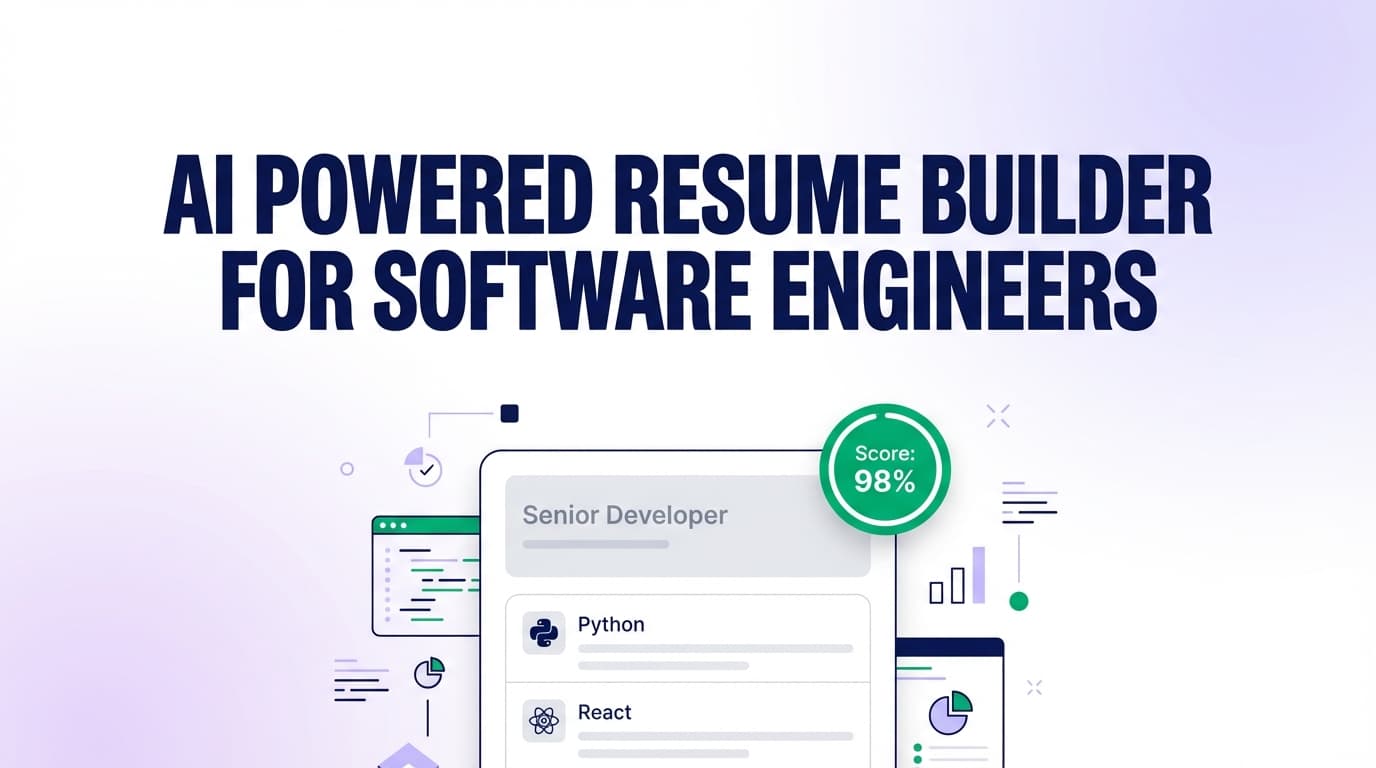
JobShinobi is an AI-powered, LaTeX-based resume builder designed for software engineers who want clean formatting, faster iteration, and clearer feedback on ATS readiness and keyword fit. Start from a template, edit in a LaTeX editor (with PDF preview), run an AI resume analysis with a 0–100 score breakdown, then match your resume to a job posting to find missing keywords and tailoring suggestions.
Bonus for high-volume applicants: JobShinobi also includes an email-forwarding job tracker (Pro) that can log applications from your confirmation emails, so you can stop living in spreadsheets.
CTA: Sign in with Google to start from a template and generate your first software engineer resume.
Why choose JobShinobi as an ai powered resume builder for software engineer?
Most resume builders focus on form-filling and design tweaks. Software engineers usually need something different:
- Stable, precise formatting that doesn’t break when you edit one bullet
- Keyword alignment against real job descriptions (frameworks, cloud tools, languages, systems)
- A workflow built for fast iteration (versions, undo/redo, “tailor this for X role” edits)
- A way to stay organized across dozens of applications
JobShinobi is built around that workflow:
- LaTeX resume templates + an in-browser LaTeX editor
- PDF preview via cloud LaTeX compilation (so you can see exactly what you’ll submit)
- AI resume scoring + detailed feedback (with cached results if your resume hasn’t changed)
- Job description extraction + resume-to-job matching (URL or paste text)
- Resume AI Editor (streaming chat) that can edit sections, update LaTeX, and compile-check changes
- Job application tracking with realtime dashboard updates and Excel (.xlsx) export
Built for engineering resumes (not generic “one-click” content)
Software engineering resumes tend to be keyword-dense (languages, frameworks, data stores, infra) and impact-driven (latency, cost, reliability, scale). JobShinobi’s analysis and matching flow is designed to help you:
- spot missing role keywords (e.g., “Kafka”, “gRPC”, “React”, “AWS”, “Terraform”, “PostgreSQL”)
- keep content ATS-readable (clear sections, consistent structure)
- improve bullet quality (action verbs + measurable outcomes)
LaTeX-first means fewer formatting surprises
Instead of fighting a WYSIWYG editor, JobShinobi keeps your resume as LaTeX source. You can:
- start from a template
- edit the LaTeX directly
- compile and preview the PDF
- download both the PDF and the .tex source when you’re ready
How JobShinobi works (real workflow)
Step 1: Sign in and start from a template
- Go to Login and sign in with Google.
- Open Dashboard → Resume Builder.
- Choose Start from Template to load a LaTeX resume template into the editor.
You can also duplicate and manage multiple resumes (for different roles like backend, frontend, platform, ML, etc.).
Step 2: Edit your software engineer resume in LaTeX (with PDF preview)
In the Resume Editor, you can:
- edit the LaTeX source
- compile to refresh the PDF preview
- download resume.pdf
- download resume.tex
This is ideal if you care about predictable layout and want to avoid formatting drift across versions.
Step 3: Use the AI Resume Editor (streaming chat) to iterate faster
Switch to AI mode in the editor and ask for targeted changes such as:
- “Make my experience bullets more quantified.”
- “Tailor this resume for a backend role focused on distributed systems.”
- “Rewrite my project bullets to emphasize latency, reliability, and scale.”
- “Summarize my experience in 3 bullet points.”
JobShinobi’s AI editor streams changes and can update your LaTeX resume content as you iterate.
Step 4: Analyze your resume (ATS + score breakdown)
Run Analyze Resume to get a structured report, including:
- overall score (0–100)
- content score
- keyword score
- formatting score
- completeness score
- ATS score
- strengths, weaknesses, missing sections, and ATS issues
If your resume hasn’t changed since the last analysis, JobShinobi can return cached results instead of re-running the analysis—useful when you’re tweaking small things.
Step 5: Match your resume to a job description (URL or paste)
From Resume Analysis → Job Matching:
- Paste a job posting URL or paste the job description text.
- JobShinobi extracts structured job details (company, position, requirements, keywords).
- It generates a match analysis that includes:
- a match score
- present vs missing keywords
- recommendations and tailoring suggestions
Then you can click to apply suggestions by jumping back into the resume editor.
Key features for a software engineer resume (AI + LaTeX + matching)
| Feature | What it does | Why it matters for software engineers |
|---|---|---|
| LaTeX Resume Templates | Start from a LaTeX template library (with categories) | Clean structure that holds up across edits and versions |
| In-browser LaTeX Editor + PDF Preview | Edit LaTeX and compile to a PDF preview | See exactly what recruiters will read before you submit |
| Download PDF + .tex | Export your finished resume as PDF and LaTeX source | Easy to submit + easy to keep an engineer-friendly source of truth |
| AI Resume Analysis (0–100 scoring) | Scores ATS + content + keyword fit + completeness | Quick feedback loop while you refine bullets and sections |
| Enhanced analysis mode | Optional deeper analysis mode via enhancedMode |
More detailed insight when you want to push for higher quality |
| Resume-to-Job Matching | Extracts job requirements and compares to your resume | Find missing keywords and tailor without keyword stuffing |
| Streaming AI Resume Editor | Chat-based editing that can update LaTeX and compile-check | Faster iteration than rewriting sections manually |
| Resume Version History + Undo/Redo | Saves versions and lets you revert | Safer experimentation across multiple job targets |
| Job Tracker (Dashboard) | Track applications with realtime updates | Stay organized across high-volume applying |
| Email Forwarding → Auto tracking (Pro) | Forward job emails; AI extracts details and updates applications | Reduce manual tracking and keep your pipeline accurate |
| Export Job Tracker to Excel (.xlsx) | Download your applications data | Share, analyze, or back up your job search data |
What “AI-powered” means here (and why it’s useful for SWE resumes)
JobShinobi uses AI in three places that matter to software engineers:
- Resume analysis: You get a structured score and feedback that focuses on content quality, keyword coverage, ATS issues, and completeness.
- Job matching: You can paste a job URL or description and get a keyword + recommendation report.
- Resume editor chat: You can request edits and improvements and have the assistant update your LaTeX resume content.
This combination matters because “good resume content” is often not the same as “good resume format.” JobShinobi aims to help you improve both—without turning your resume into a generic wall of buzzwords.
Use-case playbooks (software engineer specific)
Playbook 1: Tailor for backend / distributed systems roles
- Analyze your base resume to find weak spots (keywords + bullet strength).
- Paste the job description for a distributed systems role.
- Review missing keywords and recommendations (e.g., observability, SLAs, distributed messaging, caching).
- In AI chat, ask:
- “Update my experience bullets to emphasize reliability, latency, and scale.”
- “Add missing keywords only where they naturally fit.”
Playbook 2: Tailor for frontend roles (React, performance, UX)
- Paste a frontend job posting URL.
- Identify missing keywords (e.g., React patterns, TypeScript, accessibility, performance metrics).
- Ask the AI editor to:
- tighten bullets to highlight impact (bundle size reductions, latency improvements, conversion lift)
- keep skills consistent with the role
Playbook 3: Create “role-specific” resume versions safely
If you’re applying to multiple tracks (frontend + backend + platform), versioning matters.
Workflow:
- Duplicate your resume for each track
- Make changes in AI chat
- Save versions as you go
- Re-run analysis only when the resume materially changes
ai powered resume builder for software engineer vs. “generic” resume builders
Where many builders struggle for SWE use cases
- Formatting drift: Minor edits can cause spacing, alignment, or section structure issues.
- Shallow tailoring: Generic “keyword lists” without a tight loop to implement changes.
- Hard to manage versions: You end up with multiple files named
resume_final_v12.pdf.
What JobShinobi does differently
- LaTeX as the source of truth: Clean structure + predictable output.
- Job matching built into the workflow: URL/text → extracted keywords → match analysis → apply suggestions back in the editor.
- Streaming AI editor + version history: Faster iteration without losing your previous “good” drafts.
- A job tracker that can update from emails (Pro): Designed for people applying at volume.
Pricing
JobShinobi offers paid subscriptions via Stripe:
- Monthly: $20.00
Payment link: https://buy.stripe.com/7sYeV61P10GS310eTy0VO02 - Yearly: $199.99
Payment link: https://buy.stripe.com/6oU9AM0KXexIdFE5iY0VO03
If you’re using JobShinobi primarily for email-forwarding auto-tracking, note that inbound email processing for job tracking requires Pro membership.
CTA: Start building in the resume editor first, then upgrade when you want email-forwarding automation: Go to Login
Frequently asked questions
Is JobShinobi an ai powered resume builder for software engineer or just a template site?
JobShinobi is a resume builder that stores and edits resumes as LaTeX source, compiles them to a PDF preview, and includes:
- an AI resume analysis report (0–100 scoring + detailed feedback)
- a resume-to-job matching workflow (URL/text → extracted job details → match score + missing keywords)
- a streaming AI editor chat that can help you update resume sections
Can I tailor my resume to a specific software engineering job posting?
Yes. You can paste a job posting URL or paste the job description text. JobShinobi extracts structured job details and runs a match analysis showing missing keywords and recommendations. You can then return to the editor to apply changes.
Does JobShinobi support uploading a PDF or DOCX resume?
JobShinobi’s resume workflow is LaTeX-based (templates + editor + compilation + PDF preview). If you already have a resume in another format, the typical workflow is to start from a template and paste/adapt your content into the LaTeX resume.
Is LaTeX ATS-friendly?
ATS results vary by system and by how the final PDF is generated and parsed. JobShinobi helps by:
- keeping resume structure explicit (sections and content)
- providing an ATS score and ATS issues in the analysis report
- enabling you to review the compiled PDF before submitting
Can employers detect that I used AI to write my resume?
Employers usually care about the quality, relevance, and truthfulness of your resume content. JobShinobi’s AI features are meant to help you improve and tailor your resume—not replace your judgment. A good best practice is to:
- keep bullets specific to your work
- avoid generic wording
- verify metrics and claims before submitting
Does JobShinobi include job application tracking?
Yes. JobShinobi includes a job tracker in the dashboard with realtime updates and Excel export. If you upgrade to Pro, you can also use email forwarding so job application emails can be parsed and logged automatically.
Can I export my job tracker to Google Sheets?
JobShinobi supports exporting to Excel (.xlsx). It does not provide a direct Google Sheets sync.
Get started with JobShinobi today
If you want a software engineer resume workflow that’s built for iteration—LaTeX templates + PDF preview + AI scoring + job matching—JobShinobi gives you the full loop in one place.
- Build from a template
- Improve with AI chat
- Analyze for ATS and keyword fit
- Match to a job description and tailor
- Track your applications (and automate tracking via email forwarding on Pro)
Start now: Sign in with Google
Already signed in? Head to your Dashboard