If you’re searching for a Jobscan alternative that tracks applications from email, you’re probably dealing with the most annoying part of job searching: you apply everywhere, confirmations and updates hit your inbox, and your “tracker” becomes… a messy spreadsheet (or nothing at all).
This page compares JobShinobi vs Jobscan with a focus on application tracking—especially from email, plus resume/ATS optimization, pricing, and who each tool is best for.
Quick Verdict:
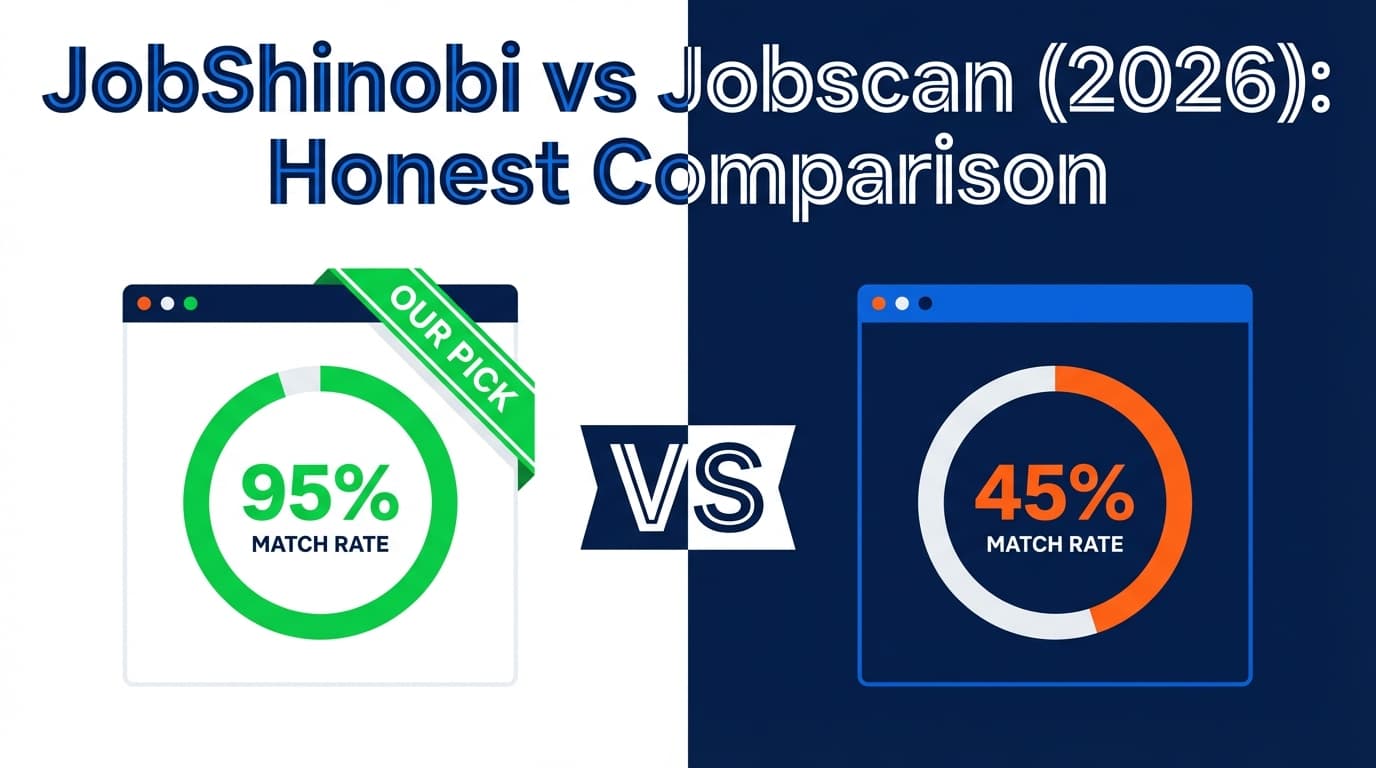
If your #1 requirement is tracking job applications from email, JobShinobi is built for that workflow (forward emails → automatic logging). Jobscan is stronger as a more established, broader job-search toolkit (ATS scan + LinkedIn optimization + cover letter tooling + job tracker + Chrome extension), but we could not verify a native “parse my inbox/forward emails to auto-track” feature for Jobscan.
TL;DR Comparison
| Feature | JobShinobi | Jobscan |
|---|---|---|
| Tracks applications from email (forward confirmation emails → auto-log) | ✅ Yes (Pro-only email forwarding + AI parsing) | ❌ Not verified (Job Tracker + Chrome extension exist, but email inbox parsing/forwarding not found) |
| ATS resume scanning / match score | ✅ Yes (resume scoring + ATS/keyword feedback) | ✅ Yes (resume scanner + match rate concept widely documented) |
| Job application tracker | ✅ Yes (dashboard tracker + realtime updates + Excel export) | ✅ Yes (Job Tracker + Chrome extension listing) |
| Chrome extension for saving jobs from boards | ❌ Not a core feature (not advertised/verified) | ✅ Yes (Chrome Web Store listing) |
| LinkedIn optimization tool | ❌ Not a core feature (not advertised/verified) | ✅ Yes (LinkedIn optimizer referenced in plan snippets) |
| Cover letter generator/optimizer | ❌ Not a core feature (not advertised/verified) | ✅ Yes (plan snippets reference AI cover letter generator) |
| Starting price | $20/mo (Pro) | $49.95/mo (Premium monthly per plan snippet) |
| Free plan | Limited (email automation gated to Pro) | ✅ Yes (free version exists; scan limits vary by source) |
| Best for | People who want email-based application tracking + LaTeX resume workflow | People who want an all-in-one job-search toolkit (scanner + tracker + extension + LinkedIn + cover letters) |
JobShinobi Overview
JobShinobi positions itself as an AI resume builder + ATS analyzer + job search tracker, with a standout workflow: automatic job application tracking from email.
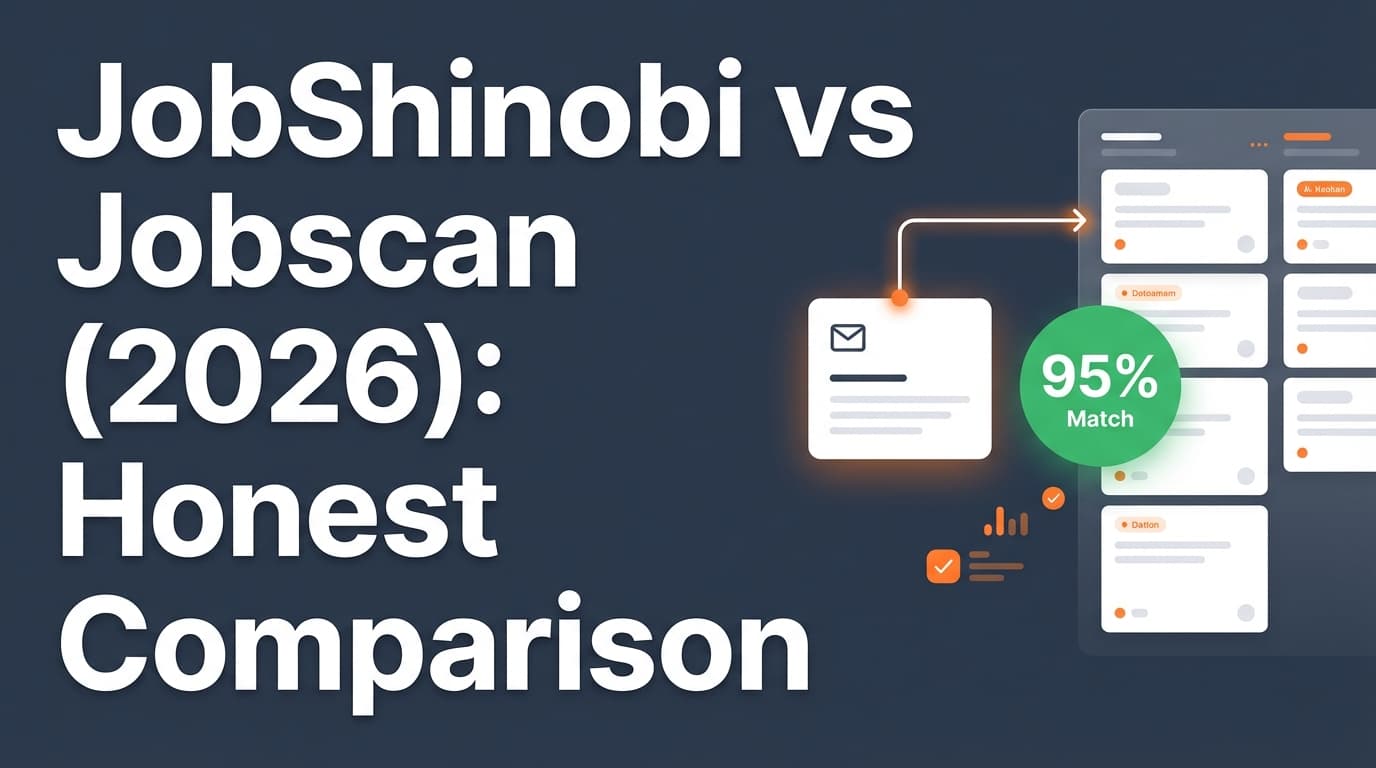
Instead of manually updating a tracker, JobShinobi gives you a unique forwarding address. You forward job-related emails (application confirmations, interview scheduling, rejections, etc.), and JobShinobi uses AI to extract details like company, job title, and status and then creates or updates a job application entry. It also uses fuzzy matching to reduce duplicates when multiple emails relate to the same role.
In addition, JobShinobi is LaTeX-first. That’s a plus if you care about consistent formatting and clean structure, but it can also be a learning curve if you’ve only used Word/Google Docs resume templates.
Key Strengths
- Email → auto-tracked applications (Pro-only): Forward emails to your JobShinobi address and it logs/updates applications automatically.
- Job tracker + Excel export: Track applications in a dashboard and export to
.xlsx. - Resume optimization depth: Resume scoring, ATS/keyword feedback, job matching, and an AI agent that can edit your resume (LaTeX) with version history.
Limitations (honest)
- Email automation requires Pro: The inbound email processing is gated to paid users.
- LaTeX isn’t for everyone: If you prefer WYSIWYG editing, you may find LaTeX slower at first.
- Trial details may depend on billing setup: JobShinobi marketing mentions a “7-day free trial,” but trial logic may be handled in Stripe rather than visible in the app code.
Jobscan Overview
Jobscan is one of the best-known tools in the “ATS resume scanner” category. It’s commonly used to compare a resume against a job description and produce a match-style report (often discussed as “match rate”), helping job seekers identify missing keywords and formatting issues.
Beyond scanning, Jobscan also promotes a wider toolkit that includes:
- a Job Tracker (job application tracker),
- a Chrome extension for saving jobs from job boards,
- LinkedIn optimization tooling,
- and AI cover letter tooling (based on plan snippets and published pages referenced in search results).
Important for this page’s core keyword: We found clear evidence that Jobscan has a job tracker and Chrome extension, but we did not find verifiable evidence (from accessible official pages) that Jobscan can track applications from your email inbox via inbox integration or “forward-to” parsing the way JobShinobi does.
Key Strengths (verified via accessible sources)
- Established ATS scanning concept: Jobscan is widely referenced for resume-to-job comparison and match scoring.
- Job tracking ecosystem: Jobscan markets a Job Tracker, and the Chrome Web Store listing says it can “collect, track and manage your job applications from across the web.”
- Broader job-search suite: Plan snippets reference LinkedIn optimization and AI cover letter generation.
Limitations (from reviews + research themes)
- Higher monthly cost: Plan snippets show $49.95/month for monthly Premium, which is significantly higher than JobShinobi’s $20/month Pro.
- Match-score skepticism: On Reddit and similar forums, some users question whether optimizing for a single score reflects how ATS systems really work.
- Billing/cancellation complaints exist: Trustpilot listings include complaints about charges even after attempting to cancel (not everyone experiences this, but it appears as a recurring theme in public reviews).
Feature-by-Feature Comparison
1) Application Tracking (Especially “From Email”)
JobShinobi:
JobShinobi is explicitly designed around email-forwarding → automatic tracking. You forward job-related emails to a unique address, and JobShinobi uses AI extraction to create/update application entries (company, title, status, and more). This directly fits the intent behind: “jobscan alternative that tracks applications from email.”
Jobscan:
Jobscan offers a Job Tracker and a Chrome extension that helps save jobs directly from job boards (per the Chrome Web Store listing and Jobscan’s own tool descriptions in search results). However, we could not verify a feature that reads your inbox or that you can forward emails to Jobscan to automatically log application events.
Winner: JobShinobi (for email-based tracking specifically)
2) Resume / ATS Optimization
JobShinobi:
JobShinobi provides resume scoring and ATS/keyword feedback, plus a job-match workflow (paste a job description/URL → get structured requirements and tailoring suggestions). It also supports an AI agent that can edit your resume and maintain version history.
Jobscan:
Jobscan is well-known for its resume scanner approach (resume vs job description), focusing on keyword alignment and format checks. This is Jobscan’s core reputation and it’s a primary reason people choose it.
Winner: Tie (depends on workflow)
- Choose Jobscan if you want a classic, established “scan → match rate → keyword gaps” workflow and a broader set of job-search tools around it.
- Choose JobShinobi if you want optimization plus a resume system with deeper versioning and a LaTeX-based, structure-controlled workflow.
3) Job Tracker UX and Capture Methods
JobShinobi:
- Tracker supports manual CRUD plus automation from email forwarding.
- Includes analytics (response rate, interview conversion, trends) and export to Excel.
Jobscan:
- Tracker exists, and the Chrome extension suggests a “save from job boards” capture method (“from across the web”).
- Jobscan may be more convenient if your workflow is mostly job boards + saving listings.
Winner: Depends
- If you live in your inbox and want less manual tracking: JobShinobi.
- If you want to clip jobs quickly from job boards via a browser tool: Jobscan.
4) LinkedIn and Cover Letters
JobShinobi:
Not positioned (based on available product documentation) as a LinkedIn optimizer or cover letter generator.
Jobscan:
Search-accessible plan snippets and tool pages indicate Jobscan includes:
- LinkedIn optimization (LinkedIn optimizer referenced in plan snippet results)
- AI cover letter generator (referenced in plan snippet results and cover letter generator page titles/snippets)
Winner: Jobscan
Pricing Comparison (Verified 2026-01-21)
Pricing can change—always confirm on the vendor’s pricing/plan page before purchasing.
| Plan | JobShinobi | Jobscan |
|---|---|---|
| Free | Limited (core email automation is Pro-only) | ✅ Free version exists (scan limits vary by source) |
| Monthly | $20.00/mo (Pro) | $49.95/mo (Premium monthly per plan snippet) |
| Quarterly | Not listed in our product brief | $89.95 billed every 3 months (plan snippet) |
| Yearly | $199.99/yr (Pro yearly) | $229/yr (pricing referenced in Jobscan’s own blog snippet and other sources) |
| Trial | Marketing mentions 7-day free trial (implementation may be handled in Stripe) | 2-week free trial is referenced in Jobscan promo/trial snippets (often tied to quarterly plan) |
Value Analysis (high intent):
- If you’re scanning a few times and want a more complete job-search suite (LinkedIn + cover letters + extension + tracker), Jobscan can justify its price for some users.
- If your goal is automatic tracking from email plus resume optimization, JobShinobi’s $20/mo price point is meaningfully lower—especially if you’re applying at high volume and drowning in inbox confirmations.
Who Should Choose JobShinobi?
You’ll prefer JobShinobi if you:
- Want a Jobscan alternative that tracks applications from email (forward emails → auto-log and update statuses).
- Are tired of manual trackers and want automation that fits how job searching really happens (in your inbox).
- Like the idea of a LaTeX-based resume workflow with controlled formatting and version history.
- Want strong value at $20/month if you’re actively applying.
Who Should Choose Jobscan?
You’ll prefer Jobscan if you:
- Want a well-known, established ATS scanning workflow and don’t mind paying more monthly.
- Want an all-in-one toolkit that includes LinkedIn optimization and cover letter generation, not just resume scanning.
- Save jobs primarily from job boards, and a Chrome extension fits your workflow.
- Don’t specifically need inbox/email-based tracking automation.
Switching from Jobscan to JobShinobi (Email-First Tracking)
If you’re switching because you want email-based tracking, here’s what to expect:
- Data migration: JobShinobi supports exporting to Excel. If you have a Jobscan tracker already, you may need to manually copy/import data (import capability not confirmed here).
- Workflow change: You’ll likely track less “by hand” and more by forwarding confirmation/update emails.
- Learning curve: If you’ve never used LaTeX resumes, expect a short ramp-up—but you gain precision and cleaner formatting control.
FAQ
Is JobShinobi really better than Jobscan?
It depends on what “better” means for you.
- If you need tracking applications from email, JobShinobi is purpose-built for that workflow.
- If you want a broad job-search toolkit (LinkedIn optimization, cover letters, Chrome extension capture), Jobscan can be the better fit.
Does Jobscan track applications from email automatically?
We could not verify an official feature that reads your inbox or supports “forward emails to auto-log applications” for Jobscan. Jobscan does offer a Job Tracker and a Chrome extension for capturing jobs “from across the web,” which is a different approach than inbox parsing.
Which is cheaper?
On monthly pricing, JobShinobi ($20/mo) is cheaper than Jobscan ($49.95/mo) based on current accessible plan snippets. Annual pricing also appears lower for JobShinobi in the provided product brief ($199.99/yr) vs Jobscan references ($229/yr).
Can I try them for free?
- Jobscan: A free version exists, and a 2-week free trial is referenced in promo/trial snippets (often associated with quarterly).
- JobShinobi: Marketing mentions a 7-day free trial, but confirm at checkout since trial logic may be handled in billing settings.