If you’re searching for the best free resume scanner (2026), you’re usually trying to solve two problems:
- Get past ATS filters (keyword matching, parsing/format issues)
- Stop wasting time tailoring your resume and tracking applications
Jobscan is one of the most well-known ATS resume scanners. JobShinobi is newer, but it pairs ATS scanning with a LaTeX-first resume workflow, resume version history, and a job tracker that can (on Pro) auto-log applications by forwarding emails.
Quick Verdict:
- Pick Jobscan if you want a mainstream resume-to-job match scanner with a clearly defined free scan allowance and optional add-ons like a Chrome extension/job tracker.
- Pick JobShinobi if you want ATS scanning + a full resume workspace (LaTeX templates, AI editing, version history) and you like the idea of job tracking automation via forwarded emails (Pro).
Verification note (important): During research, multiple
jobscan.copages returned HTTP 403 to automated page analyzers, so some details were verified via (1) Google-indexed plan snippets (notablyapp.jobscan.co/plan), and (2) third-party review platforms we could access (Trustpilot/Sitejabber) and the Chrome Web Store listing. Where Jobscan details couldn’t be verified directly from the website HTML, this page labels that clearly.
TL;DR Comparison
| Feature | JobShinobi | Jobscan |
|---|---|---|
| Primary focus | Resume building + ATS analysis + tracking | ATS resume scan + job description match |
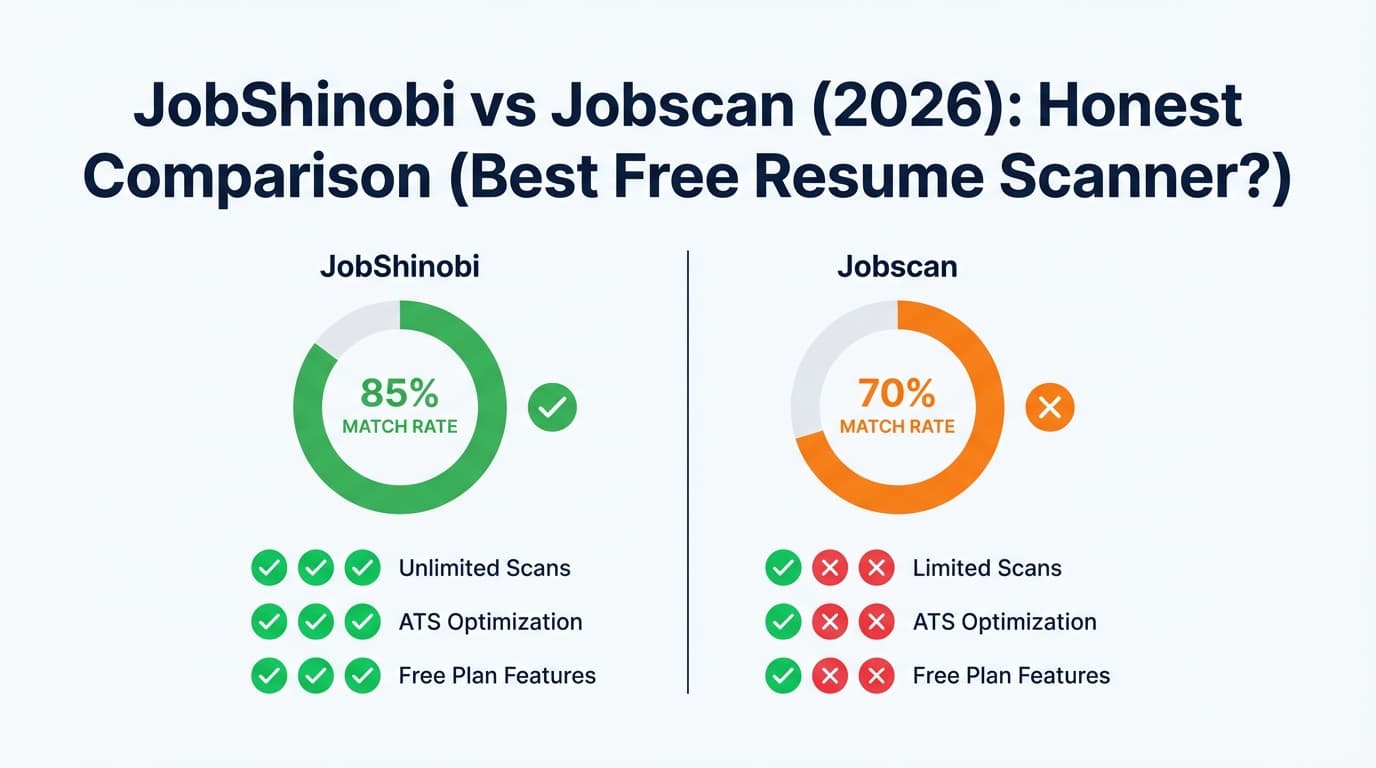
| Free resume scanning | Free tier exists, but limits aren’t presented as a “free scans/month” quota; key automation is Pro-only | Free plan commonly shown as 5 scans on signup + 5 scans monthly (from plan snippets for app.jobscan.co/plan) |
| ATS + keyword feedback | ✅ Yes (resume scoring + ATS/keyword feedback) | ✅ Yes (core product) |
| Resume-to-job matching | ✅ Yes (match score + missing/present keywords) | ✅ Yes (core product) |
| Resume builder | ✅ Yes (LaTeX templates + editor + PDF preview) | ✅ Markets a free resume builder (verified via Google snippets to jobscan.co resume-builder/templates pages) |
| Resume version history | ✅ Yes (versioned history + revert/undo workflow) | Not verified as a core feature |
| Job tracker | ✅ Yes (tracker + analytics; Pro adds email automation) | ✅ Job Tracker exists (also has a Chrome extension listing) |
| “Auto-track via email forwarding” | ✅ Yes (Pro) | ❌ Not a standard Jobscan workflow (not verified) |
| Paid plan starting price | $20/mo (or $199.99/yr) | Commonly listed $49.95/mo; quarterly option $89.95/3 months (~$29.98/mo) |
| Best for | People who want a “resume workspace” + tracking automation | People who want a well-known scanner with clear free scan limits |
JobShinobi Overview
JobShinobi is an AI Resume Builder + ATS Resume Analyzer + job application tracker built for people who are tired of ATS rejections and messy tracking spreadsheets.
Key parts of JobShinobi’s workflow (based on product documentation/code evidence summarized in product.md):
- Resume builder with templates, saved resumes, and a LaTeX editor
- Cloud LaTeX compilation for a consistent PDF preview/export
- AI resume agent (chat-based editing) with resume version history
- ATS resume analysis (scoring, keyword feedback, ATS/formatting checks) with caching
- Resume-to-job matching (missing/present keywords + match score)
- Job tracker + analytics (response rates, interview conversion, trends)
- Email-forwarding job tracking automation (Pro): forward job emails to a unique address → JobShinobi extracts company/title/status and updates your tracker
Key Strengths
- Structured resume workflow (LaTeX + live PDF): Great for candidates who care about clean formatting, stable spacing, and predictable exports.
- Job tracking automation (Pro): Forward confirmations/interview emails and have your tracker update without manual entry.
Limitations
- Automation is Pro-gated: Email processing for automatic tracking requires Pro.
- LaTeX isn’t everyone’s preference: If you want a fully WYSIWYG, Word-like editor, JobShinobi may feel more technical.
Jobscan Overview
Jobscan is best known for its resume scanner that compares your resume to a specific job description and surfaces keyword/ATS-related feedback.
What we could verify (with sources accessible during this run)
- Free plan scan limit: Google-indexed plan snippets for
app.jobscan.co/planconsistently show “5 Free Resume Scans on signup” + “5 Free Resume Scans monthly.” - Paid pricing shown in plan snippets:
- Monthly: $49.95 per month (commonly shown in snippets for
app.jobscan.co/plan) - Quarterly: $89.95 billed every 3 months (~$29.98/month), also shown in indexed snippets
- Monthly: $49.95 per month (commonly shown in snippets for
- Chrome extension exists (Job Tracker): Chrome Web Store listing is accessible and shows 4.4/5 rating (42 ratings) at time of verification.
- Public reviews:
- Trustpilot: shows 4.5 / 5 rating (and ~285 reviews visible in the listing we analyzed)
- Sitejabber: shows 3.2 stars from 1,699 reviews (page content accessible; note that any review platform can contain mixed experiences)
Key Strengths
- Clear “free scans” allowance: If you want a predictable free quota, Jobscan is straightforward.
- Strong brand recognition for ATS scanning: Many guides/tutorials reference Jobscan-style matching workflows.
- Job tracking ecosystem: The Chrome extension suggests a “capture jobs from the web” workflow (useful if you apply across multiple boards).
Limitations (common themes surfaced in reviews/discussions)
- Expensive for heavy use: At $49.95/month (commonly listed), it can be steep for job seekers applying broadly.
- Scanner ≠ real ATS: Users often debate how closely any scanner mirrors a specific company’s ATS. Jobscan can be helpful directionally, but it isn’t a guaranteed “pass ATS” button.
- Billing/cancellation frustration appears in some negative reviews: Sitejabber and other review sources include complaints about charges after trials and refund expectations. Always read the current cancellation/refund policy before subscribing.
Feature-by-Feature Comparison
1) ATS Resume Scanning & Keyword Matching
JobShinobi:
JobShinobi offers resume scoring (with multiple score components) and structured feedback including ATS considerations and keyword guidance. It also supports resume-to-job matching (missing/present keywords + match score), which is the core mechanic most people expect from an ATS scanner.
Jobscan:
Jobscan’s core reputation is built on job description matching—paste your resume + the job description and optimize based on match feedback.
Winner: Jobscan (for “scanner-first” simplicity)
If your #1 need is “scan + match + iterate” with minimal setup, Jobscan is the more established, scanning-centric choice. JobShinobi is strong here too, but it’s part of a broader workspace.
2) Resume Building & Editing Workflow
JobShinobi:
- Template-based LaTeX resumes
- Editor + live PDF preview via cloud compilation
- Download PDF and .tex
- Version history across manual saves and AI-assisted edits (helps when tailoring multiple roles)
Jobscan:
Jobscan markets a free resume builder and ATS-friendly templates (verified via Google snippets leading to Jobscan resume-builder/templates pages). However, due to access restrictions (403 to automated analyzers), we did not verify the exact in-page capabilities (versioning, export formats, etc.) through direct HTML analysis in this run.
Winner: JobShinobi (for power users and version control)
If you’re tailoring frequently, version history + stable formatting is a real advantage. Jobscan likely wins for people who want a more conventional resume-builder experience.
3) Job Tracking: Manual vs Automated
JobShinobi:
- Tracker dashboard (CRUD, status updates)
- Analytics (response rate, interview conversion, trends)
- Export to Excel
- Pro differentiator: forward job emails and let JobShinobi extract and log details automatically
Jobscan:
Jobscan offers job tracking, and the Chrome extension listing supports a workflow of collecting/managing job applications. However, email-forwarding auto-tracking is not a verified Jobscan workflow.
Winner: JobShinobi (if you want automation)
If “best tool” includes reducing admin work, JobShinobi’s email-forwarding automation is meaningfully different.
4) “Best Free Resume Scanner 2026” (What “Free” Really Means)
Jobscan free:
Best for candidates who want a known limit: 5 scans on signup + 5 scans monthly (as shown in plan snippets for app.jobscan.co/plan and support/help snippets indexed by Google).
JobShinobi free:
JobShinobi has a free tier, but it’s not positioned publicly (in the verified materials we reviewed) as “X free scans per month.” Some features (notably email automation) are Pro-only.
Winner: Jobscan (for “free scan quota” clarity)
If your deciding factor is a clearly stated free allowance, Jobscan is easier to evaluate.
Pricing Comparison (Verified 2026-01-21)
| Plan | JobShinobi | Jobscan |
|---|---|---|
| Free | Free tier exists; Pro required for email automation | Free plan commonly shown as 5 scans on signup + 5 scans monthly |
| Monthly | $20.00/month | $49.95/month (commonly shown in plan snippets) |
| Quarterly | — | $89.95 every 3 months (~$29.98/mo) |
| Yearly | $199.99/year | Not verified via accessible sources in this run |
Value Analysis:
- If you only need a few scans/month and want a predictable free allowance, Jobscan’s free plan is attractive.
- If you’re applying heavily and want a single system for building, tailoring, versioning, and tracking, JobShinobi’s $20/mo can be a better fit financially than Jobscan’s commonly listed monthly plan—especially if you’ll use tracking features.
Who Should Choose JobShinobi?
You’ll prefer JobShinobi if you:
- Want a resume workspace, not just a scanner (templates → edits → PDF export)
- Tailor often and need resume version history to avoid losing a strong “base” version
- Want job tracking plus analytics, and you like the idea of auto-logging applications by forwarding emails (Pro)
- Want a lower monthly price than Jobscan’s commonly listed $49.95/mo
Who Should Choose Jobscan?
You’ll prefer Jobscan if you:
- Want a scanner-first tool with clear free scan limits
- Prefer a mainstream workflow that many job-search tutorials reference
- Want a job tracker with a Chrome extension capture workflow
- Don’t want a LaTeX-based resume editor
Switching from Jobscan to JobShinobi
- Data migration: No verified one-click import from Jobscan into JobShinobi. Expect to recreate your resume content (or paste it into a template) and re-run analysis/matching.
- Learning curve: Moderate if you’ve never used LaTeX. If you like highly controlled formatting, the payoff is big; if you want drag-and-drop, you may not enjoy it.
- Workflow tip: Many job seekers do well with a hybrid approach:
- Use Jobscan’s free scans for quick checks
- Maintain your “source of truth” resume and tailored versions in JobShinobi (especially if you value version history and tracking)
FAQ
Is JobShinobi really better than Jobscan?
Not universally. Jobscan is often better if you want a straightforward ATS scan + match score with clearly defined free scan limits. JobShinobi is better if you want scanning plus a more complete resume-building and tracking workflow—especially version history and email-forwarding tracking automation (Pro).
Can I migrate from Jobscan to JobShinobi?
There’s no verified automatic migration. Practically, you’ll copy/paste your resume into a JobShinobi template, generate a clean PDF, then use JobShinobi’s analysis and matching features moving forward.
Which is cheaper?
Based on pricing we could verify:
- JobShinobi: $20/month (or $199.99/year)
- Jobscan: $49.95/month (or $89.95 per 3 months)
If you’ll be scanning/tailoring for multiple months, JobShinobi is usually cheaper on monthly pricing alone—though Jobscan’s free plan can be enough for light use.
What’s the best free resume scanner in 2026?
If you define “best free” as “clearly stated free scan quota,” Jobscan is a strong contender (commonly shown as 5 scans on signup + 5 scans monthly). If you define “best” as “best overall workflow to produce and manage tailored resumes,” JobShinobi can be a better long-term system—especially when versioning and tracking matter.