Job searching as a new grad can feel like you’re doing everything “right” (good GPA, internships, projects)… and still hearing nothing back.
Part of the reason is scale. A lot of roles get flooded with applications, and most large companies use an applicant tracking system (ATS) to manage that flow.
Jobscan’s ATS usage report found that 98.4% of Fortune 500 companies used a detectable ATS in 2024—that’s 492 out of 500.
Source: Jobscan, “Fortune 500 Use Applicant Tracking Systems” — https://www.jobscan.co/blog/fortune-500-use-applicant-tracking-systems/ [Confidence: Medium — primary data comes from Jobscan’s report, widely cited but still vendor-published]
That doesn’t mean “the robot rejects you.” But it does mean your resume has to:
- parse cleanly (so your sections don’t disappear),
- match the job’s language (so your skills are searchable),
- and read well to a human who’s skimming quickly.
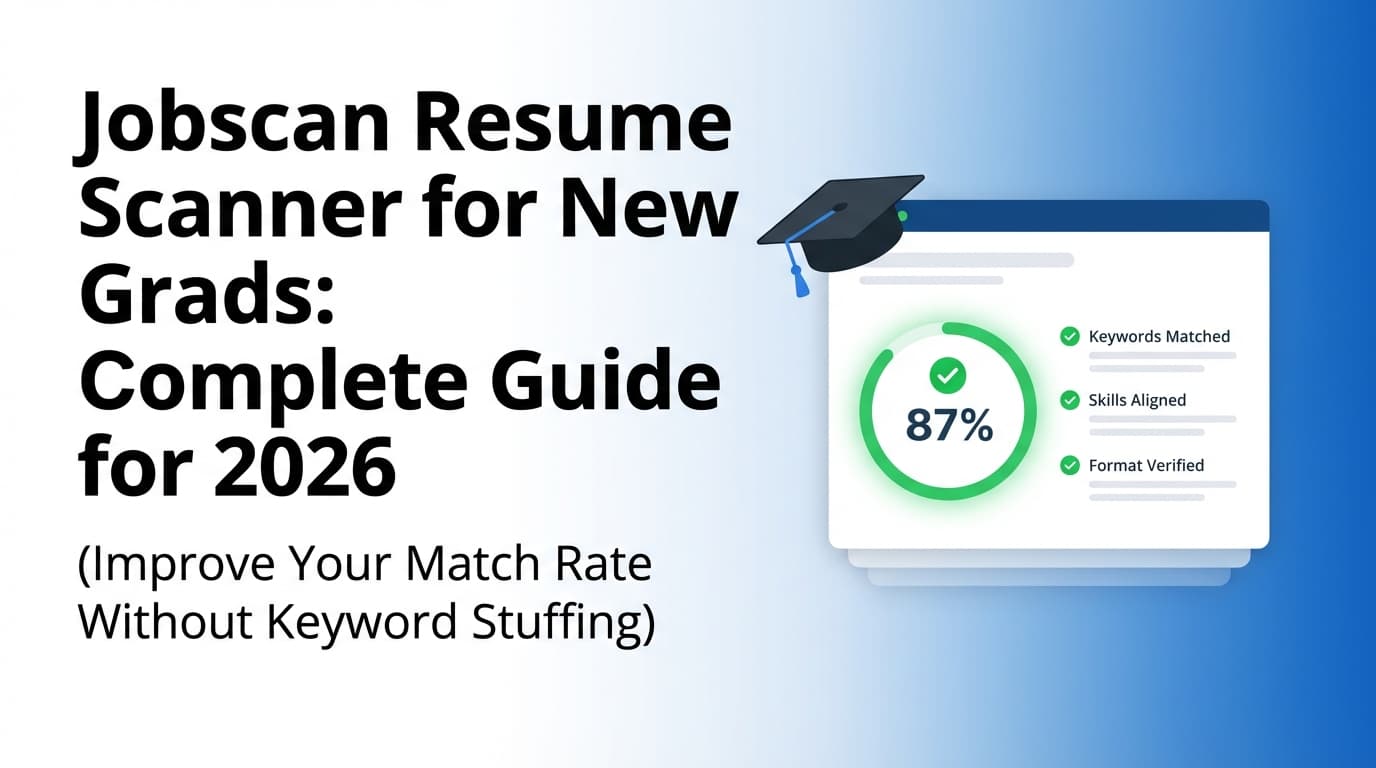
The Jobscan resume scanner is one of the most common tools new grads use to check all three. This guide explains how to use it effectively—without obsessing over a score or stuffing keywords.
In this guide, you’ll learn:
- What Jobscan (and resume scanners in general) actually measure
- What match rate new grads should aim for (and when to stop optimizing)
- ATS-safe formatting rules that prevent “can’t parse resume” problems
- A step-by-step Jobscan workflow built specifically for projects/internships
- Examples you can copy for bullet rewrites, skills sections, and tailoring
What is a “resume scanner,” and what does Jobscan do?
A resume scanner compares your resume to a job description and generates a report that usually includes:
- Keyword match / gaps (what the job asks for vs what your resume contains)
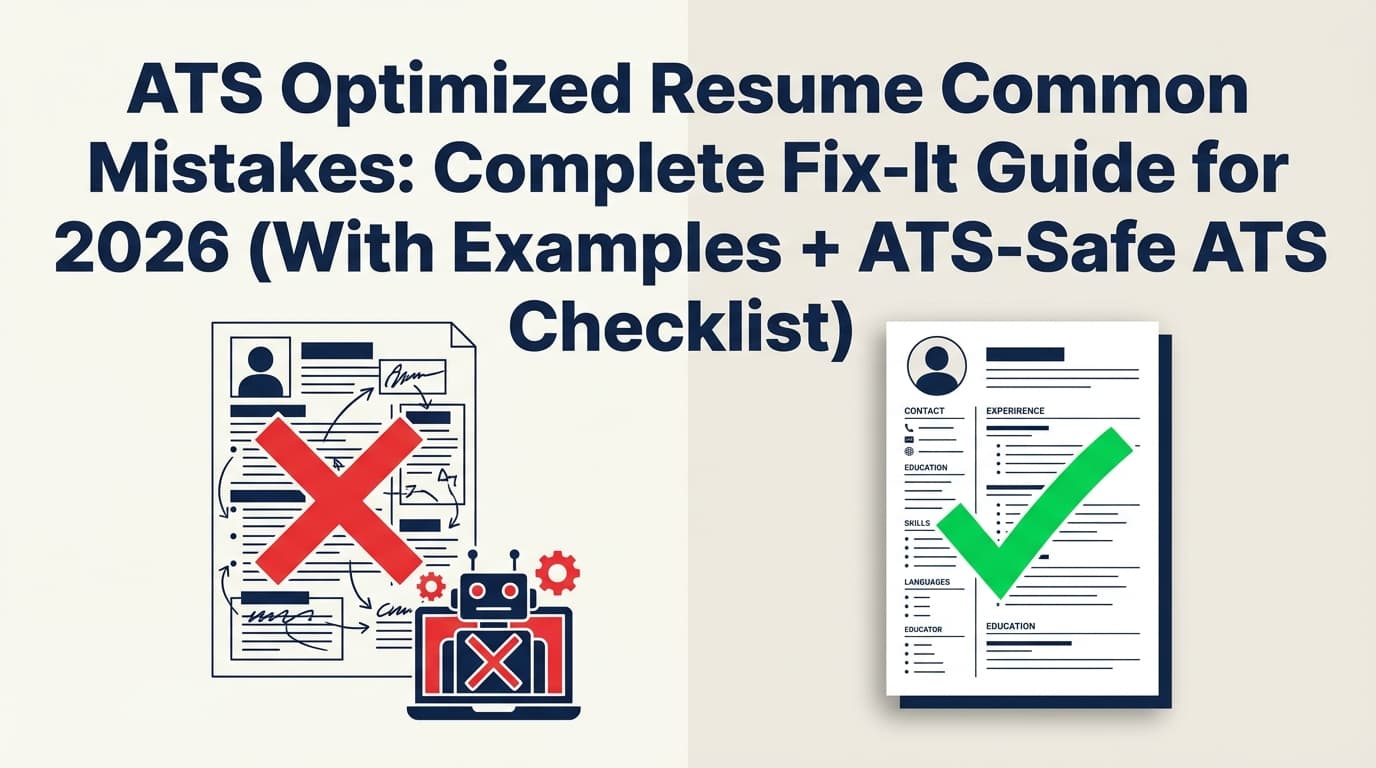
- Formatting / parsing red flags (e.g., missing headings, columns/tables issues)
- A match score (Jobscan calls this a Match Rate, typically 0–100)
Jobscan markets its scanner as a way to compare your resume to real job listings and get feedback on keywords and ATS formatting.
Source: Jobscan Resume Scanner page — https://www.jobscan.co/resume-scanner [Confidence: Medium — page is accessible publicly, but full in-tool behavior varies by plan and may change]
The most important mindset shift for new grads
A resume scanner is best used as a debugging tool, not a “hiring prediction machine.”
Use it to answer:
- “Did my file parse correctly?”
- “Am I using the same terms the posting uses?”
- “What are the missing hard skills I can truthfully add?”
Don’t use it to conclude:
- “If I’m below 80%, I’m auto-rejected.”
- “If I hit 95%, I’m guaranteed interviews.”
What is an ATS (in plain English)?
An Applicant Tracking System is software companies use to:
- collect applications,
- parse resumes into structured profiles,
- help recruiters search and filter candidates,
- manage communication and stages.
Think “database + workflow,” not “killer robot.” Some ATS setups include screening questions and filters; others mostly organize candidates.
Why this matters for your resume: if your resume doesn’t parse cleanly, you can accidentally look unqualified (because your skills or experience didn’t load into the ATS fields).
Why ATS + scanners matter in 2026 (with real data)
Recruiters skim fast
The Ladders’ eye-tracking study found recruiters spend about 7.4 seconds on an initial resume screen.
Source (PDF): https://www.theladders.com/static/images/basicSite/pdfs/TheLadders-EyeTracking-StudyC2.pdf
Summary: HR Dive — https://www.hrdive.com/news/eye-tracking-study-shows-recruiters-look-at-resumes-for-7-seconds/541582/
[Confidence: High — multiple independent sources cite the same study and number]
Implication for new grads: even if you optimize for ATS keywords, your resume still needs fast “scanability” for humans:
- clean headings,
- predictable structure,
- strong first 1/3 of the page.
Many job seekers still aren’t getting interviews
Jobscan’s State of the Job Search in 2025 reported 44% of respondents said they didn’t get any interviews in the previous month.
Source: https://www.jobscan.co/state-of-the-job-search [Confidence: Medium — single survey source; useful directional data]
Implication: You need a system that helps you tailor efficiently and apply consistently—because iteration is part of the process.
Match rate targets exist (but aren’t “rules”)
Jobscan says it generally recommends 80% match rate, and notes many career counselors/users see success at 75%.
Source: https://www.jobscan.co/blog/what-jobscan-match-rate-should-i-aim-for/ [Confidence: Medium — vendor guidance, but specific and widely referenced]
Implication for new grads: your goal isn’t perfection. It’s alignment + clarity.
Free scan limits can shape your workflow
Jobscan support notes free scans are credited monthly and unused scans roll over up to a max of 5 unused scans.
Source: https://support.jobscan.co/hc/en-us/articles/360056018654-When-do-I-get-my-free-monthly-scans [Confidence: Medium — direct support documentation]
Implication: If you’re scan-limited, you should scan smarter (role buckets + high-impact edits), not scan every micro-variant.
How to use the Jobscan resume scanner for new grads (step-by-step)
Step 1: Build a “master base resume” first (don’t start from zero each time)
New grads often try to tailor before they have a solid foundation. Instead, build a master base resume that includes your full inventory:
- Education
- Internships / co-ops (even short)
- Projects (capstone, class, personal)
- Leadership / involvement (only if meaningful)
- Skills (tools you can defend)
Then create application versions from the base.
Pro tip: Your base resume can be 1.25–1.75 pages internally. Your submitted resume can be tighter.
Step 2: Pick the right job description to scan against
Not all postings are great targets for scanning. Choose one that:
- matches your actual target role (not a “stretch” role),
- lists concrete requirements (tools, responsibilities),
- is from a company/industry you’re actually applying to.
If you’re applying to multiple adjacent roles, create role buckets, such as:
- Data Analyst (BI)
- Data Analyst (Product)
- Marketing Coordinator
- Entry-Level SWE (Backend)
- Entry-Level SWE (Frontend)
Scan one representative JD per bucket to build a role-optimized resume version, then lightly tailor per company.
Step 3: Paste text when parsing acts weird (and run the plain-text sanity check)
If you get results like:
- “Work Experience section appears empty”
- Skills missing even though they’re on the page
- Bullets attached to the wrong role
…you likely have a parsing/formatting problem, not a keyword problem.
Do the “plain-text test” (5 minutes)
- Open your resume PDF or DOCX.
- Copy all text.
- Paste into a plain text editor (Notepad/Notes).
If the order is scrambled or sections vanish, simplify formatting.
A university career services guide from UIC specifically recommends simple formatting and warns against using headers (including for contact info) and footers, along with other design elements.
Source (PDF): https://careerservices.uic.edu/wp-content/uploads/sites/26/2017/08/Ensure-Your-Resume-Is-Read-ATS.pdf [Confidence: High — direct institutional guidance]
Step 4: Interpret match rate like a strategist (not a perfectionist)
Here’s a realistic new grad interpretation:
- 35–55%: common on first scan; usually indicates missing role language + some formatting issues
- 55–70%: improving alignment; often enough to apply if your content is strong
- 70–80%: solid alignment for many roles
- 80%+: strong if you didn’t bloat your resume or add skills you can’t defend
Jobscan’s own guidance: aim around 75–80%, not 100%.
Source: https://www.jobscan.co/blog/what-jobscan-match-rate-should-i-aim-for/ [Confidence: Medium]
Rule of thumb: Stop optimizing when your edits start making the resume less human-readable.
Step 5: Close keyword gaps the “new grad way” (projects and internships do the heavy lifting)
Job descriptions often assume 2–5 years of experience. New grads can still match the skills via:
- projects,
- labs,
- capstones,
- internships,
- part-time roles,
- campus org leadership.
The “defensible keyword” rule
Only add keywords you can explain in an interview with:
- what you did,
- what tools you used,
- what outcome you achieved.
Good adds:
- SQL, Python, Excel, Tableau/Power BI (if used)
- Git, REST APIs, React, Java (if used)
- stakeholder communication (if you actually presented work)
- A/B testing, regression, segmentation (if you did it)
Bad adds:
- listing tools you’ve never touched because they appear in the posting
- stuffing a skills section with 40 technologies “familiar with”
Step 6: Translate your experience into the job’s language (without copying it)
Scanners reward overlap. Recruiters reward clarity. You need both.
Before/after bullet examples (copy these patterns)
Example 1 — Data Analyst internship (before):
- Worked on dashboards and reports.
After (ATS + human-readable):
- Built weekly Tableau dashboards to track funnel performance; automated SQL queries to refresh metrics, reducing manual reporting time by ~30%.
Example 2 — SWE project (before):
- Made a web app for my capstone.
After:
- Developed a full-stack web app using React and a REST API; implemented authentication and wrote unit tests to improve reliability.
Example 3 — Marketing project (before):
- Helped with social media content.
After:
- Analyzed campaign performance in Google Analytics, summarized insights for weekly stakeholder updates, and tested new messaging to improve CTR.
Notice the structure:
- action verb + deliverable,
- tools/methods,
- outcome or scope.
Step 7: Fix formatting issues first (then tune keywords)
A scanner can’t “see” what it can’t parse.
Common ATS-risk formatting to avoid:
- two-column layouts,
- tables and text boxes,
- icons used as labels (phone/email),
- contact info in headers/footers,
- graphics and skill bars.
Multiple career resources emphasize that ATS systems may not read headers/footers reliably and can struggle with complex layouts.
Sources:
- UIC ATS PDF: https://careerservices.uic.edu/wp-content/uploads/sites/26/2017/08/Ensure-Your-Resume-Is-Read-ATS.pdf
- HR Dive summary of readability and simple layouts (human skim constraints): https://www.hrdive.com/news/eye-tracking-study-shows-recruiters-look-at-resumes-for-7-seconds/541582/
[Confidence: Medium–High — consistent cross-source guidance]
Step 8: Tailor in “layers” so you don’t rewrite everything
To tailor fast, do edits in this order:
- Skills section (fastest way to add missing hard skills)
- Top 1–2 projects/internship bullets (mirror role language)
- Optional summary (2–3 lines max, only if it adds clarity)
This creates a scalable system for 10–30 applications/week.
A new grad resume structure that usually scans well (ATS-safe template)
Use this structure as your default:
-
Header (in body text)
- Name
- Phone | Email | LinkedIn | Portfolio/GitHub (as relevant)
-
Education
- Degree, university, graduation date
- Relevant coursework (targeted, optional)
- GPA (optional)
-
Skills
- Languages: …
- Tools/Platforms: …
- Methods: …
-
Projects (new grads: this is your power section)
- 2–4 projects aligned to the role
- bullets: what you built + tools + outcome
-
Experience
- internships, part-time roles, volunteer roles (if relevant)
-
Leadership / Activities (optional)
- only if it supports your candidacy
Common Jobscan mistakes new grads make (and what to do instead)
Mistake 1: Chasing 95–100% match rate
Why it’s a problem: it pushes you toward keyword stuffing, awkward phrasing, and inflated skills.
Do this instead: Aim for 75–80% when possible, and prioritize readability.
Source: Jobscan match rate guidance — https://www.jobscan.co/blog/what-jobscan-match-rate-should-i-aim-for/ [Confidence: Medium]
Mistake 2: Removing strong accomplishment bullets because they “don’t match”
Scanners sometimes under-value results-driven language if it doesn’t mirror the JD.
Do this instead: Keep accomplishment bullets and add one keyword naturally.
Example:
- “Improved onboarding completion by 18%…” → include “user research” or “A/B testing” if relevant and true.
Mistake 3: Using a design-heavy template that breaks parsing
If your resume was made in a tool that relies on text boxes/columns, it may copy/paste poorly.
Do this instead: Use a simple, one-column format. Validate with the plain-text test (Step 3).
Mistake 4: Treating “missing keywords” as “missing experience”
New grads often think “I don’t have this” when they actually do—in projects.
Do this instead: Map keywords to proof:
- keyword: “data visualization” → project bullet mentioning Tableau/Power BI and what you visualized
- keyword: “stakeholder communication” → bullet showing presentations, reports, or cross-team updates
Mistake 5: Not tracking versions (so you can’t learn what works)
If you change your resume constantly without naming versions, you can’t correlate edits with outcomes.
Do this instead: Save versions like:
DA_Base_v1DA_FinTech_v2SWE_Backend_Healthcare_v1
A repeatable “scanner workflow” for new grads (works even with scan limits)
Use this system weekly:
- Choose 2–3 role buckets (don’t apply to everything)
- For each bucket, pick one strong job description to use as your “anchor JD”
- Scan your base resume against the anchor JD
- Make only high-impact edits:
- add 5–10 defensible hard-skill keywords (Skills section)
- rewrite 2 bullets (Projects/Internship) to mirror JD language
- reorder sections (Projects above Experience if projects are stronger)
- Save as the bucket version (e.g.,
DA_Product_v3) - For each application, do a micro-tailor:
- adjust 1 bullet
- adjust skills order
- swap one project if needed
This avoids the trap of spending 90 minutes per application.
Tools to help with Jobscan-style optimization (including an alternative workflow)
Jobscan
- Best for: keyword gap analysis, match rate guidance, formatting checks
- New grad best practice: scan your bucket resume and stop obsessing after you reach “good alignment.”
Helpful official references:
- Match rate target guidance (75–80%): https://www.jobscan.co/blog/what-jobscan-match-rate-should-i-aim-for/
- Free scan rollover max (5): https://support.jobscan.co/hc/en-us/articles/360056018654-When-do-I-get-my-free-monthly-scans
[Confidence: Medium]
JobShinobi (resume + match + tracking workflow)
If your bigger pain point is “tailoring + tracking” (not just scanning), JobShinobi combines:
- Resume builder using LaTeX templates with in-app PDF preview/compile
- AI resume analysis with structured feedback and scoring
- Resume-to-job matching by pasting a job URL or job description (to find missing/present keywords and suggestions)
- Job application tracker with Excel export
- Email-forwarding job tracking that logs application emails automatically (requires Pro)
Pricing (verified): JobShinobi Pro is $20/month or $199.99/year.
A “7-day free trial” is mentioned in marketing copy, but trial mechanics aren’t clearly verifiable from code alone—so treat it as “mentioned,” not guaranteed. [Confidence: High for pricing; Medium for trial mention]
Natural way to use it as a new grad:
- build a clean base resume in
/dashboard/resume - run match analysis per posting, apply suggestions, save versions
- track everything in
/dashboard/job-trackerso you know what’s working
(Internal links: /dashboard/resume, /dashboard/job-tracker, /subscription)
Key takeaways
- Use the Jobscan resume scanner to debug parsing + language alignment, not to predict your outcome.
- For new grads, projects and internships are the fastest way to add defensible keywords.
- Aiming for ~75–80% match rate is a practical guideline; don’t chase 100%.
Source: https://www.jobscan.co/blog/what-jobscan-match-rate-should-i-aim-for/ [Confidence: Medium] - Fix formatting first (one column, no headers/footers for critical info).
Source: UIC ATS PDF — https://careerservices.uic.edu/wp-content/uploads/sites/26/2017/08/Ensure-Your-Resume-Is-Read-ATS.pdf [Confidence: High] - Recruiters skim fast (7.4 seconds), so readability matters as much as keywords.
Sources: Ladders PDF + HR Dive summary [Confidence: High]
FAQ
Is Jobscan resume scanner free?
Jobscan offers limited free scanning with monthly crediting and rollover rules; Jobscan support states unused free scans roll over up to 5 unused scans.
Source: https://support.jobscan.co/hc/en-us/articles/360056018654-When-do-I-get-my-free-monthly-scans [Confidence: Medium]
Plans change, so confirm current limits on Jobscan’s official site.
What is a good Jobscan match rate for new grads?
Jobscan generally recommends 80%, and says many career counselors/users see success at 75%.
Source: https://www.jobscan.co/blog/what-jobscan-match-rate-should-i-aim-for/ [Confidence: Medium]
For new grads, a lower score can still work if your resume is readable and your experience truly matches the role.
Can Jobscan help me get hired?
A scanner can help you tailor your resume and reduce formatting/parsing issues, which can improve your chances of being found in ATS searches—but it can’t guarantee interviews or offers. [Confidence: High]
Why does a resume scanner say my experience section is missing?
Most often: formatting issues (columns, tables, headers/footers, non-standard headings). Move important content into the main body and use standard headings like “Experience.”
Source: UIC ATS PDF (formatting guidance) — https://careerservices.uic.edu/wp-content/uploads/sites/26/2017/08/Ensure-Your-Resume-Is-Read-ATS.pdf [Confidence: High]
How long should a new grad resume be?
One page is common and often preferred for new grads, but the bigger priority is clarity and relevance. If you truly have strong internships/projects, a tightly edited 1.25–2 pages can be reasonable in some contexts. [Confidence: Medium — varies by industry and region; follow your career center guidance when available]
Do ATS systems reject candidates automatically?
An ATS primarily organizes candidates; some employers use knock-out questions or filters, but many rejections are still human decisions made from a searchable candidate database. Treat ATS optimization as making your resume easier to parse and search—not “tricking the bot.” [Confidence: Medium — varies widely by employer configuration]