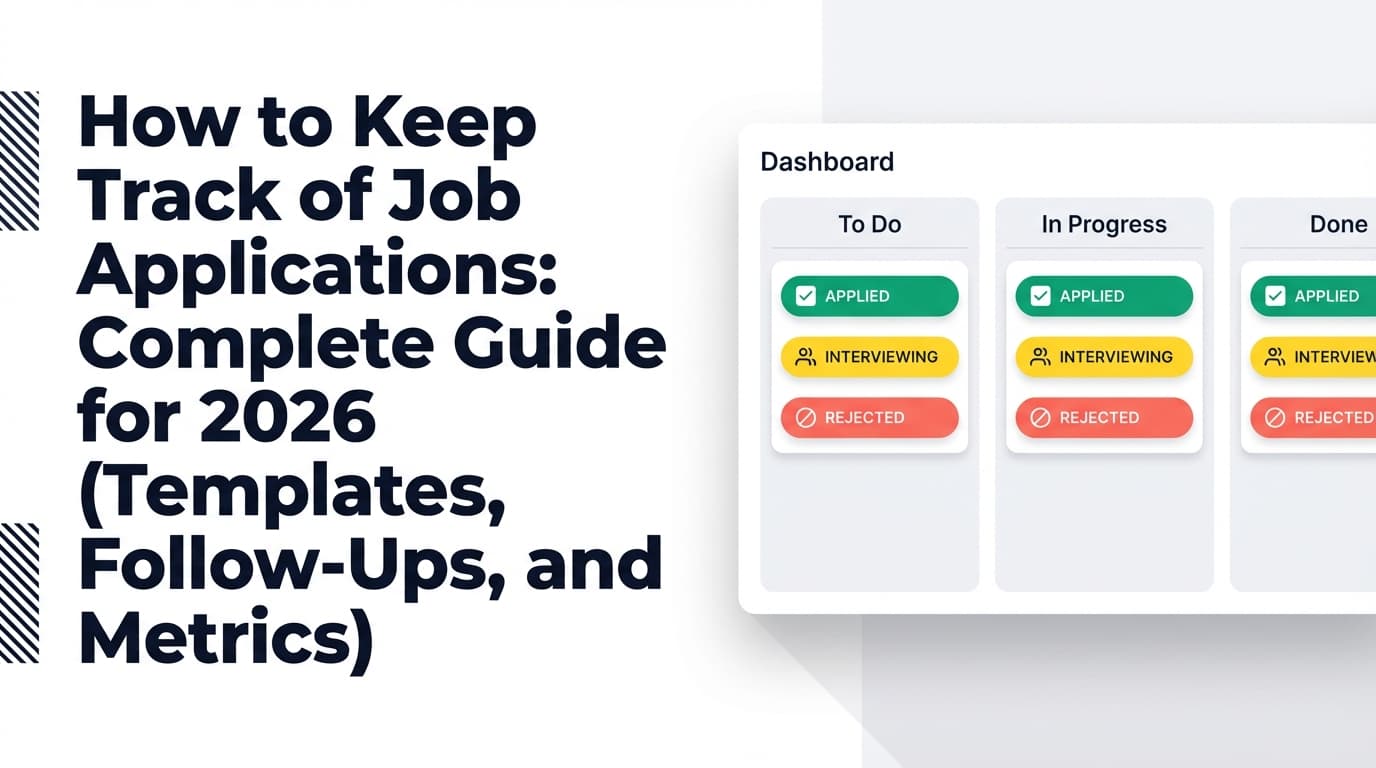
Remote job searches break most people for one simple reason: you’re doing pipeline management without a pipeline. Tabs multiply, job descriptions disappear, you forget who you followed up with, and you can’t tell what’s actually working.
The competition is real. ZipRecruiter reports that remote jobs posted on ZipRecruiter receive more than three times as many applications as similar in-person roles. (Source: ZipRecruiter, High confidence)
https://www.ziprecruiter.com/blog/work-arrangements-report/
And LinkedIn’s Economic Graph research highlights the “remote work gap”—demand for remote roles outpacing supply in many markets. (Source: LinkedIn Economic Graph PDF, High confidence)
https://economicgraph.linkedin.com/content/dam/me/economicgraph/en-us/PDF/the-remote-work-gap.pdf
If you’re applying seriously, you need a workflow that’s:
- Fast enough for high volume
- Structured enough to prevent mistakes
- Measured enough to improve your conversion rate
In this guide, you’ll learn:
- What a “job application tracker for remote roles workflow” actually is (and why generic trackers fail)
- The exact stages and fields to track for remote hiring (timezone, location eligibility, async expectations)
- A step-by-step workflow you can run in 15 minutes/day
- Copy/paste templates for a spreadsheet tracker + follow-up system
- Tool options (including automation via email-forwarding where relevant)
What is a job application tracker for remote roles workflow?
A job application tracker for remote roles workflow is a repeatable system that helps you:
- Capture every role you consider (so you don’t lose it or duplicate it)
- Qualify roles quickly (so you don’t waste time on non-eligible “remote” jobs)
- Apply with consistent quality (resume version, tailored keywords, proof of submission)
- Follow up on a predictable schedule
- Track interviews (notes, next steps, time zone coordination)
- Review metrics weekly so you can improve your process
Think of it as a lightweight CRM for your job hunt—optimized for remote hiring constraints.
Why remote roles need a different workflow
Remote roles commonly add complexity that in-person roles don’t:
- Location restrictions (country, state, tax nexus)
- Timezone overlap requirements
- More asynchronous steps (take-homes, recorded video intros, multi-stage scheduling)
- Higher incidence of scams / fake postings due to huge applicant pools
A “normal” job tracker doesn’t force you to record these, which is why remote searches feel chaotic.
Why this workflow matters in 2026 (research-backed)
Below are data points that show why systems matter in remote job searches.
1) Remote roles get flooded with applications
ZipRecruiter: remote jobs receive 3x+ applications compared with similar in-person roles. (Source: ZipRecruiter, High confidence)
https://www.ziprecruiter.com/blog/work-arrangements-report/
Implication: you’re not just competing on qualifications—you’re competing on process: speed, relevance, follow-up, and clarity.
2) Remote job demand outpaces supply
LinkedIn Economic Graph’s “remote work gap” research documents the mismatch between remote job seeker demand and remote job availability. (Source: LinkedIn Economic Graph PDF, High confidence)
https://economicgraph.linkedin.com/content/dam/me/economicgraph/en-us/PDF/the-remote-work-gap.pdf
Implication: targeting and prioritization matter more than ever. Your tracker should help you focus on roles where you’re eligible and competitive.
3) Online applications have massive abandonment
SHRM reports a headline stat that 92% of people who click “Apply” don’t complete the application. (Source: SHRM, Medium confidence — SHRM summarizing external research)
https://www.shrm.org/topics-tools/news/talent-acquisition/people-92-never-finish-online-job-applications
Implication: reduce friction in your own workflow. Reuse tailored materials intelligently and keep everything in one system.
4) Many candidates hear back fast—so follow-up timing matters
Indeed reports that 37% hear back within one week. (Source: Indeed, Medium confidence)
https://www.indeed.com/career-advice/finding-a-job/how-long-should-you-wait-to-hear-back-about-a-job
Implication: your workflow must surface follow-ups quickly (days, not weeks).
5) Conversion from applicant → interview can be low
CareerPlug cites an applicant-to-interview ratio benchmark around 3% (varies by role and market). (Source: CareerPlug, Medium confidence)
https://www.careerplug.com/recruiting-metrics-and-kpis/
Implication: you need tracking fields that let you improve conversion (source, resume version, outreach, role type)—not just log history.
6) Remote opportunity volume exists—across fragmented sources
Virtual Vocations reports publishing nearly 21,000 fully remote postings per month on average (platform-specific dataset). (Source: Virtual Vocations, Medium confidence)
https://www.virtualvocations.com/blog/annual-statistical-remote-work-reports/2024-year-end-report-and-remote-jobs-statistics/
Implication: remote roles are scattered across boards and company sites. Your tracker prevents duplication and missed follow-ups.
How to build a job application tracker for remote roles workflow (step-by-step)
Step 1: Choose your “source of truth” (spreadsheet vs Kanban vs tool)
Pick one place where every application lives.
Option A: Spreadsheet (Google Sheets / Excel)
- Best for: customization + analytics + pivot tables
- Tradeoff: manual upkeep
Option B: Kanban board (Trello / Notion)
- Best for: visual workflow + motivation
- Tradeoff: harder analytics unless you build a database properly
Option C: Dedicated job tracking tool
- Best for: reducing manual entry + centralizing materials
- Tradeoff: less customizable; varies by product
Pro tip: If you’re applying to lots of remote roles, the real bottleneck is keeping the tracker updated. Choose the approach that reduces friction for you.
Step 2: Use remote-optimized pipeline stages
Stages should map to actions (not vague status labels).
Recommended stages (remote-friendly)
- Saved (interesting, not vetted)
- Qualified (eligible + worth applying)
- Queued (ready to apply; missing 1–2 things)
- Applied
- Follow-up due
- Recruiter screen
- Hiring manager
- Assessment / take-home
- Final round
- Offer
- Rejected
- Ghosted / closed
- Withdrew
If your tracker only supports a few status options, keep:
Status(high-level)Stage detail(e.g., “Assessment: take-home”, “Interview: panel”)
Step 3: Track the right fields (remote roles need extra columns)
A tracker fails when it only logs the date you applied. For remote roles, the key is recording constraints and actions.
Minimum viable fields (start here)
- Company
- Role title
- Job URL
- Source (LinkedIn / company site / referral / recruiter / job board)
- Date saved
- Date applied
- Status
- Next action
- Next action date
- Notes
Remote-specific fields (high leverage)
- Remote type: Remote / Hybrid / On-site
- Location constraint: US-only / specific states / EMEA-only / worldwide
- Timezone expectation: “ET hours,” “4+ hour overlap,” “async-friendly”
- Employment type: employee / contractor / EOR
- Work authorization required: Yes/No/Unknown
- Salary range + currency (if listed)
- Level (mid/senior/etc.)
- Scam risk flag (Yes/No/Investigate)
Performance fields (how you improve outcomes)
- Resume version (e.g.,
v3-remote-analytics) - Tailored keywords (3–8 terms)
- Outreach done? (Y/N)
- Outreach target (recruiter / HM / referral)
- Outcome reason (if known)
Pro tip: Add fields only if you’ll actually use them in weekly reviews.
Step 4: Save the job description immediately (remote postings disappear)
Remote roles fill fast and postings change or vanish. Save:
- the full job description text (copy into Notes), or
- a PDF snapshot, or
- a private doc link.
Why it matters:
- tailoring and interview prep depend on the exact wording
- you can’t follow up credibly if the role disappears
Step 5: Implement a daily workflow you can maintain (15 minutes/day)
This matters more than any template. If your tracker is “perfect” but never updated, it’s useless.
Daily (10–15 minutes)
- Filter to: Next action date ≤ today
- Do the top 3 actions (example):
- send follow-up email
- message hiring manager on LinkedIn
- submit one queued application
- Update status + set the next action date immediately
Twice a week (30–60 minutes)
- apply to top-priority roles
- do 1–2 networking messages (alumni, past colleagues, community)
Weekly review (30 minutes)
- applications submitted
- responses
- interviews
- source performance
- resume version performance
The Remote Job Tracker Template (copy/paste)
Use this as your spreadsheet header row:
| Field | Example |
|---|---|
| Company | Acme Labs |
| Role Title | Product Analyst |
| Job URL | https://acme.com/jobs/123 |
| Source | Company site |
| Remote Type | Remote |
| Location Constraint | US (excluding CA) |
| Timezone Expectation | 4 hours overlap with ET |
| Employment Type | Employee |
| Work Auth | Yes |
| Salary Range | $110k–$135k |
| Level | Mid |
| Date Saved | 2026-01-10 |
| Date Applied | 2026-01-11 |
| Status | Applied |
| Next Action | Follow up with recruiter |
| Next Action Date | 2026-01-16 |
| Contact | Jamie R. |
| Channel | |
| Resume Version | v3-remote |
| Tailored Keywords | SQL, stakeholder mgmt, experimentation |
| Scam Risk | No |
| Notes | Mentioned async culture + quarterly onsite |
Spreadsheet formulas (optional but useful)
Days since applied
=IF([Date Applied]="","",TODAY()-[Date Applied])
Overdue follow-up flag
=IF(AND([Status]="Applied",[Next Action Date]<TODAY()),"OVERDUE","")
Pro tip: conditional formatting on “OVERDUE” rows creates the habit loop automatically.
Follow-up workflow (timelines + templates)
A tracker becomes powerful when it triggers the right follow-ups at the right time.
Follow-up timeline (practical default)
- Day 3–5 after applying: short follow-up if you have a direct contact
- Day 7–10: second follow-up (or try a different channel like LinkedIn)
- Day 14+: mark as ghosted unless you get a signal the role is still moving
Why this timing: many candidates who hear back do so within a week (Indeed: 37%). (Source: Indeed, Medium confidence)
https://www.indeed.com/career-advice/finding-a-job/how-long-should-you-wait-to-hear-back-about-a-job
Follow-up email template (Day 3–5)
Subject: Quick follow-up — [Role Title] application
Hi [Name],
I applied for the [Role Title] position on [Date Applied] and wanted to reiterate my interest. In particular, I’m excited about [specific 1 line pulled from the job description].
If helpful, I can share a quick example of [relevant accomplishment].
Thanks for your time,
[Your Name]
Follow-up message template (LinkedIn)
Hi [Name] — I applied for [Role Title] and wanted to share a quick note. I’ve done [relevant thing] and I’m especially interested in [JD-specific theme]. Happy to send anything helpful.
Remote-specific best practices (the things generic trackers miss)
1) Add a “Remote eligibility” gate before you apply
Before you invest time:
- Confirm country/state eligibility
- Confirm timezone expectation
- Confirm employment type (employee vs contractor/EOR)
Tracker trick: create a checkbox/field called Eligible? (Y/N/Unknown) and only move jobs into Queued once it’s “Y”.
2) Track timezone overlap explicitly
Time zone coordination is one of the most common hidden dealbreakers in remote roles.
The Muse recommends establishing overlapping hours and being deliberate about cross-time-zone work practices. (Source: The Muse, High confidence)
https://www.themuse.com/advice/best-practices-for-working-across-different-time-zones
Tracker fields to add:
- Timezone expectation
- Your timezone
- Minimum overlap needed (hours)
3) Use resume versioning (or you can’t learn what works)
If you tailor, you need to track what version you sent. Otherwise you can’t correlate outcomes.
Minimum:
Resume VersionTailored KeywordsRole Family(e.g., “Product Analytics”, “Data Engineering”, “Customer Success”)
4) Track source performance (remote jobs are fragmented)
Remote roles show up across:
- company sites
- job boards
- niche boards
- communities/slack groups
Your weekly review should answer:
- Which source yields responses?
- Which sources are “application black holes” for you?
Common mistakes to avoid (and how to fix them)
Mistake 1: Tracking only “status” and “date applied”
That’s a log, not a workflow.
Fix: require Next action + Next action date for every active entry.
Mistake 2: Not saving job descriptions
When the posting disappears, so does your ability to tailor and prep.
Fix: paste JD text into notes or save a snapshot.
Mistake 3: Applying to non-eligible “remote” roles
This is a massive time sink.
Fix: add a location constraint field and gate roles at “Qualified” until confirmed.
Mistake 4: No scam checks
Remote job scams exploit the high volume of applicants.
The FTC warns about employment scams—including scenarios involving money/checks and requests for payment. (Source: FTC, High confidence)
https://www.ftc.gov/business-guidance/blog/2023/01/taking-ploy-out-employment-scams
University of Wisconsin IT also describes a common scam pattern where a fake employer sends a fraudulent check for “equipment purchases.” (Source: UW–Madison DoIT, High confidence)
https://it.wisc.edu/news/protect-yourself-from-job-scams/
Fix: add Scam risk with a short reason.
Mistake 5: Not running a weekly review
If you don’t review, you can’t improve.
Fix: 30 minutes/week, same day/time.
Tools to help with your remote job application tracker workflow
Here are honest tool categories—choose based on your bottleneck.
1) Spreadsheets (Google Sheets / Excel)
Great for control + analytics.
The Muse popularized a job search spreadsheet approach for tracking applications and staying organized. (Source: The Muse, High confidence)
https://www.themuse.com/advice/job-search-spreadsheet-track-application
Best for: people who want to optimize the process like a funnel.
2) Template libraries (ClickUp, Notion, Trello templates)
Useful if you don’t want to build from scratch.
ClickUp publishes job search Google Sheets templates and tracker ideas. (Source: ClickUp blog, Medium confidence — template content, not research)
https://clickup.com/blog/job-search-google-sheets-templates/
Trello has job hunt templates for pipeline-style tracking. (Source: Trello template page, Medium confidence)
https://trello.com/templates/operations-hr/job-hunt-d3yVjzRE
3) CRM-style tracking (for network-heavy searches)
Some job seekers adapt CRM pipelines (e.g., HubSpot deal stages) to manage applications and contacts. (Source: HubSpot Community, Medium confidence)
https://community.hubspot.com/t5/CRM/Using-Hubspot-CRM-to-track-job-applicants/m-p/13471
Best for: searches where referrals and relationship management drive results.
4) JobShinobi (when the bottleneck is manual updating + you also want resume tooling)
If you struggle most with keeping your tracker updated, automation can help.
What JobShinobi supports (accurate, evidence-based):
- A job application tracker where you can create/update/delete applications and set statuses (Applied/Interview/Rejected/Offer/Accepted). (High confidence, from product constraints)
- Realtime updates in the tracker UI (Supabase realtime). (High confidence, constraints)
- Export to Excel (.xlsx) from the tracker. (High confidence, constraints)
- An email-forwarding workflow: forward job-related emails to your unique JobShinobi forwarding address so it can parse and log/update job applications (requires Pro membership). (High confidence, constraints)
- Resume tooling: LaTeX resume editor + PDF compilation + AI resume analysis and resume-to-job matching. (High confidence, constraints)
Important limitations (don’t assume otherwise):
- Email-based tracking is Pro-gated (not available to non-Pro users). (High confidence)
- Export is implemented for Excel, not Google Sheets. (High confidence)
- JobShinobi Pro pricing is $20/month or $199.99/year. (High confidence)
- Marketing mentions a 7-day free trial, but trial enforcement is unverified in code—so don’t rely on it without confirming at checkout. (Medium confidence)
If your workflow pain is “I can’t keep my tracker accurate,” an email-driven tracker can reduce the manual burden—especially since most applications generate confirmation emails and later status updates.
A 7-day implementation plan (so you actually use this)
Day 1: Build the tracker (minimum viable)
- stages + minimum fields
- add next action + date
Day 2: Add remote constraints
- location constraint
- timezone expectation
- eligibility gate
Day 3: Set your follow-up cadence
- create “Follow-up due” stage or an overdue flag
- add follow-up templates to a doc/snippet manager
Day 4: Add resume versioning
- define naming convention (v1-base, v2-remote, v3-analytics, etc.)
- add “resume version” and “keywords” fields
Day 5: Add scam checks
- add “scam risk” field
- write your quick verification checklist (domain, company presence, interview method)
Day 6: Run a dry week
- do the daily 15-minute workflow
- update every record immediately after action
Day 7: Weekly review (the improvement loop)
- which sources responded?
- which resume version is converting?
- which roles are wasting your time?
Key Takeaways
- Remote roles attract far more applicants (ZipRecruiter: 3x+ applications), so your process is part of your competitive advantage.
- A real workflow requires Next action + Next action date, not just “Applied.”
- Remote searches must track location eligibility + timezone overlap to avoid wasted effort.
- Weekly reviews turn your tracker into a conversion-improvement engine.
- If manual updating is your bottleneck, consider automation options (including email-forwarding trackers—where supported).
FAQ
What should be included in a job application tracker for remote roles?
At minimum: company, role, link, source, date applied, status, next action, next action date, notes. For remote roles specifically: location constraints, timezone expectations, and work authorization requirements.
How do I create a job application tracker workflow?
Define stages (Saved → Qualified → Applied → Follow-up due → Interview → Offer/Rejected), add required fields, and commit to a daily workflow (10–15 minutes). The workflow matters more than the tool.
Is there an AI tool to track job applications?
Some tools can reduce manual tracking by extracting structured details from job-related content (for example, parsing confirmation emails or job descriptions). Capabilities vary widely—confirm what each tool actually supports.
How many days should I wait to follow up after applying?
A practical cadence is Day 3–5, then Day 7–10, then mark as ghosted after ~14 days unless you have signals the role is active. Many applicants who hear back do so within a week (Indeed: 37%). (Source: Indeed, Medium confidence)
https://www.indeed.com/career-advice/finding-a-job/how-long-should-you-wait-to-hear-back-about-a-job
Are remote jobs more competitive than in-person jobs?
Often, yes. ZipRecruiter reports remote jobs receive more than 3x applications compared with similar in-person jobs on its platform. (Source: ZipRecruiter, High confidence)
https://www.ziprecruiter.com/blog/work-arrangements-report/
How do I avoid remote job scams?
Use a verification checklist: confirm the employer domain, validate the company presence (site + employees), avoid roles requesting payment, and be cautious of “we’ll send you a check to buy equipment” patterns. See FTC guidance on employment scams. (Source: FTC, High confidence)
https://www.ftc.gov/business-guidance/blog/2023/01/taking-ploy-out-employment-scams